Midjourney V8.2
Midjourney V8.2 New Aesthetic Styles Deep Review: 25 Prompts Fully Tested
Midjourney.ing8 min read
Contents+
One of the most common questions about Midjourney V8.2 is simple: what actually got stronger in the default aesthetic, and how should you write prompts when you need a specific look? This Midjourney review runs 25 Midjourney prompts under matched conditions—covering cinematic portraits, product realism, illustration, anime, architecture, and concept art—so you can quickly see where V8.2’s “new aesthetic styles” shine and where you should not force the look.
If you are starting from zero, read How to Use Midjourney V8.2: A Complete Beginner’s Guide first; for prompt skeletons and parameter pairings, see Midjourney V8.2 Prompt Guide: Tips and Examples. This article is an aesthetic styles field test, not a parameter encyclopedia.
Test Method (Reproducible)
To keep results comparable, this Midjourney text-to-image review used one shared setup:
| Item | Setting |
|---|---|
| Model | Midjourney V8.2 |
| Exploration | SD for candidates; lock direction, then Run as HD |
| Variable control | Within each group, change only style/medium words; keep the subject as fixed as possible |
| Default | No --raw (realism control group enables it separately) |
| stylize | Most groups use --stylize 100–250; raise --chaos briefly when exploring |
Scoring dimensions:
- Style purity: Does the target aesthetic stay clean, or does it slide into another filter?
- Prompt obedience: Do materials, small objects, and light/color follow the text?
- Deliverability: Can the frame go straight into social, concept, or product-hero workflows?
For the full production loop, also see Midjourney AI Art from Start to Finish: The Complete 2026 Workflow and Midjourney HD vs SD.
Quick Conclusions
Start here if you need a fast decision:
- V8.2’s default aesthetic feels more “finished”: cinematic light, skin, and material transitions are steadier—even with fewer empty adjectives.
- Commercial realism still wants
--raw: products, architecture, and neutral reference frames stay more obedient with Raw. - Illustration / anime: keep stylize, be careful with Raw: otherwise results drift toward live-action photography.
- Series work prefers SREF / Moodboards: more stable than rewriting style words every frame—see Midjourney Style Reference Complete Guide.
- Explore in SD, deliver with Run as HD: the best cost-to-quality path in this review.
The 25 Midjourney prompts below are grouped by aesthetic. Copy, adapt, and ship.
A. Cinematic & Portrait Aesthetics (1–5)
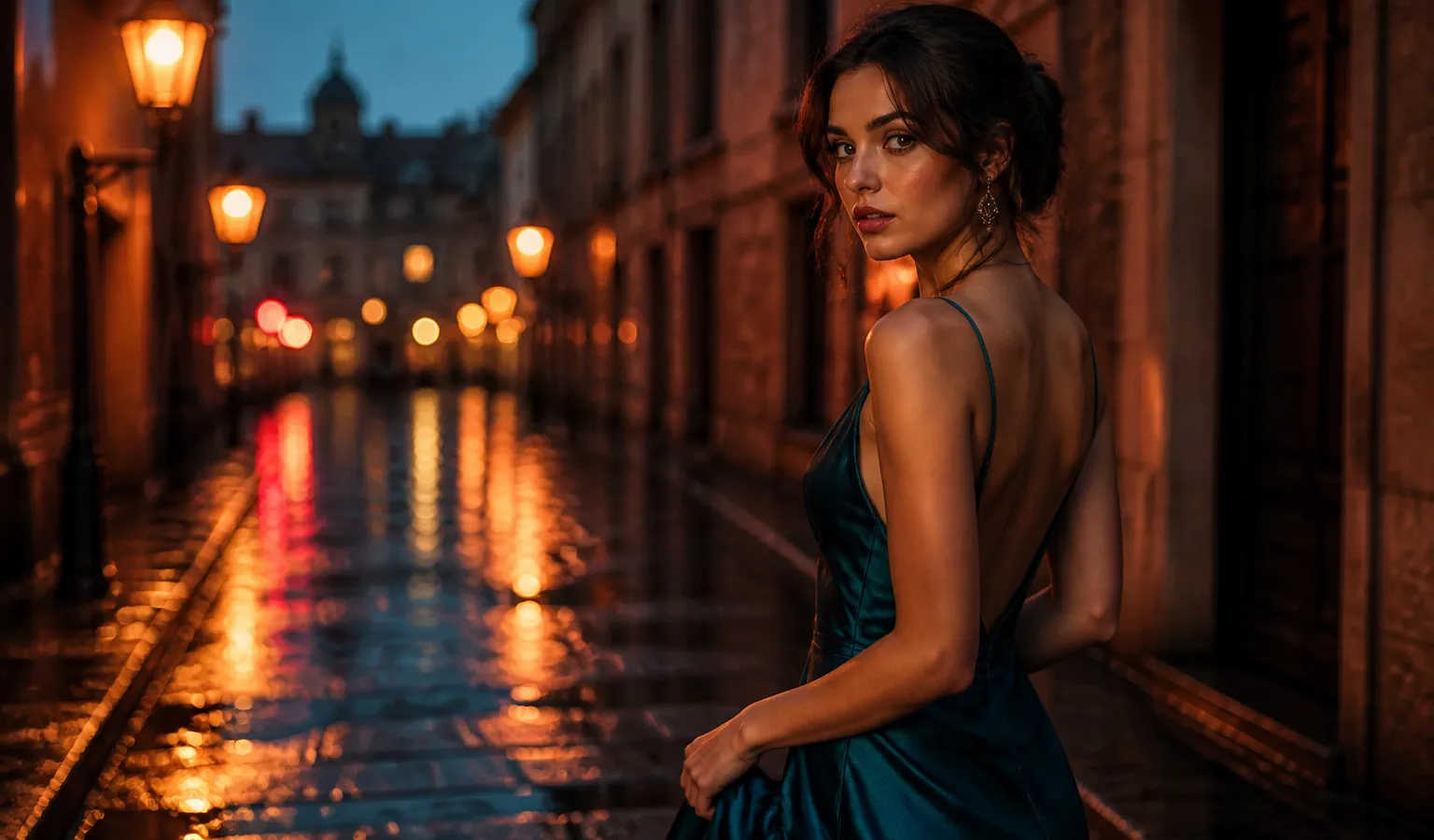
1. Rainy neon cinematic portrait (cover-adjacent mood)
Best for: social covers, character KV, atmospheric stills
Suggest: --stylize 180–220; skip Raw
cinematic portrait of a young woman in a teal silk dress on a rain-wet cobblestone street at dusk, neon reflections in puddles, soft rim light, shallow depth of field, teal and amber color grade --stylize 200Review note: V8.2 holds wet-ground reflections and silk more steadily; you rarely need to stack cinematic, 8k, masterpiece.
2. Natural-light documentary portrait
documentary portrait of a ceramicist at a sunlit studio workbench, medium shot, soft window light from the left, natural skin texture, quiet observational photography --stylize 80Review note: Lower stylize reads more “documentary”; for commercial gloss, raise stylize slightly or enable Personalization.
3. Hard-light fashion editorial
high-fashion editorial portrait, hard side light, crisp shadows, sculpted cheekbones, matte studio backdrop, magazine cover composition --stylize 1504. Golden-hour environmental portrait
environmental portrait of a traveler on a coastal cliff at golden hour, wind in hair, warm backlight, dusty atmosphere, cinematic still --stylize 1805. Low-key indoor mood portrait
low-key indoor portrait by a single practical lamp, deep shadows, warm practical light, intimate framing, film still aesthetic --stylize 160More portrait templates: Midjourney Portrait Prompt Cases.
B. Product Realism & Still Life (6–10)
Enable
--rawin this group so Midjourney adds less default cinematic filter.
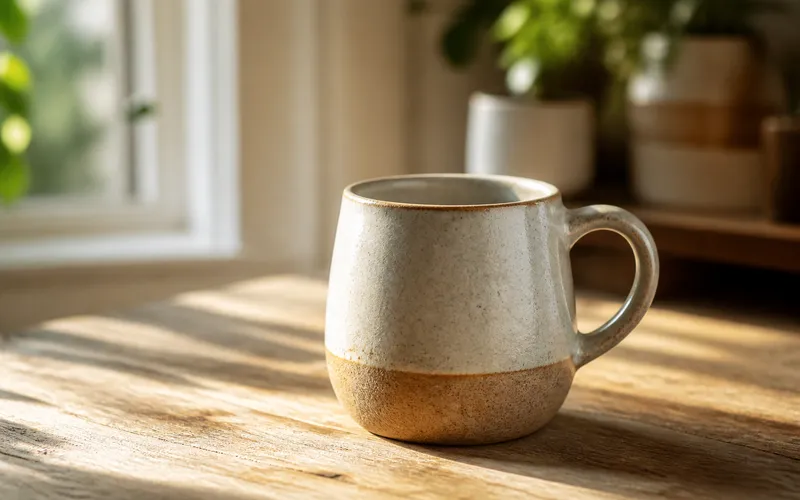
6. Ceramic mug (beginner-friendly control)
a ceramic mug on a sunlit wooden table, medium shot, soft morning window light from the left, shallow depth of field, natural wood grain, quiet product photography --raw --stylize 1007. Skincare white-background hero
matte white skincare bottle on seamless white background, soft top light, subtle reflection, clean ecommerce hero shot --raw --stylize 508. Latte-art macro
macro shot of latte art heart pattern, creamy foam texture, warm cafe light, shallow depth of field, food photography --raw --stylize 1009. Jewelry still life
gold ring with small diamond on dark velvet, specular highlights, softbox lighting, luxury product still life --raw --stylize 8010. Tech product desk scene
wireless earbuds case on brushed aluminum desk, cool daylight, soft shadows, minimal tech product photography --raw --stylize 70More e-commerce cases: Midjourney E-Commerce Prompt Cases; food: Midjourney Food & Restaurant Prompt Cases.
C. Illustration, Concept & Anime (11–15)
Usually do not enable
--raw; use--stylize 200–280.
11. Cel-shaded character bust
anime-style character bust portrait, clean linework, soft cel shading, expressive eyes, detailed outfit collar, soft pastel background, key visual illustration --stylize 25012. Thick-paint fantasy illustration
thick paint fantasy illustration of a mage with glowing staff, rich brush texture, dramatic rim light, book cover composition --stylize 24013. Watercolor travel illustration
soft watercolor illustration of a coastal town on a hillside, loose washes, paper texture, travel sketchbook aesthetic --stylize 22014. Anime rainy neon street character
anime-style character standing on a rainy neon street, full body, cel shading, vivid cyan and magenta lights, clean linework, key visual --stylize 25015. Game concept establishing shot
concept art of an ancient cliffside temple above clouds at dusk, painterly CG, dramatic sky, wide establishing shot --stylize 200Anime-focused cases: Midjourney Anime & Illustration Prompt Cases; model picks: Best AI Image Models for Anime Characters in 2026.
D. Architecture, Interiors & Landscape (16–20)
16. Modern house exterior
modern concrete house exterior at dusk, warm interior lights, reflective pool, architectural photography, clean lines --raw --stylize 10017. Japanese interior, natural light
japanese interior with tatami and shoji screens, soft morning light, minimal furniture, calm architectural photograph --raw --stylize 9018. Futuristic coastal city aerial
aerial view of a futuristic coastal city at blue hour, glowing towers, layered haze, cinematic cityscape concept --stylize 18019. Misty forest cabin
cabin in misty pine forest at dawn, soft fog, warm window glow, atmospheric landscape photography --stylize 15020. Museum gallery space
spacious museum gallery with soft overhead light, polished concrete floor, large abstract sculpture, architectural interior photo --raw --stylize 80Architecture expansions: Midjourney Architecture & Interior Prompt Cases.
E. Style Mixing & Control Experiments (21–25)
This group stress-tests how Midjourney V8.2 handles conflicting style words and reference locking.
21. Extreme minimalism + strong materials (less is more)
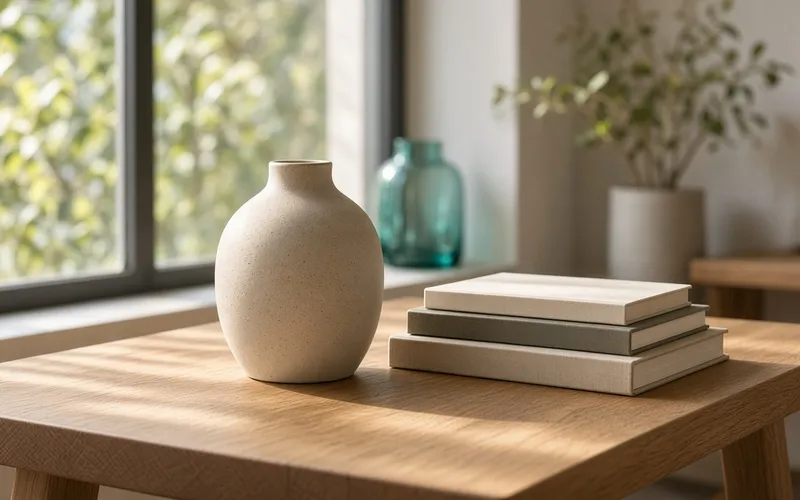
single ceramic vase on empty linen tablecloth, soft daylight, extreme minimalism, visible clay texture --stylize 120Takeaway: Fewer precise words often win—matching V8.2’s “less and more precise” trend.
22. Deliberately conflicting style words (anti-example)
ultra realistic photo of an anime girl, cel shading, oil painting, cinematic, 8k, masterpiece --stylize 250Takeaway: Results often look “a bit of everything, none of it clear.” Keep one primary medium per Midjourney prompt.
23. Same subject + high chaos exploration
portrait of a red-haired violinist in a rehearsal room --chaos 40 --stylize 150Takeaway: Great for finding direction; drop chaos before finals. Common pitfalls: 10 Common Midjourney Beginner Mistakes.
24. Style-reference locking (text placeholder)
In practice, attach the winning frame as SREF, then change only wardrobe/scene:
same character as style reference, winter coat, snowy street, night, soft streetlights --stylize 200Image-to-image details: Midjourney Image-to-Image & Image Reference.
25. SD explore → Run as HD delivery prompt
cinematic portrait of a young woman in a teal silk dress on a rain-wet cobblestone street at dusk, neon reflections, soft rim light --stylize 200Pick composition in SD, then Run as HD. That closes the cover-adjacent AI image generation loop used in this review.
Style Cheat Sheet
| Target aesthetic | Use --raw? |
stylize range | Notes |
|---|---|---|---|
| Cinematic portrait / KV | Usually no | 150–220 | Skip empty adjectives |
| Product / e-commerce | Yes | 50–100 | Name materials clearly |
| Architecture / interiors | Mostly yes | 70–120 | Spell out light |
| Illustration / anime | No | 200–280 | One primary medium only |
| Concept art | No or light Raw | 180–240 | Composition first |
Parameter table: Midjourney V8.1 Parameter Cheatsheet (V8.2 follows the same current parameter logic). More scene templates: Midjourney Prompt Case Library.
Closing
The practical takeaway from this Midjourney V8.2 aesthetic styles deep review: the new aesthetic is not a new pile of mystic adjectives—it rewards clear Midjourney prompts that ship closer to finished frames. Cinematic looks are steadier, materials obey better, and conflicting style words still muddy the result. Treat the 25 tests as a reusable style menu: pick a medium, write subject and light, explore in SD, then Run as HD; for series work, lock SREF.
Next step: run the three groups closest to your brief, then retest on Midjourney.ing with a real job. For deeper writing craft, continue with Midjourney V8.2 Prompt Guide; for onboarding, see How to Use Midjourney V8.2.