Midjourney prompts
Midjourney E-Commerce Prompt Cases: 12 Product Hero & Lifestyle Scene Templates (V8.1)
Midjourney.ing10 min read
Contents+
Midjourney e-commerce work usually fails in two ways: hero shots where materials look fake, and lifestyle scenes that read like art posters instead of sellable product images. This article gives you 12 ready-to-adapt e-commerce prompt templates built for Midjourney V8.1, covering product hero shots (white background / studio) and lifestyle scenes, with notes on when to enable --raw, and how to go SD→Run as HD for delivery.
If you are still building your prompt skeleton, start with Midjourney Prompt Tips: A Structure Built for V8.1; for a general scene library, see Midjourney Prompt Case Library: 10 Ready-to-Adapt V8.1 Scene Templates; for realism controls, pair it with the tutorial Midjourney –raw Realism Tutorial: Product Still Life & Architecture Step by Step.
Three Rules for E-Commerce Output (Read Before Copying Templates)
- Hero shots prioritize material and shape—go easy on mood words
Phrases like “masterpiece / cinematic” often steal attention from labels and edge clarity. For e-commerce hero shots, write the product, material, lens, and lighting first. - Explore in SD, deliver in HD
V8.1 supports native ~2K HD. Keep template test runs in SD; lock the winner with Run as HD or--hd. See Midjourney HD vs SD: Save Time and Cost with a Resolution Strategy. - Change only one variable at a time
Swap the product name first, then background or light; when shape must follow a sample, add image reference (see Midjourney Image-to-Image & Image Reference: From One Reference Image to Controlled Delivery).
The prompts below are English templates (the model’s most reliable input habit). You can write in Chinese too; the key is still “subject → angle → light → material → light style → parameters”.
Case 1: Seamless White / Light Gray Hero (General SKU)
Best for: Detail-page lead image, multi-platform white-background specs, comparison shots
Suggested parameters: --raw; --stylize 40–80; keep chaos low
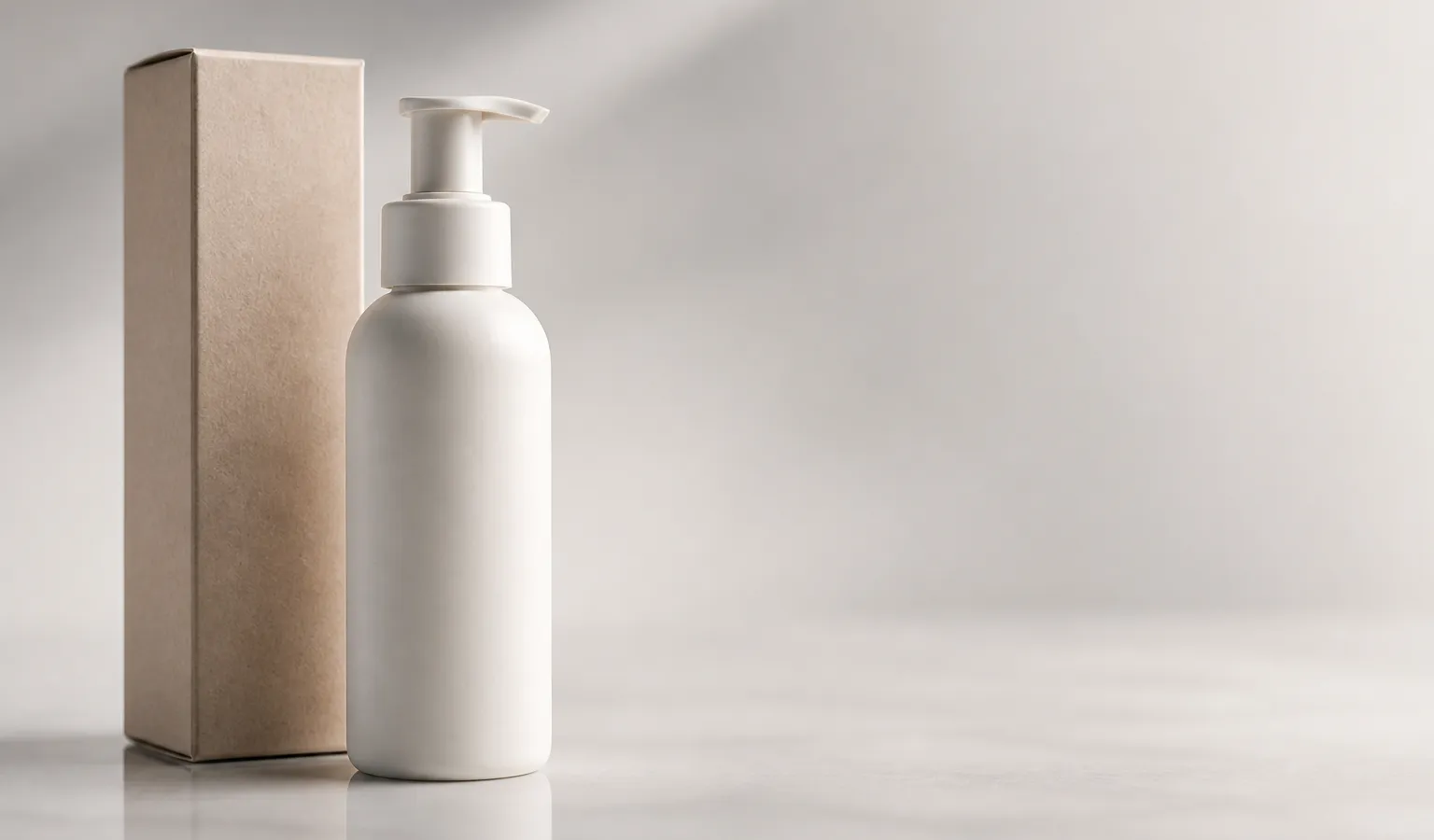
single matte ceramic bottle centered on seamless light gray backdrop, straight-on product packshot, soft even studio softbox lighting, crisp silhouette, minimal shadow, commercial catalog photography --raw --stylize 50How to adapt: Swap the product noun (wireless earbuds case / glass dropper bottle); background can become pure white seamless; for more breathing room, add generous negative space.
Case 2: Beauty / Skincare Bottle Studio Shot
Best for: Serums, creams, perfume hero shots
Suggested parameters: --raw; side light or soft light; finalize in HD
frosted glass skincare serum bottle with pump on travertine slab, 45-degree hero product shot, soft diffused key light, subtle reflection, clean luxury still life, commercial beauty photography --raw --stylize 60How to adapt: Swap materials (matte plastic / brushed metal cap); surface can become black acrylic; avoid writing both “minimal” and “baroque ornate” at once.
Case 3: 3C / Headphones & Tech Hero Shot
Best for: Headphones, speakers, accessory detail lead images
Suggested parameters: --raw; emphasize readable edges and ports
matte black wireless over-ear headphones on seamless cool gray backdrop, three-quarter product view, soft gradient studio light, sharp material microtexture, tech product photography --raw --stylize 55How to adapt: Swap device type; for detail, add macro detail of ear cushion texture as a separate detail shot—do not cram it into the main composition sentence.
Case 4: Jewelry / Watch Macro Hero Shot
Best for: Rings, necklaces, watch e-commerce hero shots
Suggested parameters: --raw; control highlights; specify depth of field clearly
polished gold ring with small diamond on dark velvet, macro product photography, controlled specular highlights, shallow depth of field, crisp metal edges, jewelry catalog shot --raw --stylize 50How to adapt: Swap metal and stone; background can become white marble; if highlights blow out, lower stylize or emphasize controlled highlights.
Case 5: Apparel Hang / Flat-Lay Hero Shot
Best for: Hoodies, shirts, bag lead images
Suggested parameters: You can skip heavy artistic styling at first; for more “shelf-ready” feel, add --raw
folded navy cotton hoodie centered on seamless off-white backdrop, flat-lay apparel packshot, soft overhead softbox, natural fabric texture visible, clean e-commerce fashion photography --raw --stylize 70How to adapt: Swap apparel category and color; for mannequin shots, use on invisible mannequin, front view; for multi-color series, keep the same composition sentence + SREF.
Case 6: Food Packaging Box Hero Shot
Best for: Snack boxes, coffee bags, gift-box SKU images
Suggested parameters: --raw; keep packaging text areas simply described—avoid forcing the model to “fill every inch with slogans” when it tends to invent text
matte kraft coffee bag standing upright on seamless cream backdrop, slight three-quarter angle, soft daylight studio, readable package silhouette, commercial packaging product shot --raw --stylize 55How to adapt: Swap packaging form (tin can / folding carton); if the shape must closely match real packaging, stack image reference to lock silhouette—more reliable than text alone.
Case 7: Home Lifestyle Scene
Best for: Home detail “lifestyle” images, selling-point atmosphere shots
Suggested parameters: Medium stylize; use Moodboards for series; explore in SD
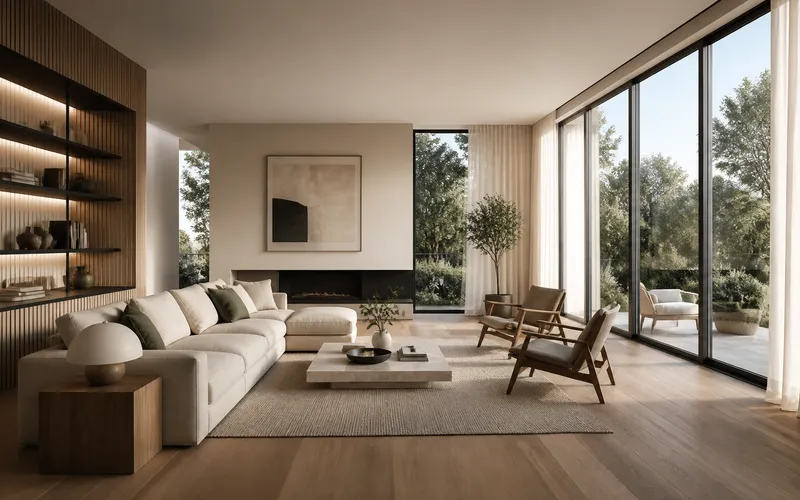
ceramic table lamp on oak nightstand in a sunlit bedroom corner, lifestyle product scene, morning window light, soft shadows, lived-in interior, shallow depth of field, lifestyle e-commerce photography --stylize 100How to adapt: Swap furniture and room type; for more realistic space, try --raw; for brand consistency, fix color-temperature words + SREF / Moodboards (see Midjourney Style Reference Complete Guide: How SREF and Moodboards Keep Series Visuals Cohesive).
Case 8: Beauty “In-Hand / Vanity” Lifestyle Scene
Best for: Lipstick swatch atmosphere, skincare ritual shots (non-white-background)
Suggested parameters: Keep the product clear; props should not steal the frame
lipstick tube standing on marble vanity beside soft brush, beauty lifestyle scene, soft morning bathroom light, gentle reflection, clean negative space for copy, beauty campaign still --stylize 90How to adapt: Swap beauty category; for a more commercially neutral look, add --raw; if copy space is tight, add empty space on the right.
Case 9: Sneaker Product Hero Shot
Best for: Sneaker detail lead images, launch hero visuals
Suggested parameters: --raw; write sole and side structure into the angle
white leather sneakers with gum sole on seamless light gray, three-quarter product packshot, soft dual softbox lighting, crisp stitching detail, clean commercial footwear photography --raw --stylize 60How to adapt: Swap colorway and materials (mesh upper / suede overlays); for medial profile, open a separate medial side view template.
Case 10: Kitchen Appliance / Small Appliance Hero Shot
Best for: Espresso machines, air fryers, blender lead images
Suggested parameters: --raw; emphasize shell material and readable button areas
compact stainless steel espresso machine on seamless white backdrop, front three-quarter appliance shot, soft even studio light, realistic brushed metal, e-commerce catalog photography --raw --stylize 50How to adapt: Swap appliance category; for dark appliances, use charcoal seamless; avoid “sci-fi futuristic” words that turn appliances into concept renders.
Case 11: Outdoor / Travel Gear Lifestyle Scene
Best for: Water bottles, backpacks, camp-lamp detail scenes
Suggested parameters: Scene serves the product—do not let landscape overpower the SKU
matte hiking water bottle clipped to a backpack on a wooden picnic table, outdoor lifestyle product scene, overcast soft daylight, natural colors, product remains hero, adventure e-commerce photography --stylize 100How to adapt: Swap product and scene (campsite / car trunk); if product share is too small, write product in sharp focus, background softly blurred.
Case 12: Multi-SKU Same-Structure Series (Shade / Spec Wall)
Best for: Multi-shade lipstick walls, aligned bottle rows, series launch images
Suggested parameters: Lock the composition sentence; unify look with SREF / Moodboards or Personalization; explore in SD
row of five pastel skincare bottles aligned on seamless blush backdrop, evenly spaced packshot lineup, soft frontal studio light, consistent scale, clean commercial series photography --raw --stylize 55How to adapt: Change count and color adjectives; when every unit must share the same shape, add image reference; series tutorials: Series Visuals with Style Reference: Brand Consistency in Midjourney, Midjourney Personalization in Practice: Train and Apply Your Aesthetic Profile.
Hero Shot vs Lifestyle Scene: Which Template to Pick
| Page placement | Prefer | Template bias | Parameter bias |
|---|---|---|---|
| Detail lead / search listing | Hero shot | Cases 1–6, 9–10 | --raw + low–medium stylize |
| Selling-point atmosphere / styling | Lifestyle scene | Cases 7–8, 11 | Medium stylize; Raw optional |
| Multi-color / multi-spec | Same-structure series | Case 12 | Fixed sentence + SREF/reference |
| Shape must closely match real product | Any + reference image | All cases can stack | Image reference over word stacking |
Turn the 12 Templates into a Deliverable Workflow
| Step | What to do | Purpose |
|---|---|---|
| 1 | Pick hero or lifestyle template | Reduce starting from zero |
| 2 | Replace only product name and material | Quick SKU validation |
| 3 | Generate candidates in SD; lower --chaos if needed |
Lock composition |
| 4 | Enable --raw on hero shots; A/B lifestyle as needed |
Materials stay obedient |
| 5 | Add image reference when shape is unstable | Control bottle / shoe silhouette |
| 6 | Attach SREF / Moodboards for series | Unify multiple images |
| 7 | Vary Subtle / Remix for small fixes | Remove flaws |
| 8 | Run as HD for ~2K delivery | Platform-ready upload |
For iteration technique, see Midjourney Vary & Remix: Small-Step Iteration to Final Delivery; for end-to-end flow, see Midjourney AI Art from Start to Finish: The Complete 2026 Workflow (V8.1).
Why E-Commerce Prompts Break When You Edit Them
- Hero shots packed with cinematic adjectives → labels and edges go soft
- Starting in HD for trial and error → expensive and slow (V8.1: use SD→HD)
- Copying V7’s
--q→ V8.1 / V8.2 do not support--q - Lifestyle scenes with huge scenery and tiny product → reads like wallpaper, not e-commerce
- Rewriting style on every SKU image → series does not look like a set (fix: locked sentence + style anchor)
- Forcing the model to “render crisp trademark text” → better to composite in post or accept simplified packaging faces
Full parameter table: Midjourney V8.1 Parameter Cheatsheet: –hd –raw –chaos –stylize.
How This Fits With Other Site Content
- General 10-scene templates: Midjourney Prompt Case Library: 10 Ready-to-Adapt V8.1 Scene Templates
- Realistic product path: Midjourney –raw Realism Tutorial: Product Still Life & Architecture Step by Step
- Lock shape with reference images: Midjourney Image Reference in Practice: Controlled Variants from Reference Images
- Beginner pitfalls: 10 Common Midjourney Beginner Mistakes (and How to Fix Them)
Once you have SKU name and material keywords ready, enter the workspace from “Try Midjourney now” at the top: run Case 1 for a white-background hero, Case 7 for a lifestyle scene, then Run as HD—faster to list than debating a “complete e-commerce prompt encyclopedia.”
Closing
Midjourney e-commerce prompts are not about a longer word list—they are about hero shots that describe the product and lifestyle scenes that describe use. Use these 12 V8.1 templates to separate white-background / studio / lifestyle / multi-SKU work, then add --raw, image reference, and style anchors so your product images and e-commerce hero shots stay near deliverable instead of random posters. Start by swapping the first product noun in whichever template matches your current listing.