
Composition
Parameters can shape framing and proportions so results better match your intended layout.
Midjourney parameters help you control different aspects of image generation, including aspect ratio, style strength, variation, and visual behavior. Learn how each parameter works and how to use them effectively.
Parameters are special settings added at the end of prompts that influence how images are generated.
Parameters can shape framing and proportions so results better match your intended layout.
They can increase or reduce artistic stylization and change how strongly Midjourney’s visual style appears.
Some parameters increase diversity across generated options so you can explore more creative directions.
Together, parameters give you additional control over the look and behavior of AI image generation.
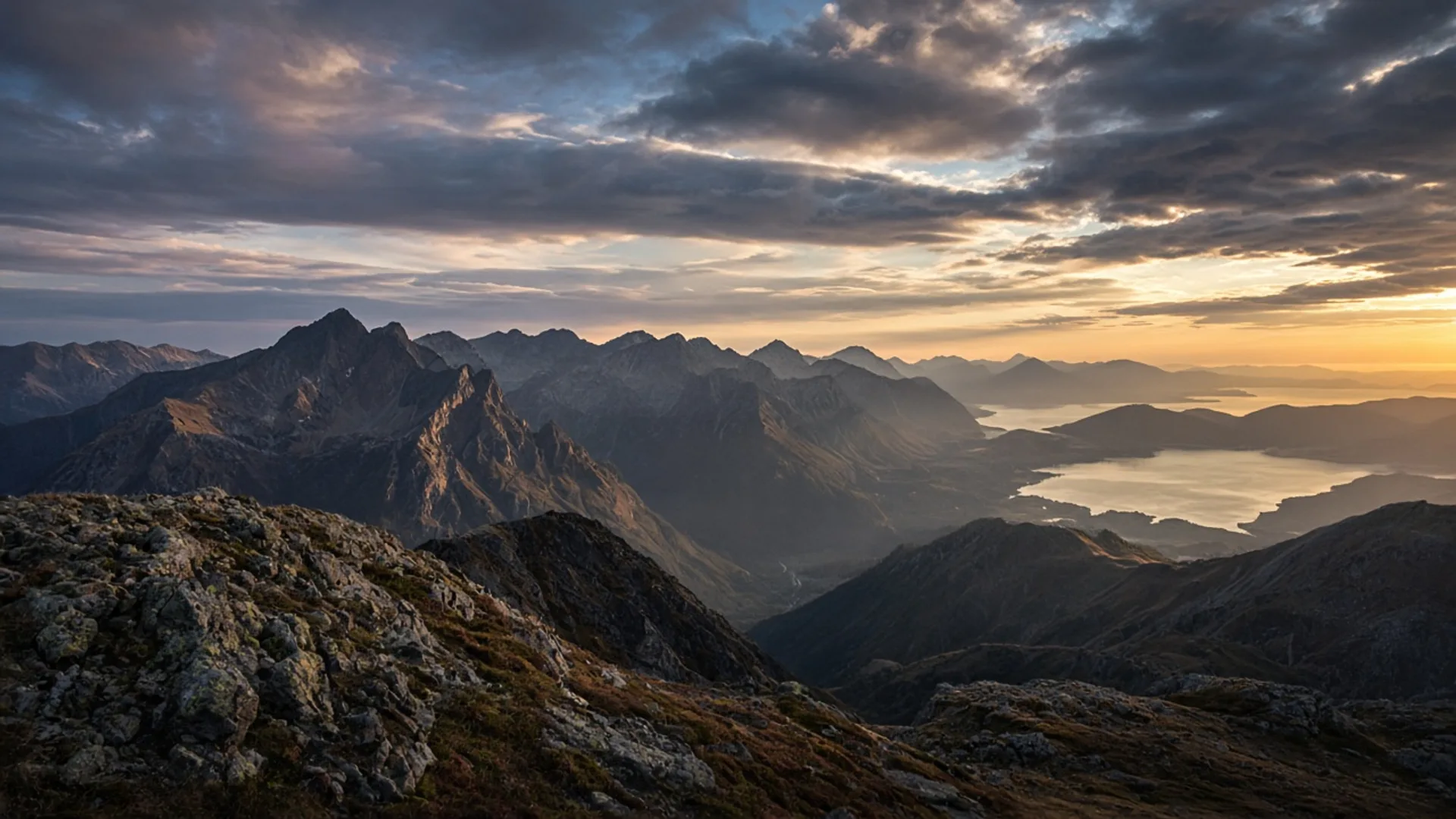
Control the width and height proportions of your generated images.
--ar 16:9
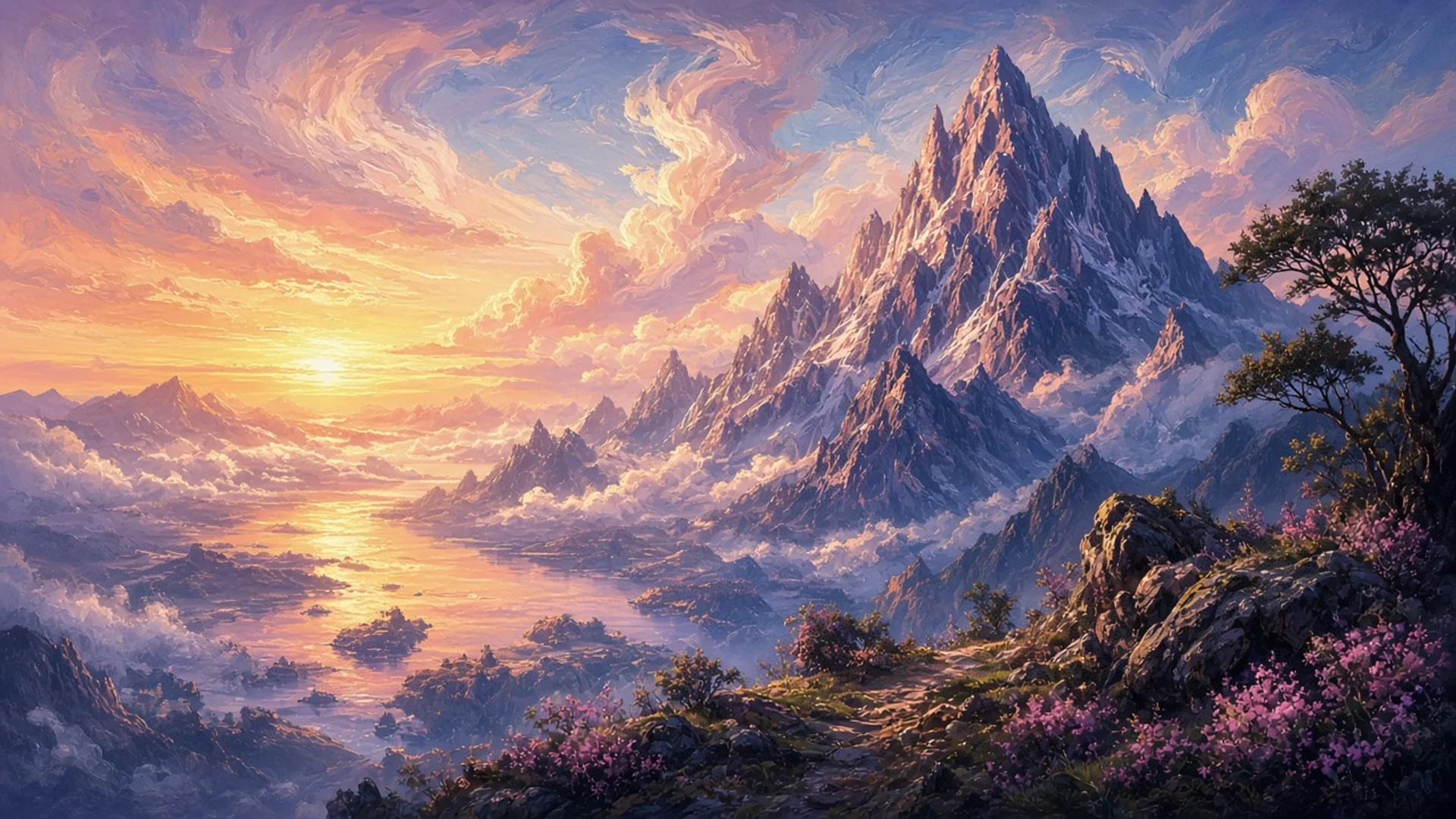
Adjust how strongly Midjourney applies its artistic style.
--stylize 250
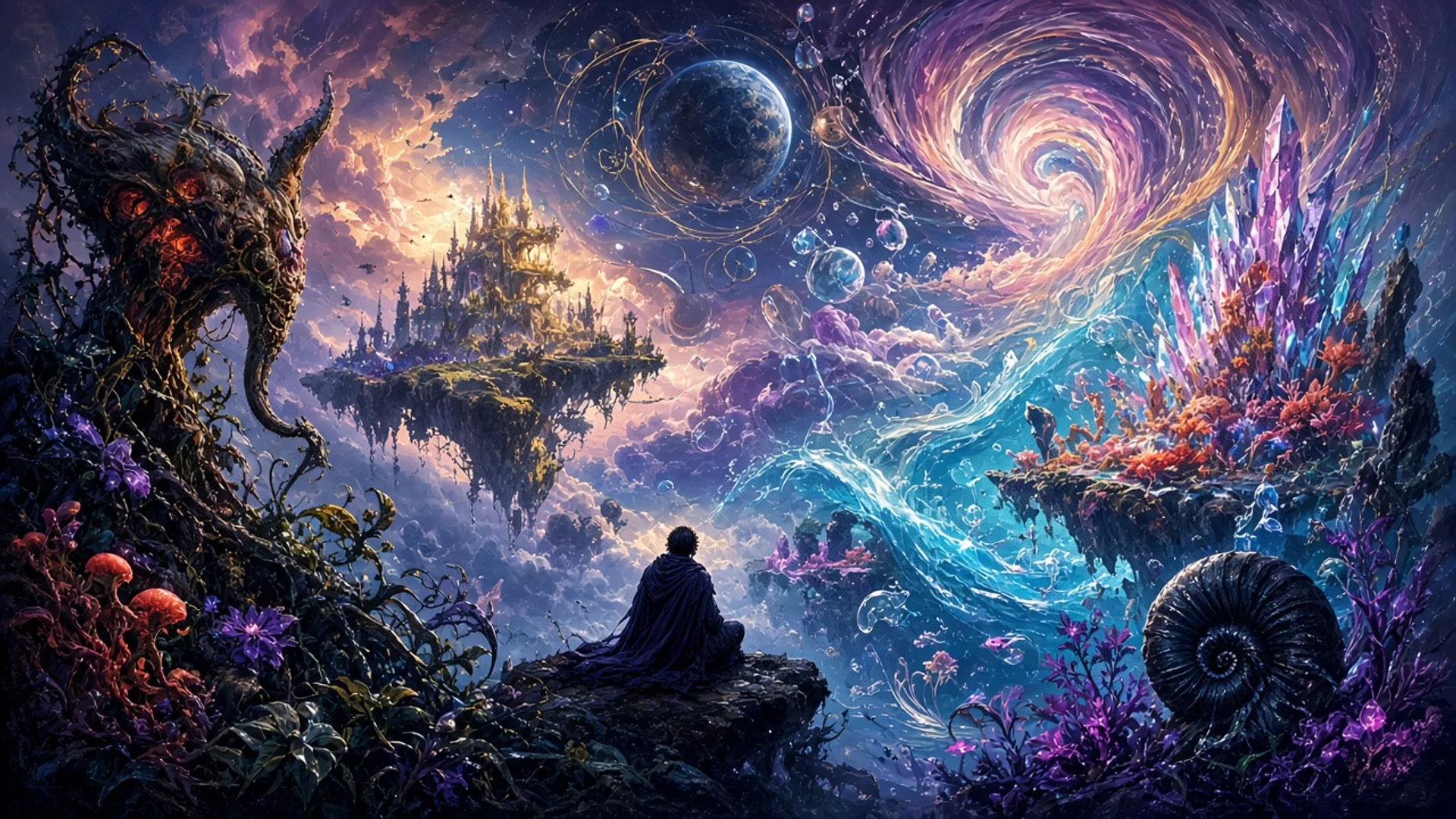
Increase variation between generated results.
--chaos 50
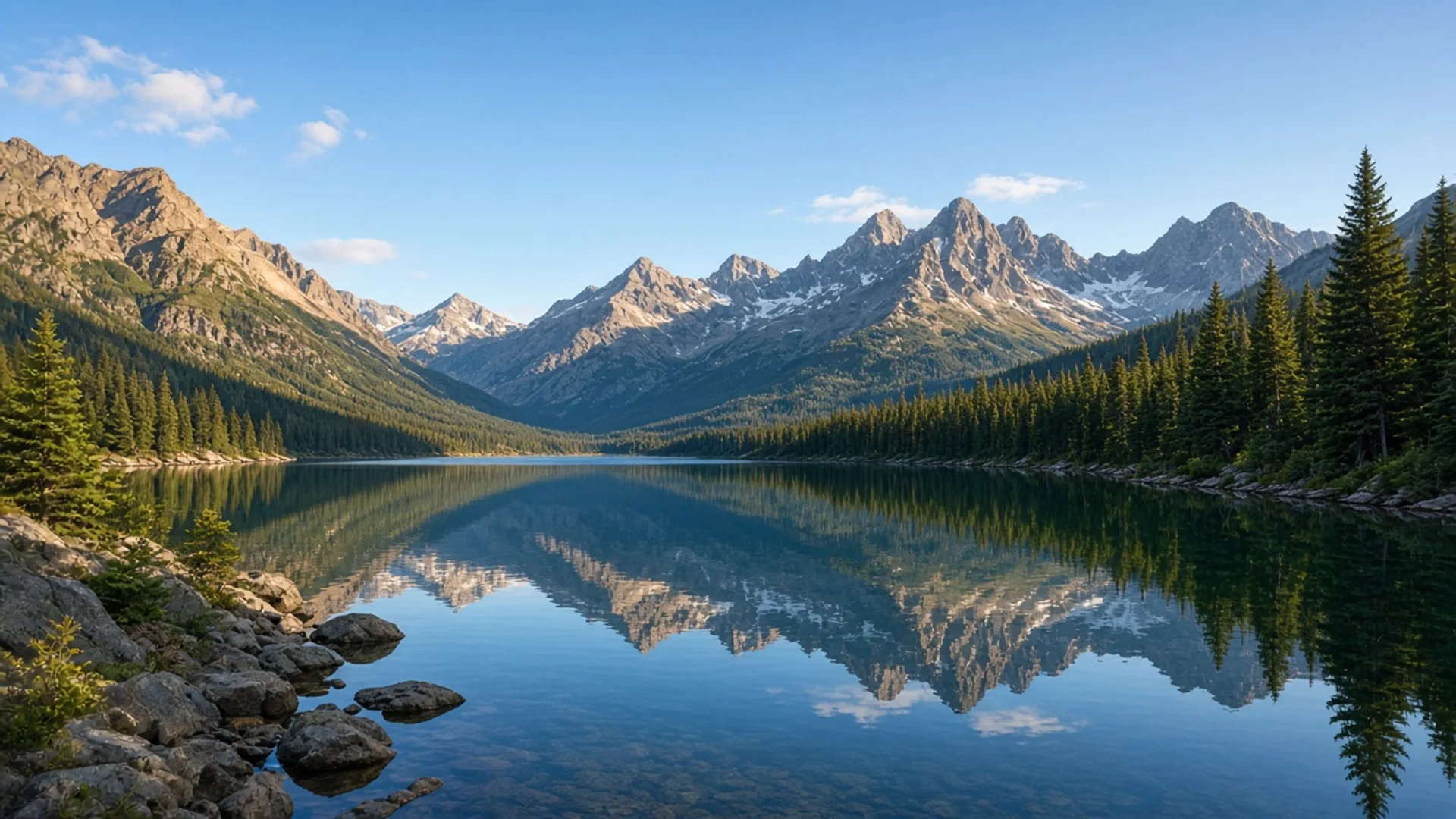
Exclude unwanted elements from generated images.
--no text
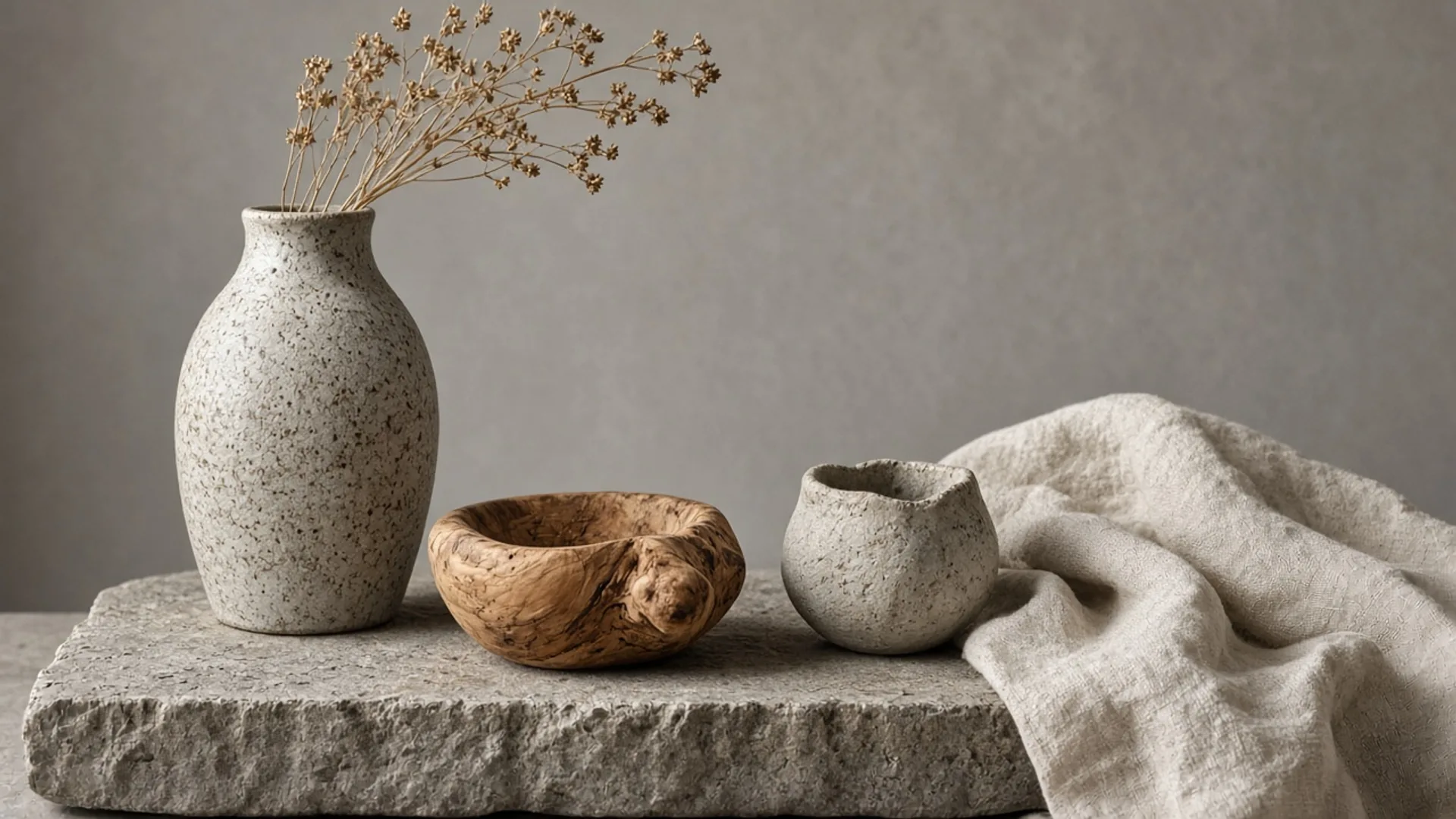
Reduce default artistic influence for more controlled results.
--style raw
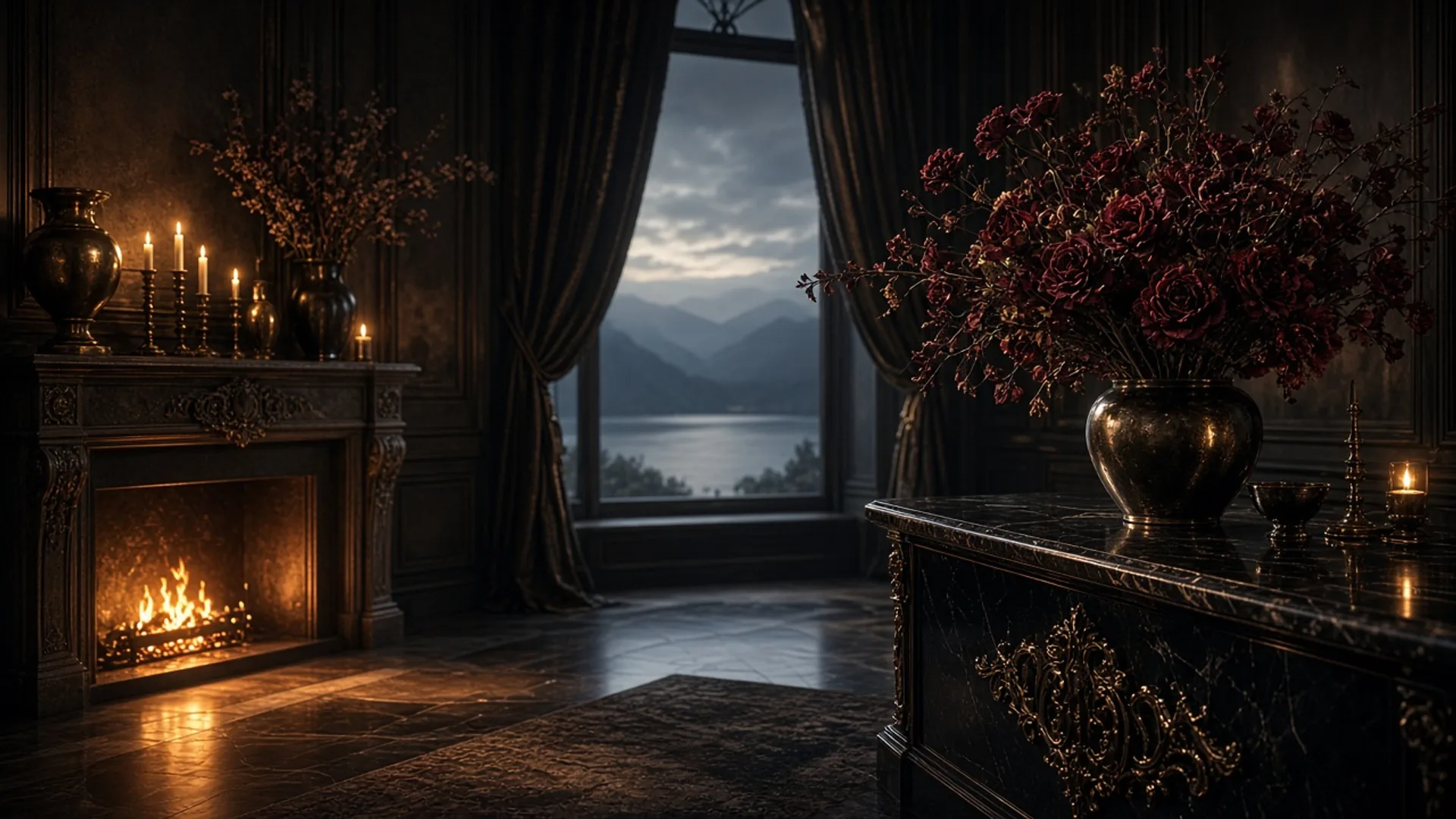
Choose different Midjourney models and generation behaviors.
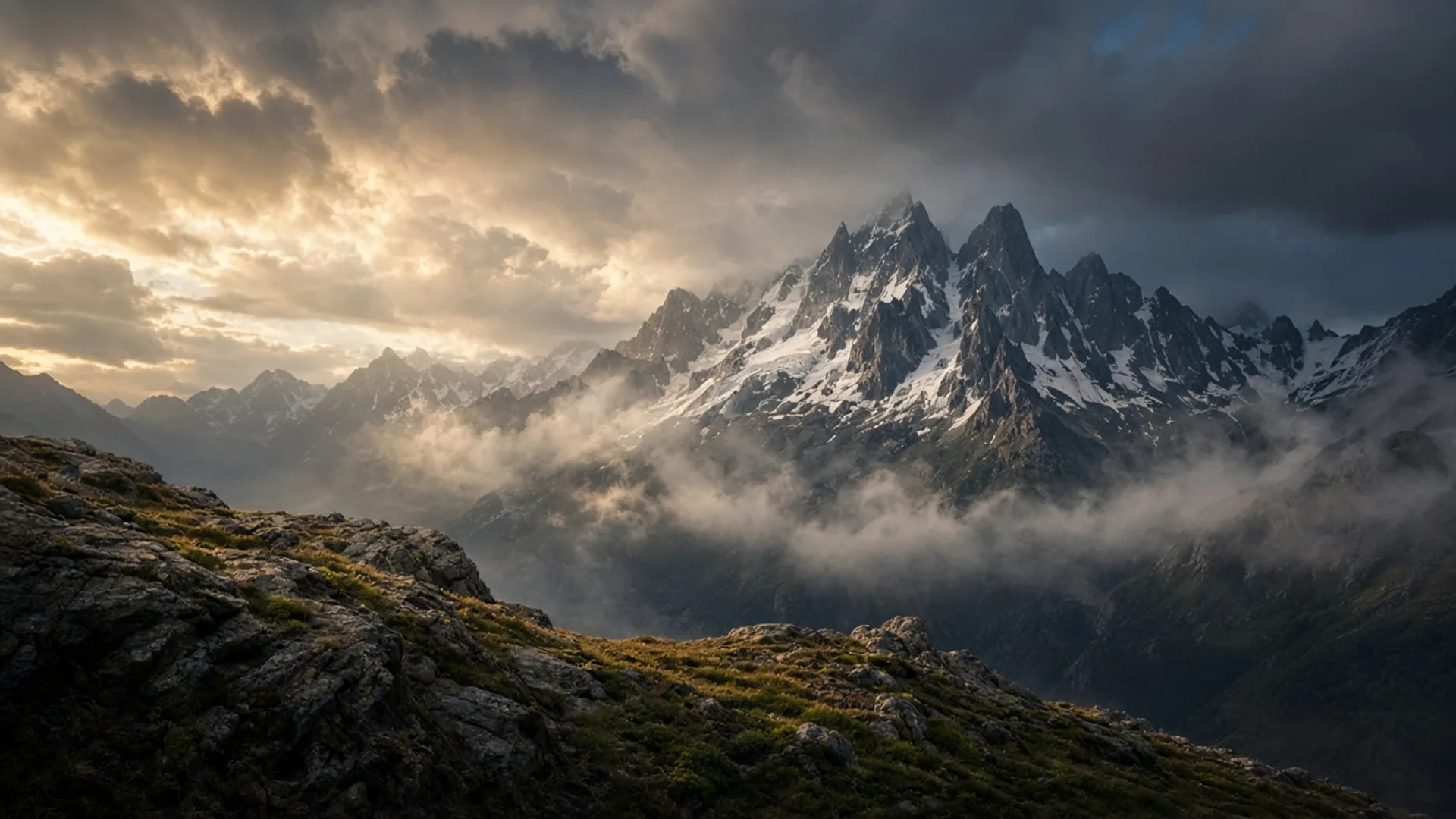
cinematic mountain landscape, dramatic lighting --ar 16:9 --stylize 500
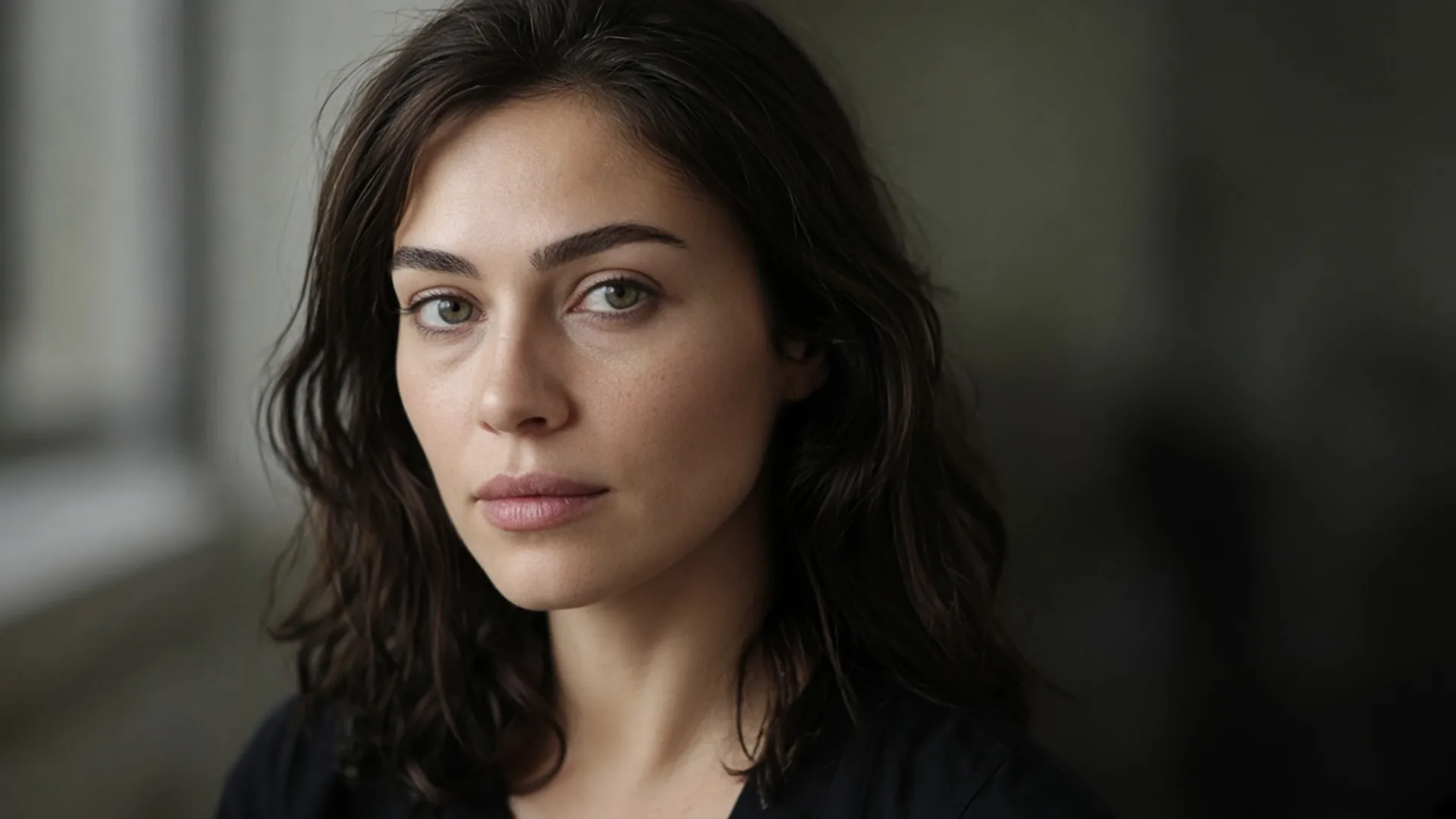
professional portrait photography, natural lighting --style raw --ar 4:5
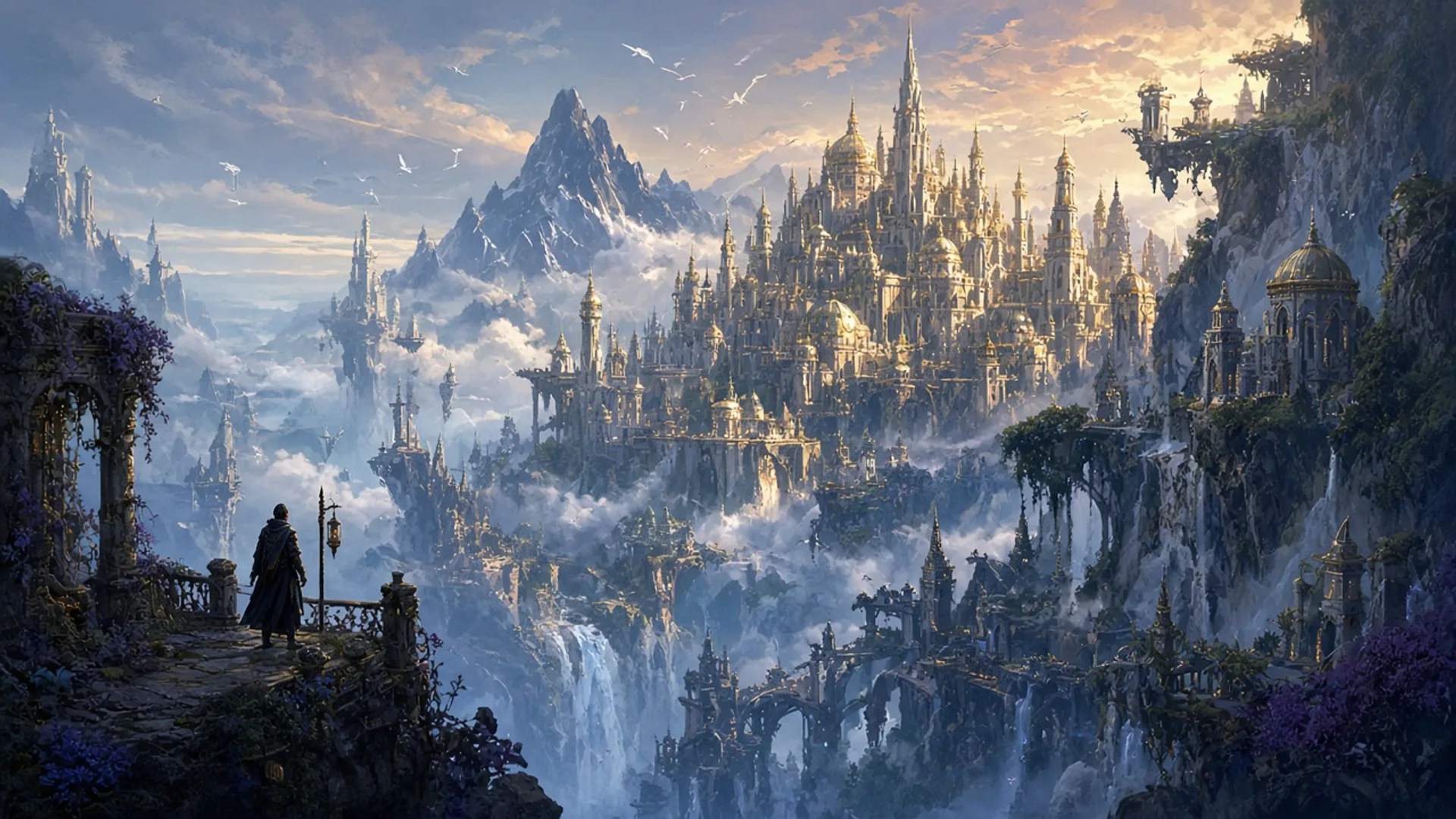
fantasy city concept art --chaos 70 --stylize 700
Define what you want to create.
Choose parameters based on desired effect.
Adjust values and experiment.
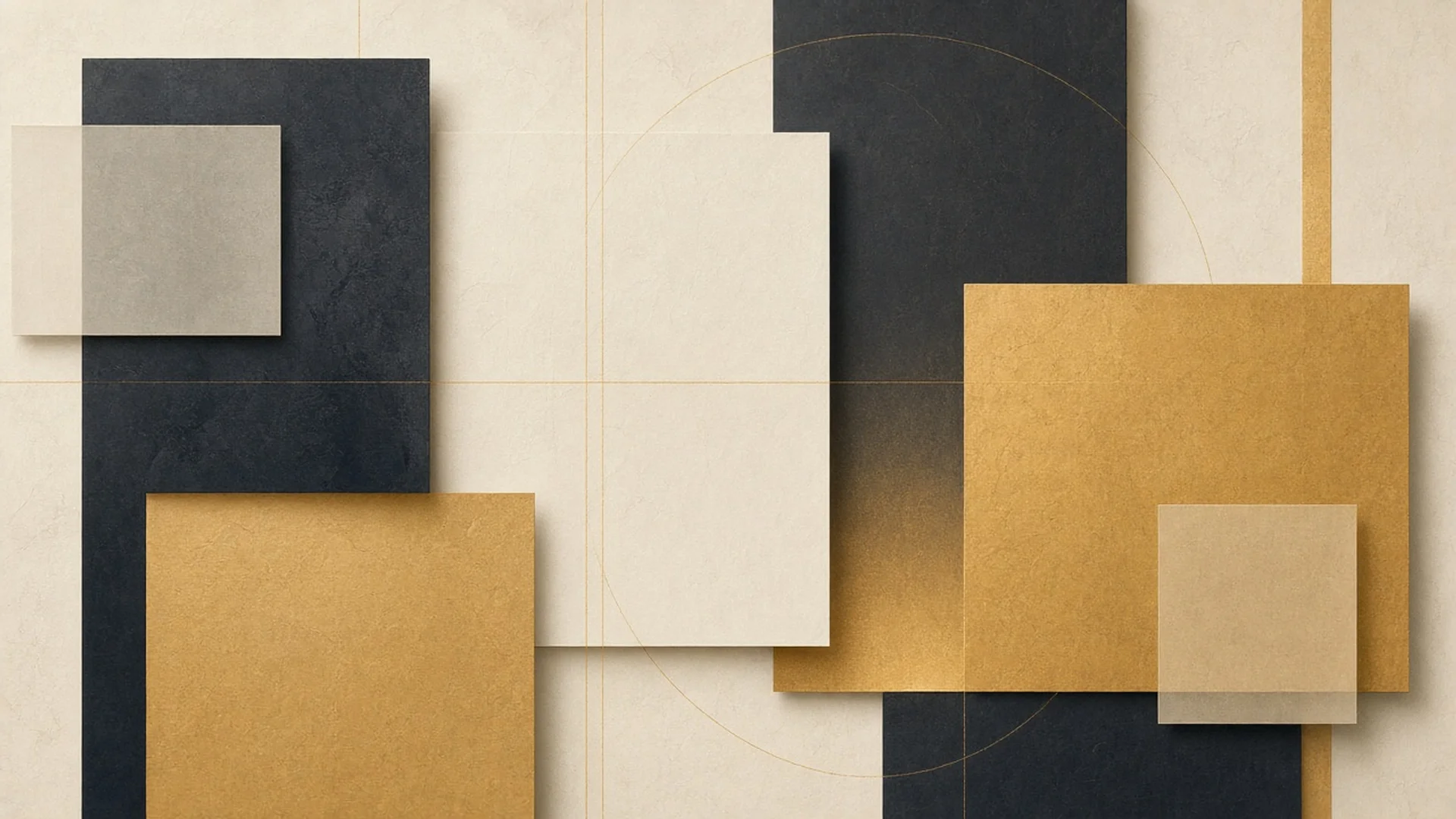
Learn how --ar controls image composition with common ratios such as 1:1, 16:9, 9:16, and 2:3.
Explore Guide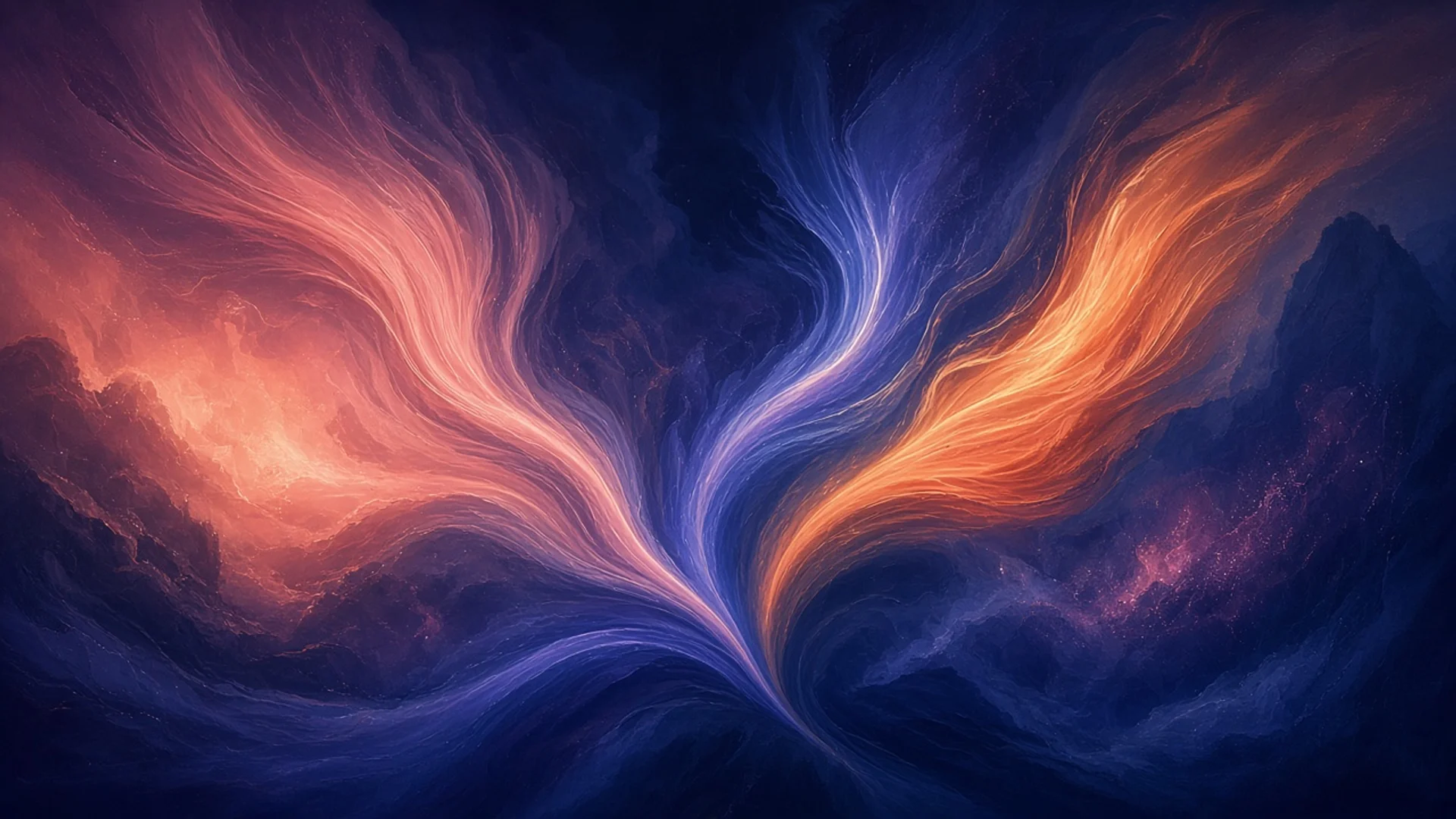
Learn how --chaos changes variation between results and when to use lower or higher values.
Explore Guide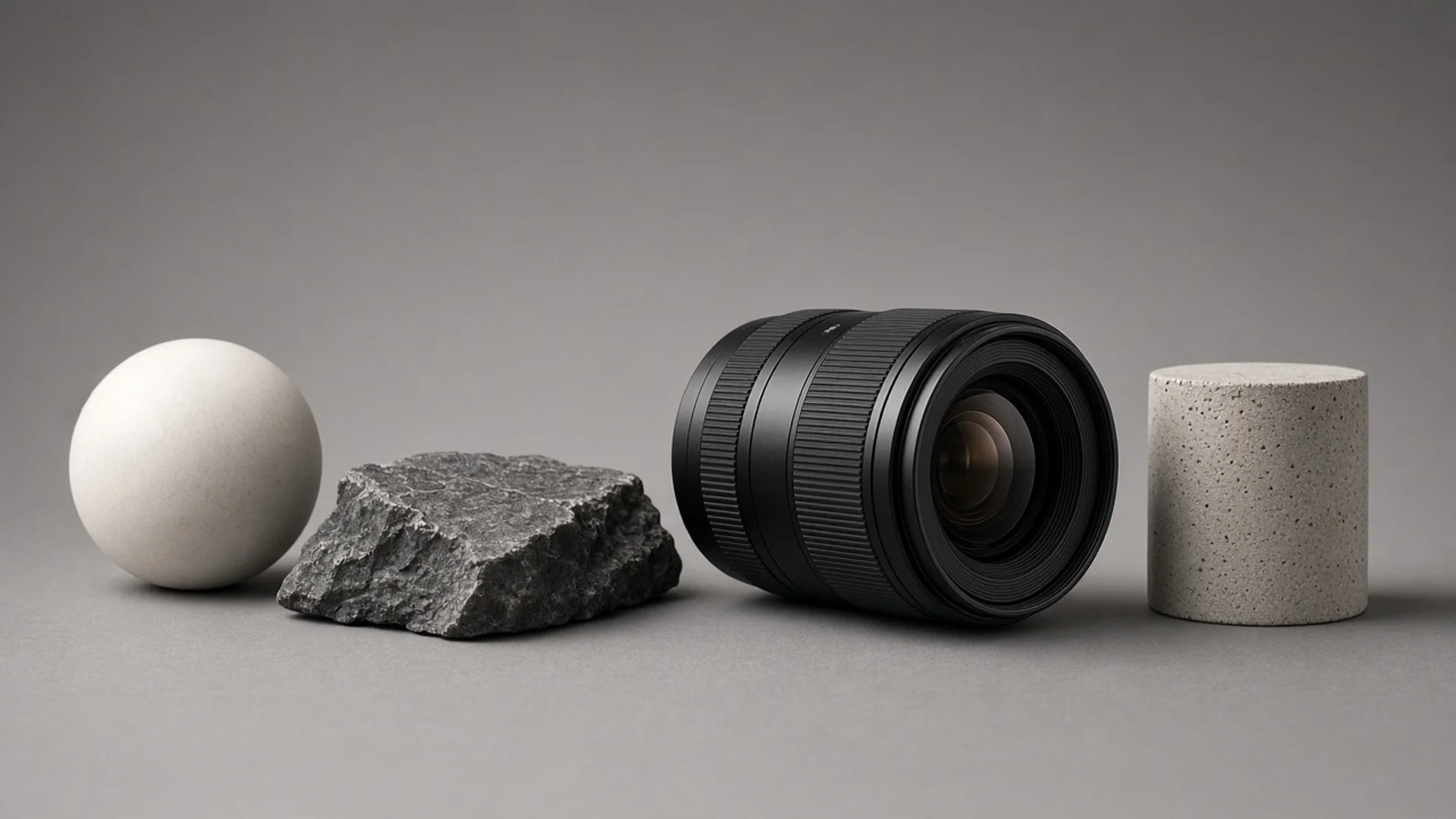
Learn how Raw changes the balance between your prompt and Midjourney's default styling.
Explore Guide
Learn how to create repeating patterns with --tile, explore prompts, and check how the edges connect.
Explore Tile ParameterA practical Midjourney --stylize (0–1000) guide: what low, mid, and high values actually do, how to pair stylize with --raw, Personalization, and SD→Run as HD, plus ranges and sample prompts.
Read GuideA practical quick reference for Midjourney V8.1 parameters—when to use HD, Raw, Chaos, and Stylize, and how to combine them.
Read GuideLearn how to write and improve Midjourney V8.2 prompts with a reusable structure, parameter-testing tips, 8 adaptable examples, and common mistake fixes.
Read GuideUse these parameters to experiment with different AI image styles and start creating.