Midjourney V8.2
Midjourney V8.2 neue Aesthetic Styles: Deep Review mit 25 Prompts
Midjourney.ing7 Min. Lesezeit
Inhalt+
Midjourney V8.2 wirft bei jedem Release dieselbe brauchbare Frage auf: Was hat sich an der Default-Ästhetik wirklich verändert — und wie schreibst du den Prompt, um diesen Look zu verstärken oder zu zügeln? Diese Deep Review ist keine Adjektiv-Sammlung: Es sind 25 Midjourney Prompts unter gleichen Regeln, damit du Cinema, realistisches Produkt, Illustration, Anime, Architektur und Control-Experimente vergleichen kannst.
Neu dabei? Zuerst Midjourney V8.2 nutzen: kompletter Einsteiger-Guide; Schreibgerüst und Parameter: Midjourney V8.2 Prompt-Guide. Hier geht es um Aesthetic-Style-Tests, nicht um Flag-Enzyklopädien.
Testmethode (reproduzierbar)
Damit die KI-Bildgenerierung vergleichbar bleibt:
| Punkt | Setting |
|---|---|
| Modell | Midjourney V8.2 |
| Exploration | SD für Kandidaten; Run as HD, sobald die Richtung sitzt |
| Variablen | Pro Gruppe vor allem Style-/Medium-Wörter ändern; Subjekt möglichst konstant |
| Default | Kein --raw (außer dem realistischen Commercial-Block) |
| stylize | Meist --stylize 100–250; --chaos nur in der Divergence-Phase |
Bewertung:
- Style-Reinheit: Bleibt der gewünschte Look sauber?
- Prompt-Gehorsam: Materialien, Kleinteile, Lichtfarbe
- Lieferbarkeit: Social, Concept oder Product-Hero ohne Endloskampf
Gesamtprozess: AI-Art-Workflow 2026 und Midjourney HD vs SD.
Fazit auf einen Blick
- Die Default-Ästhetik von V8.2 wirkt „lieferfertiger“: Cinema-Licht, Haut und Materialien halten mit weniger leeren Adjektiven.
- Realistischer Commerce:
--rawan: Produkt, Architektur, neutrale Frames folgen besser. - Illustration / Anime: stylize hoch, Raw vorsichtig: Sonst kippt es Richtung Foto.
- Serien: SREF / Moodboards / Personalization statt Style-Prosa neu tippen — SREF- und Moodboards-Guide.
- In SD explorieren; mit Run as HD abschließen.
Die 25 Prompts bleiben auf Englisch (stabilerer Input). Passe sie an dein Briefing an.
A. Cinema & Porträt (1–5)
Für KV, Character-Mood und atmosphärische Stills. Eine Lichtachse pro Prompt — „hard editorial“ und „soft documentary window“ nicht in einem Satz mischen.
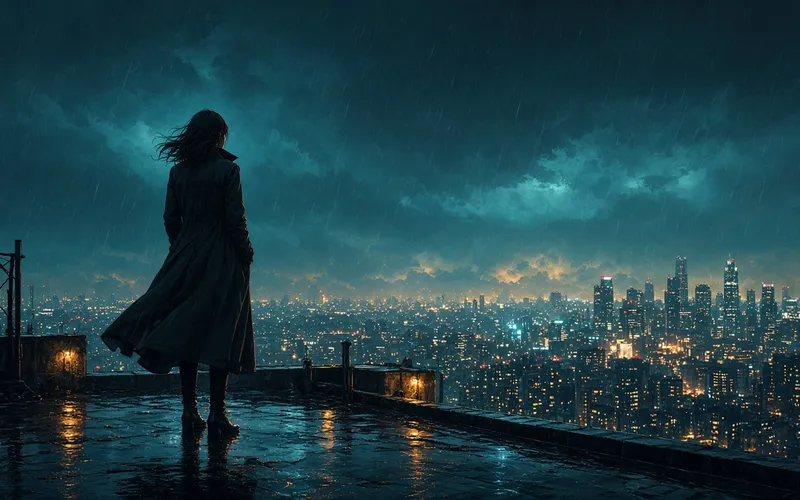
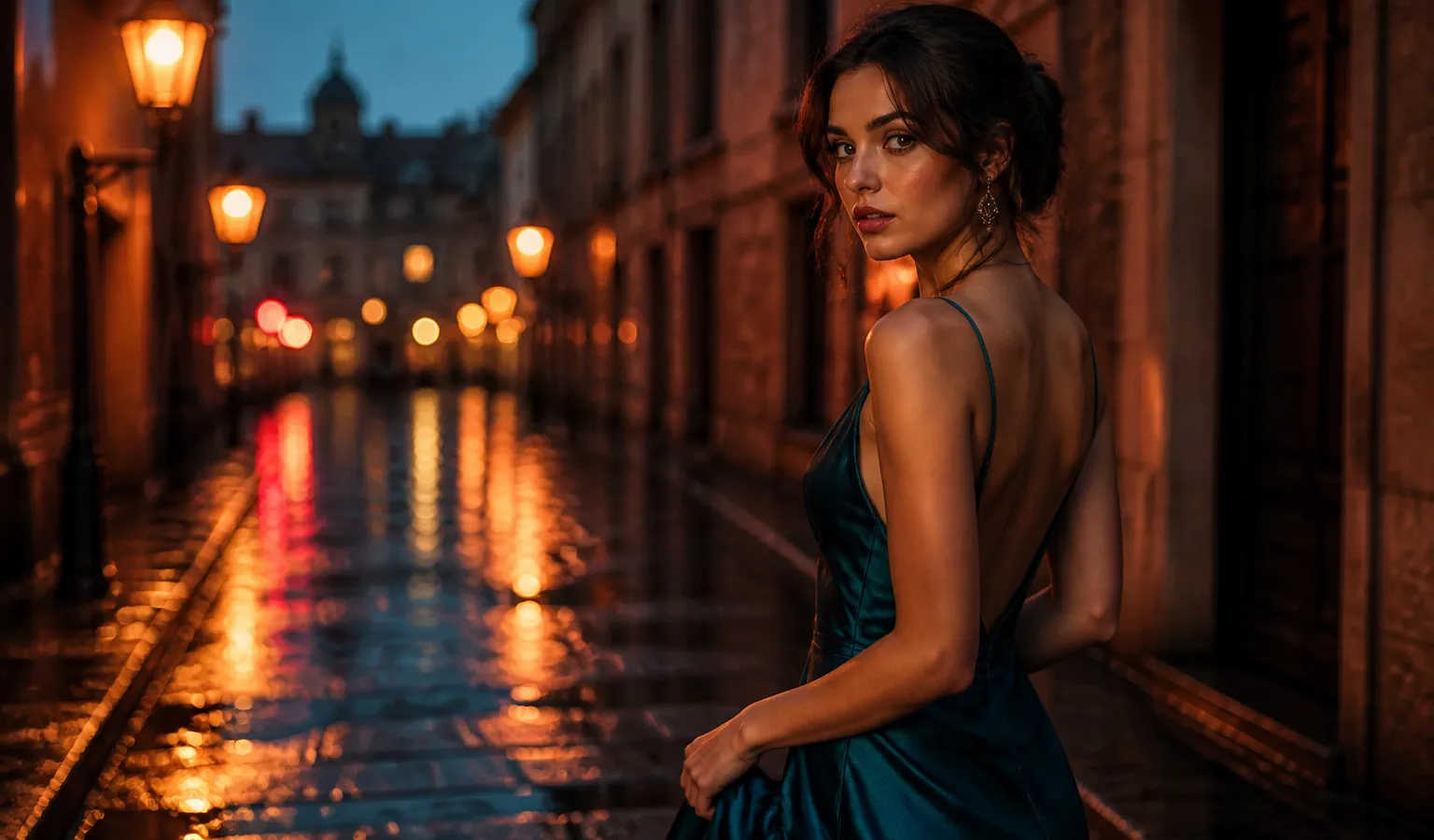
1. Cinematic Porträt Regen + Neon (Cover-Look)
Geeignet für: Social-Cover, Character-KV, Mood-Still
Tipp: --stylize 180–220; kein Raw
cinematic portrait of a young woman in a teal silk dress on a rain-wet cobblestone street at dusk, neon reflections in puddles, soft rim light, shallow depth of field, teal and amber color grade --stylize 200Eindruck: V8.2 hält nasse Bodenreflexionen und Seide stabiler; cinematic, 8k, masterpiece stapeln bringt wenig.
2. Dokumentarisches Fensterlicht-Porträt
documentary portrait of a ceramicist at a sunlit studio workbench, medium shot, soft window light from the left, natural skin texture, quiet observational photography --stylize 80Eindruck: Niedriger stylize wirkt „beobachtend“; für Commercial-Glanz etwas hoch oder Personalization.
3. High-Fashion Editorial, hartes Seitenlicht
high-fashion editorial portrait, hard side light, crisp shadows, sculpted cheekbones, matte studio backdrop, magazine cover composition --stylize 1504. Environmental Portrait zur Golden Hour
environmental portrait of a traveler on a coastal cliff at golden hour, wind in hair, warm backlight, dusty atmosphere, cinematic still --stylize 1805. Low-Key Indoor mit Practical Lamp
low-key indoor portrait by a single practical lamp, deep shadows, warm practical light, intimate framing, film still aesthetic --stylize 160Mehr Face-/Lookbook-Templates: Portrait-Prompt-Cases.
B. Realistisches Produkt & Still Life (6–10)
In diesem Block
--rawan: weniger Default-Cinema-Filter, mehr Material und Speculars.
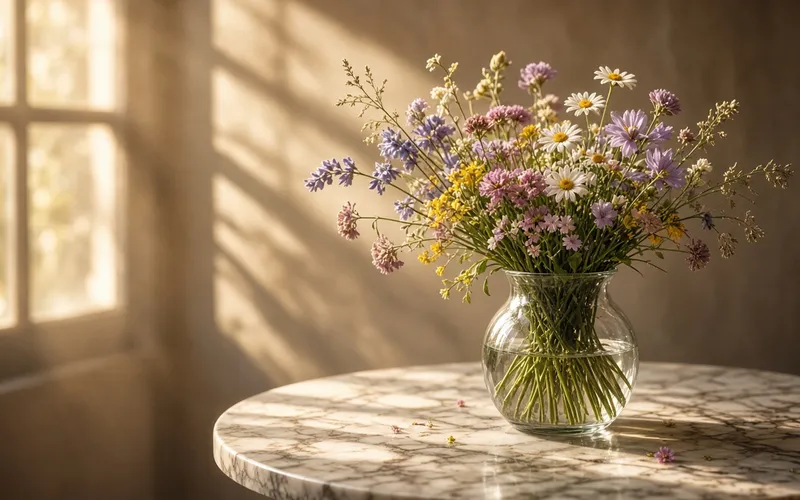
6. Keramikbecher (einsteigerfreundliche Kontrolle)
a ceramic mug on a sunlit wooden table, medium shot, soft morning window light from the left, shallow depth of field, natural wood grain, quiet product photography --raw --stylize 1007. Skincare-Hero auf Weiß
matte white skincare bottle on seamless white background, soft top light, subtle reflection, clean ecommerce hero shot --raw --stylize 508. Latte-Art-Makro
macro shot of latte art heart pattern, creamy foam texture, warm cafe light, shallow depth of field, food photography --raw --stylize 1009. Schmuck auf Samt
gold ring with small diamond on dark velvet, specular highlights, softbox lighting, luxury product still life --raw --stylize 8010. Minimal-Tech auf Aluminium
wireless earbuds case on brushed aluminum desk, cool daylight, soft shadows, minimal tech product photography --raw --stylize 70Weiter: E-Commerce-Cases und Food-Cases.
C. Illustration, Concept & Anime (11–15)
Hier kein
--rawals Start; ziele auf--stylize 200–280und ein Medium (Cel / Öl / Aquarell).
11. Anime-Bust mit Cel Shading
anime-style character bust portrait, clean linework, soft cel shading, expressive eyes, detailed outfit collar, soft pastel background, key visual illustration --stylize 25012. Thick-Paint Fantasy (Buchcover)
thick paint fantasy illustration of a mage with glowing staff, rich brush texture, dramatic rim light, book cover composition --stylize 24013. Aquarell Küstenstadt
soft watercolor illustration of a coastal town on a hillside, loose washes, paper texture, travel sketchbook aesthetic --stylize 22014. Anime-Figur auf regnerischer Neon-Straße
anime-style character standing on a rainy neon street, full body, cel shading, vivid cyan and magenta lights, clean linework, key visual --stylize 25015. Concept Art Felsentempel
concept art of an ancient cliffside temple above clouds at dusk, painterly CG, dramatic sky, wide establishing shot --stylize 200Vertiefung: Anime- & Illustrations-Cases; Modellwahl: Beste Anime-KI-Modelle 2026.
D. Architektur, Interior & Landschaft (16–20)
Für fotografische Archi-Looks hilft Raw. Bei cinematic Cityscape-Concepts darfst du stylize höher lassen — oft ohne Raw.
16. Betonhaus am Abend
modern concrete house exterior at dusk, warm interior lights, reflective pool, architectural photography, clean lines --raw --stylize 10017. Japanisches Interior, weiches Morgenlicht
japanese interior with tatami and shoji screens, soft morning light, minimal furniture, calm architectural photograph --raw --stylize 9018. Futuristische Küstenstadt (Blue Hour)
aerial view of a futuristic coastal city at blue hour, glowing towers, layered haze, cinematic cityscape concept --stylize 18019. Kabine im Nebelwald
cabin in misty pine forest at dawn, soft fog, warm window glow, atmospheric landscape photography --stylize 15020. Museumsgalerie
spacious museum gallery with soft overhead light, polished concrete floor, large abstract sculpture, architectural interior photo --raw --stylize 80Mehr gebauter Raum: Architecture-Prompt-Cases.
E. Style-Mix & Control (21–25)
Dieser Block prüft, wie tolerant Midjourney V8.2 bei Konfliktwörtern und Reference-Lock ist.
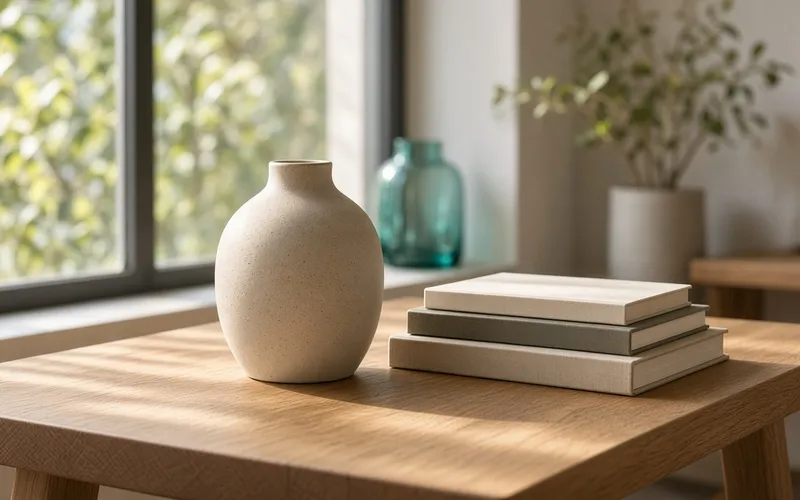
21. Minimal + starke Textur (weniger ist präziser)
single ceramic vase on empty linen tablecloth, soft daylight, extreme minimalism, visible clay texture --stylize 120Lesart: Wenige prüfbare Wörter → in V8.2 oft stabiler.
22. Kollidierende Styles (Gegenbeispiel)
ultra realistic photo of an anime girl, cel shading, oil painting, cinematic, 8k, masterpiece --stylize 250Lesart: Oft „von allem etwas“. Klassischer Review-Fail: Medien in einer Zeile mischen.
23. Gleiches Subjekt + hohes --chaos
portrait of a red-haired violinist in a rehearsal room --chaos 40 --stylize 150Lesart: Gut zum Suchen; vor dem Final chaos runter. Typische Fallen: Anfängerfehler.
24. Style-Reference-Lock (Text-Placeholder)
In der Praxis die Gewinnerin an SREF hängen, dann nur Mantel/Szene ändern:
same character as style reference, winter coat, snowy street, night, soft streetlights --stylize 200Image-to-Image-Details: Image-Reference-Guide.
25. SD → Run as HD Closing Loop
cinematic portrait of a young woman in a teal silk dress on a rain-wet cobblestone street at dusk, neon reflections, soft rim light --stylize 200Komposition in SD wählen, dann Run as HD. Das ist der volle Cover-Kreislauf.
Style-Cheat-Sheet
| Ziel-Ästhetik | --raw |
stylize | Hinweis |
|---|---|---|---|
| Cinema-Porträt / KV | Meist nein | 150–220 | Weniger leere Wörter |
| Produkt / E-Commerce | Ja | 50–100 | Konkrete Materialien |
| Architektur / Interior | Fast immer ja | 70–120 | Licht klar beschreiben |
| Illustration / Anime | Nein | 200–280 | Ein Medium |
| Concept Art | Nein oder schwaches Raw | 180–240 | Komposition zuerst |
Parameter-Übersicht: V8.1-Parameter-Cheatsheet (V8.2 nutzt die aktuelle Logik). Mehr Vorlagen: Prompt-Cases V8.1.
Abschluss
Diese Deep Review der neuen Aesthetic Styles in Midjourney V8.2 ist pragmatisch: Du brauchst keine mystische Wortwolke, sondern ein klares Medium, ein prüfbares Subjekt und konkretes Licht. Nimm 3 Prompts nah an deinem Job, iteriere in SD, liefere mit Run as HD; bei Serien SREF oder Moodboards fixieren.
Weiter auf Midjourney.ing mit deinem echten Brief. Schreiben: V8.2 Prompt-Guide; Einstieg: V8.2 Einsteiger-Guide.