Midjourney prompts
Midjourney Portrait Prompt Cases: 12 ID-Style, Fashion Editorial & Character Lookbook Templates (V8.1)
Midjourney.ing10 min read
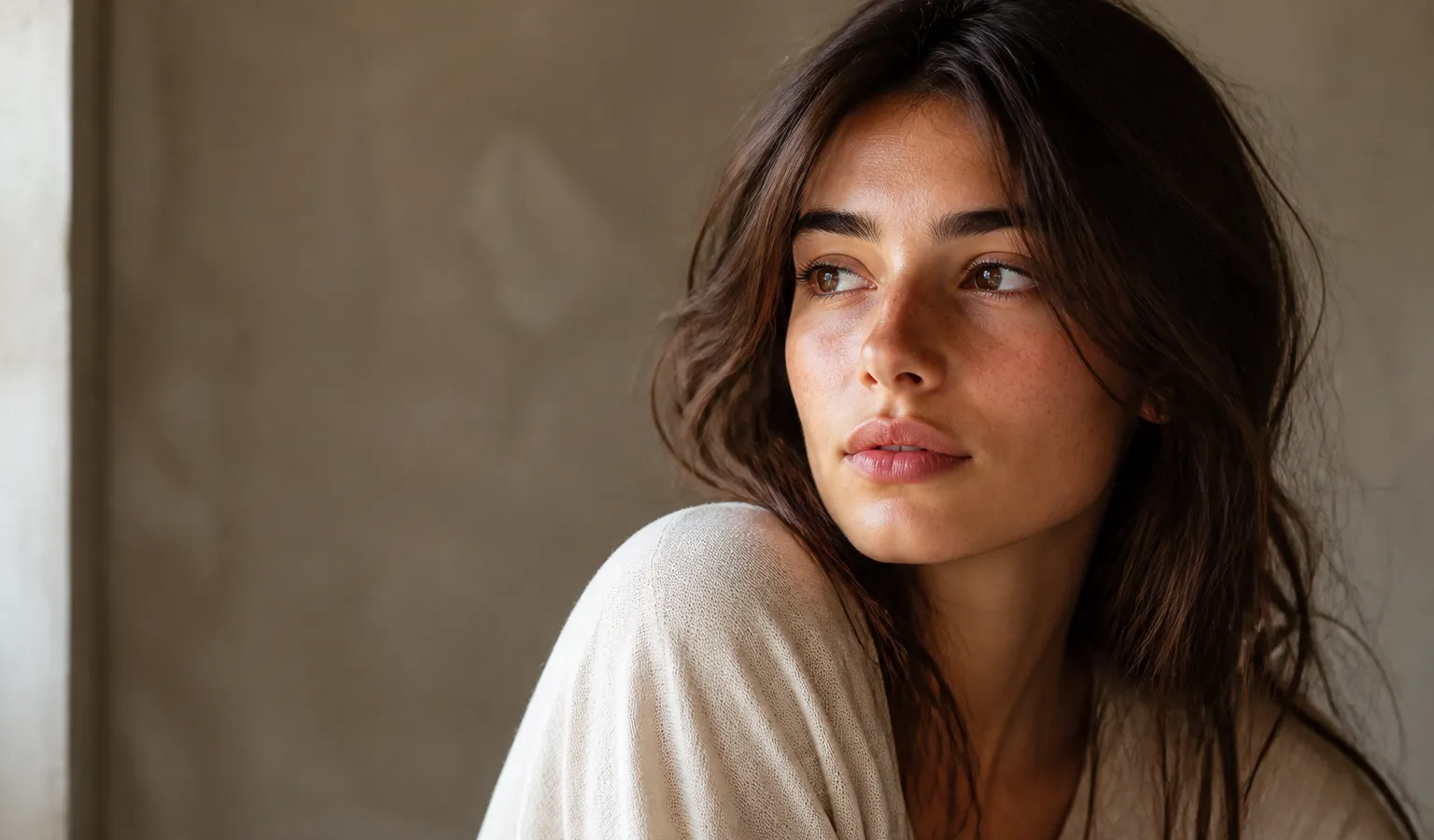
Contents+
Writing Midjourney portrait prompts often devolves into a pile of beauty adjectives—then facial features drift, framing goes inconsistent, and the result does not read as a usable avatar or lookbook image. This article gives you 12 ready-to-adapt templates built for Midjourney V8.1, covering ID-style, professional / social avatars, fashion editorials, character lookbooks, and environmental portraits, with notes on when to enable --raw and how to go SD→Run as HD for delivery.
If you are still building your prompt skeleton, start with Midjourney Prompt Tips: A Structure Built for V8.1; for a general scene library, see Midjourney Prompt Case Library: 10 Ready-to-Adapt V8.1 Scene Templates; for the same character across multiple images, pair it with Midjourney Image-to-Image & Image Reference: From One Reference Image to Controlled Delivery and the tutorial Midjourney Personalization in Practice: Train and Apply Your Aesthetic Profile.
Three Rules for Portrait Output
- Write framing and lens first, then mood
headshot/medium close-up/full-lengthstabilizes composition better than stackingbeautiful, perfect face. - ID and professional shots lean realistic; fashion and character work can keep style
ID-style, passport-style substitutes, and LinkedIn avatars: try--rawfirst; fashion editorials and illustrated lookbooks can skip Raw initially, then A/B. - Explore in SD, deliver in HD; change only one variable at a time
V8.1 natively supports about 2K. Keep test runs in SD; lock the winner with Run as HD. Resolution strategy: Midjourney HD vs SD: Save Time and Cost with a Resolution Strategy.
The prompts below are English templates. You can write in Chinese too; the key is still “subject → framing → light → material / hair & makeup → light style → parameters”.
Case 1: Front-Facing ID-Style Headshot (Neutral Background)
Best for: ID-photo practice, résumé base image, neutral ID-style avatar
Suggested parameters: --raw; --stylize 40–70; keep chaos very low
front-facing ID-style headshot of a young adult, neutral expression, centered face, plain light gray seamless backdrop, even softbox lighting, sharp eyes, natural skin texture, passport photo look --raw --stylize 50How to adapt: Swap age / hairstyle; background can become plain white / light blue; keep expression neutral—avoid smiles and dramatic lighting.
Case 2: Professional Headshot (LinkedIn / Website)
Best for: Professional branding, team page, speaker avatar
Suggested parameters: --raw; soft side light; finalize in HD
professional headshot of a mid-30s person in a tailored navy blazer, medium close-up, soft window light from camera left, clean office bokeh background, natural skin, confident calm expression, corporate portrait photography --raw --stylize 70How to adapt: Swap outfit color and industry tone (creative fields can raise stylize slightly); background can become soft gray studio; when you need a more candid, real-person feel, add image reference to lock face shape.
Case 3: Social Half-Body Portrait (Natural Window Light)
Best for: Social avatar, personal-brand cover half-body
Suggested parameters: Medium stylize; skip Raw first to see mood, then A/B
portrait of a young woman with wind-swept hair, medium close-up, soft window light from camera left, shallow depth of field, natural skin texture, quiet editorial photography --stylize 100How to adapt: Swap hairstyle and age; light can become golden hour rim light or overcast softbox; add --raw for a more literal read.
Case 4: Full-Length Fashion Editorial (Hard Light, Geometric Shadows)
Best for: Lookbook, event key visual, apparel fashion editorial
Suggested parameters: Stylize can go slightly higher; raise --chaos briefly during exploration, then bring it back down on the winner
high-fashion editorial of a model in a sculptural ivory coat, full-length pose on concrete plaza, hard midday sun, strong geometric shadows, 85mm lens look, modern fashion photography --stylize 120How to adapt: Swap garment material and color; light can become night flash / soft overcast; when pose is unstable, lock stance with image reference.
Case 5: Fashion Half-Body Close-Up (Hair & Makeup Lead)
Best for: Beauty half-body, makeup showcase, magazine-style close-up
Suggested parameters: Write makeup and hair concretely; avoid empty gorgeous makeup
beauty editorial close-up of a model with precise winged eyeliner and dewy skin, tight head-and-shoulders crop, soft beauty dish lighting, sharp catchlights in eyes, clean studio backdrop, high-fashion beauty photography --stylize 110How to adapt: Swap makeup keywords (matte red lip / wet hair look); add --raw when you need a more neutral commercial read.
Case 6: Character Lookbook Half-Body (Film / Game Design)
Best for: Character card, lookbook still, character design sheet
Suggested parameters: Series work uses SREF / Moodboards; stack image reference for character consistency
character lookbook portrait of a fantasy ranger with braided hair and leather armor, medium shot, cinematic side light, detailed costume materials, calm heroic expression, film still character portrait --stylize 140How to adapt: Swap profession and world (cyberpunk / historical / sci-fi); for “same character, multiple images,” fix reference image + short prompt, swap scene only. Style anchors: Midjourney Style Reference Complete Guide: How SREF and Moodboards Keep Series Visuals Cohesive.
Case 7: Anime / Illustration Character Bust
Best for: Anime-style bust portrait, cover character, illustration lookbook
Suggested parameters: Usually skip --raw (keep the painted feel); stylize can go higher; hang SREF on series work
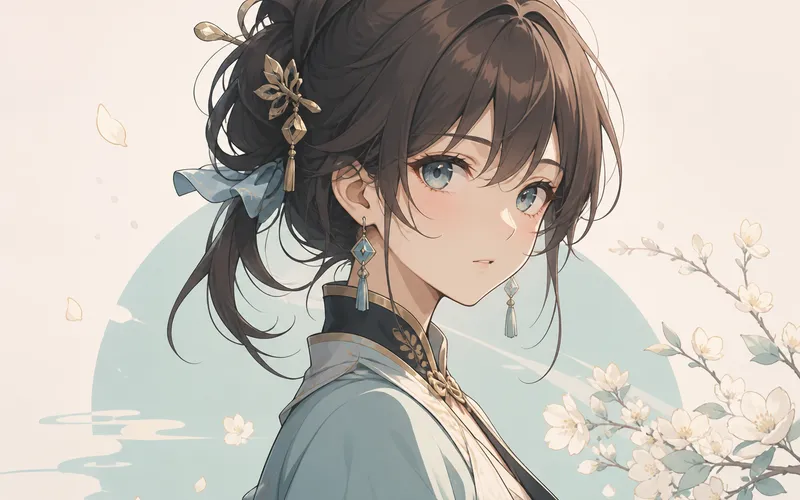
anime-style character bust portrait, clean linework, soft cel shading, expressive eyes, detailed outfit collar, pastel background, key visual illustration --stylize 250How to adapt: Swap cel shading for soft watercolor or thick paint illustration; change pose and hairstyle one at a time.
Case 8: Environmental Portrait (Street Narrative)
Best for: Urban street portrait, travel portrait, content-account cover
Suggested parameters: Person stays the subject; environment must not overpower the face
environmental portrait of a person walking through a rainy neon street, medium full shot, candid documentary feel, wet asphalt reflections, soft focus background, street portrait photography --stylize 100How to adapt: Swap city mood and weather; if the face is not clear enough, write face in sharp focus; try --raw for a more realistic read.
Case 9: Indoor Window Portrait (Quiet Mood Still)
Best for: Mood piece, novel character still, quiet social image
Suggested parameters: Light and shadow first; mood words in moderation
a person sitting by a rainy window, medium shot, soft daylight, quiet mood, natural skin, gentle reflections on glass, intimate portrait photography --stylize 100How to adapt: Swap pose and time of day (warm dusk light); with Personalization enabled, you can raise --stylize slightly so personal taste shows through more.
Case 10: Elder / Child Portraits (Write Age Clearly)
Best for: Family stories, brand human-interest, multi-age characters
Suggested parameters: Write age and skin texture concretely; avoid empty skin-smoothing words
portrait of an elderly craftsman with weathered hands and silver hair, medium close-up, soft workshop window light, detailed skin texture, respectful documentary portrait --raw --stylize 80How to adapt: When swapping age band (toddler / teenager), update clothing and scene together; keep child subjects simple—avoid exaggerated filter words.
Case 11: Black-and-White Portrait (Texture and Light Ratio)
Best for: Art portrait, poster base, strong light-ratio practice
Suggested parameters: State black and white explicitly; write light ratio clearly
black and white portrait of a person in profile, dramatic Rembrandt lighting, rich midtones, visible film grain, sharp iris detail, classic studio portrait --stylize 90How to adapt: Swap front / three-quarter profile; grain can become clean digital mono; add --raw for a more neutral grayscale.
Case 12: Same Character Three-Framing Set (Headshot + Half-Body + Full-Length)
Best for: Character design pack, actor card, brand ambassador materials
Suggested parameters: All three sentences share the same character description; mood via SREF; face via image reference
same character lookbook set: (1) front headshot, (2) medium waist-up portrait, (3) full-length standing pose, consistent face and wardrobe, soft studio lighting, clean gray backdrop, commercial character sheet photography --stylize 100How to adapt: In practice, split into three generations (one framing each) is more reliable than forcing a three-panel sheet in one image; change only framing words each time—keep character nouns and reference image fixed. Iteration: Midjourney Vary & Remix: Small-Step Iteration to Final Delivery.
ID-Style / Fashion / Lookbook: Which Template to Pick
| Goal | Prefer | Template bias | Parameter bias |
|---|---|---|---|
| ID-style, neutral avatar | Front-facing, even light, empty background | Cases 1–2 | --raw + low–medium stylize |
| Social & personal brand | Half-body, window light, shallow DOF | Cases 3, 9 | Medium stylize; Raw as needed |
| Fashion editorial / beauty | Pose, hair & makeup, hard light or beauty dish | Cases 4–5 | Stylize can go slightly higher |
| Character lookbook / design | Costume material + series anchor | Cases 6–7, 12 | SREF + image reference |
| Narrative environmental portrait | Person stays the subject | Cases 8–10 | Control background interference |
| Art black-and-white | Light ratio and texture | Case 11 | Explicit mono description |
Turn Portrait Templates into a Deliverable Workflow
| Step | What to do | Purpose |
|---|---|---|
| 1 | Pick ID / fashion / lookbook template | Reduce stacking beauty words |
| 2 | Replace only character and hair & makeup keywords | Quick direction check |
| 3 | Generate candidates in SD; change framing one type at a time | Lock composition |
| 4 | Enable --raw for ID and professional shots; A/B art styles |
Control realism |
| 5 | Same person, multiple images: image reference + short prompt | Stabilize face and identity |
| 6 | Series mood: SREF / Moodboards / Personalization | Visual consistency |
| 7 | Vary Subtle for expression and fabric folds | Small-step refinement |
| 8 | Run as HD for ~2K delivery | Publish-ready output |
End-to-end flow: Midjourney AI Art from Start to Finish: The Complete 2026 Workflow (V8.1); realism switch: Midjourney –raw Realism Tutorial: Product Still Life & Architecture Step by Step.
Why Portrait Prompts Break When You Edit Them
- Only “beautiful,” no framing → distance jumps, crops go chaotic
- ID-style stacked with cinematic flair and lens flares → does not read as ID / professional avatar
- Starting in HD for trial and error → expensive and slow (V8.1: use SD→HD)
- Copying V7’s
--q→ V8.1 / V8.2 do not support--q - Want the same character but rewrite the face every image → drift without reference / style anchor
- Environmental portrait background too busy → face becomes a supporting element
Full parameter table: Midjourney V8.1 Parameter Cheatsheet: –hd –raw –chaos –stylize; beginner pitfalls: 10 Common Midjourney Beginner Mistakes (and How to Fix Them).
How This Fits With Other Site Content
- Structure method: Midjourney Prompt Tips: A Structure Built for V8.1
- General 10-scene library: Midjourney Prompt Case Library: 10 Ready-to-Adapt V8.1 Scene Templates
- E-commerce product focus: Midjourney E-Commerce Prompt Cases: 12 Product Hero & Lifestyle Scene Templates (V8.1)
- Series and reference: Series Visuals with Style Reference: Brand Consistency in Midjourney, Midjourney Image Reference in Practice: Controlled Variants from Reference Images
Once you have character description ready (age, hairstyle, outfit), enter the workspace from “Try Midjourney now” at the top: run Case 1 for ID-style, Case 4 or 6 for fashion / lookbook, then Run as HD—faster to deliver than debating a “complete portrait prompt encyclopedia.”
Closing
Midjourney portrait prompts succeed when “looking good” becomes framing, light, and use case. Use these 12 V8.1 templates to separate ID-style, professional avatars, fashion editorials, and character lookbooks, then add --raw, image reference, and style anchors so your portraits / portrait photography / lookbook work stays near deliverable instead of random filtered selfies. Start by swapping the first character description in whichever template matches your current need.