Midjourney
Best AI Image Models for Anime Characters in 2026
Midjourney.ing5 min read
Contents+
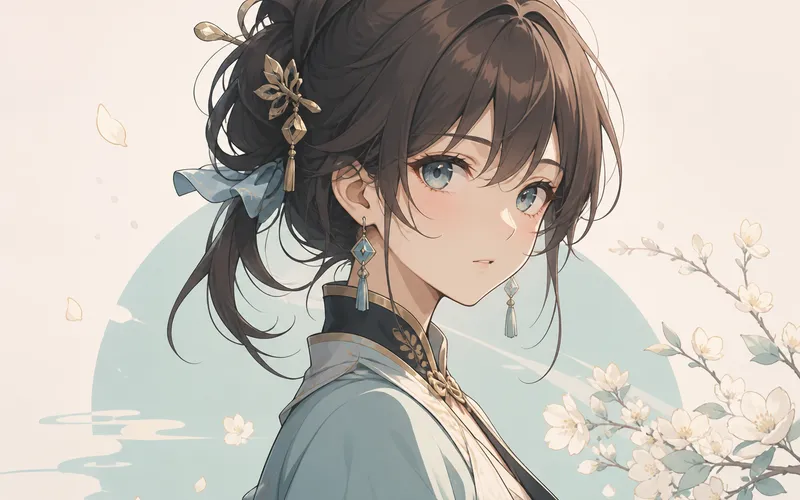
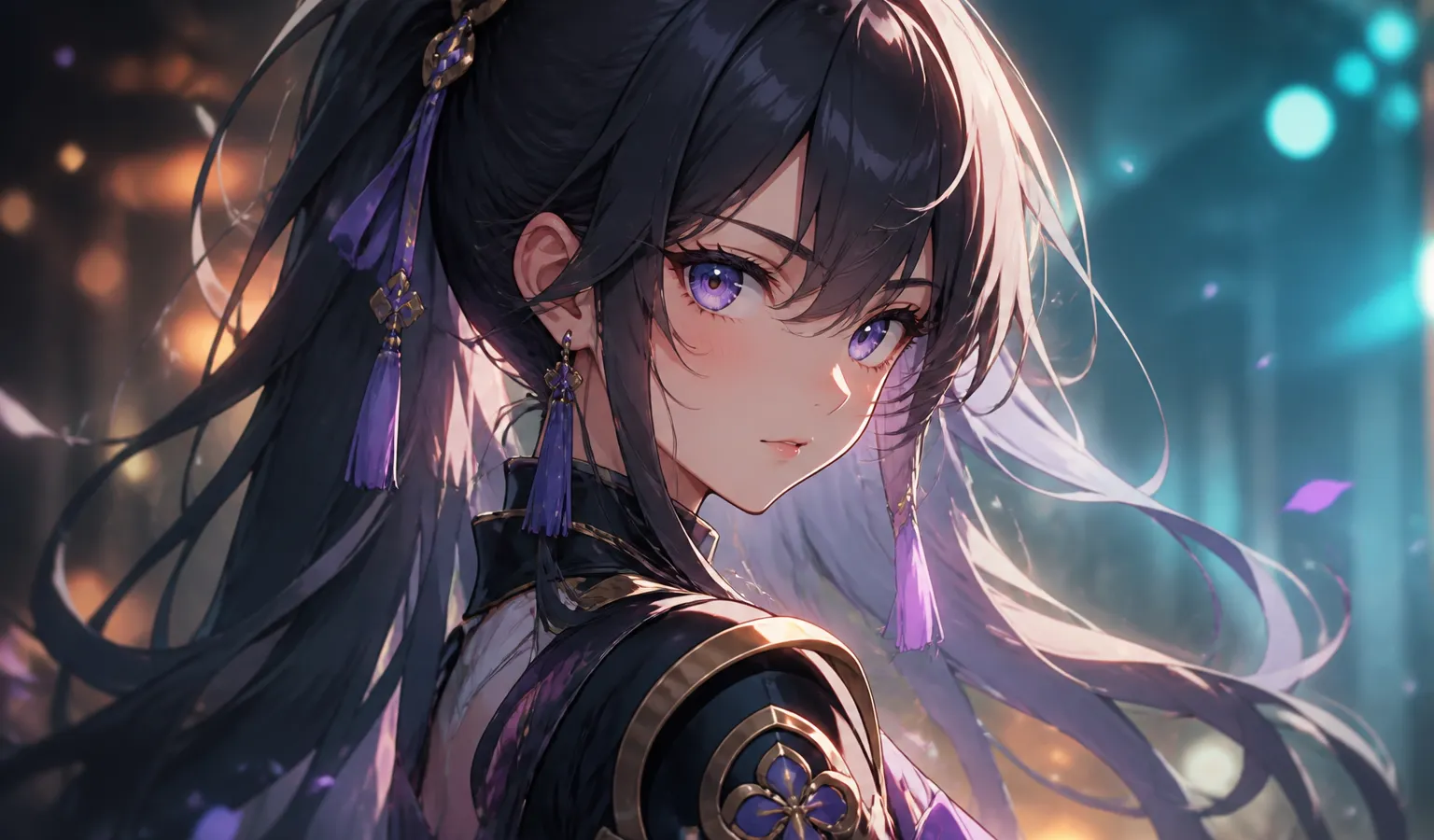
When you need anime character sheets, bust portraits, or key visuals, picking the right AI image model often matters more than stacking adjectives. Plenty of AI image generation tools shipped updates in 2026—but few stay reliably cel-shaded, clean-lined, and expressive. This guide explains why Midjourney (especially Midjourney V8.1 / V8.2) remains the practical default for anime roles, then walks a workflow you can run today.
Already committed to Midjourney and only need prompt templates? Jump to the anime & illustration prompt cases. Here we focus on model choice + how to use Midjourney for anime characters.
What “good” looks like for anime characters in 2026
Score any text-to-image stack on these five checks:
- Medium fidelity — cel shading, thick paint, or watercolor without drifting into photo realism
- Face readability — eyes, hair strands, and expression that feel alive
- Costume & props — collars, accessories, and weapons readable enough for character design
- Series consistency — same character across outfits/angles via references
- Finish path — fast exploration, then crisp delivery (Midjourney’s SD → Run as HD)
Many general models improved at realistic portraits; anime still fails when linework softens or style tokens fight each other. That gap is where Midjourney AI art keeps winning for 2D characters.
Bottom line: why Midjourney fits anime characters
For most creators in 2026, the best AI image model for anime characters is still Midjourney:
| Dimension | Midjourney edge | Why it matters |
|---|---|---|
| Default aesthetics | Illustration-friendly without forcing photo looks | Stable anime / poster energy |
| Prompt parsing | V8.1 / V8.2 respects structure | Clear priority: subject → framing → light → style |
| Style lock | SREF / Moodboards / Personalization | Cohesive character series |
| Resolution path | SD explore + Run as HD | Buy pixels only after direction is right |
| Parameters | --stylize, --chaos, careful --raw |
Keep stylize for anime; avoid Raw by default |
In short: Midjourney text-to-image treats painterly intent as a first-class citizen—exactly what anime character work needs.
How other options compare (anime-only lens)
1. Midjourney — default for sheets and key visuals
Best for: character design, bust portraits, event KV, light-novel / game cover stills.
Strengths: stable anime feel; style references for brand-consistent feeds; clear prompt → SD → HD loop.
Watch-outs: full-body hands/feet can glitch—crop to bust or use the image reference guide.
2. Open-source / local diffusion — control with ops cost
Best for: heavy LoRA customization, privacy, or batch pipelines.
Trade-off: model hunting and GPU ops; “pretty anime out of the box” rarely matches Midjourney. Solo creators usually return to Midjourney prompts plus references for delivery speed.
3. Photo-leaning commercial models — strong faces, weak cel defaults
Best for: live-action-leaning concepts.
Weakness: fighting default photography aesthetics to land cel shading. Inside Midjourney, accidentally enabling --raw creates the same “anime turned photoshoot” problem—see prompt tips.
Rule of thumb: anime characters as the deliverable → start with Midjourney V8.1 / V8.2; add local stacks only when you need deep customization.
Recommended Midjourney workflow for anime characters (2026)
Step 1 — Confirm version and intent
Set Midjourney V8.1 (or available V8.2). Decide sheet / bust / cover / street mood before writing. Overview: V8.1 guide and V8.2 prompt guide.
Step 2 — Prompt order: medium → character → framing → light
- Medium:
anime-style/cel shading/watercolor illustration(pick one primary) - Character details: hair, outfit, expression
- Framing:
full body/bust portrait/key visual - Light & background in one short clause
- Params: usually no
--raw;--stylize 200–280; raise--chaosbriefly while exploring
Starter:
anime-style character bust portrait, clean linework, soft cel shading, expressive eyes, detailed outfit collar, soft pastel background, key visual illustration --stylize 250More templates: anime prompt cases.
Step 3 — Explore in SD, finish with Run as HD
Keep exploration in SD; change one variable per round. Lock direction, then Run as HD. See HD vs SD and the 2026 AI art workflow.
Step 4 — Lock series look with SREF / Moodboards
For multi-outfit character projects, attach SREF or Moodboards instead of rewriting style every time. Guide: SREF & Moodboards.
Quick fixes for common fails
| Symptom | Likely cause | Fix |
|---|---|---|
| Anime becomes photo | --raw on or photo tokens |
Disable Raw; stress cel shading / illustration |
| Empty eyes / soft face | Too wide framing + low stylize | Use bust; raise --stylize |
| Bad hands/feet | Overloaded full body | Bust first; add image reference |
| Style drifts every image | No style lock | Enable SREF / Moodboards |
| Pretty but unfocused | High chaos | Lower --chaos before finals |
Also skim beginner mistakes.
Final take
If your job is anime characters—sheets, busts, 2D covers—Midjourney remains one of the strongest AI image models in 2026: illustration-first defaults, structured prompts, mature style references, and an HD finish path. Open-source shines for deep local pipelines; most creators ship faster with Midjourney text-to-image.
Next: run a bust/sheet pass in SD → Run as HD → attach SREF for the series, and keep the anime prompt library as your rewrite base. Try it on Midjourney.ing—better than chasing model-name hype alone.