Midjourney V8.1
Midjourney HD vs SD: Save Time and Cost with a Resolution Strategy
Midjourney.ing2 min read
Midjourney V8.1HDWorkflow
Contents+
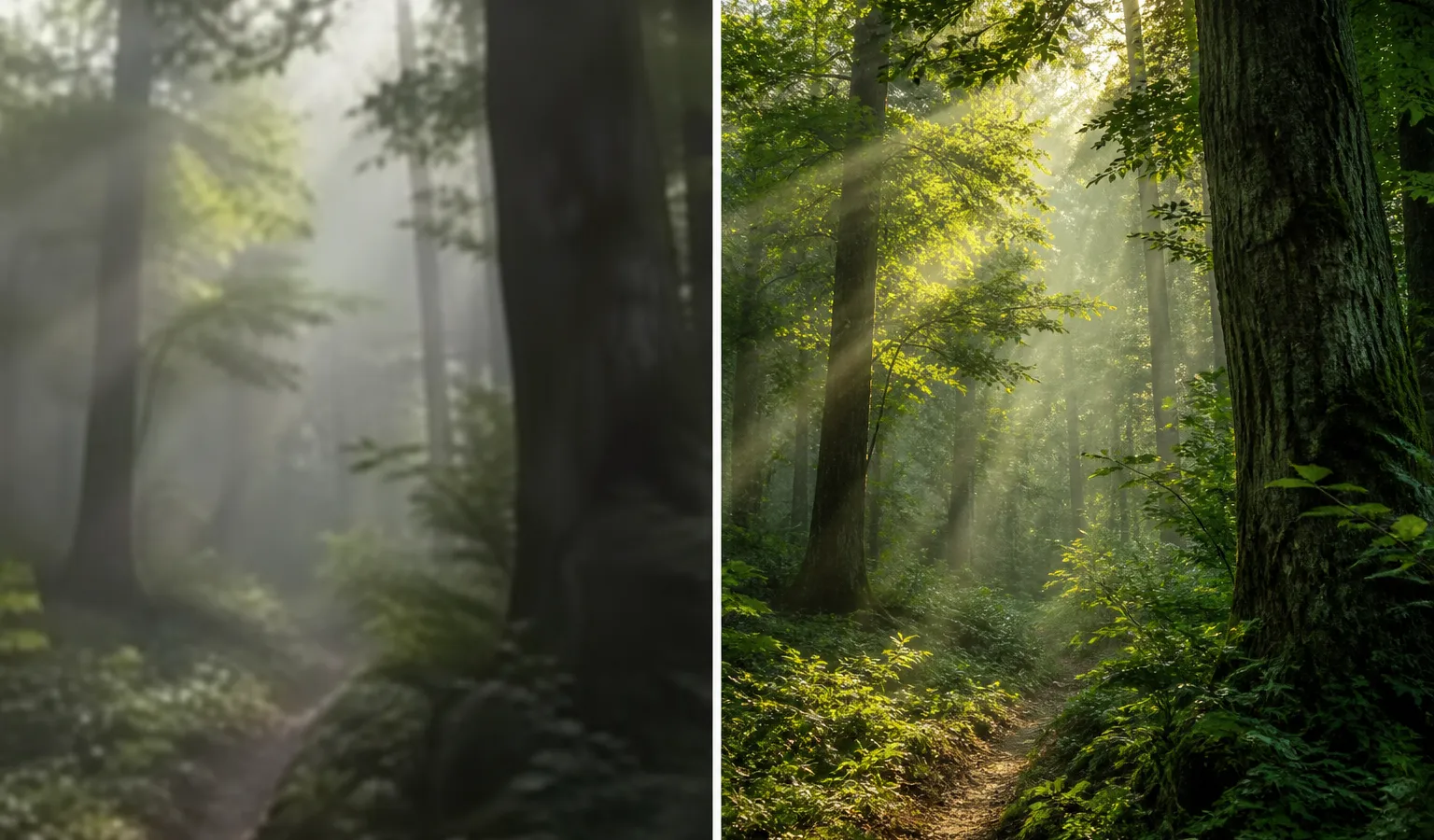
In Midjourney V8.1, resolution is no longer “bigger is always better.” It is a workflow switch: SD for exploration, HD for delivery.
What Each Resolution Mode Solves
| Mode | Typical use | When to choose it |
|---|---|---|
| SD | Fast iteration, composition screening | When the prompt is still unstable |
| HD (~2048px) | Finals, print, large displays | When composition and seed are locked |
V8.1 makes HD cheaper than earlier versions—but “cheaper” does not mean “turn it on every time.”
Recommended Flow
- Generate a set of directions in SD;
- Pick the winning result;
- Use Run as HD to lift it to 2K with the seed locked;
- If you still need tweaks, return to the prompt or Raw / Stylize—do not blindly spawn piles of HD jobs.
How This Differs from Legacy Upscale
The V8 family emphasizes native high-resolution generation over the old standalone upscaler path. For most creators, that means targeting HD at the delivery stage—not “low-res first, then magic upscale.”
Takeaway
Treat resolution as a budget tool, not a default effect. You will feel V8.1’s speed advantage where it belongs: trying more ideas, not burning time on premature HD renders.