Midjourney
10 Common Midjourney Beginner Mistakes (and How to Fix Them)
Midjourney.ing8 min read
Contents+
The first time many people open Midjourney, the problem is not clicking Generate—it is that each run feels more chaotic: prompts get longer, outputs drift further from what they wanted, and credits run out while they are still stuck on the four-up grid. This article walks through the 10 mistakes Midjourney beginners hit most often in an “mistake → why it fails → how to fix it” format, all mapped to the real Midjourney V8.1 workflow so you can turn AI art from guesswork into a repeatable process.
If you have not yet completed your first full generation, start with Getting Started with Midjourney: Your First Complete Generation Guide; for an end-to-end path to delivery, read Midjourney AI Art from Start to Finish: The Complete 2026 Workflow (V8.1).
Mistake 1: Writing prompts as adjective stacks
Why it fails
Beginners often assume Midjourney prompts should be as long as possible: cinematic, ultra detailed, masterpiece, 8k, best quality… stacked in a row. In V8.1, the model responds better to clear structure; empty adjectives compete for weight and the subject turns mushy.
How to fix it
Write in the order “subject → camera → light → material → style → parameters,” and state what you see first. For the full framework, see Midjourney Prompt Tips: A Structure Built for V8.1; for ready-to-adapt templates, see Midjourney Prompt Case Library: 10 Ready-to-Adapt V8.1 Scene Templates.
a ceramic mug on a wooden table, medium shot, soft morning window light, matte glaze texture, photorealistic --stylize 100Mistake 2: Turning on HD for every trial run
Why it fails
HD (~2K high resolution) is for final delivery, not exploration. Beginners who run every experiment in HD pay more, wait longer, and often hesitate to fix composition because “the pixels already look good.”
How to fix it
Keep exploration in SD; once direction is locked, use Run as HD or add --hd. That is the most cost-effective resolution strategy in V8.1—see Midjourney HD vs SD: Save Time and Cost with a Resolution Strategy.
Mistake 3: Changing too many variables at once
Why it fails
In one round you change the camera, lighting, style words, --chaos, and add a reference image—then you cannot tell which change helped or hurt. That is one of the slowest ways to stall after Midjourney getting started.
How to fix it
Change one variable at a time. Use Vary for composition tweaks and Remix when the prompt itself is the weak link; keep an iteration log. Practice: Midjourney Vary & Remix: Small-Step Iteration to Final Delivery.
Mistake 4: Carrying old --q parameters into V8.1
Why it fails
Many tutorials still teach V7 habits: --q 2, --q 4. V8.1 / V8.2 does not support --q. Copying old parameters either does nothing or distorts your sense of which switches actually work.
How to fix it
Handle quality and sharpness through SD → Run as HD; use --raw for realism and --stylize for aesthetic strength. Full parameter table: Midjourney V8.1 Parameter Cheatsheet: –hd –raw –chaos –stylize; model overview: Midjourney V8.1 Feature Breakdown: Faster, More Prompt-Aware 2K HD.
Mistake 5: Skipping --raw for product shots (or forcing Raw on art)
Why it fails
Default generation often adds a little “cinematic / beauty filter.” For e-commerce hero shots and architecture boards, that filter fights material realism; conversely, forcing --raw on mood-heavy concept art can strip the emotion you wanted.
How to fix it
Toggle by use case: product / architecture / neutral reference frames—try --raw first; illustration and strong stylistic art—start without it, then A/B. Hands-on path: Midjourney –raw Realism Tutorial: Product Still Life & Architecture Step by Step.
Mistake 6: Describing shape in text when you already have a reference
Why it fails
Text is good at mood; it is bad at locking “this bottle curve / this pose.” Beginners write every contour into the prompt and still miss the reference every round.
How to fix it
When shape, pose, or composition must match a sample, use image reference / image-to-image; when you need a unified look, use SREF / Moodboards. Blog: Midjourney Image-to-Image & Image Reference: From One Reference Image to Controlled Delivery; practice: Midjourney Image Reference in Practice: Controlled Variants from Reference Images.
Mistake 7: Reinventing style on every image in a series
Why it fails
Weekly posts, brand posters, and character sheets that rewrite style adjectives every time look good alone but not as a set—the most common delivery failure in commercial AI image generation.
How to fix it
Lock style in SREF / Moodboards and swap subjects with short prompts; for long-term personal taste, enable Personalization and raise --stylize as needed. Guides: Midjourney Style Reference Complete Guide: How SREF and Moodboards Keep Series Visuals Cohesive; tutorials: Series Visuals with Style Reference: Brand Consistency in Midjourney, Midjourney Personalization in Practice: Train and Apply Your Aesthetic Profile.
Mistake 8: Ignoring model version and staying on old habits
Why it fails
Since June 2026, Midjourney V8.1 has been the default direction: faster, more prompt-aware, native ~2K. If settings still point at an older model, or you keep using “universal long prompts” from old forums, you may think “Midjourney does not work” when the workflow is simply outdated.
How to fix it
Confirm V8.1 before you start. Shorten and sharpen prompts; use the SD/HD strategy; lean on references and profiles instead of endless word stacking.
Mistake 9: Picking the flashiest frame instead of the right direction
Why it fails
Beginners often choose the image with the fullest lighting and densest detail—then Vary / Remix wobbles on subject proportion and narrative, and edits scatter.
How to fix it
In exploration, pick candidates where the subject is right, clear, and composable, not the one that looks most like a poster effect. Save detail polish for after direction is locked; deliver with Run as HD.
Mistake 10: No delivery checklist—stopping only when you feel tired
Why it fails
Without stop conditions, you keep re-rolling. Credits and time go to “one more try” while the deliverable never lands—also why many people read Midjourney tutorials yet still feel they “cannot use it.”
How to fix it
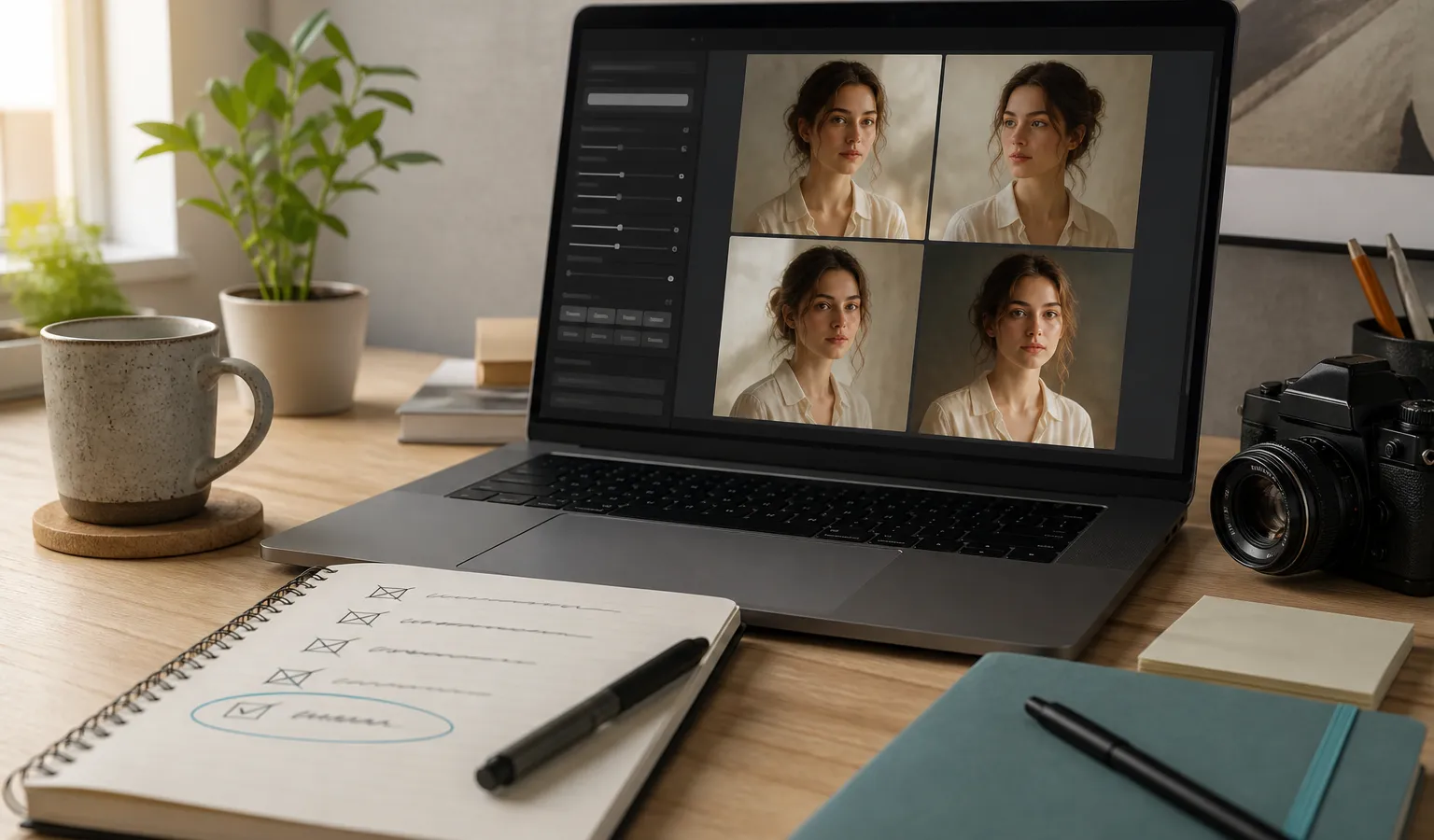
Before each task, write three lines, then generate:
- Must show: subject and key information
- Must feel: photoreal / illustration / brand colors, etc.
- Stop condition: e.g. “SD direction locked → one Subtle pass → Run as HD”
Deliver against a checklist beats “generate another page” and is closer to a professional workflow.
Quick reference: mistakes and fixes
| Common mistake | Fix | Further reading |
|---|---|---|
| Adjective stacking | Structured prompts | Prompt tips |
| HD too early | SD explore → Run as HD | HD vs SD |
| Multi-variable edits | One change at a time + Vary/Remix | Vary/Remix practice |
Copying --q |
Use SD/HD and current parameters | Parameter cheatsheet |
| Raw in wrong context | A/B by use case | –raw tutorial |
| Shape by text alone | Image reference | Image-to-image guide |
| Series style drift | SREF / Moodboards / Personalization | Style reference guide |
| Outdated version habits | Confirm V8.1 | V8.1 breakdown |
| Picking flashiest frame | Pick direction-right candidates | Start to finish |
| No stop condition | Three-line checklist | Getting started |
Optional 7-day correction rhythm for beginners
If you want systematic correction—not a one-time read:
- Days 1–2: Practice structured prompts + SD generation only (mistakes 1, 2, 9)
- Days 3–4: Practice one-variable changes with Vary/Remix (mistake 3)
- Day 5: Try
--rawby use case and the parameter table (mistakes 4, 5) - Day 6: Add image reference or SREF for a small series (mistakes 6, 7)
- Day 7: Run Personalization on/off comparison and deliver one final image with checklist + Run as HD (mistakes 8, 10)
Summary
Midjourney beginner problems are rarely “the model is not strong enough”—more often the method is backwards: stacking words instead of structure, HD instead of thinking, re-rolling instead of reviewing. Fix these 10 mistakes and Midjourney V8.1 suddenly feels much easier—not because magic got stronger, but because what you actually need (better prompts, iteration, delivery) finally matches the right workflow.
When you are ready, use “Try Midjourney” in the header to open the workspace, pick the mistake you make most often, and fix only that one thing today.