
0
Minimal variation.
The Midjourney --chaos parameter controls how much the generated results vary from one another. Learn how different chaos values can support exploration, iteration, and creative experimentation.
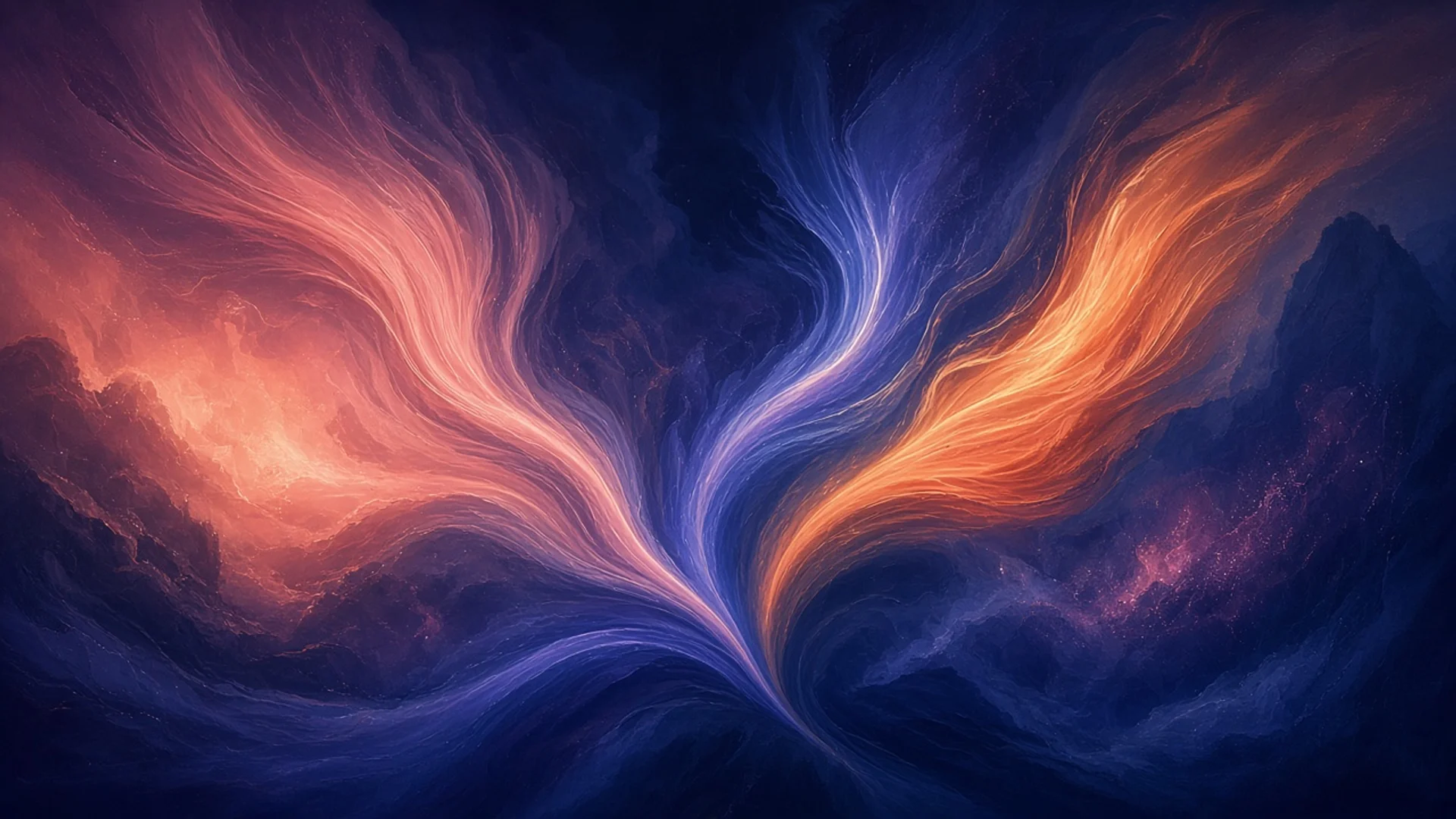
Midjourney's --chaos parameter controls how much the generated results vary from one another.
your prompt --chaos 50
Chaos defaults to 0 and can range from 0–100. Higher is not automatically better.
Chaos affects the amount of variation between the results in a generation. Lower values tend to keep results more similar in direction, while higher values encourage greater differences between them.
Use these as practical starting points, not universal best settings.
Minimal variation.
Moderate exploration.
Stronger variation.
High variation and experimentation.
These are practical starting points, not universal best settings.
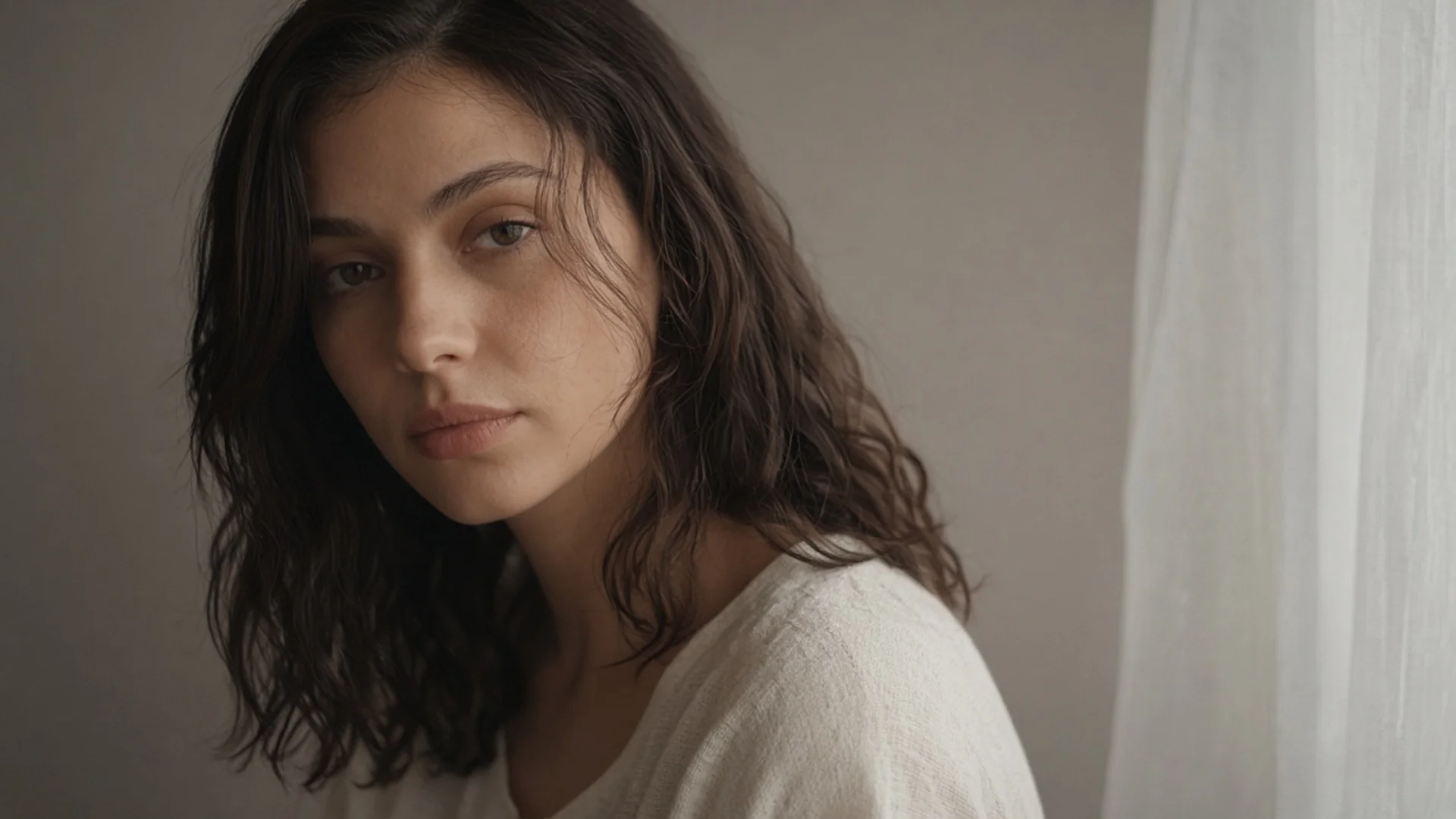
editorial portrait of a young woman in soft window light, natural expression, realistic photography, subtle background, refined composition --chaos 50
Why this value: Useful when exploring several different portrait directions while keeping the same general concept.
Customize: Change subject, lighting, pose, or styling.
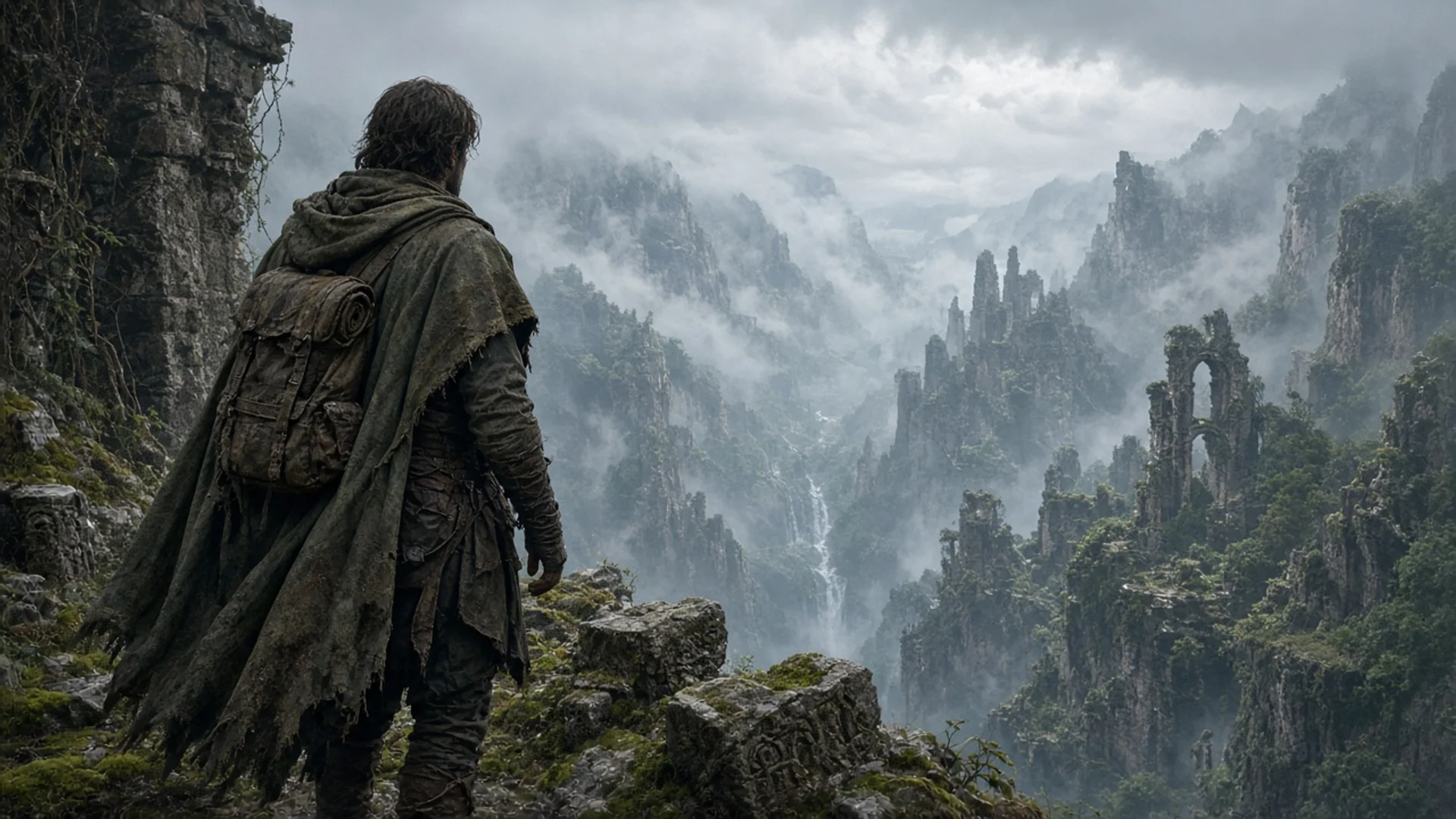
fantasy explorer character wearing layered travel clothing, utility equipment, ancient ruins in the background, cinematic concept art --chaos 75
Why this value: Higher variation can be useful when exploring different character design directions.
Customize: Change role, costume, environment, or genre.
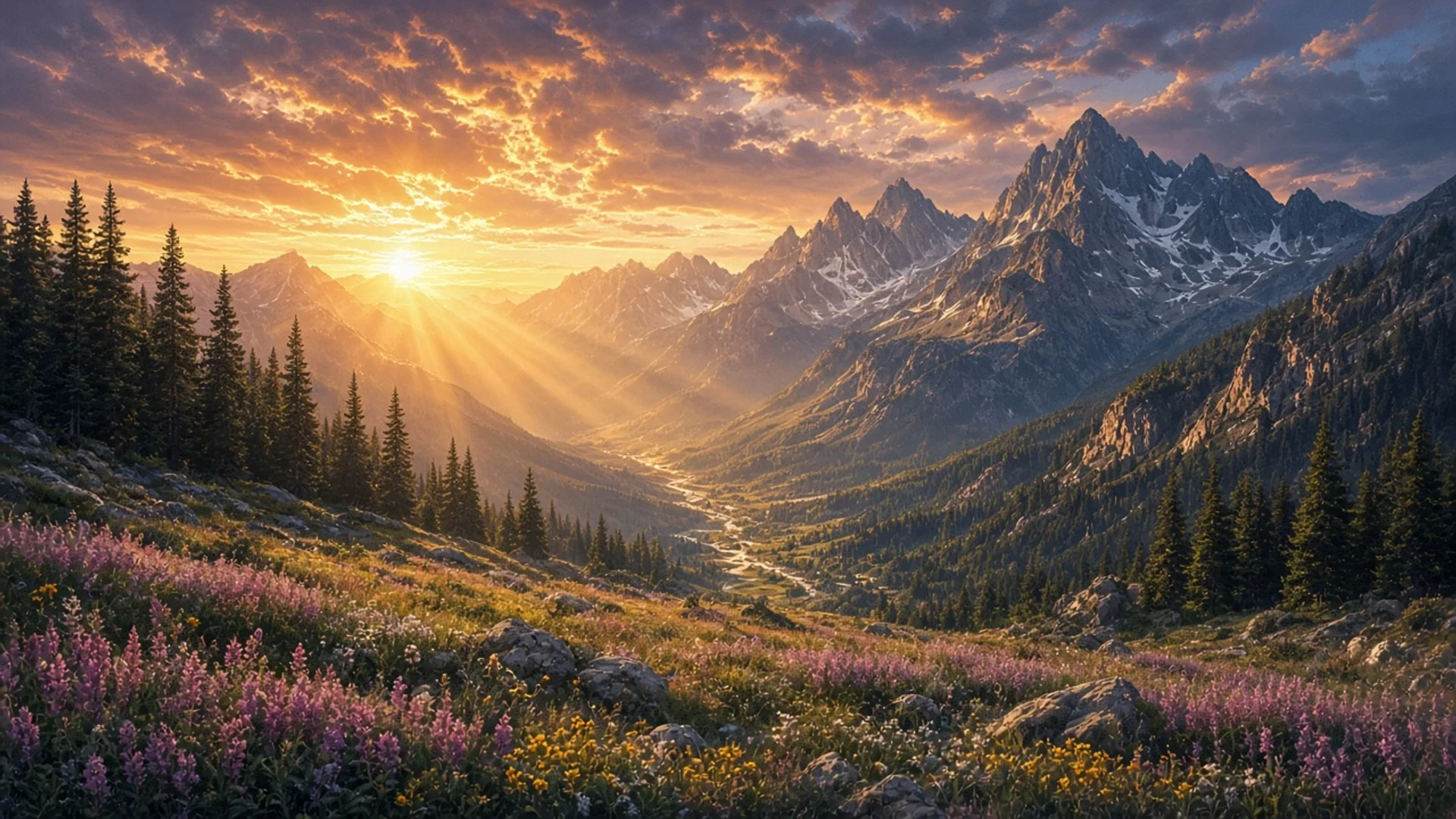
dramatic mountain valley at sunrise, atmospheric mist, layered peaks, cinematic landscape photography --chaos 50
Why this value: Useful for exploring different environmental compositions from the same concept.
Customize: Change terrain, weather, time, or viewpoint.
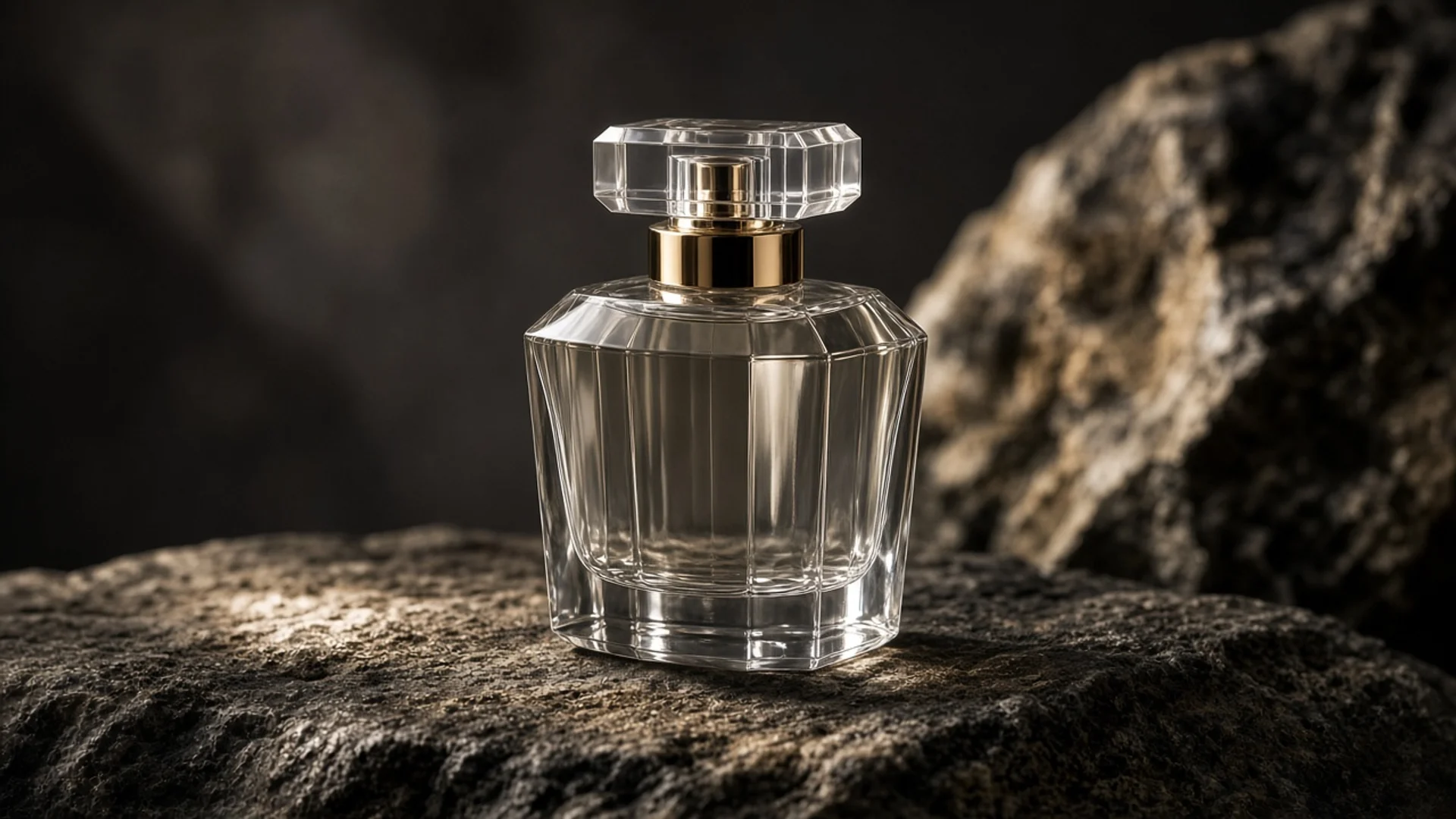
modern luxury perfume bottle on a sculptural stone surface, soft dramatic lighting, premium commercial photography --chaos 40
Why this value: Can help explore alternative product presentation directions.
Customize: Change surface, lighting, background, or product styling.
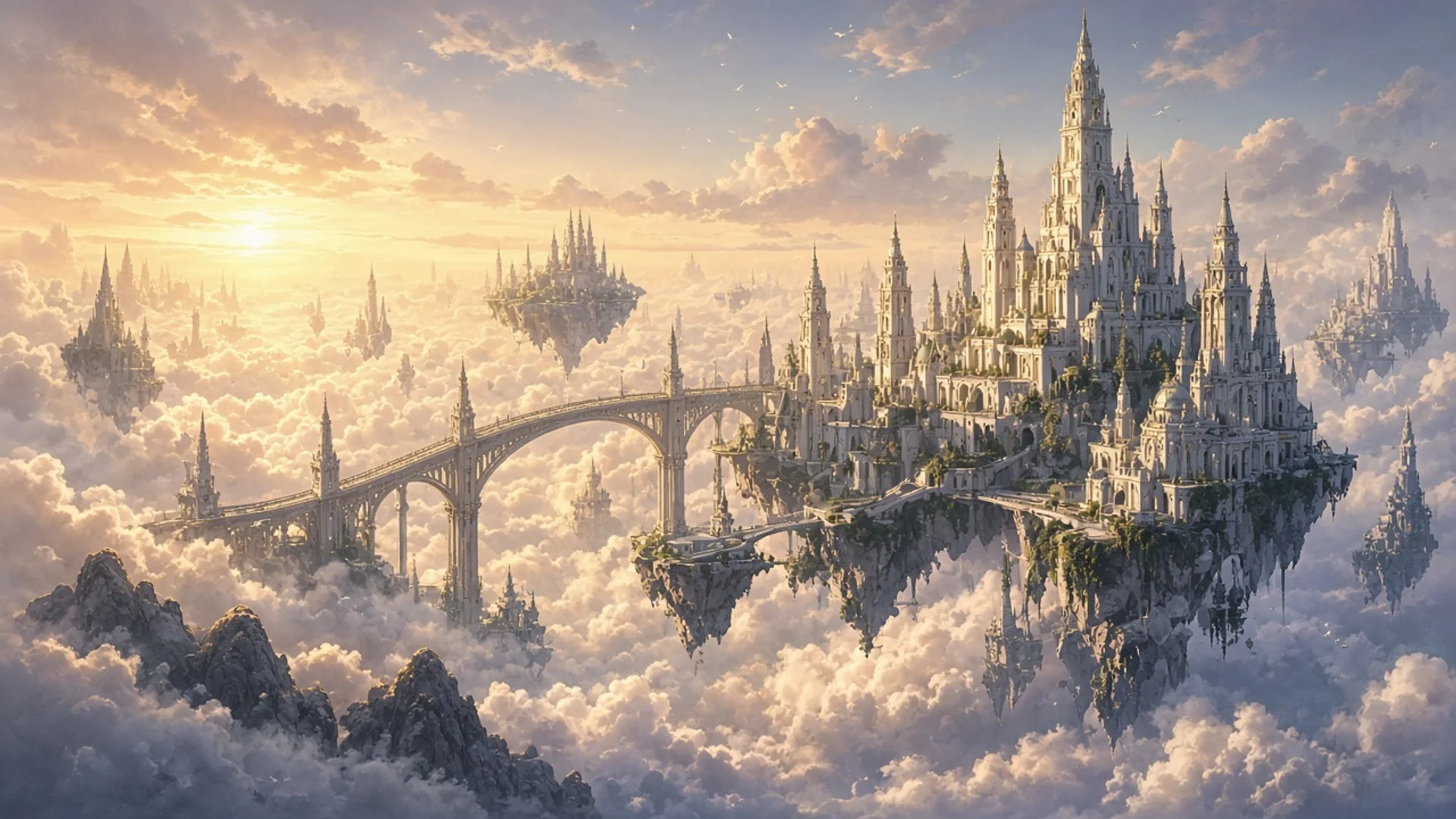
ancient floating city above a vast cloud-covered valley, monumental architecture, dramatic atmospheric lighting, cinematic fantasy environment --chaos 75
Why this value: Higher variation can support broad visual exploration when the desired composition is not yet fixed.
Customize: Change architecture, environment, scale, or lighting.
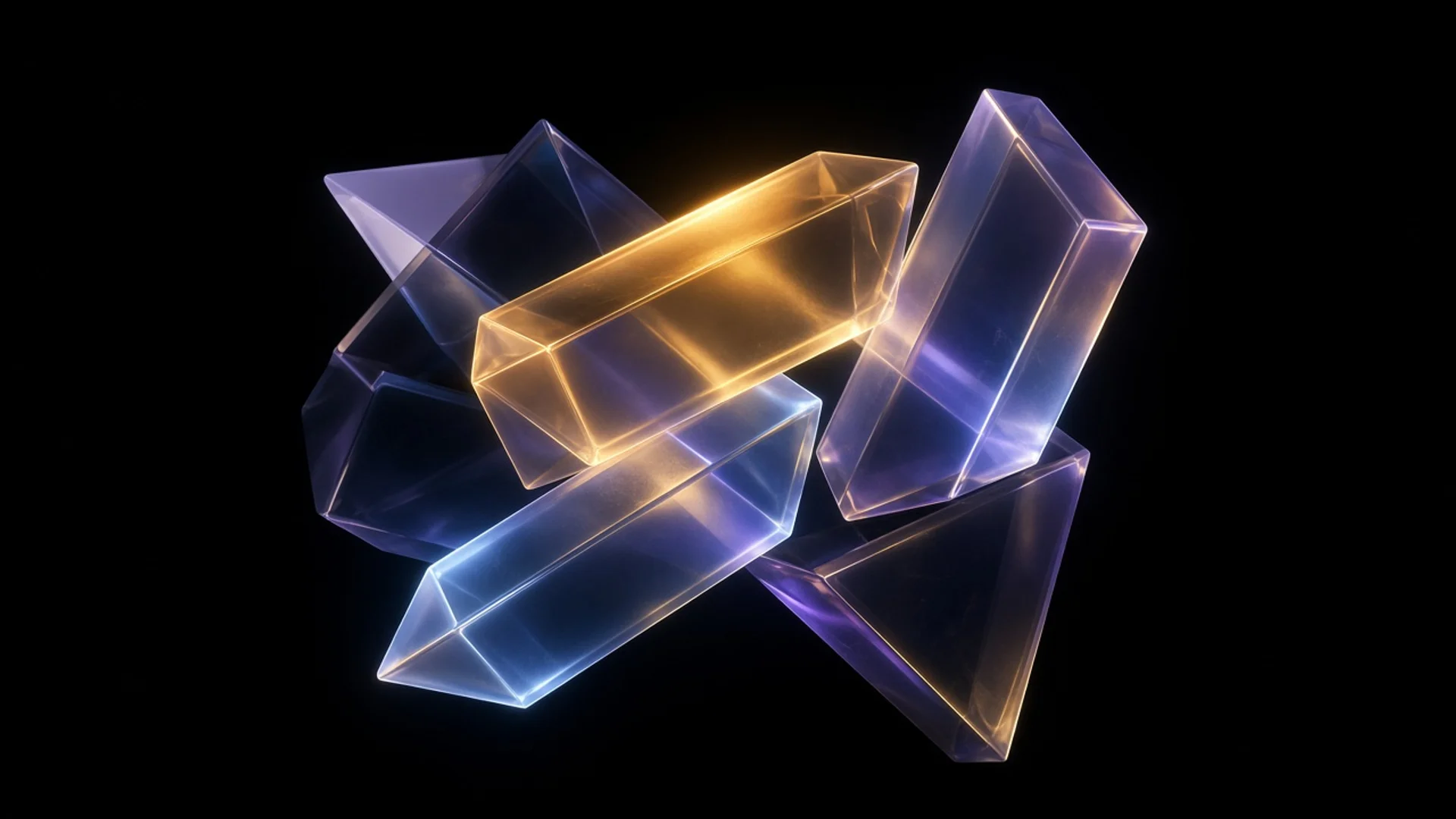
abstract geometric forms floating in a luminous atmospheric space, layered translucent materials, sophisticated color relationships, experimental visual art --chaos 90
Why this value: High variation can be useful when exploring unexpected abstract directions.
Customize: Change geometry, materials, lighting, or palette.
Low chaos can be useful for controlled work, but it does not guarantee identical results.
Chaos and Stylize affect different parts of generation. They are not the same function.
Controls variation between results.
Controls the influence of Midjourney's aesthetic styling.
Chaos controls variation, not image quality.
If you already have a clear composition, lower chaos can be more useful.
Chaos changes variation between results; stylize changes aesthetic styling strength.
Change one control at a time when you want to understand what is driving the difference.
Even with the same prompt and chaos value, results can still differ between generations.
Try Midjourney and use chaos to explore more creative variations.