Midjourney prompts
Midjourney Prompt Case Library: 10 Ready-to-Adapt V8.1 Scene Templates
Midjourney.ing8 min read
Contents+
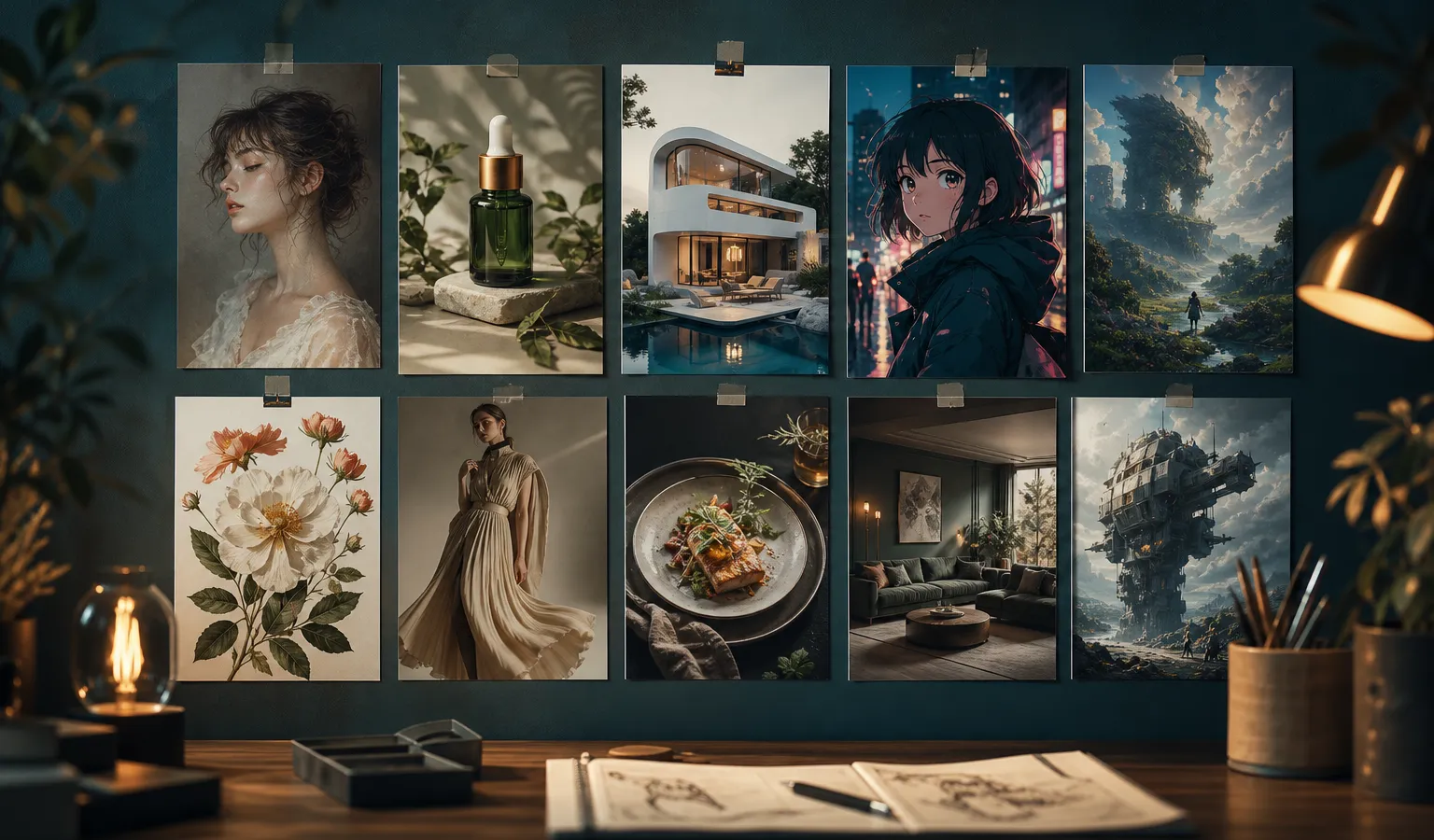
The easiest way to write Midjourney prompts is not to memorize word lists—it is to keep a set of scene templates you can swap subjects and lighting in. This article gives you 10 ready-to-adapt cases built for Midjourney V8.1, covering common text-to-image / AI art needs: portraits, products, architecture, anime, fantasy, plants, fashion, food, interiors, and concept art. Each case includes an English starter sentence (the model’s most reliable input habit), notes on how to adapt it, and usage tips for --raw / --stylize / SD→Run as HD.
If you are still building your prompt skeleton, start with Midjourney Prompt Tips: A Structure Built for V8.1; for the full pipeline, pair it with Midjourney AI Art from Start to Finish: The Complete 2026 Workflow (V8.1).
Before You Start: Three Rules for Adapting Templates
- Change only one variable at a time
Swap the subject first; once the direction holds, adjust the camera or time-of-day light. Change too much at once and you will not know which phrase did the work. - Explore in SD, deliver in HD
Midjourney V8.1 supports native ~2K HD. Keep template test runs in SD; lock the winner with Run as HD or--hd. - Use style words sparingly
Describe what you see first, then add style. For series work, attach SREF / Moodboards; for a personal aesthetic archive, turn on Personalization and raise--stylizeas needed.
Note: The prompts below are English templates. You can also write Midjourney prompts in other languages; the key is still to order them as subject → camera → light → materials → light style → parameters.
Case 1: Photorealistic Portrait (Social / Character Look)
Best for: avatars, character design, fashion half-body shots
Suggested parameters: default stylize; add --raw when you need tighter literal adherence; finalize with Run as HD
portrait of a young woman with wind-swept hair, medium close-up, soft window light from camera left, shallow depth of field, natural skin texture, quiet editorial photography --stylize 100How to adapt: Change age/gender/hairstyle; swap window light for golden hour rim light or overcast softbox; for a more commercial look, try --raw.
Case 2: Product Still Life (E-commerce Hero Shot)
Best for: bottles, consumer electronics, packaging, tabletop still life
Suggested parameters: --raw; low to medium stylize; test composition in SD, then HD for delivery
matte ceramic skincare bottle on travertine slab, 45-degree product shot, soft diffused studio light, subtle reflection, clean negative space, commercial still life photography --raw --stylize 50How to adapt: Replace the product name and material (brushed aluminum / frosted glass); background can become seamless light gray; avoid stacking conflicting words like “luxury” and “minimal” at the same time.
Case 3: Architecture and Interior Visualization
Best for: spatial proposals, interior mood boards, architectural concepts
Suggested parameters: --raw for better obedience; keep chaos low to stabilize perspective
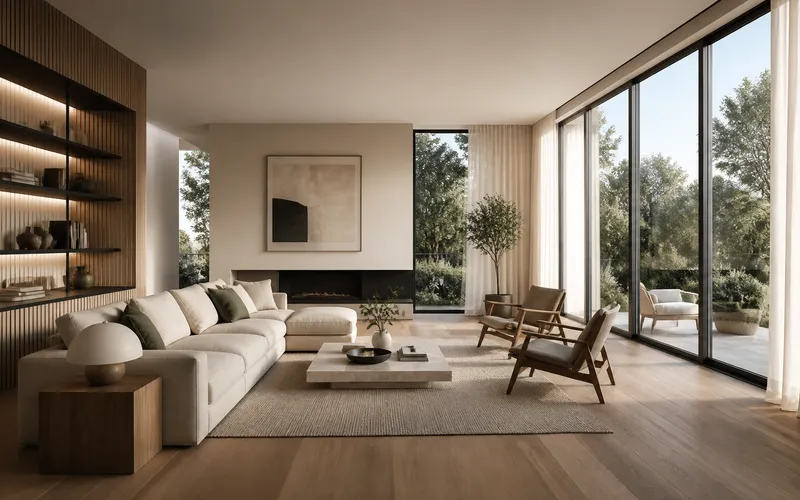
sunlit contemporary living room with oak flooring and linen sofa, wide-angle interior view, morning light through floor-to-ceiling windows, soft shadows, realistic materials, architectural visualization --raw --stylize 80How to adapt: Change room type (kitchen/showroom/hotel lobby); change time-of-day light; for series consistency, use the same Moodboard or SREF.
Case 4: Anime / Illustration Character
Best for: character standing art, cover illustrations, anime-style AI art
Suggested parameters: skip --raw (keep the painted feel); stylize can go slightly higher; use SREF for series
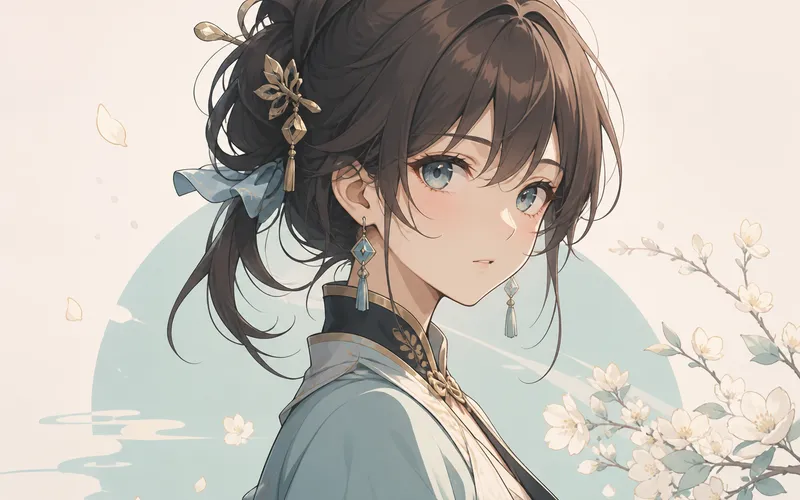
anime-style character standing on a rainy neon street, full body, cel shading, vivid cyan and magenta lights, detailed outfit design, clean linework, key visual illustration --stylize 250How to adapt: Change pose and outfit; swap cel shading for soft watercolor or thick paint illustration; once your account look is fixed, attach a style reference.
Case 5: Fantasy Scene and Mood Piece
Best for: worldbuilding, wallpapers, narrative stills
Suggested parameters: chaos can go slightly higher for exploration; lower chaos to refine winners
ancient cliffside temple above a sea of clouds at dusk, ultra-wide establishing shot, volumetric god rays, mossy stone, cinematic atmosphere, fantasy concept art --chaos 20 --stylize 150How to adapt: Swap the landmark subject; change weather and time of day; for more realistic terrain, try one round with --raw for comparison.
Case 6: Plants and Natural Macro
Best for: botanical illustration, packaging accents, natural texture assets
Suggested parameters: default or light stylize; for macro, pay attention to depth-of-field description
macro photograph of dewy fern fronds in a misty forest, extreme close-up, soft backlight, fine water droplets, rich greens, tranquil nature photography --stylize 100How to adapt: Change plant species; photograph can become botanical illustration; for brand series, lock the palette + SREF.
Case 7: Fashion Editorial and Styling
Best for: lookbooks, styling experiments, event visuals
Suggested parameters: raise chaos for exploration; use Vary Subtle before delivery; deliver in HD
high-fashion editorial of a model in sculptural ivory coat, full-length pose on concrete plaza, hard midday sun, strong geometric shadows, 85mm lens look, modern fashion photography --stylize 120How to adapt: Change fabric and color; swap light for night flash or soft overcast; strengthen character consistency with image references.
Case 8: Food and Table Scene
Best for: menus, content accounts, packaging atmosphere shots
Suggested parameters: add --raw for realism; prioritize “clear food subject” over flashy adjectives
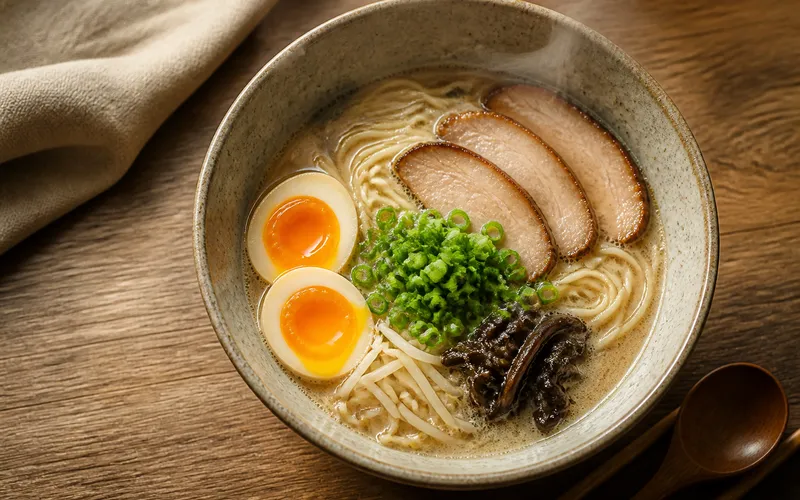
overhead shot of handmade ramen bowl with soft egg and scallions, steam rising, warm kitchen side light, ceramic bowl texture, appetizing food photography --raw --stylize 70How to adapt: Swap the dish; composition can become 45-degree tabletop; avoid too many props stealing focus from the subject.
Case 9: In-Scene Product (Lifestyle)
Best for: home goods, lifestyle e-commerce, contextual selling shots
Suggested parameters: medium stylize; Moodboards for series; finalize with Run as HD
lifestyle scene of a ceramic pour-over set on a wooden breakfast table, morning window light, casual lived-in interior, shallow depth of field, natural color grade, lifestyle product photography --stylize 100How to adapt: Swap product and tabletop material; time-of-day light can shift to dusk; for brand consistency, lock camera language and SREF.
Case 10: Concept Art and Sci-Fi Still
Best for: game/film concept, poster bases, direction exploration
Suggested parameters: Draft or high chaos for wide exploration; Remix + HD on winners
lone explorer on a bioluminescent alien shoreline under twin moons, cinematic wide shot, volumetric mist, intricate costume details, moody teal palette, sci-fi concept art --chaos 30 --stylize 180How to adapt: Swap worldbuilding keywords; for tighter control, lower chaos and add image references to lock composition.
Turn Cases into a Stable Workflow
| Step | What to do | Purpose |
|---|---|---|
| 1 | Pick the template closest to your use case | Reduce starting from zero |
| 2 | Replace only subject/scene nouns | Validate direction quickly |
| 3 | Generate 4–8 images in SD; adjust --chaos if needed |
Lock composition |
| 4 | Toggle --raw, tune --stylize by scenario |
Improve controllability |
| 5 | Add SREF / Moodboards / Personalization when you need series cohesion | Visual consistency |
| 6 | Iterate in small steps with Vary / Remix | Refine details |
| 7 | Run as HD for ~2K delivery | Delivery-grade AI image generation |
Common Reasons Templates Break
- Conflicting style words (photorealistic photography + thick paint illustration at once)
- Starting in HD for trial and error (expensive and slow; V8.1 should be SD→HD)
- Carrying V7
--qhabits into V8.1 (V8.1 / V8.2 do not support--q) - Chasing one stunning image with no style anchor (accounts and brands end up looking “new every time”)
- Overlong prompts with no priority (the subject drowns in adjectives)
How This Fits With Other Site Content
- Deep dive on structure: read Midjourney Prompt Tips: A Structure Built for V8.1
- Resolution strategy: read Midjourney HD vs SD: Save Time and Cost with a Resolution Strategy
- V8.1 capabilities and migration notes: read Midjourney V8.1 Feature Breakdown: Faster, More Prompt-Aware 2K HD
- End-to-end workflow: read Midjourney AI Art from Start to Finish: The Complete 2026 Workflow (V8.1)
- Hands-on practice: follow the tutorial Getting Started with Midjourney: Your First Complete Generation Guide
midjourney.ing keeps curating Midjourney V8.1 prompt habits, parameter strategies, and actionable tutorials. Pick any template above, enter the workspace from Try Midjourney in the header, run your first round in SD, then Run as HD—faster finished images than debating word lists.
Closing
The value of a Midjourney prompt case library is turning “inspiration” into reusable assets. Start with these 10 V8.1 scene templates to get readable results, then iterate in small steps on subject, light, and parameters; paired with text-to-image structure, style references, and HD finalization, your AI art moves from random output to reliable delivery. Start by adapting the first line of the template closest to your current need—you can have publishable candidates today.