Midjourney AI

Midjourney Portrait Prompts

Create Better Portraits with Midjourney Prompts

Explore practical Midjourney portrait prompts for realistic, cinematic, editorial, fashion, lifestyle, fantasy, and character portraits. Use the examples as starting points, then customize the subject, lighting, composition, and style for your own images.

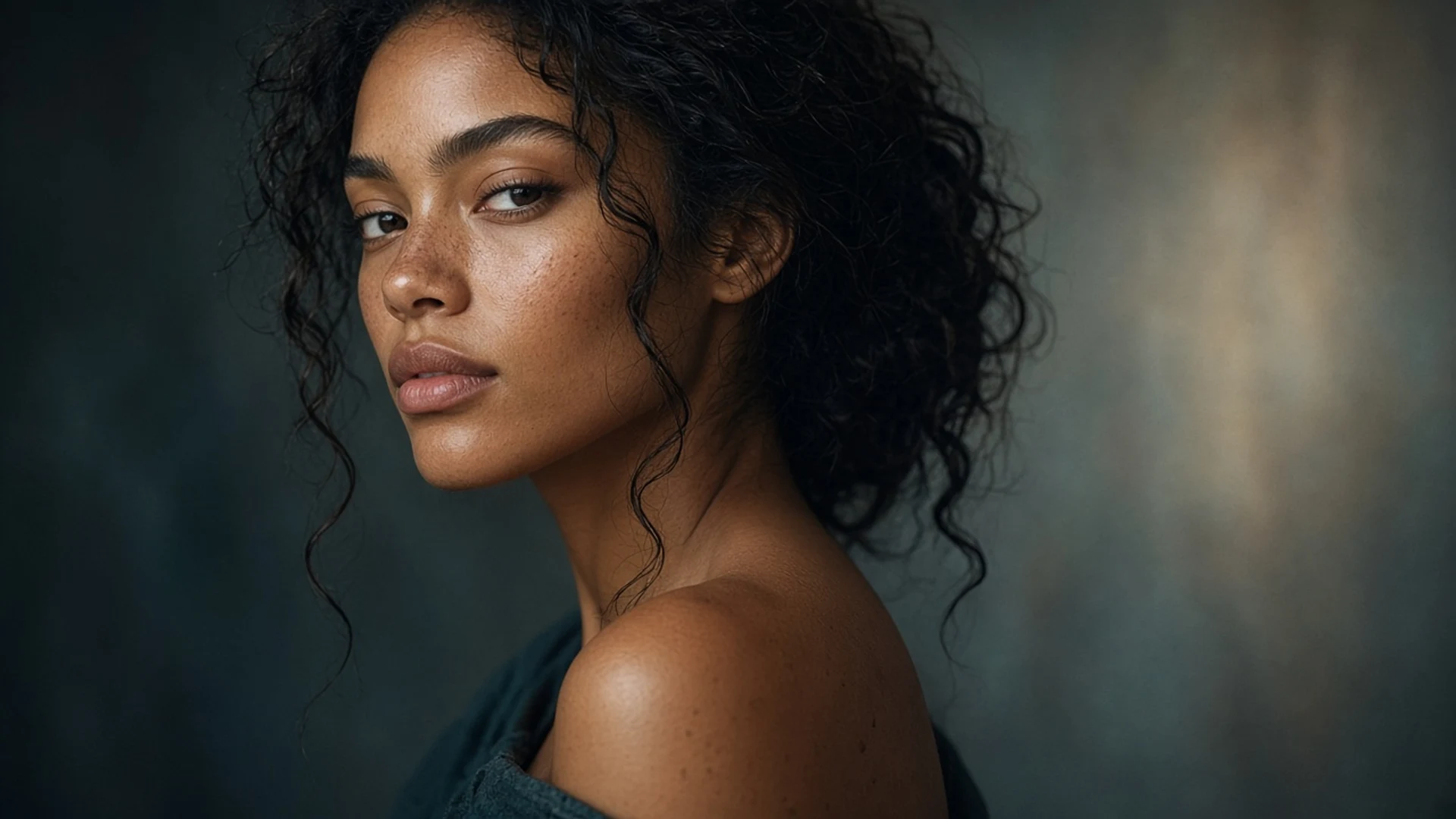
Cinematic portrait study with soft directional light and editorial framing

Midjourney Portrait Prompt Examples

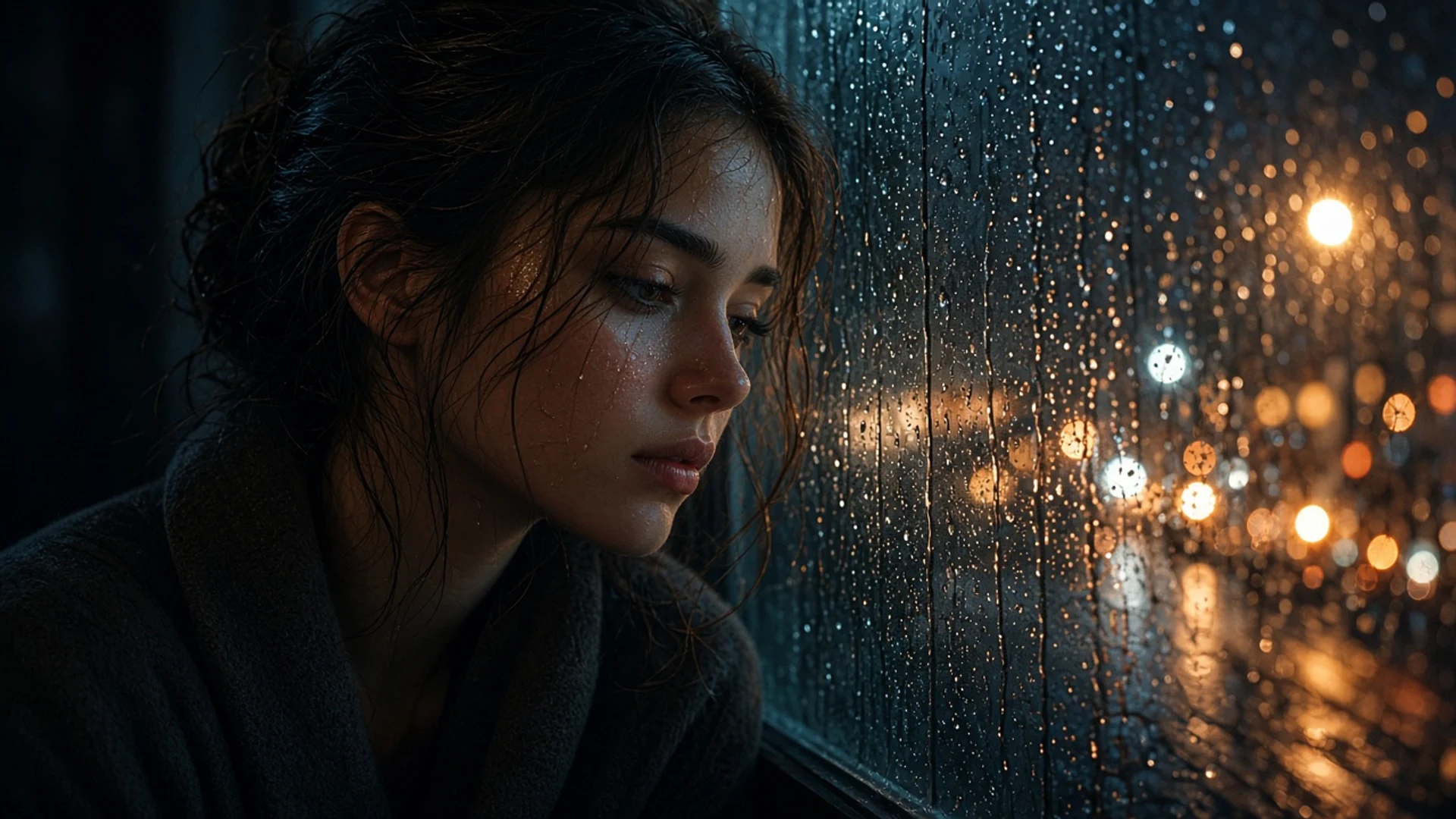
Cinematic close-up portrait beside a rain-covered window

Cinematic Portrait

cinematic close-up portrait of a thoughtful young woman standing beside a rain-covered window, soft natural light, subtle reflections, shallow depth of field, muted blue and warm amber tones, realistic skin texture, editorial photography, intimate atmosphere

What it does: Creates a cinematic portrait with controlled lighting, shallow depth of field, and an editorial photography feel.

Customize: Change the subject, expression, lighting color, environment, or photographic style while keeping the core composition.
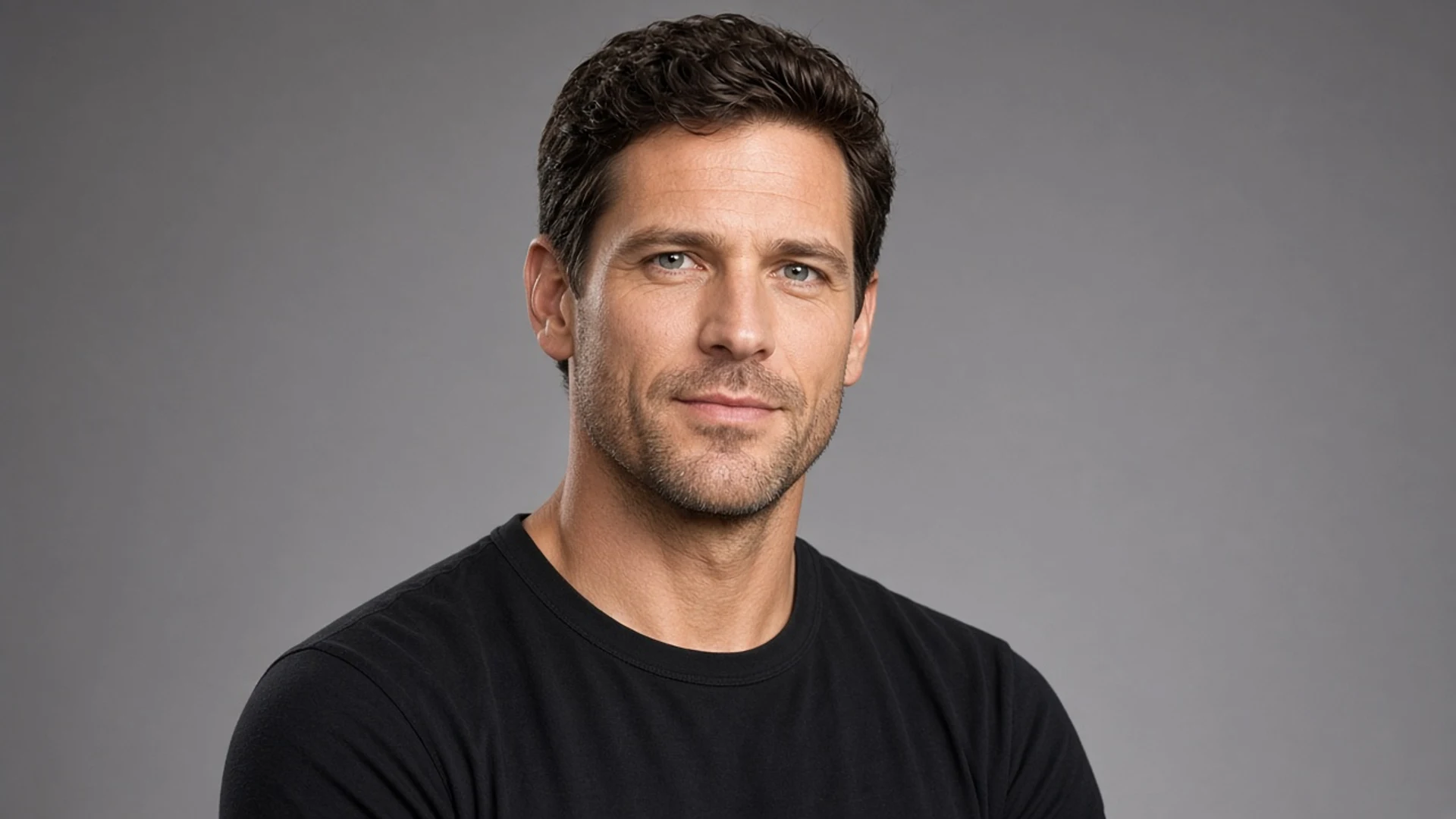
Clean studio portrait with softbox lighting on a neutral background

Realistic Studio Portrait

realistic studio portrait of a confident young man, clean neutral background, softbox lighting, natural skin texture, subtle shadows, professional photography, medium close-up composition, refined editorial look

What it does: Creates a clean studio portrait suitable for realistic professional and editorial-style imagery.

Customize: Change the subject, background color, lighting direction, framing, or wardrobe.

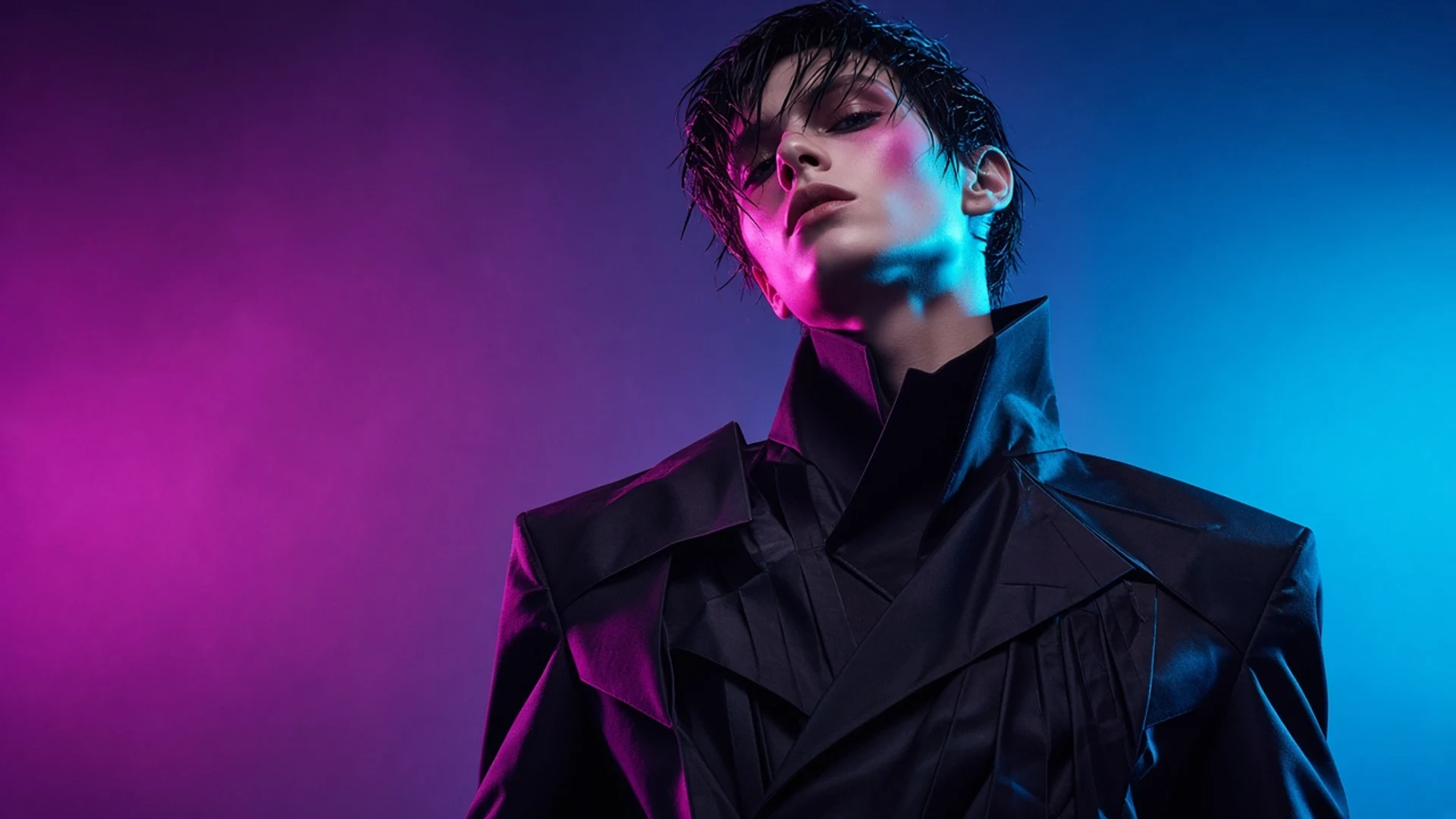
High-fashion editorial portrait with dramatic studio lighting

Editorial Fashion Portrait

high-fashion editorial portrait of a woman in a sculptural black outfit, dramatic studio lighting, minimalist architectural background, strong geometric composition, sophisticated color palette, luxury fashion photography, full-body editorial composition

What it does: Creates a polished fashion-editorial composition with strong lighting and geometric visual structure.

Customize: Change the outfit, background architecture, lighting, color palette, or camera framing.

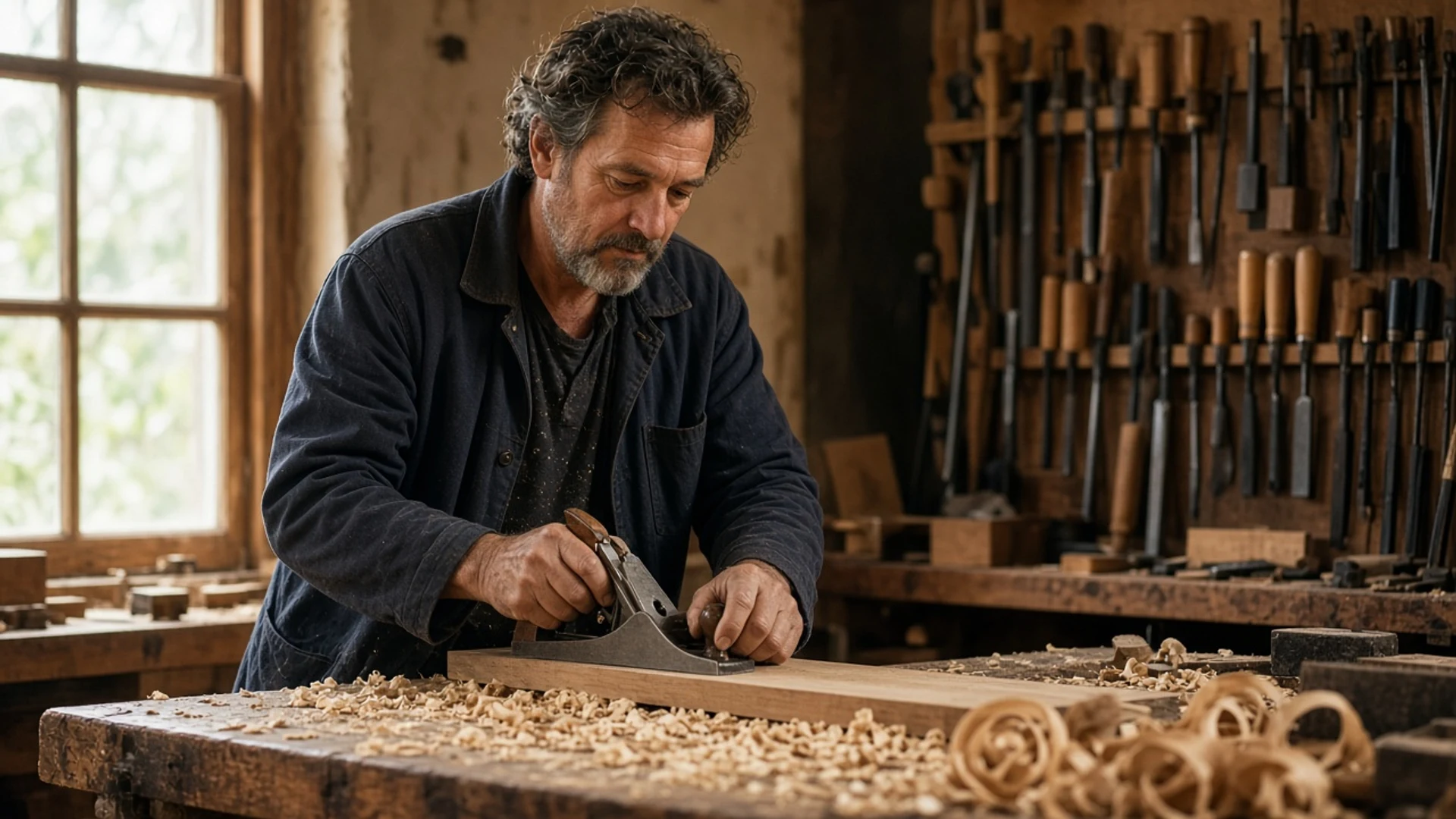
Environmental portrait of an artisan in a sunlit workshop

Environmental Portrait

environmental portrait of an artisan working inside a small sunlit workshop, natural window light, handmade tools and materials surrounding the subject, authentic atmosphere, documentary photography, realistic textures, balanced composition

What it does: Places the subject inside a meaningful environment instead of using a studio background.

Customize: Replace the occupation, location, objects, time of day, or documentary style.

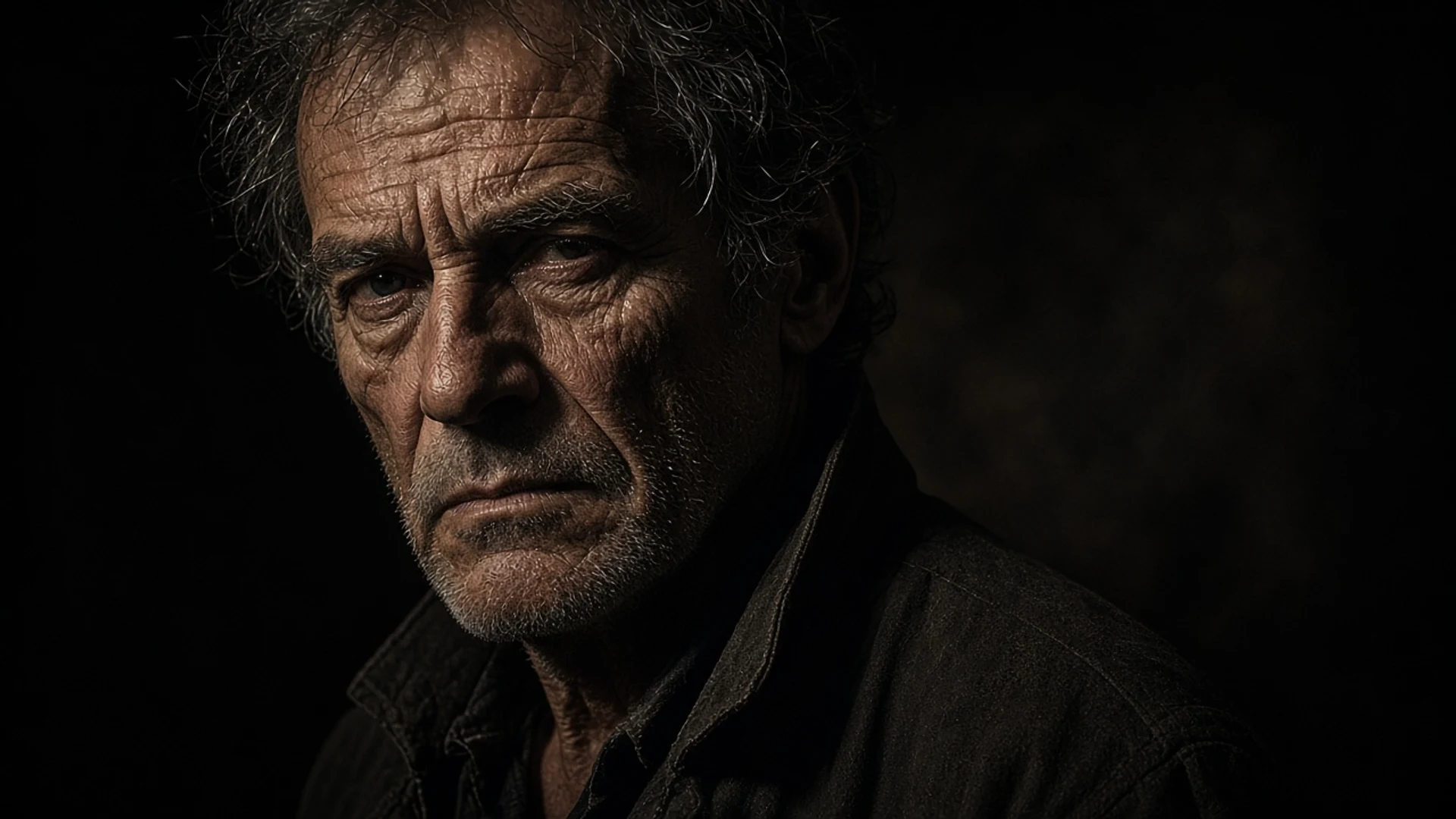
Dramatic close-up portrait with strong side lighting

Dramatic Portrait

dramatic portrait of an older man with a weathered face, strong side lighting, deep shadows, dark textured background, expressive eyes, cinematic color grading, detailed photographic realism, close-up composition

What it does: Creates a high-contrast portrait with dramatic lighting and strong facial expression.

Customize: Adjust the subject's age, expression, lighting direction, background texture, or color grading.

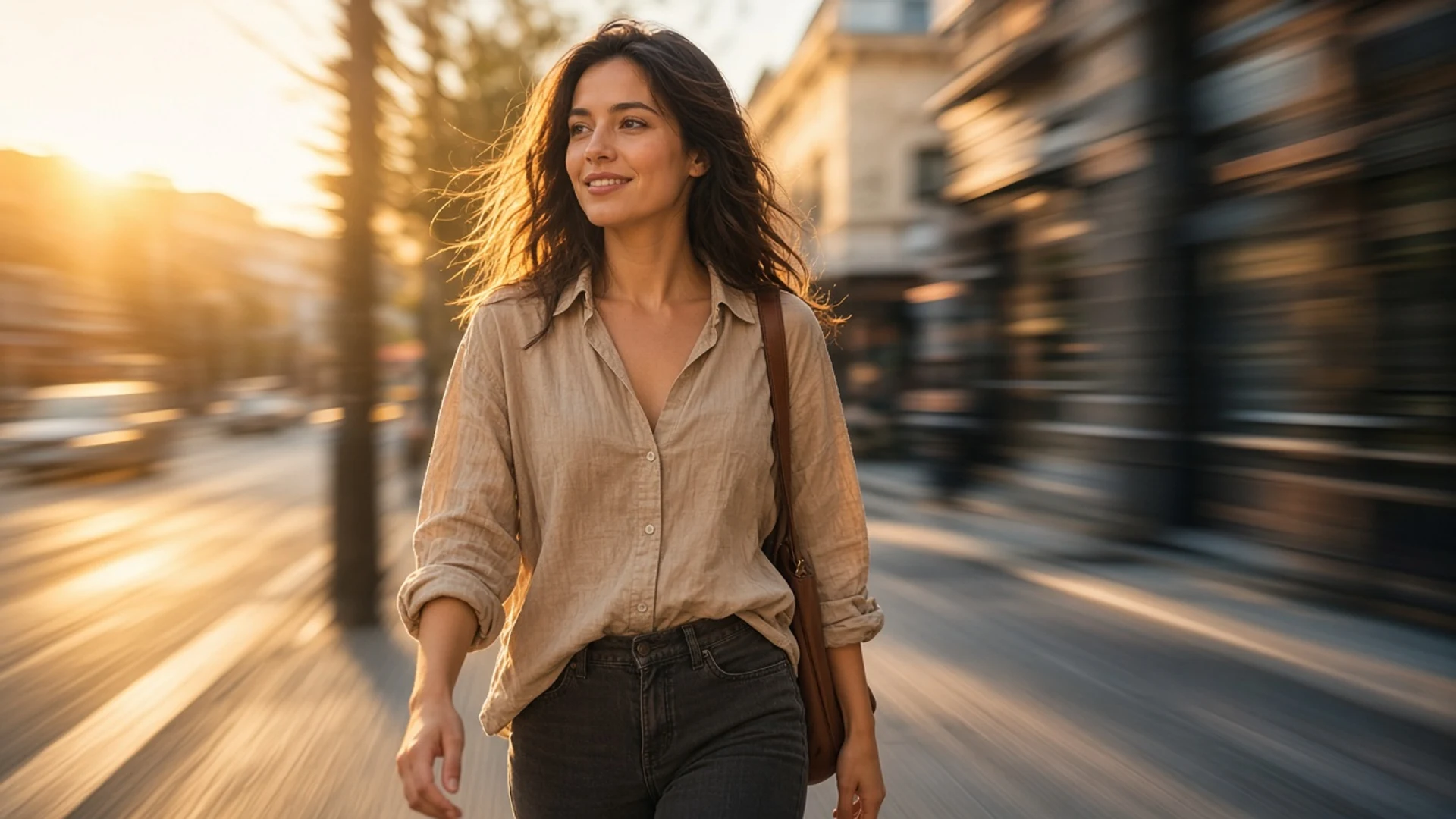
Lifestyle portrait on a city street at golden hour

Lifestyle Portrait

natural lifestyle portrait of a young woman walking through a modern city street at golden hour, warm sunlight, candid expression, subtle motion, realistic photography, soft background blur, contemporary editorial style

What it does: Creates a natural-looking lifestyle scene with a candid photographic feeling.

Customize: Change the location, time of day, subject activity, clothing, or lighting.

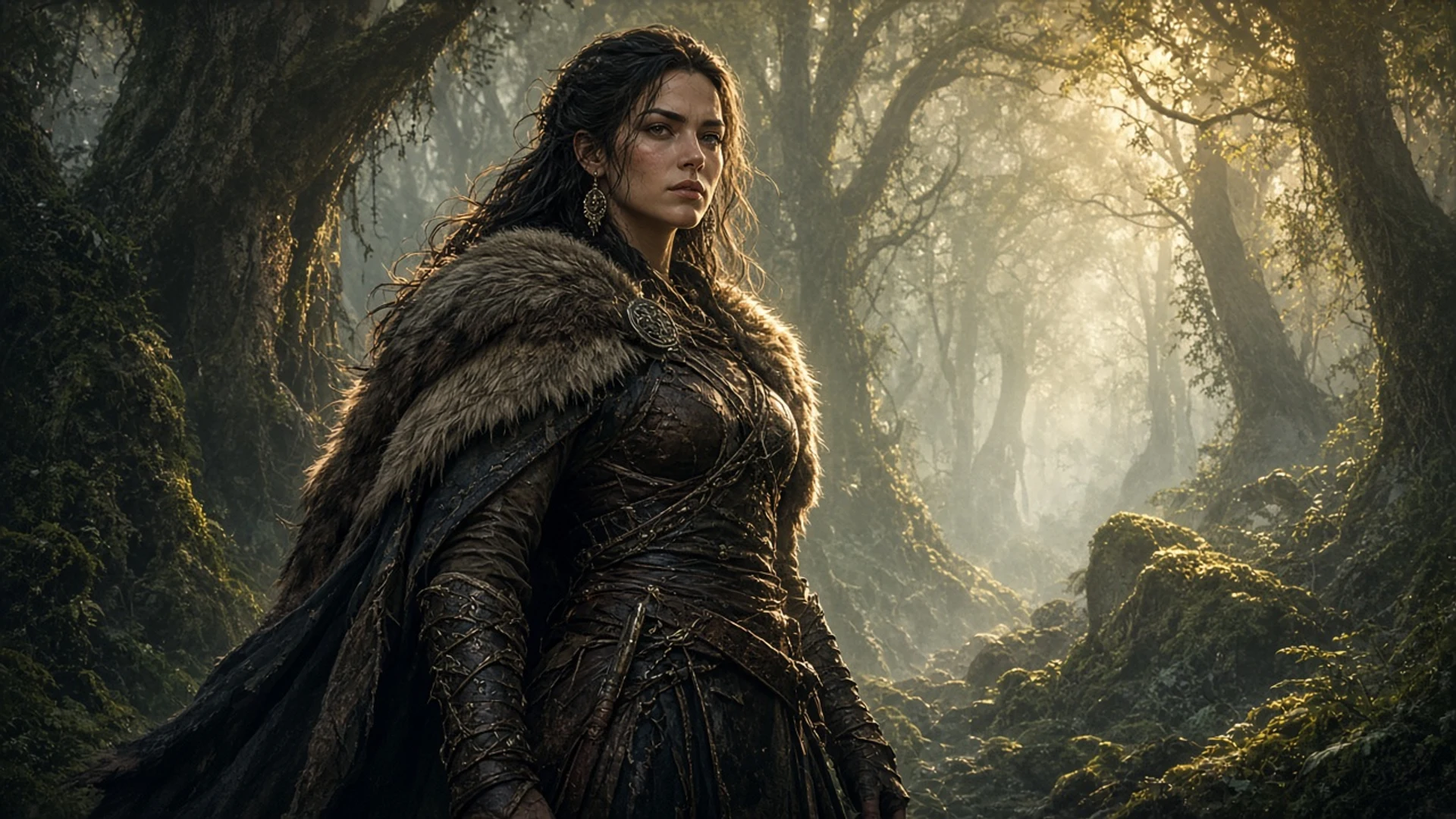
Fantasy portrait of a warrior figure in an ancient forest

Fantasy Portrait

fantasy portrait of an ethereal warrior woman in an ancient forest, flowing dark cloak, subtle magical atmosphere, glowing particles, dramatic rim lighting, detailed costume design, cinematic fantasy art, elegant composition

What it does: Combines portrait composition with fantasy character design and atmospheric lighting.

Customize: Change the character concept, costume, environment, magical elements, or art direction.

Character portrait of an explorer in a desert settlement

Character Portrait

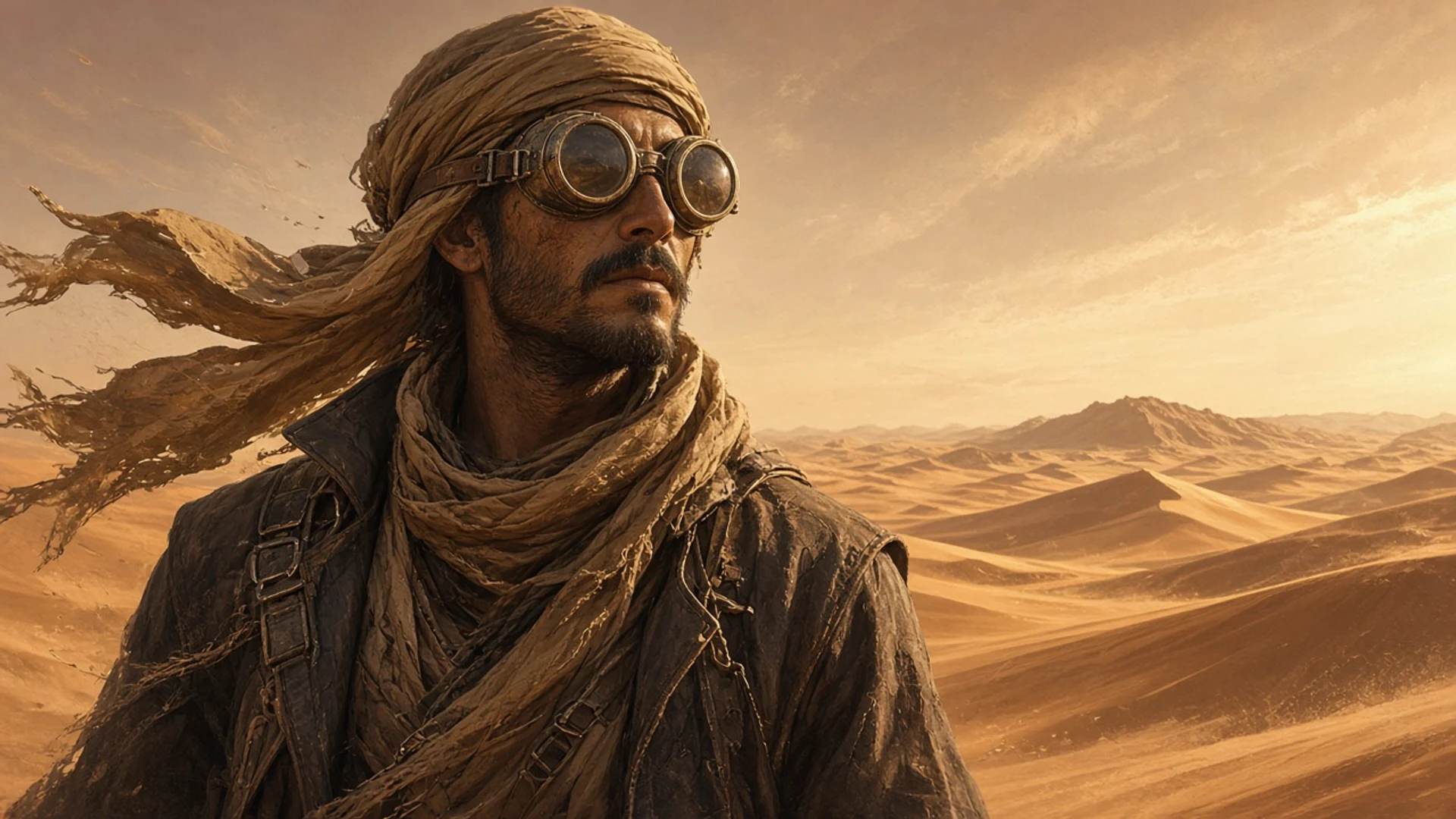
detailed character portrait of a young explorer with a weathered leather jacket, utility backpack, expressive face, dusty desert settlement in the background, warm directional sunlight, cinematic adventure photography, medium portrait composition

What it does: Builds a character-focused portrait while adding environmental storytelling.

Customize: Change the character role, clothing, props, environment, lighting, or genre.

How to Write a Midjourney Portrait Prompt

An effective portrait prompt can be organized as Subject → Appearance → Expression / Pose → Environment → Lighting → Photography / Artistic Style → Composition → Parameters. Each part helps guide Midjourney toward a clearer visual direction.

  1. 1

    Subject

    Describe who the person is so Midjourney has a clear starting point.

  2. 2

    Appearance

    Add useful visual details such as age, clothing, hair, or distinctive features.

  3. 3

    Expression / Pose

    Explain the pose, gesture, or emotional expression you want to explore.

  4. 4

    Environment

    Describe the space around the subject when the setting matters.

  5. 5

    Lighting

    Guide the light mood with soft, dramatic, natural, or studio lighting cues.

  6. 6

    Photography / Artistic Style

    Specify photography, editorial, cinematic, or illustrative direction.

  7. 7

    Composition

    Indicate close-up, medium portrait, full-body, or other framing choices.

  8. 8

    Parameters

    Add useful parameters for aspect ratio, stylize, chaos, or raw style when needed.

Midjourney Portrait Prompt Structure

SubjectAppearanceExpression / PoseEnvironmentLightingStyleCompositionParameters
portrait of a young woman in a tailored coat, calm expression, standing near a rain-covered window, soft natural light, editorial photography, shallow depth of field, medium close-up --ar 3:4 --stylize 100

Useful Midjourney Parameters for Portraits

Parameters can help refine framing and visual intensity. They do not guarantee a specific photographic result, but they are useful for guiding portrait generation.

--ar

Useful for portrait-oriented framing such as 3:4 or 2:3, depending on the composition you want.

--stylize

Can influence how stylized or interpretive the portrait feels.

--chaos

Useful when you want more variation across generated options.

--style raw

Can help reduce extra stylization when you want a cleaner photographic direction.

How to Customize Midjourney Portrait Prompts

Treat each example as a flexible starting point. Copy the prompt, then adjust the parts that matter most for your image.

  • Change the subject and appearance details
  • Adjust pose, gesture, or expression
  • Rewrite lighting for mood and contrast
  • Swap the environment or background
  • Shift photographic or artistic style
  • Change composition and framing
  • Tune parameters such as --ar or --stylize

Frequently Asked Questions

What makes a good Midjourney portrait prompt?+
A good portrait prompt usually combines a clear subject with useful details about appearance, expression, lighting, environment, and composition. These elements help guide Midjourney toward a more focused portrait direction.
How do I create realistic portraits in Midjourney?+
Describe photographic cues such as natural skin texture, studio or window lighting, and camera framing. Parameters like --style raw and moderate --stylize values can be useful when you want a cleaner photographic look.
What aspect ratio is useful for portrait images?+
Portrait-oriented ratios such as 3:4 or 2:3 can be useful for close-up and medium portrait compositions. Choose the ratio based on framing rather than treating one ratio as always best.
How can I customize a Midjourney portrait prompt?+
Start with an example prompt, then change the subject, pose, lighting, environment, style, composition, or parameters. Small edits can create different moods while keeping the same portrait structure.

Ready to Create Your Own Images?

Try Midjourney and turn these prompt ideas into your own images.