跳到主要内容
Midjourney AI

Midjourney人像提示词

使用 Midjourney 人像提示词创作更好的 AI 人像

探索适用于写实、电影感、时尚、生活方式、奇幻和角色创作的 Midjourney 人像提示词。参考这些示例,再根据人物、光线、构图和风格进行修改。

具有柔和定向光与编辑感构图的电影感人像画面

Midjourney人像提示词示例

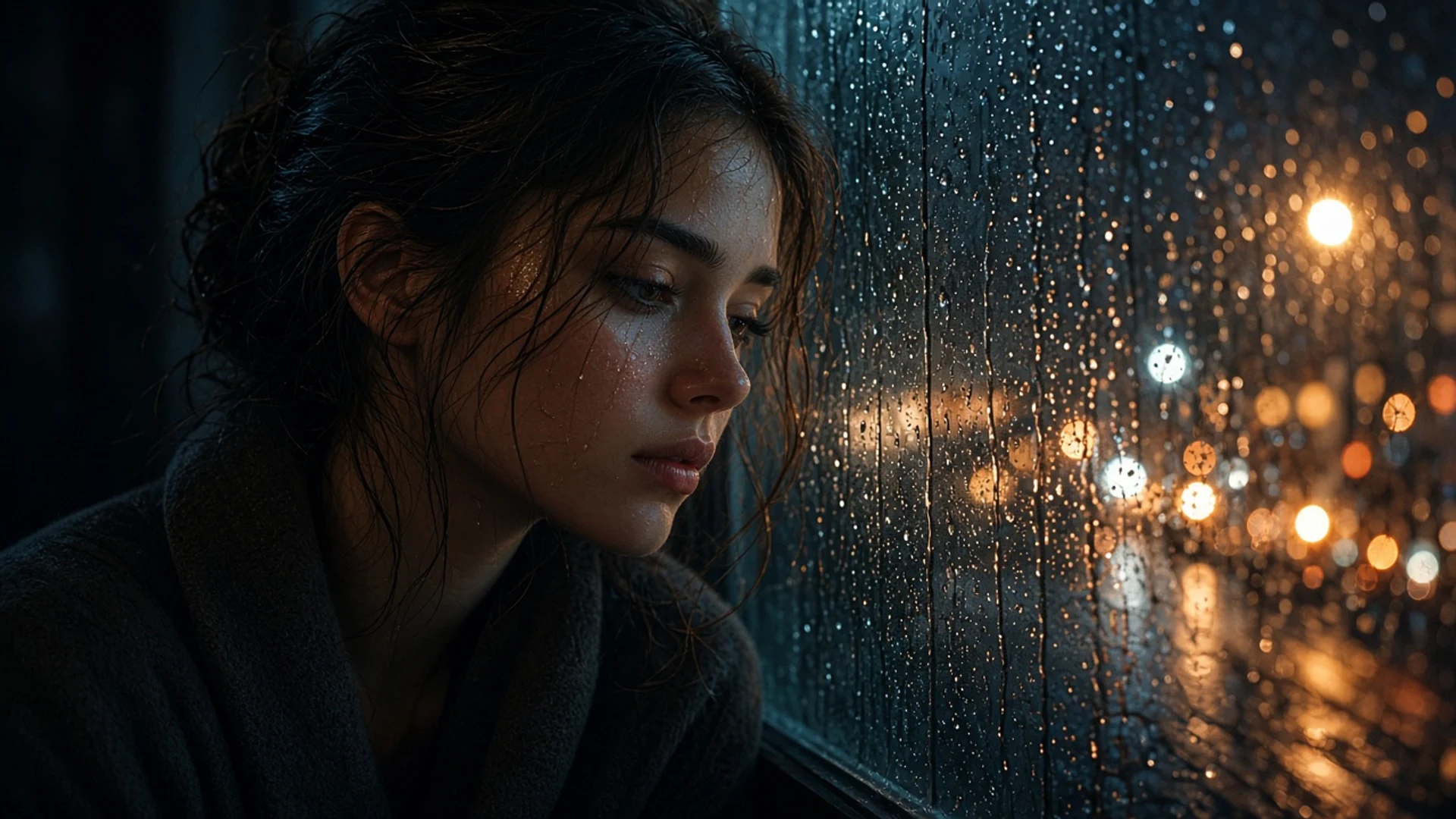
雨窗边的电影感近景人像

电影感人像

cinematic close-up portrait of a thoughtful young woman standing beside a rain-covered window, soft natural light, subtle reflections, shallow depth of field, muted blue and warm amber tones, realistic skin texture, editorial photography, intimate atmosphere

效果说明: 适合创作具有受控光线、浅景深和编辑摄影质感的电影感人像。

可修改: 可修改人物、表情、光线颜色、环境和摄影风格,同时保留核心构图。
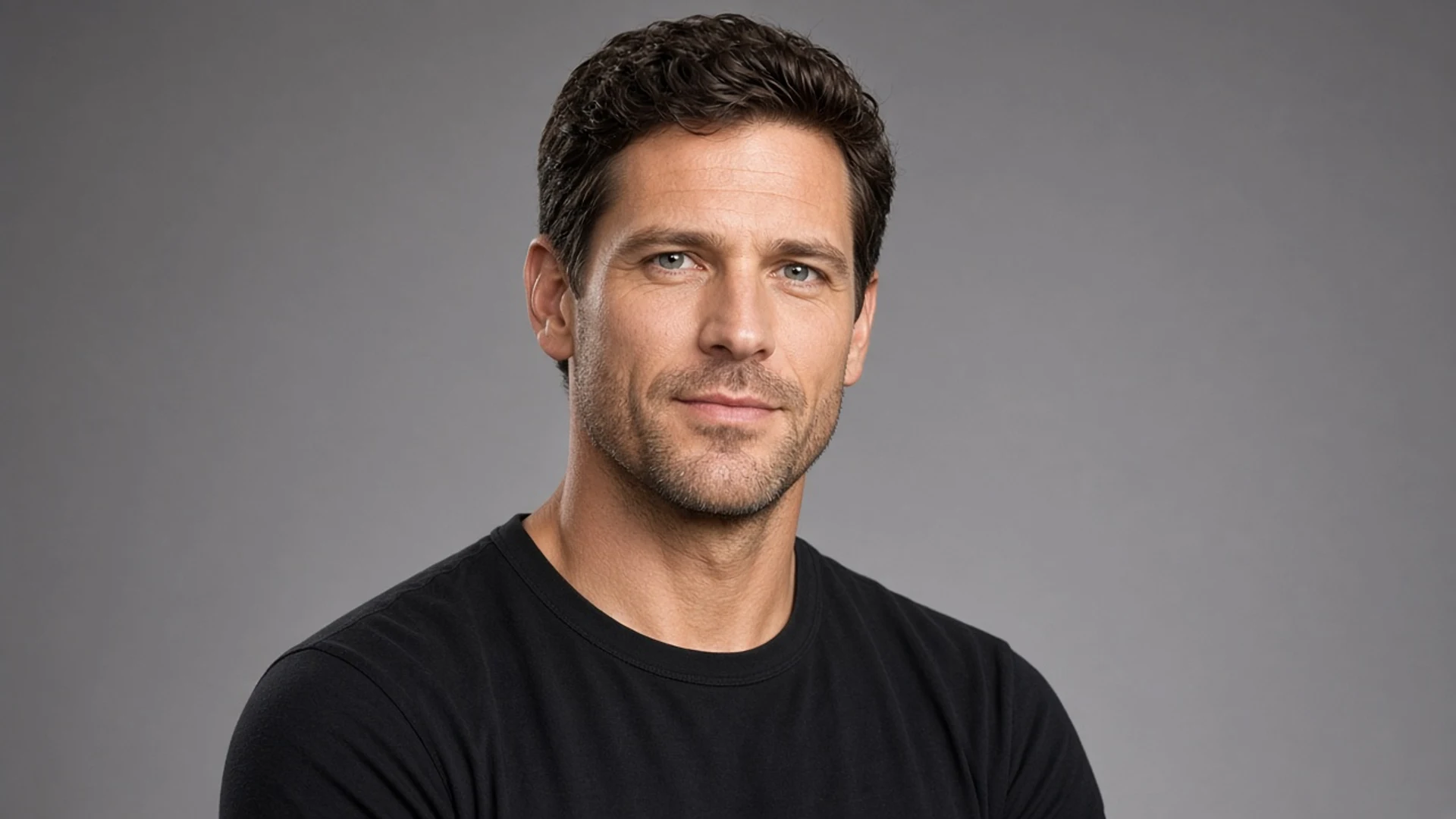
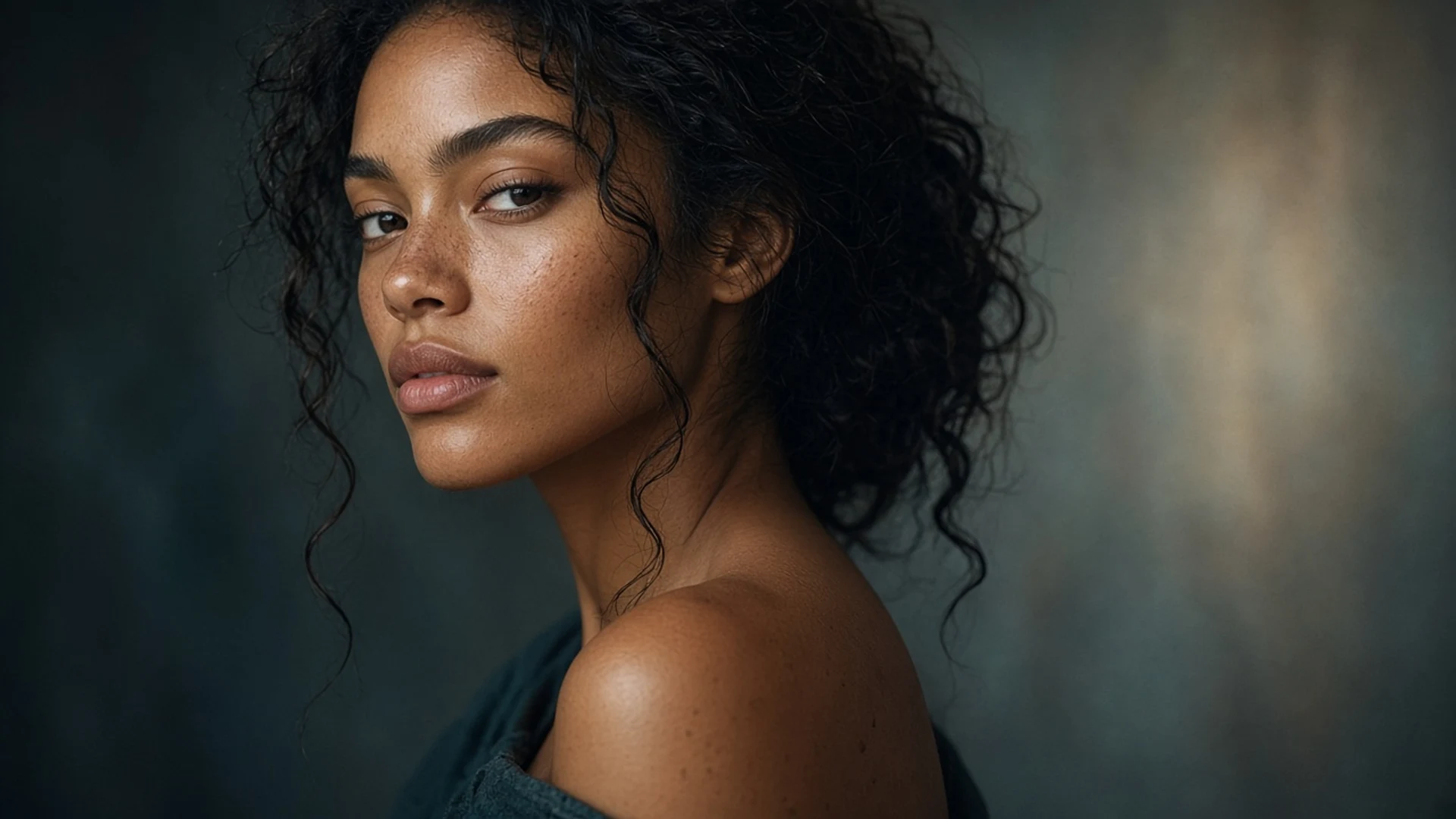
中性背景下使用柔光箱的干净棚拍人像

写实棚拍人像

realistic studio portrait of a confident young man, clean neutral background, softbox lighting, natural skin texture, subtle shadows, professional photography, medium close-up composition, refined editorial look

效果说明: 适合创作干净、专业、偏编辑风格的写实棚拍人像。

可修改: 可修改人物、背景颜色、光线方向、取景或服装。

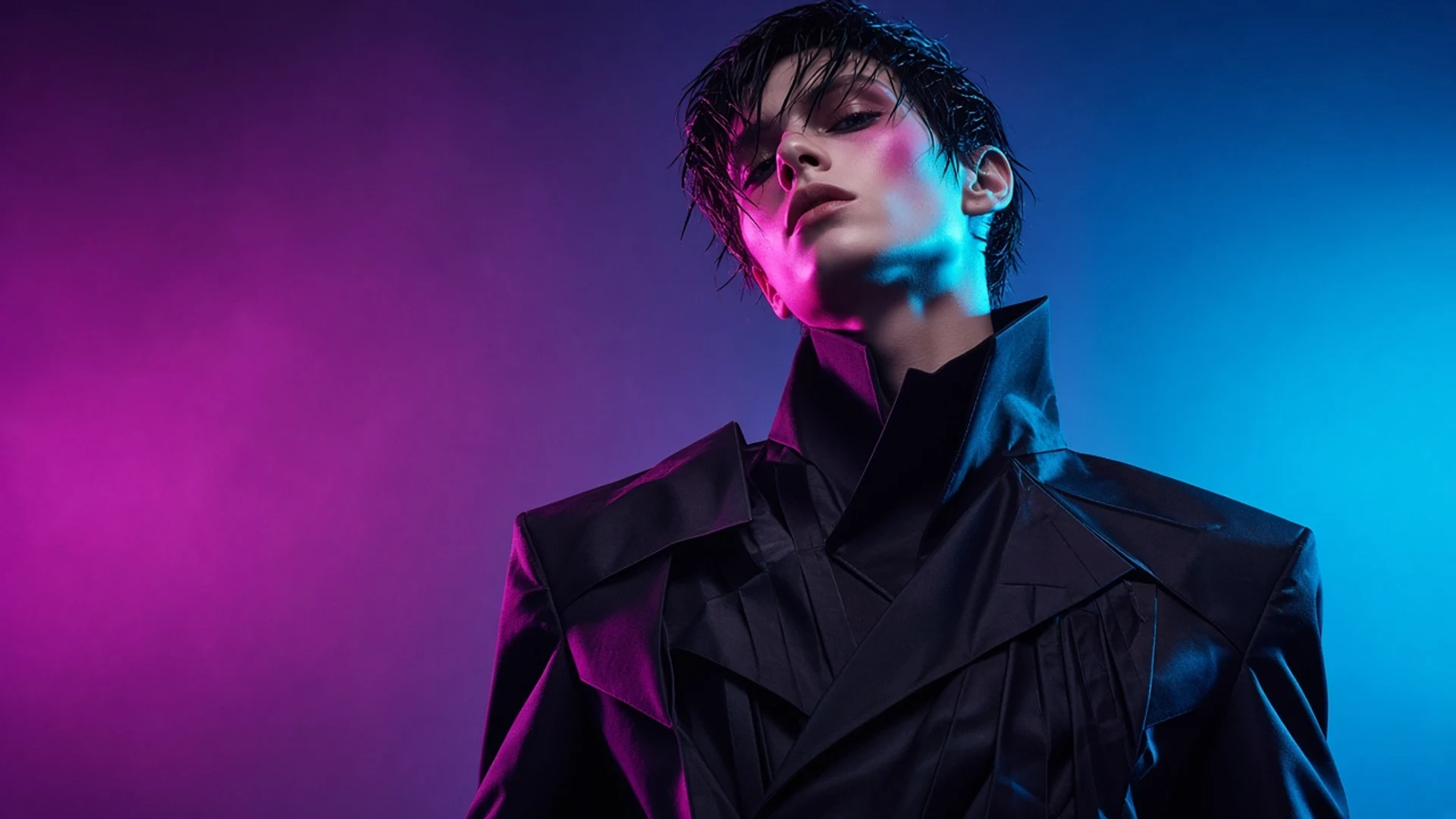
戏剧棚光下的高端时尚编辑人像

时尚编辑人像

high-fashion editorial portrait of a woman in a sculptural black outfit, dramatic studio lighting, minimalist architectural background, strong geometric composition, sophisticated color palette, luxury fashion photography, full-body editorial composition

效果说明: 适合创作光线突出、几何结构清晰的时尚编辑构图。

可修改: 可修改服装、建筑背景、光线、色彩或镜头取景。

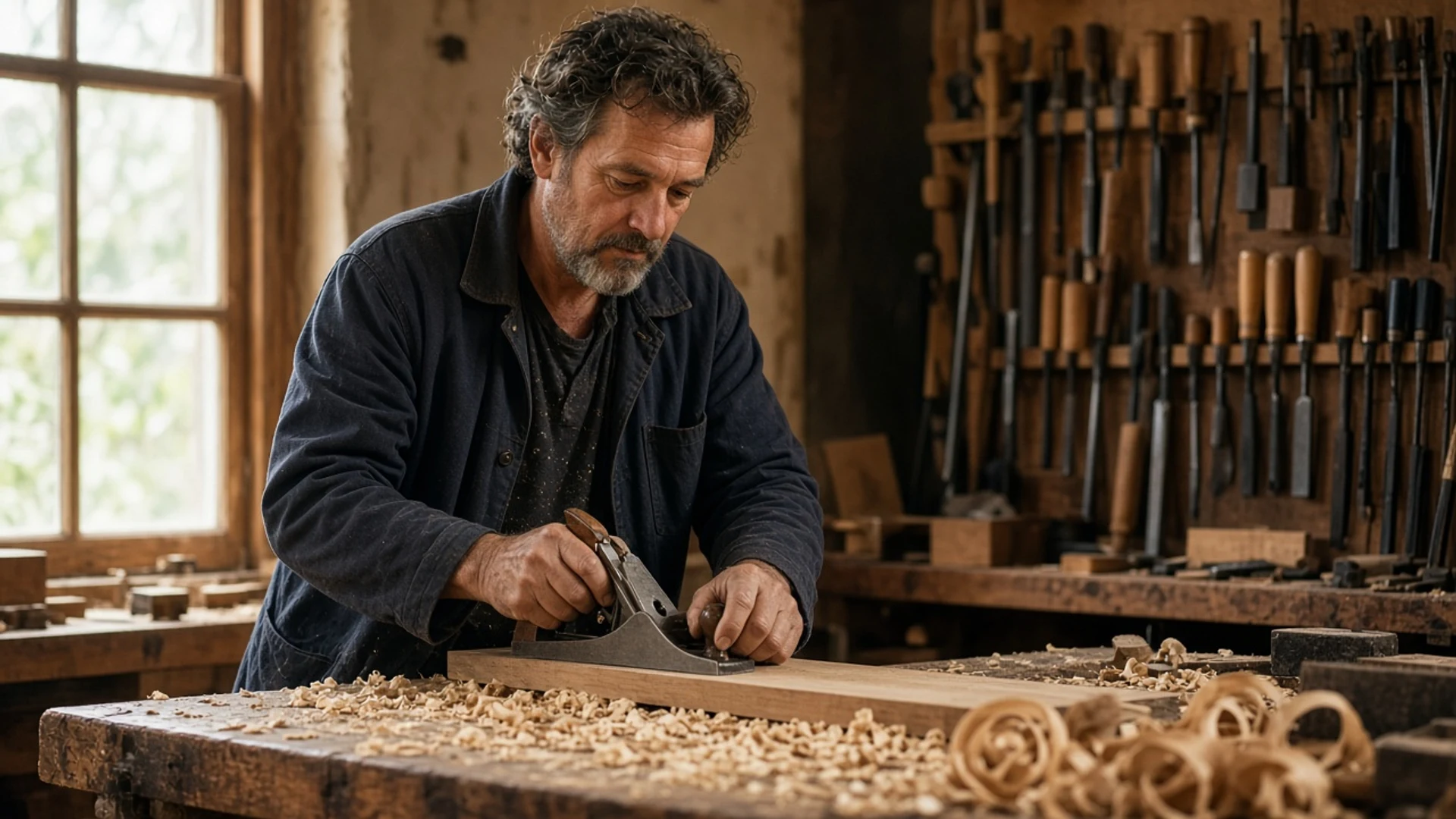
阳光工坊中的手工艺人环境人像

环境人像

environmental portrait of an artisan working inside a small sunlit workshop, natural window light, handmade tools and materials surrounding the subject, authentic atmosphere, documentary photography, realistic textures, balanced composition

效果说明: 把人物放进有意义的环境中,而不是使用纯棚拍背景。

可修改: 可替换职业、地点、道具、时间或纪实风格。

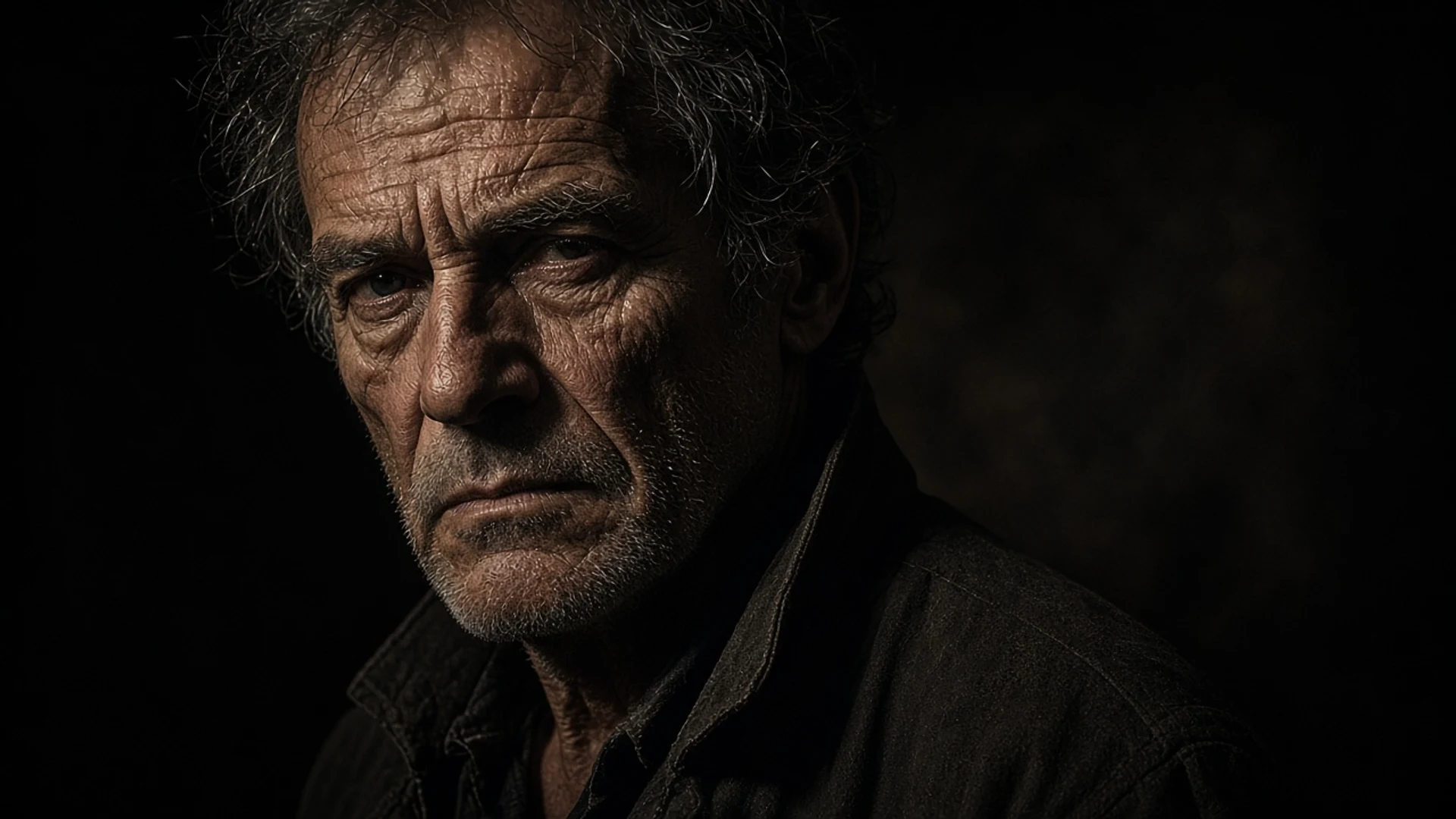
强侧光下的戏剧感近景人像

戏剧感人像

dramatic portrait of an older man with a weathered face, strong side lighting, deep shadows, dark textured background, expressive eyes, cinematic color grading, detailed photographic realism, close-up composition

效果说明: 适合创作高对比、光线强烈且表情有力的人像。

可修改: 可调整年龄、表情、光线方向、背景纹理或调色。

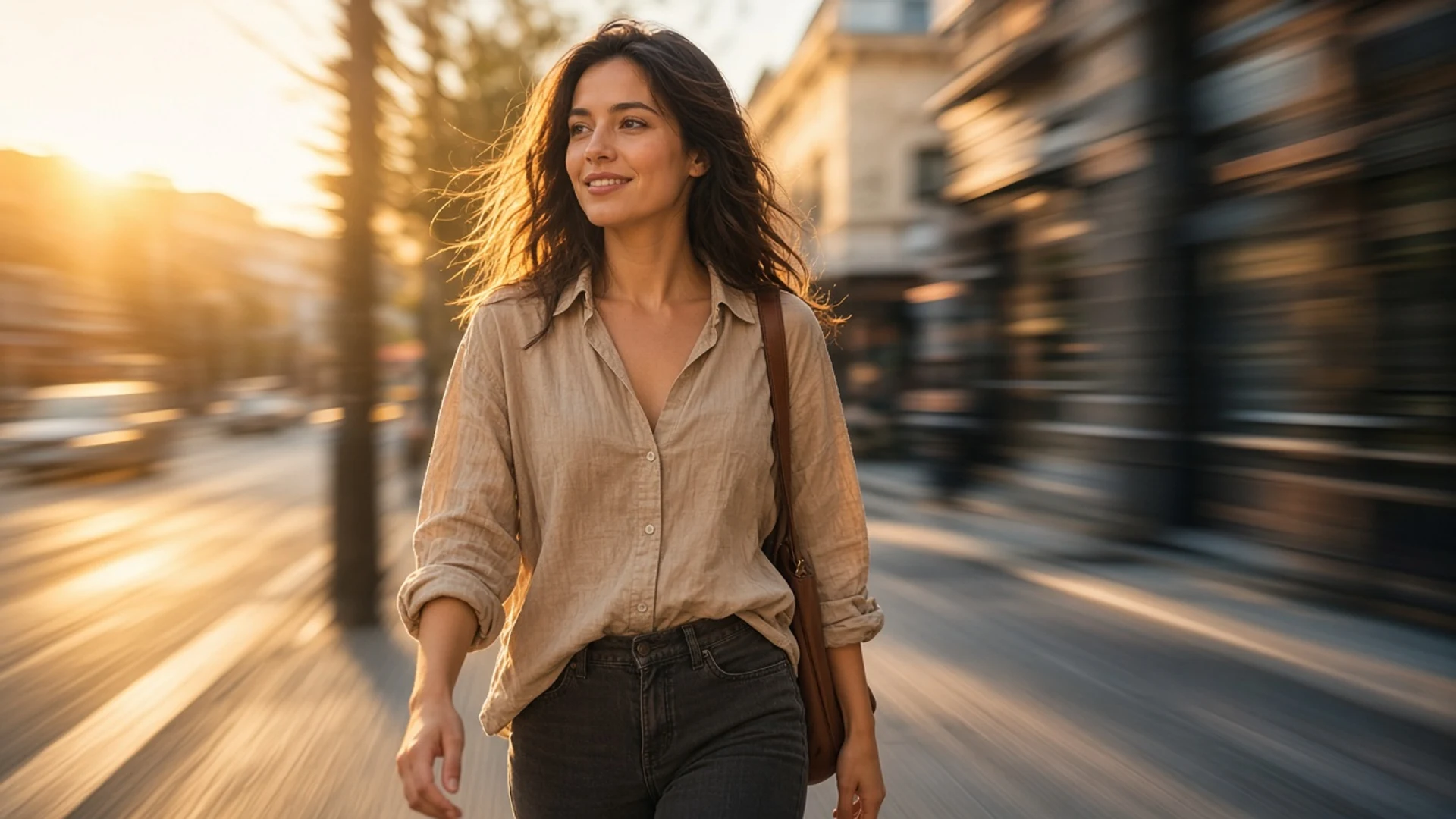
黄金时段城市街道上的生活方式人像

生活方式人像

natural lifestyle portrait of a young woman walking through a modern city street at golden hour, warm sunlight, candid expression, subtle motion, realistic photography, soft background blur, contemporary editorial style

效果说明: 适合创作自然、抓拍感更强的生活方式场景。

可修改: 可修改地点、时间、人物动作、服装或光线。

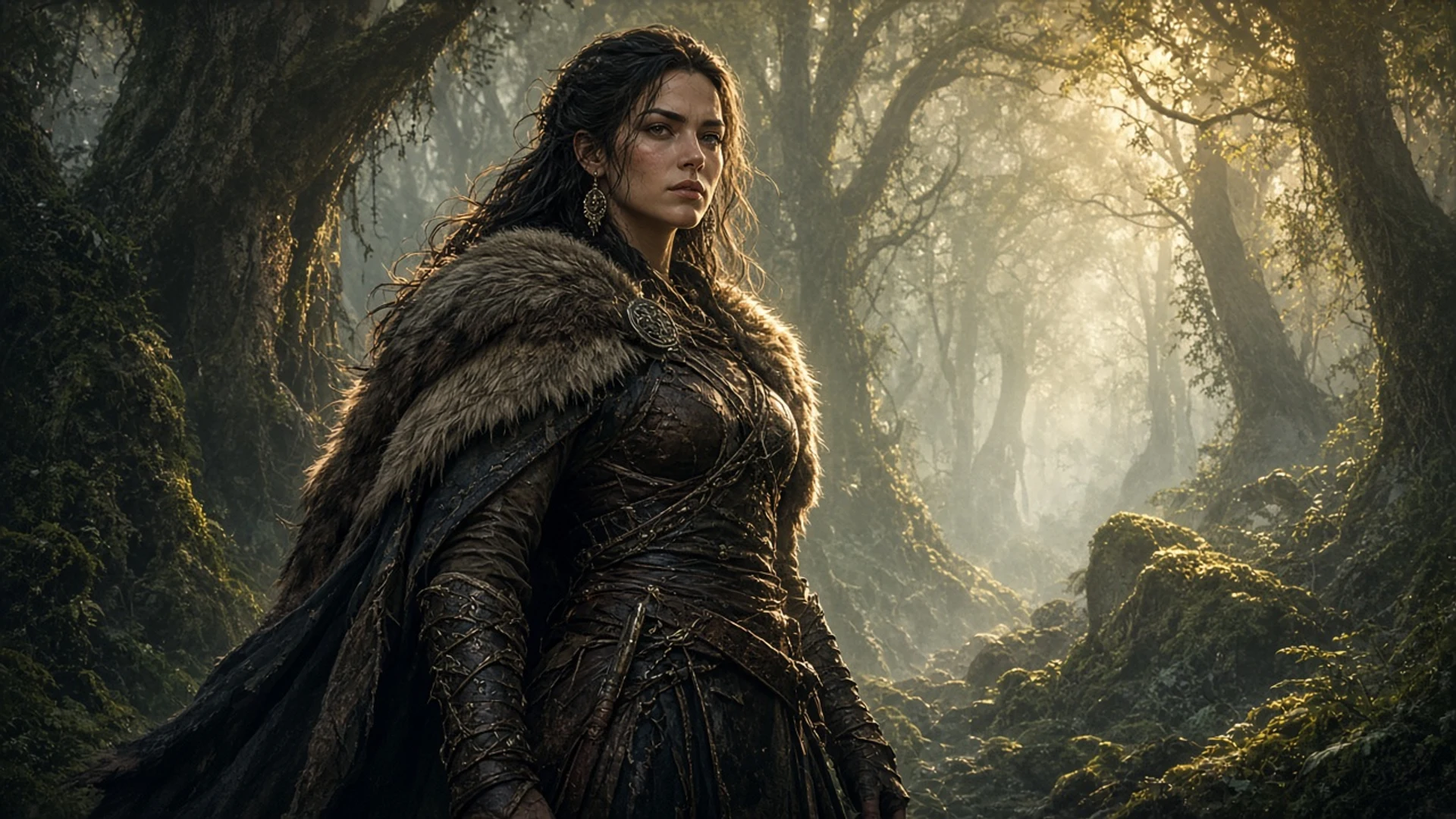
古老森林中的奇幻战士人像

奇幻人像

fantasy portrait of an ethereal warrior woman in an ancient forest, flowing dark cloak, subtle magical atmosphere, glowing particles, dramatic rim lighting, detailed costume design, cinematic fantasy art, elegant composition

效果说明: 将人像构图与奇幻角色设计和氛围光效结合起来。

可修改: 可修改角色概念、服装、环境、魔法元素或艺术方向。

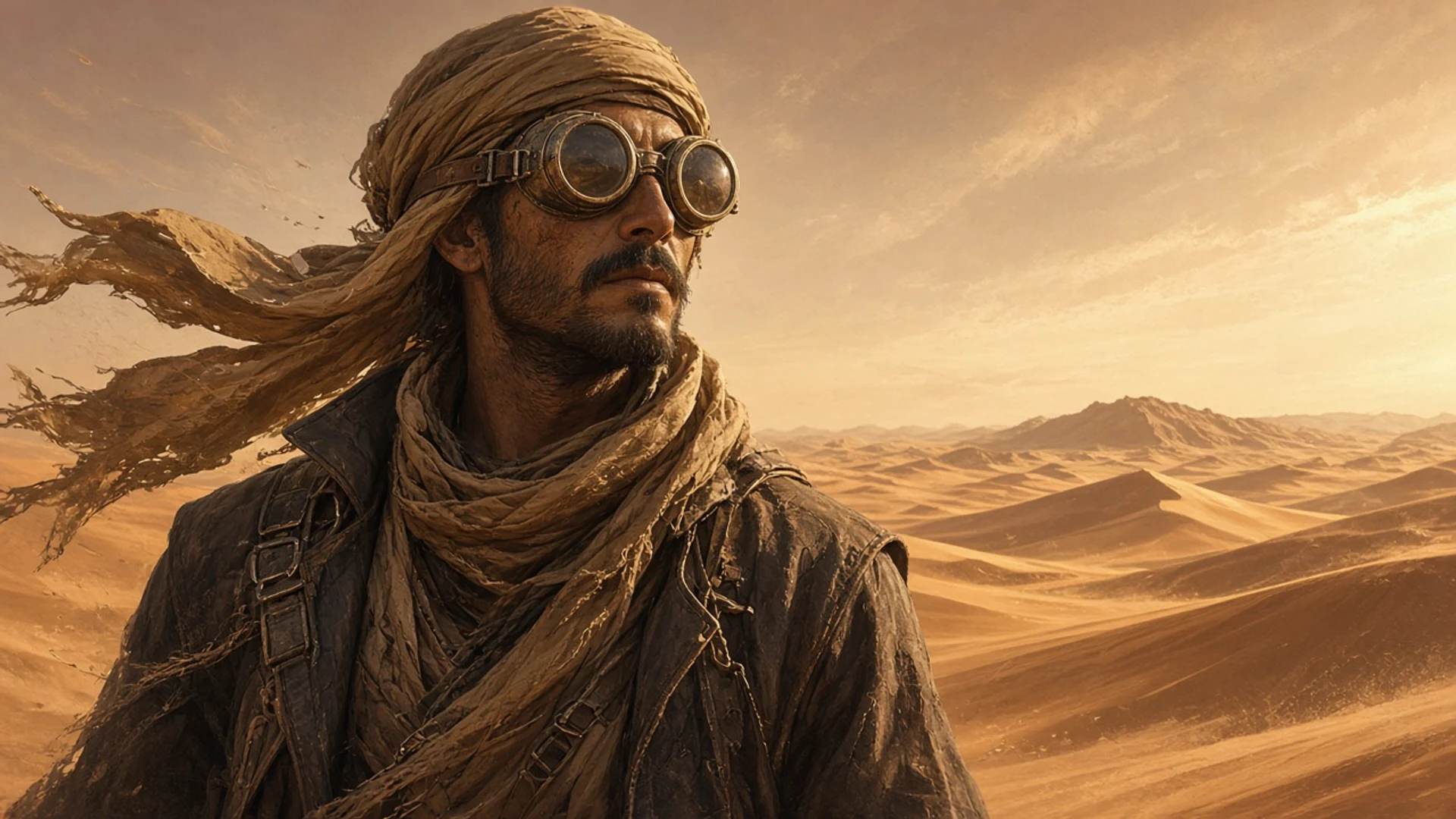
沙漠聚落背景中的探险者角色人像

角色人像

detailed character portrait of a young explorer with a weathered leather jacket, utility backpack, expressive face, dusty desert settlement in the background, warm directional sunlight, cinematic adventure photography, medium portrait composition

效果说明: 在突出角色的同时加入环境叙事。

可修改: 可修改角色身份、服装、道具、环境、光线或类型风格。

如何编写 Midjourney 人像提示词

一个有效的人像提示词可以按以下思路组织:主体 → 外观 → 表情/姿态 → 环境 → 光线 → 摄影/艺术风格 → 构图 → 参数。每一部分都有助于引导 Midjourney 理解你想探索的视觉方向。

  1. 1

    主体

    描述人物是谁,为生成提供清晰起点。

  2. 2

    外观

    补充年龄、服装、发型等重要视觉信息。

  3. 3

    表情 / 姿态

    说明人物的姿态、动作或表情。

  4. 4

    环境

    说明人物所在空间,当场景重要时尤其有用。

  5. 5

    光线

    用柔和、戏剧、自然或棚拍光线控制氛围。

  6. 6

    摄影 / 艺术风格

    说明摄影、编辑、电影感或其他视觉方向。

  7. 7

    构图

    说明近景、半身、全身等构图方式。

  8. 8

    参数

    根据用途加入长宽比、stylize、chaos 或 raw 等参数。

Midjourney人像提示词结构

主体外观表情 / 姿态环境光线风格构图参数
portrait of a young woman in a tailored coat, calm expression, standing near a rain-covered window, soft natural light, editorial photography, shallow depth of field, medium close-up --ar 3:4 --stylize 100

对人像有用的 Midjourney 参数

参数可以帮助调整构图和视觉强度。它们不会保证特定摄影结果,但对引导人像生成很有帮助。

--ar

对 3:4、2:3 等人像构图比例很有用,具体取决于你想要的取景。

--stylize

可以影响人像的风格化程度和表现方式。

--chaos

当你希望结果变化更多时会很有用。

--style raw

当你想探索更干净的摄影方向时,可以帮助减少额外风格化。

如何自定义 Midjourney 人像提示词

把每个示例当作可调整的起点。复制提示词后,再修改对画面最重要的部分。

  • 修改主体与外观细节
  • 调整姿态、动作或表情
  • 改写光线以改变情绪与对比
  • 替换环境或背景
  • 调整摄影或艺术风格
  • 改变构图与取景
  • 调整 --ar 或 --stylize 等参数

常见问题

怎样才算好的 Midjourney 人像提示词?+
好的人像提示词通常会把清晰主体与外观、表情、光线、环境和构图等细节结合起来。这些元素有助于引导 Midjourney 朝更明确的人像方向生成。
如何用 Midjourney 创作写实人像?+
可以描述自然皮肤质感、棚拍或窗光以及镜头取景等摄影线索。当你想探索更干净的摄影方向时,--style raw 和适中的 --stylize 会很有用。
人像图片适合用什么长宽比?+
3:4 或 2:3 等人像比例对近景和半身构图会很有用。应根据取景需求选择比例,而不是把某一种比例当成唯一选择。
如何自定义 Midjourney 人像提示词?+
先从示例提示词开始,再修改主体、姿态、光线、环境、风格、构图或参数。小幅调整就能改变情绪,同时保留相同的人像结构。

准备开始创作自己的图片了吗?

立即体验 Midjourney,把这些提示词灵感变成你自己的图片。