
Colors
Palette relationships and color mood.
Learn how to use Style References to guide colors, textures, lighting, and the overall visual look of new Midjourney images.
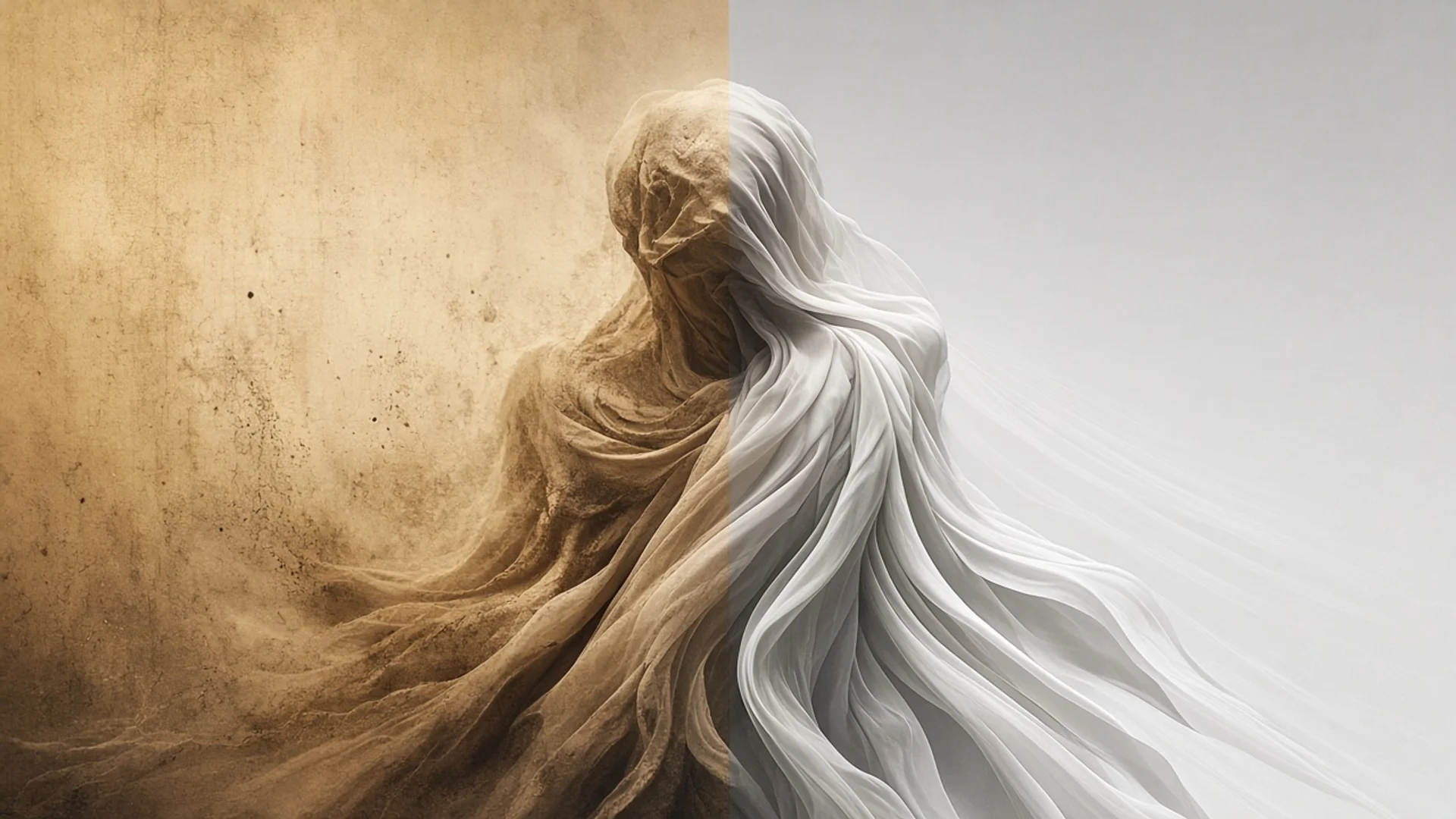
A Midjourney Style Reference helps apply the visual look and feel of a reference image to a new creation.
A Style Reference is a way to guide the visual style of a new image. Instead of focusing on exact subject copying, it helps transfer look-and-feel cues such as palette, texture, lighting, and aesthetic mood.
Palette relationships and color mood.
Visual medium cues such as photographic or illustrative feeling.
Surface quality and material character.
Light mood and contrast relationships.
The broader visual look and feel of the result.
Select an image whose look and feel match the direction you want.
Describe the subject and scene you want to create.
Attach the style reference using the appropriate workflow syntax.
Increase or reduce style influence based on how strongly you want the reference to guide the look.
In Discord-style workflows, Style References are often added with --sref. On the web, you typically assign an image as a Style Reference in the creation flow.
your prompt --sref IMAGE_URL
This page explains the concept. It does not implement Midjourney upload or generation functionality.
Style Weight controls how strongly the Style Reference influences the new image. The current official range is 0–1000, with a default of 100. Treat this as the current documented range rather than a timeless rule across every historical version.
quiet coastal architecture, soft afternoon light, editorial photography --sref IMAGE_URL --sw 200
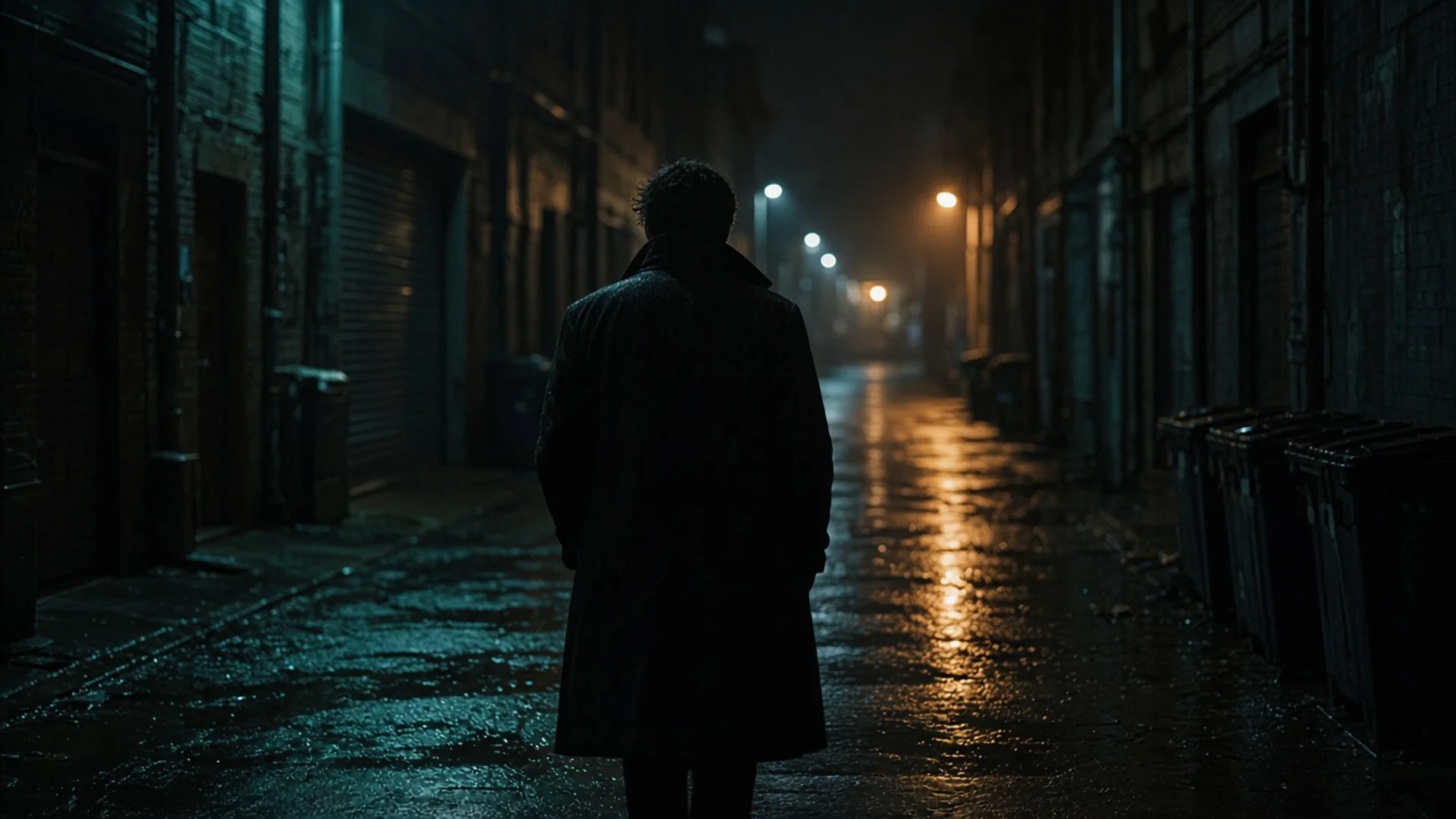
What it demonstrates: Use a Style Reference to guide cinematic color, lighting, and mood while describing a new scene.
lone traveler walking through a misty mountain pass at dusk, dramatic atmosphere, wide composition --sref IMAGE_URL --sw 150
Customize: Change subject, location, time of day, or framing.
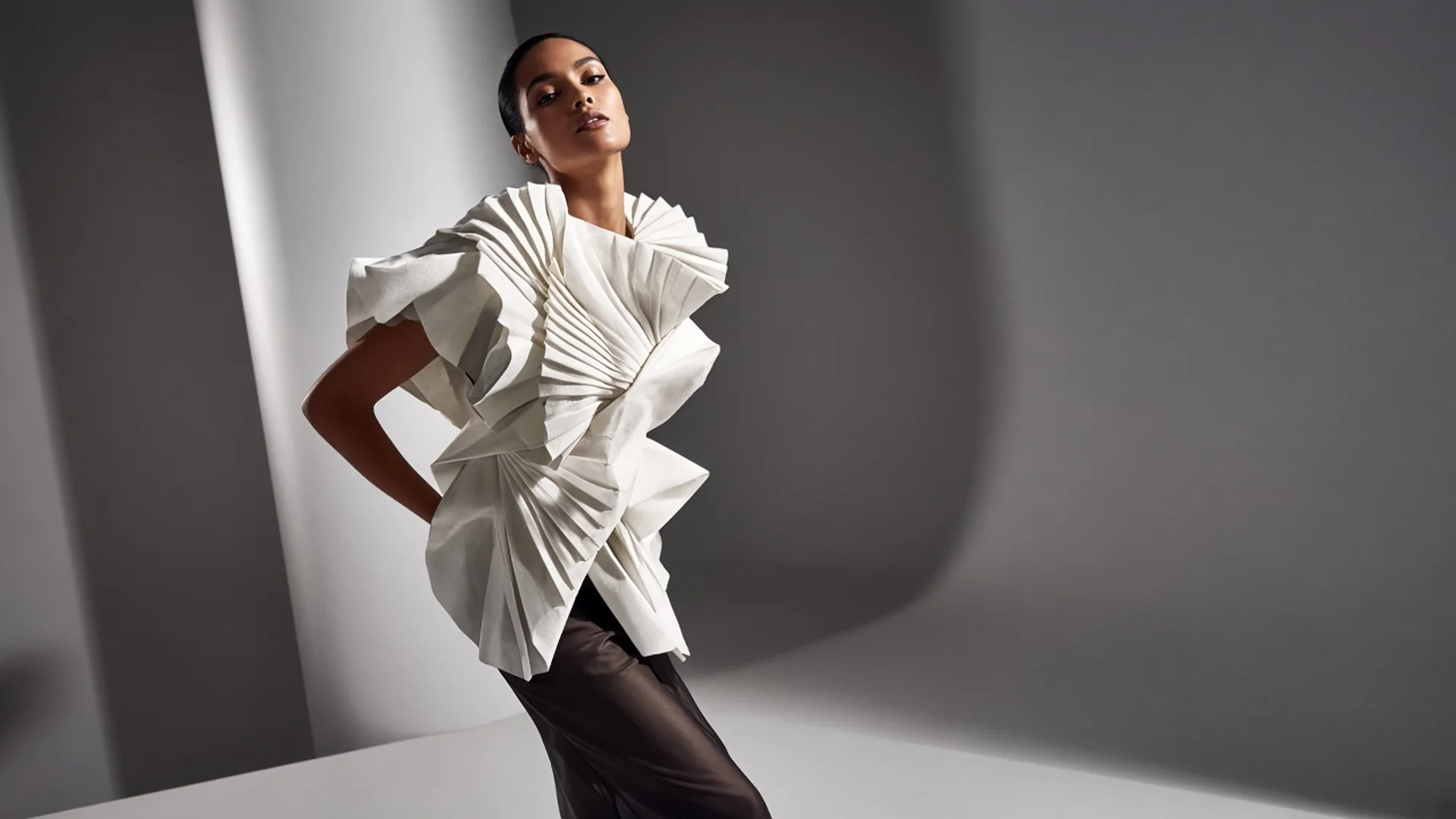
What it demonstrates: Guide editorial fashion aesthetics such as polish, palette, and lighting feel.
fashion portrait in a modern concrete courtyard, refined posing, clean editorial composition --sref IMAGE_URL --sw 120
Customize: Change outfit, pose, architecture, or camera angle.
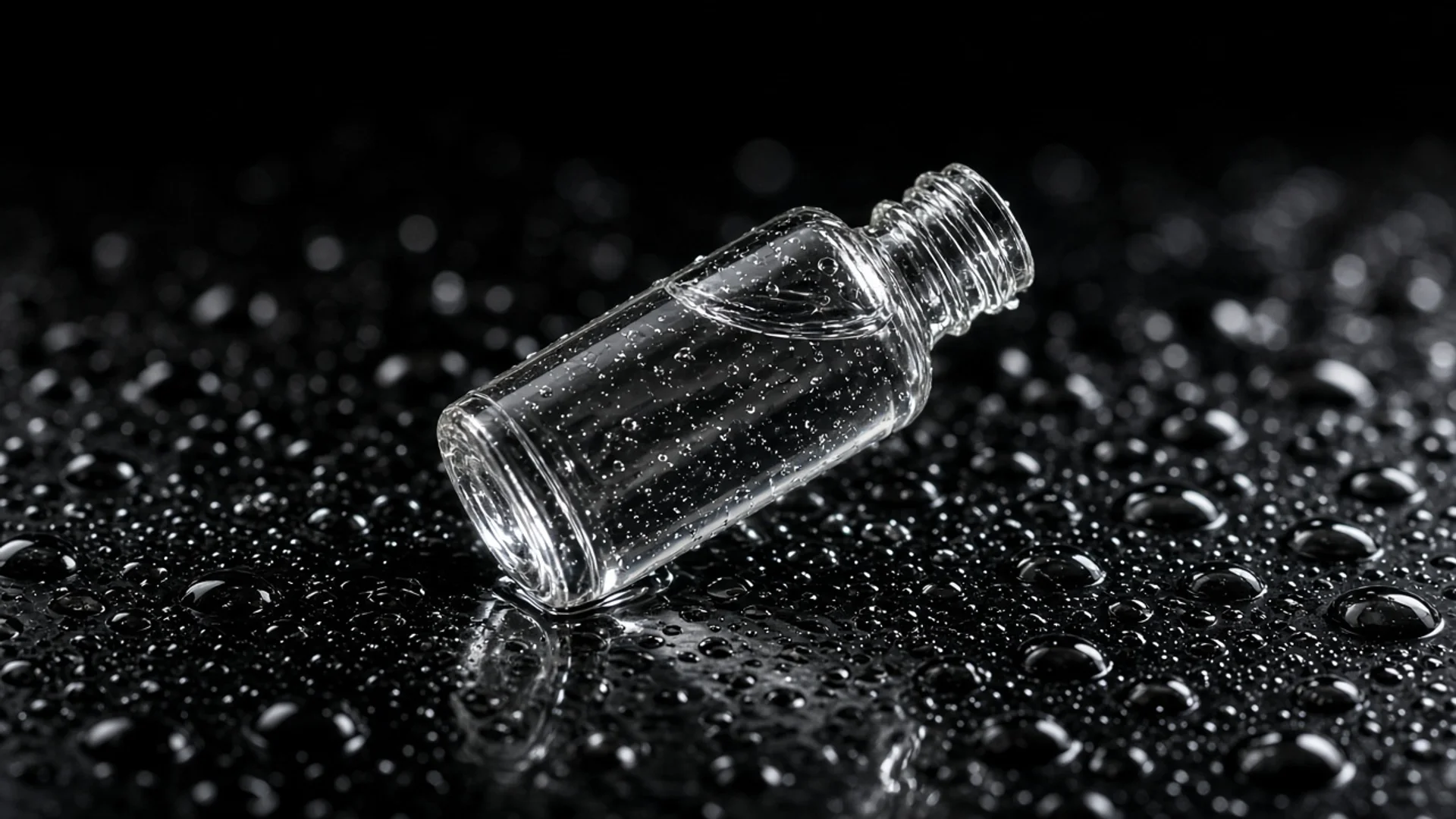
What it demonstrates: Transfer a product photography look and feel to a new product scene.
minimal skincare bottle on pale stone, soft studio lighting, premium commercial product photography --sref IMAGE_URL --sw 100
Customize: Change product, surface, props, or lighting setup.
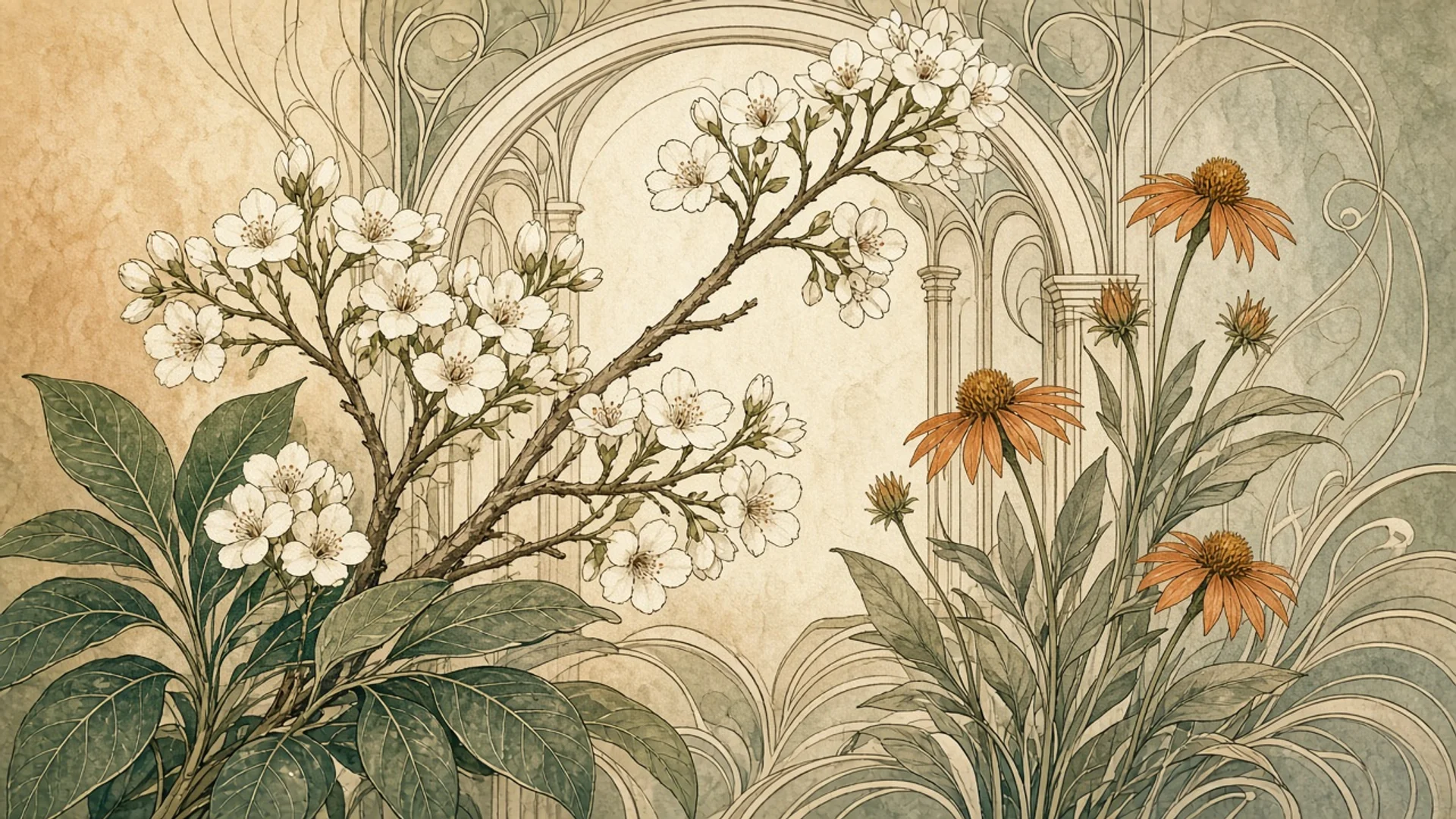
What it demonstrates: Use a Style Reference to guide illustrative medium, line quality, and texture.
botanical study of tropical leaves and flowers, clean background, refined illustrative finish --sref IMAGE_URL --sw 180
Customize: Change plant subject, palette emphasis, or composition.
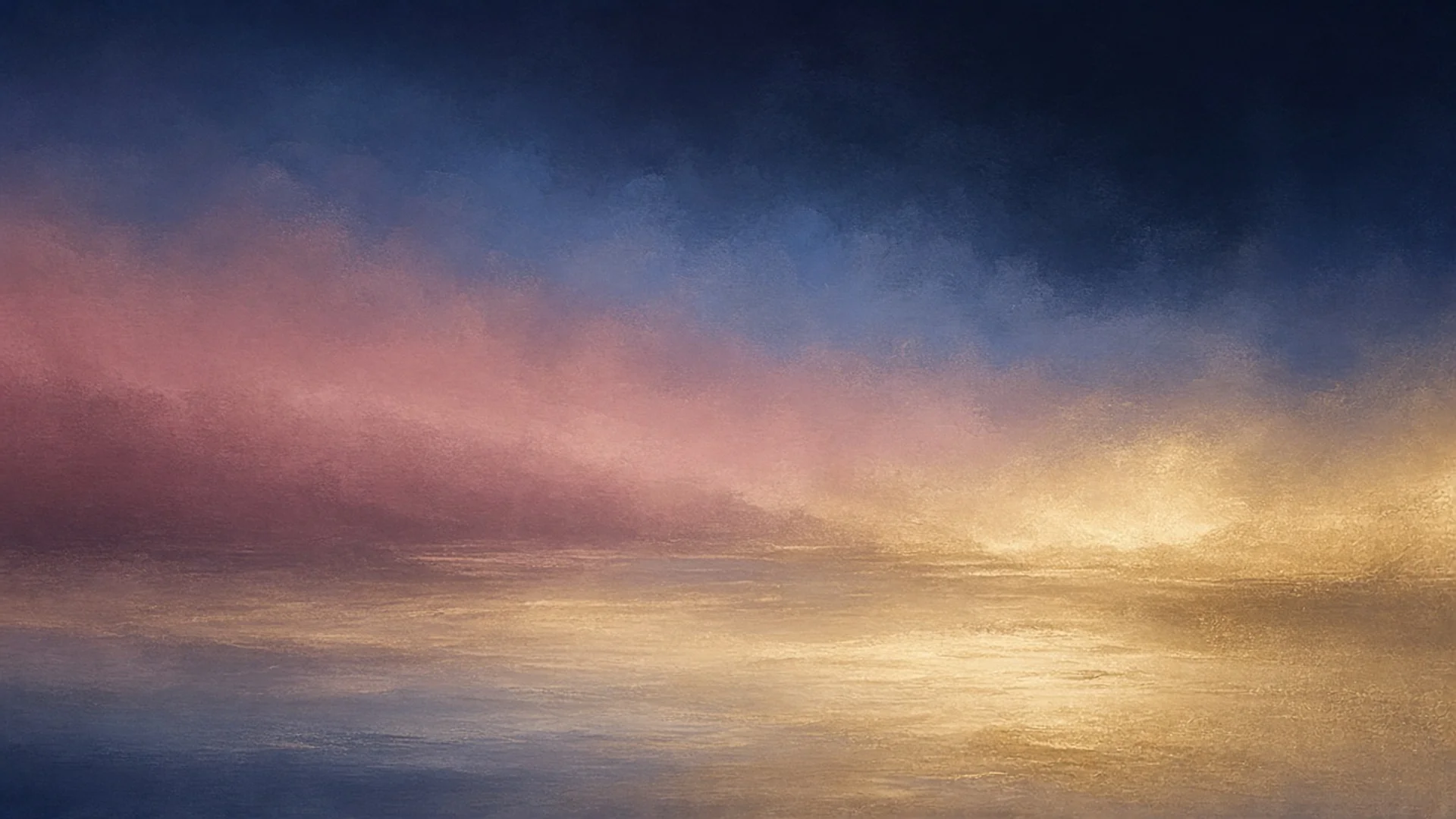
What it demonstrates: Focus the Style Reference on palette relationships and color mood.
quiet living-room still life with books and ceramic objects, soft daylight --sref IMAGE_URL --sw 220
Customize: Change objects while keeping a similar color direction.
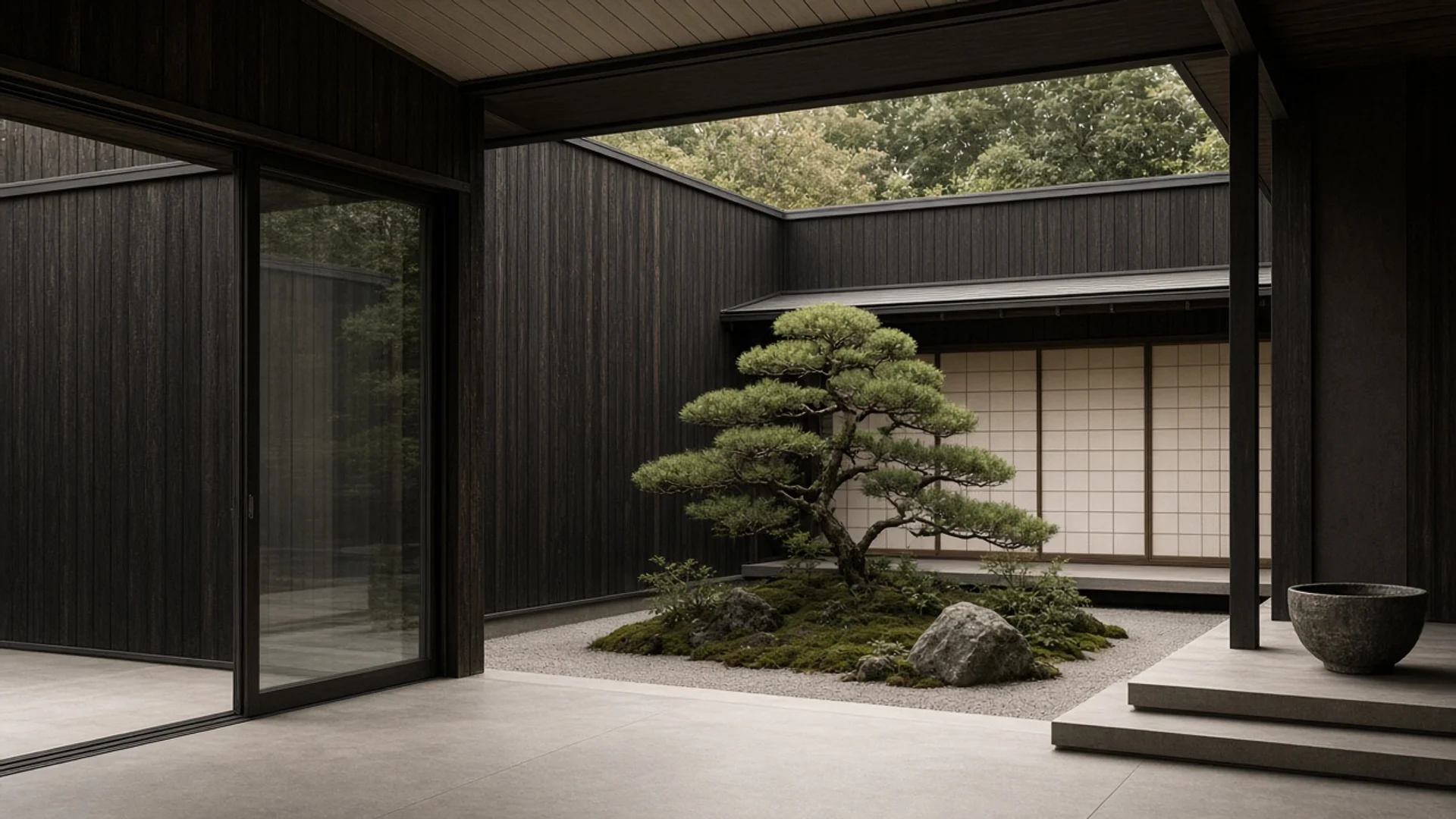
What it demonstrates: Guide architectural aesthetic through material feel, lighting, and visual polish.
modern pavilion beside a reflective pool, clean geometric forms, soft overcast light --sref IMAGE_URL --sw 140
Customize: Change building form, surroundings, or weather.
Multiple Style References can be used conceptually to blend more than one visual look. In Discord-style weighted examples, relative influence can be expressed with syntax like this:
your prompt --sref URL1::2 URL2::1 URL3::1
This is example syntax for relative weighting. Actual interfaces may present multiple Style References differently.
If the text asks for a look that fights the Style Reference, the result can become inconsistent.
Style References guide look and feel. They are not meant to copy people or objects from the reference.
A clear subject description usually works better than stacking many conflicting style phrases.
Image Prompts lean toward content and composition. Style References lean toward aesthetic direction.
Documented ranges and workflows can change. Use the current V8.x context when applying --sref and --sw.
These related workflows answer different creative needs.
Guides content, composition, and colors.
Guides visual look and feel such as colors, textures, lighting, and aesthetic.
Use Image Prompts when subject and composition guidance matter most. Use Style References when aesthetic transfer is the priority.
Try Midjourney and use Style References to guide the look and feel of your images.