Midjourney AI

Midjourney Image Prompts Guide

Learn how to use image references to guide the content, composition, and colors of new Midjourney images.

Visual concept of a reference image guiding a new composition

Quick Answer

Midjourney Image Prompts let you use an image alongside your text prompt to influence the content, composition, and colors of a new image.

  • A reference image provides guidance and inspiration.
  • It does not guarantee exact copying of the original image.
  • A clear text prompt still matters for the final direction.

What Are Midjourney Image Prompts?

Image Prompts are visual inputs used together with text. They can help guide what appears in a new image, how it is composed, and how colors relate to the reference. Treat them as direction, not as a request to duplicate a source image.

How Image Prompts Work

When you add a reference image with your prompt, Midjourney can use that visual information together with your text description.

  • The image can influence subject presence, layout cues, and color relationships.
  • The text prompt still defines creative intent, scene changes, and missing details.
  • Aspect ratio and other parameters still shape the final frame.

Image Prompt Syntax

In Discord-style workflows, the image URL usually appears before the text prompt. On the web, you typically attach a reference image and describe the goal in text.

              [image reference] cinematic portrait of a woman in a modern city --ar 2:3
            

This page explains the concept. It does not upload images or call a generation API.

Image Prompt Examples

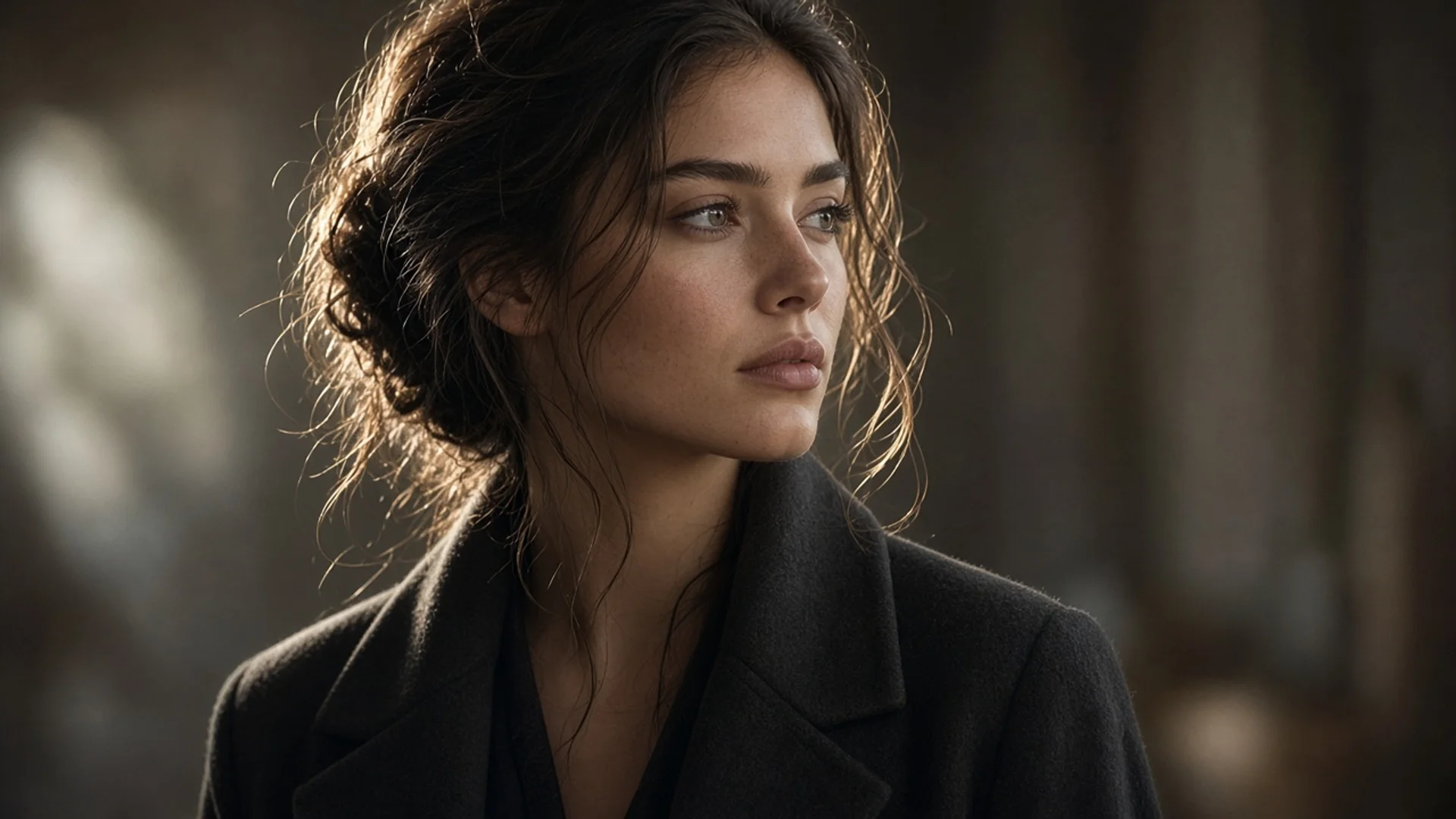
Portrait scene guided by a visual reference concept

Portrait Reference

What it demonstrates: Use a reference image to guide a portrait while changing the scene and atmosphere.

[image reference] cinematic portrait of the same subject standing on a rainy city street at night, soft neon reflections, shallow depth of field, editorial photography --ar 2:3

Customize: Change the location, lighting, wardrobe, or camera framing.
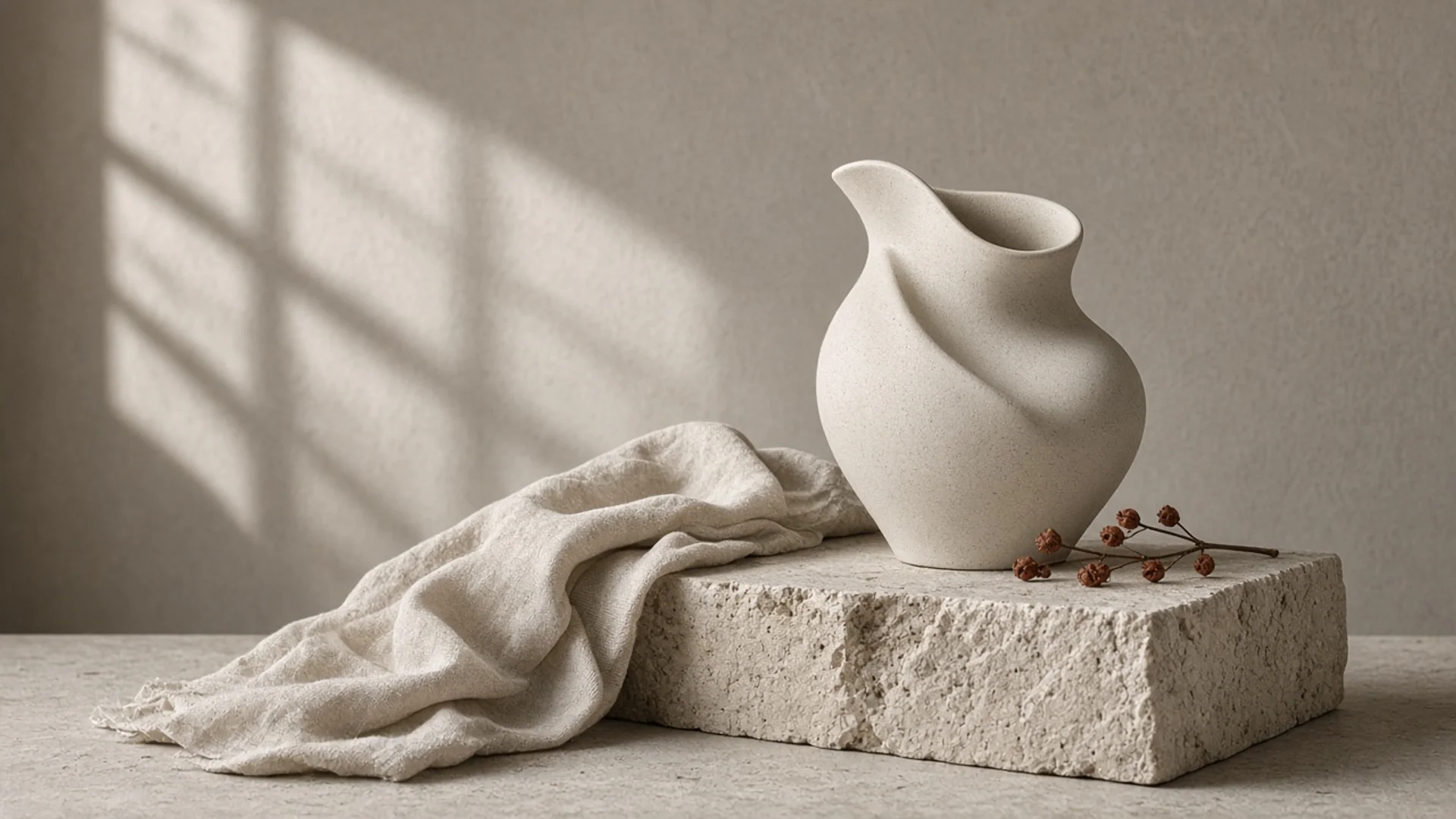
Product photography composition guided by a reference

Product Composition

What it demonstrates: Use a reference image to influence product placement, framing, and overall composition.

[image reference] premium ceramic perfume bottle on pale stone, soft directional studio lighting, clean commercial product photography, refined composition --ar 4:5

Customize: Change the product, surface, lighting, or background.

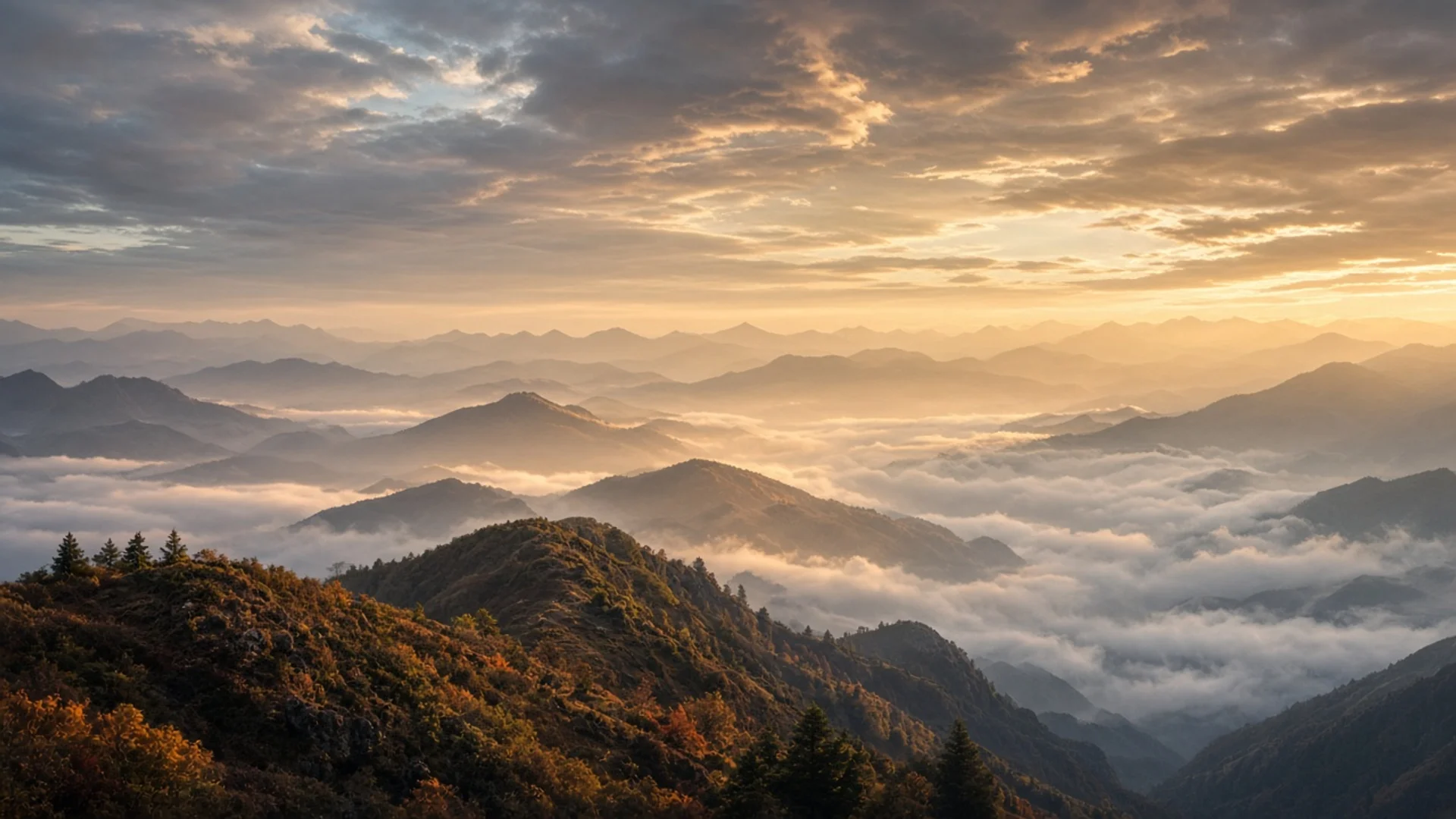
Landscape scene guided by a compositional reference

Landscape Composition

What it demonstrates: Use a reference image to guide landscape structure while adjusting time, weather, or mood.

[image reference] quiet alpine lake at sunrise, layered mountains, soft atmospheric mist, cinematic landscape photography, wide composition --ar 16:9

Customize: Change terrain, season, weather, or viewpoint.

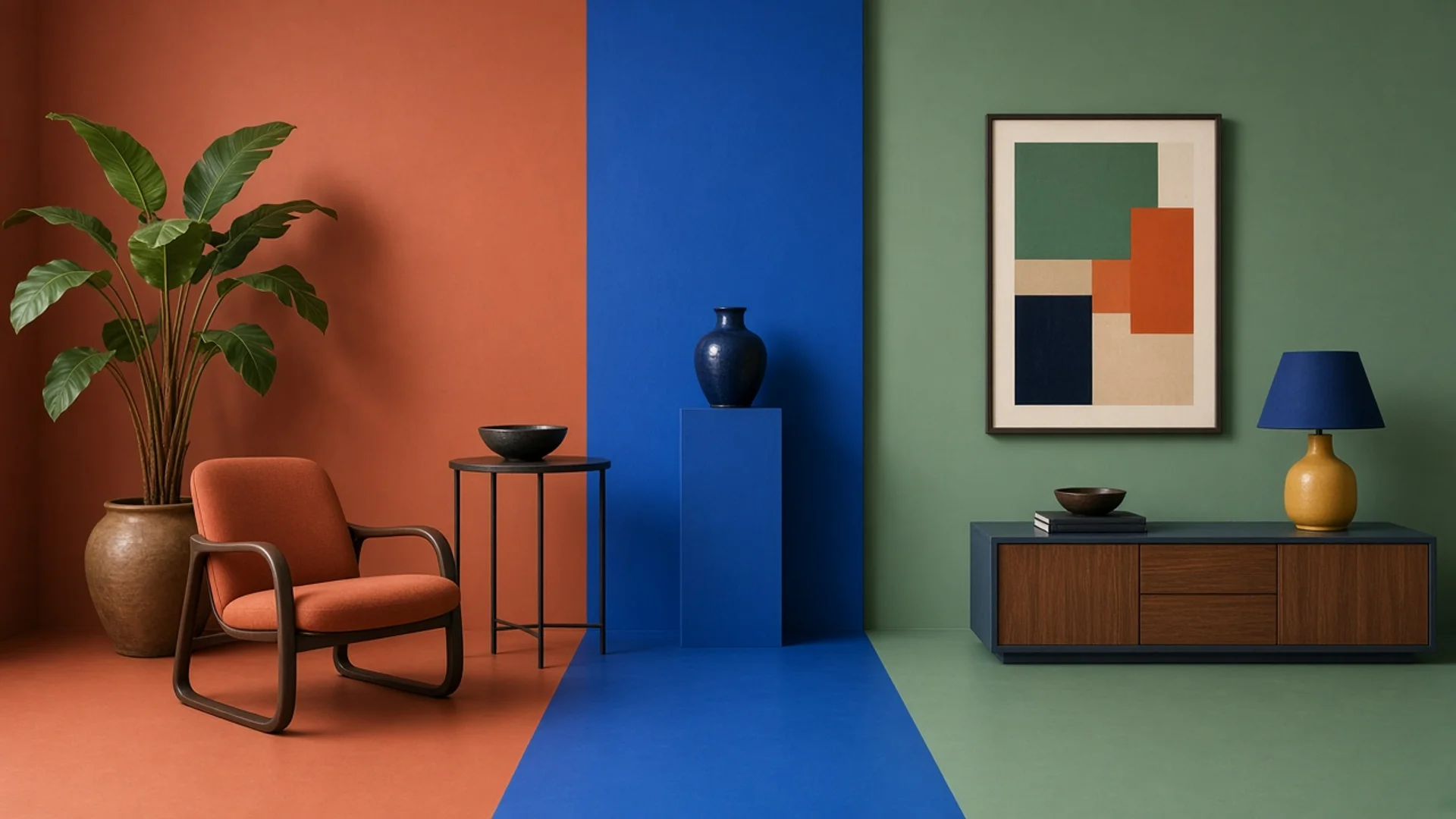
Still life emphasizing color influence from a reference

Color Reference

What it demonstrates: Use an image primarily to influence color relationships and visual mood.

[image reference] modern interior still life with muted teal and warm amber tones, soft natural window light, calm editorial atmosphere --ar 3:2

Customize: Change the subject while keeping a similar palette direction.

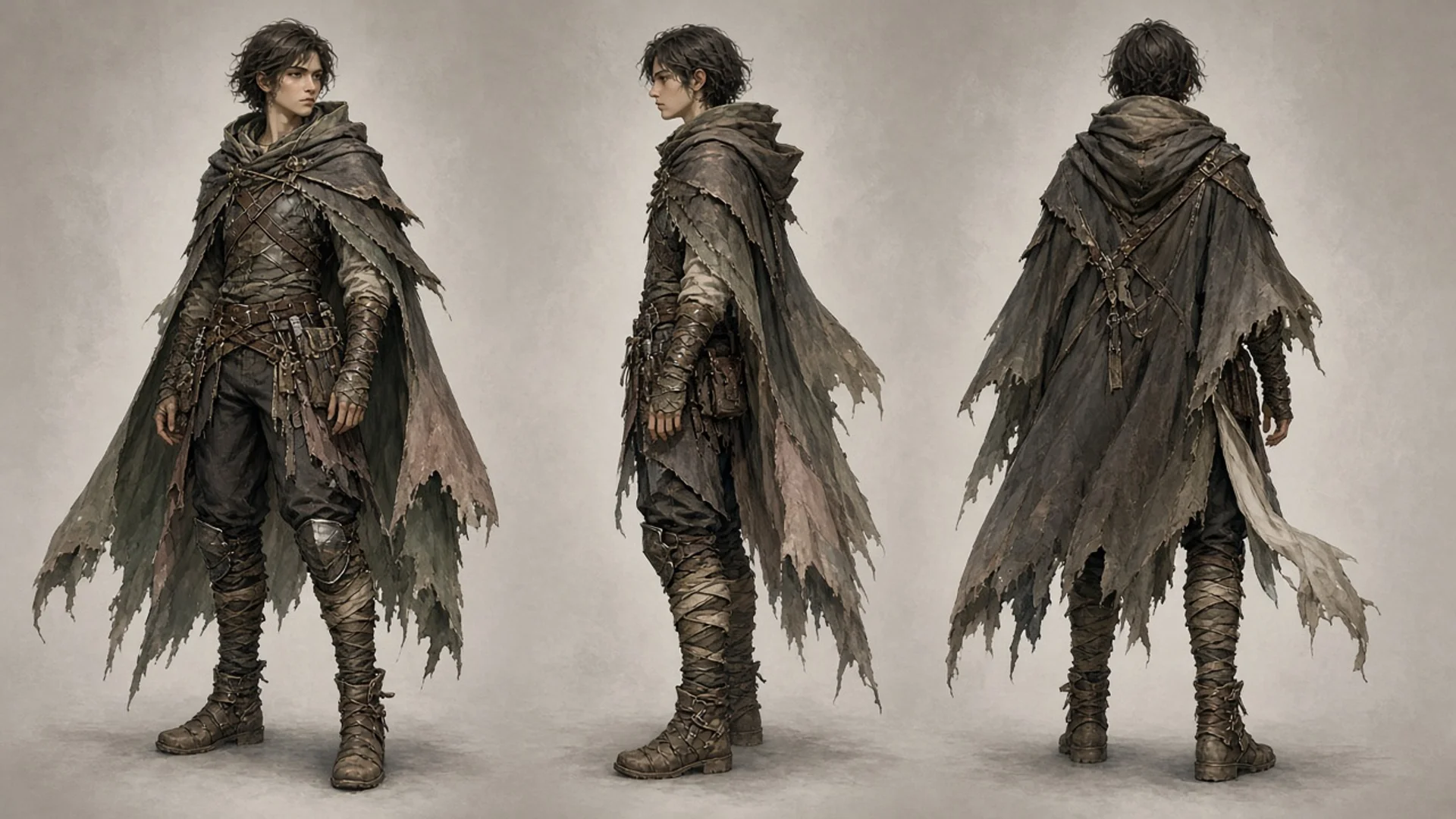
Character design scene inspired by a visual reference

Character Inspiration

What it demonstrates: Use a reference image as inspiration for character design without expecting exact duplication.

[image reference] original fantasy explorer character with layered travel clothing, utility gear, dusty canyon settlement background, cinematic concept art --ar 2:3

Customize: Change role, costume details, environment, or genre.

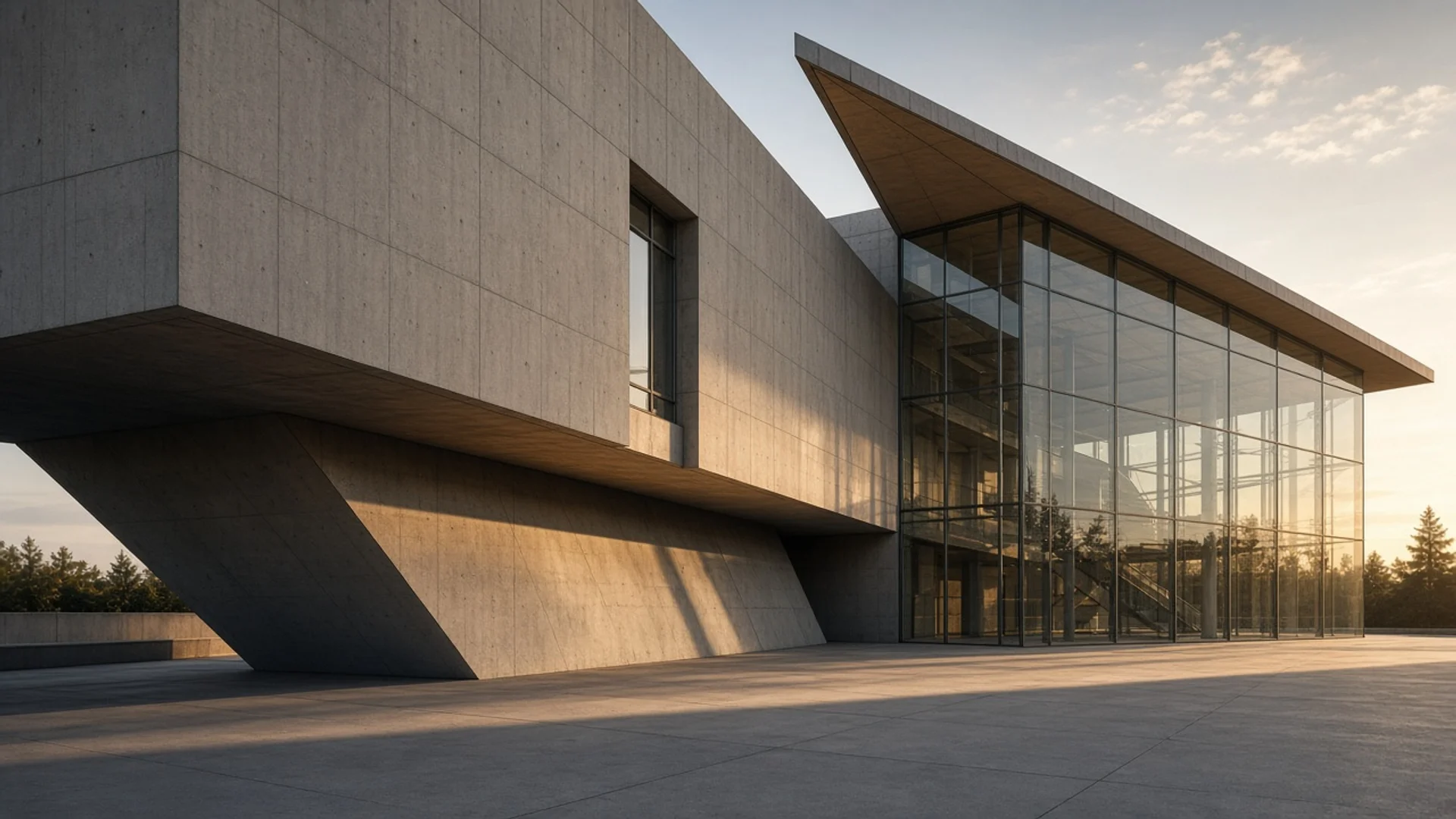
Architectural composition guided by a reference image

Architecture Reference

What it demonstrates: Use a reference image to guide architectural shape, structure, and scene organization.

[image reference] contemporary coastal architecture overlooking the ocean, clean geometric forms, soft afternoon light, editorial architectural photography --ar 4:3

Customize: Change building type, materials, lighting, or surroundings.

Image Weight (--iw)

A higher image-weight value gives the Image Prompt more influence over the final result. Different Midjourney versions may have different --iw ranges, so treat any numeric range as version-specific rather than universal.

              [image reference] quiet mountain lake, soft morning mist, realistic landscape photography --iw 1.5 --ar 16:9
            

Example syntax only. Confirm the current version's supported --iw range in your Midjourney workflow.

How to Write Text with an Image Prompt

Use the reference for visual guidance, then describe what should stay, change, or be added.

  • Name the subject and scene clearly in text.
  • Describe lighting, mood, and style when they matter.
  • State what should change from the reference.
  • Add parameters such as --ar after the text prompt.

Common Mistakes

  1. 1

    Expecting exact copying

    Image Prompts guide content, composition, and colors. They do not guarantee an exact duplicate of the reference.

  2. 2

    Relying on the image without describing important details

    If a detail matters, write it in the text prompt instead of assuming the image alone will communicate it.

  3. 3

    Ignoring final aspect ratio

    The frame shape still affects composition. Choose an aspect ratio that fits the intended layout.

  4. 4

    Using conflicting text instructions

    If the text asks for something that fights the reference direction, results can become unclear.

  5. 5

    Treating Image Prompt and Style Reference as identical

    Image Prompts lean toward content and composition guidance. Style References lean toward look and feel.

Image Prompt vs Style Reference vs Edit Model

These workflows support different goals. None is universally best.

Image Prompt

Guides content, composition, and colors from a reference image used with text.

Style Reference

Guides visual style, colors, textures, lighting, and overall aesthetic.

Edit Model

Modifies images, combines references, supports targeted editing, and can expand the canvas.

Choose the workflow based on whether you need content guidance, style guidance, or editable reference-driven creation.

Frequently Asked Questions

What are Image Prompts in Midjourney?+
Image Prompts let you use an image together with your text prompt to influence the content, composition, and colors of a new image.
How do I use an image prompt in Midjourney?+
Add a reference image with your text prompt so Midjourney can use both visual and written direction. In Discord-style workflows, the image URL typically appears before the text prompt.
Can Midjourney copy an image prompt exactly?+
No. Image Prompts provide guidance and inspiration. They can influence content, composition, and colors, but they do not guarantee an exact copy of the reference image.
What does --iw do in Midjourney?+
Image Weight (--iw) controls how strongly the Image Prompt influences the result. A higher value generally gives the reference image more influence. Supported ranges can differ by Midjourney version.

Ready to Create Your Own Images?

Try Midjourney and use Image Prompts to guide content, composition, and color direction.