
Modify an existing image
Use written instructions to change an existing image.
Learn how to use the Midjourney Edit Model to modify images, combine reference images, and create new images with natural-language instructions.
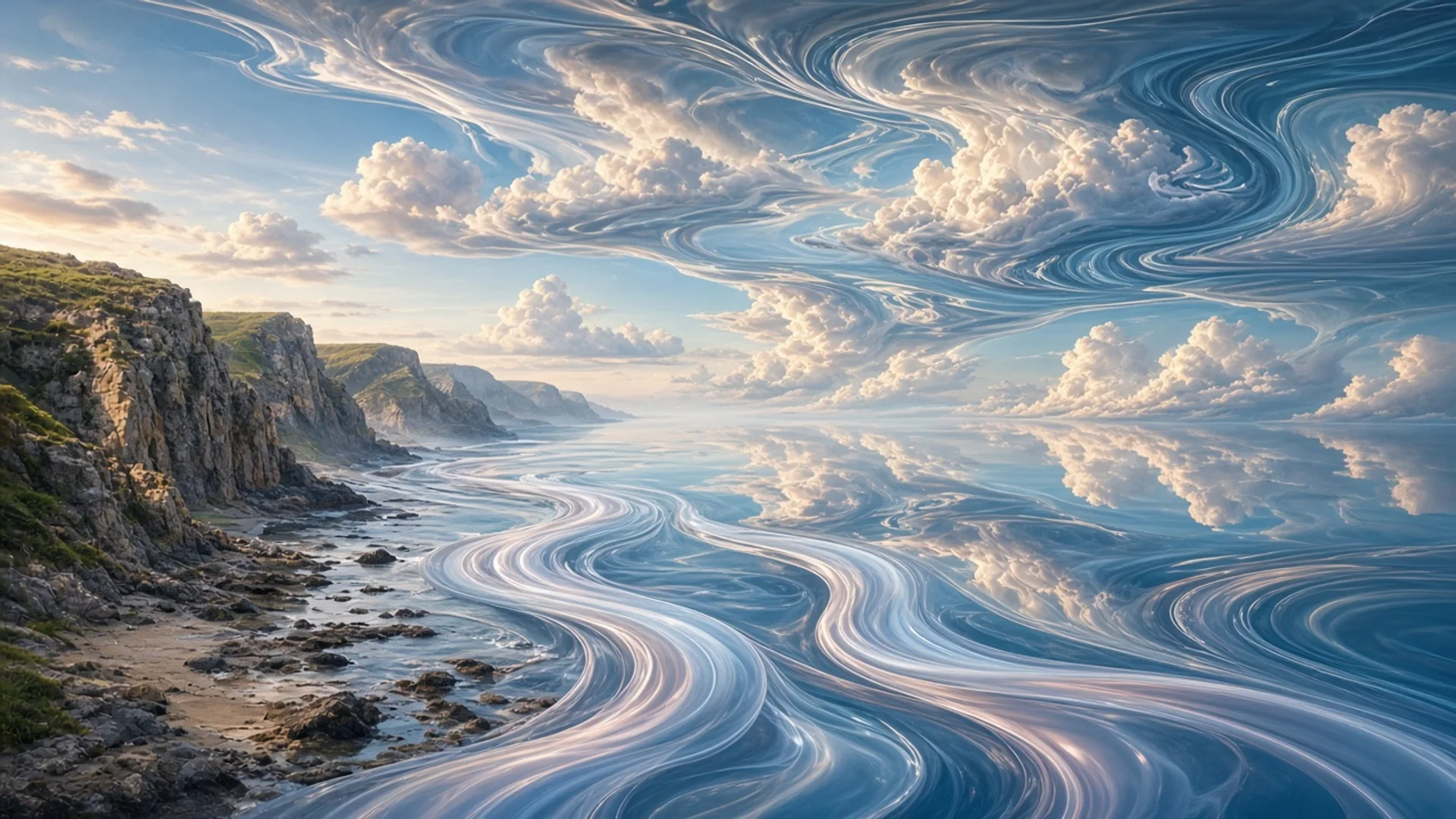
The Midjourney Edit Model lets you modify existing images, create new images using reference images, and make targeted edits with natural-language instructions.
The Edit Model is a current V8.1/V8.2 workflow for creating and modifying images with references and written instructions. It is more than a generic image editor: it supports reference-driven creation, targeted changes, and canvas expansion.
For V8.x workflows, Edit Model replaces the role of older Omni Reference and Character Reference as the current primary reference-editing path.
Use written instructions to change an existing image.
Generate new images using up to four reference images.
Use inpainting for selected areas and outpainting to expand the canvas.
This page explains the workflow conceptually. It does not upload images or run editing operations.
Choose an existing image or add reference images.
Use the appropriate Edit Model / reference workflow for your goal.
Write clear natural-language instructions for what should change or be created.
Evaluate the result and refine references or instructions as needed.
Reference images can help guide characters, objects, materials, and other visual elements while you describe the new composition in text. Treat them as direction for the Edit Model, not as a guarantee of exact reproduction.
The Edit Model can use up to four reference images when creating a new image. Multiple references are useful when you want to combine different visual elements into one coherent result.
You can start from an existing image and describe the change you want. Clear instructions about what should stay and what should change help keep the edit focused.
In current V8.x workflows, the Edit Model is the underlying model for these editing paths.
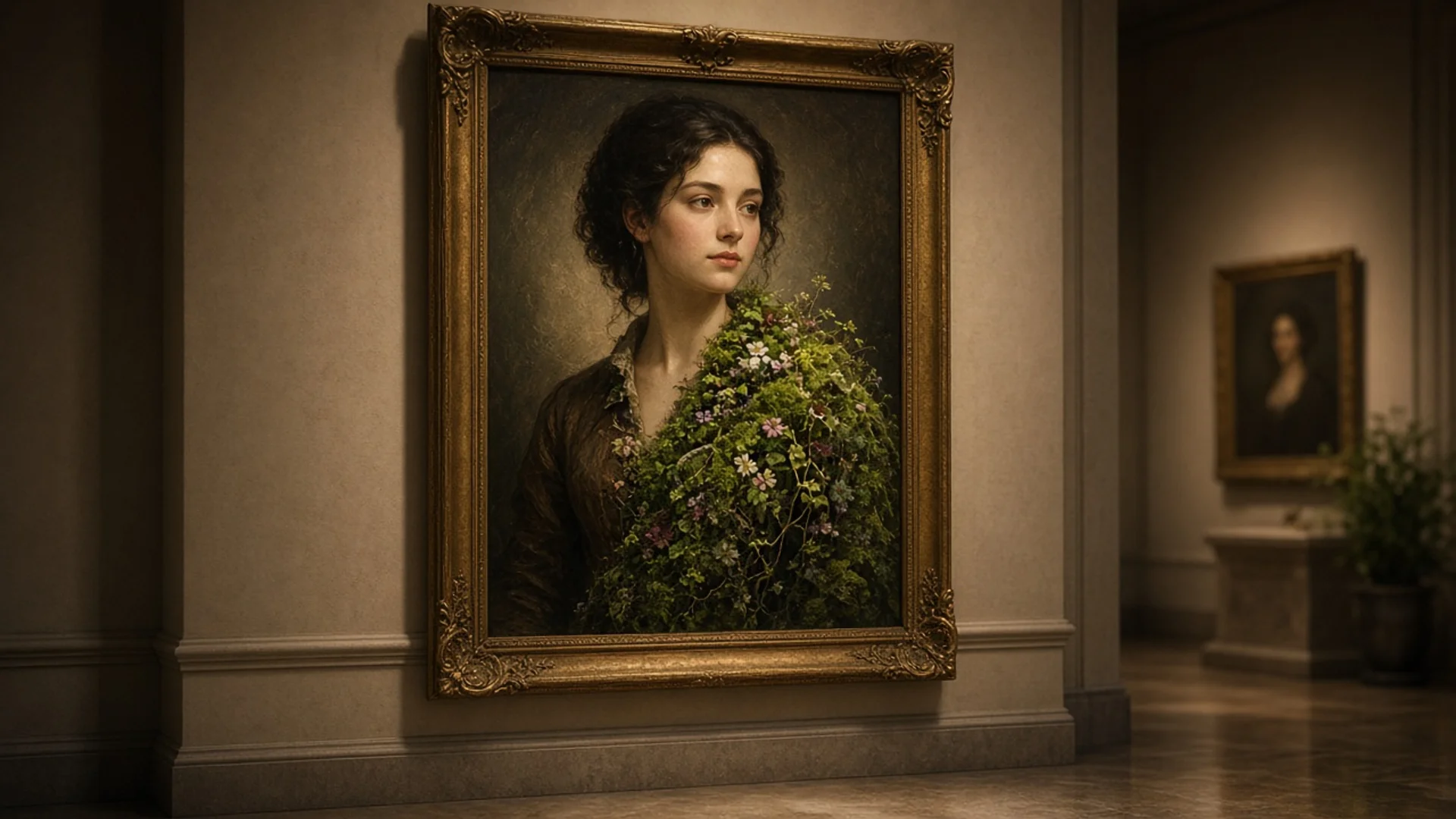
Modify selected areas of an image while keeping the rest of the frame more stable.
Expand the canvas beyond the original frame to reveal more of the scene.
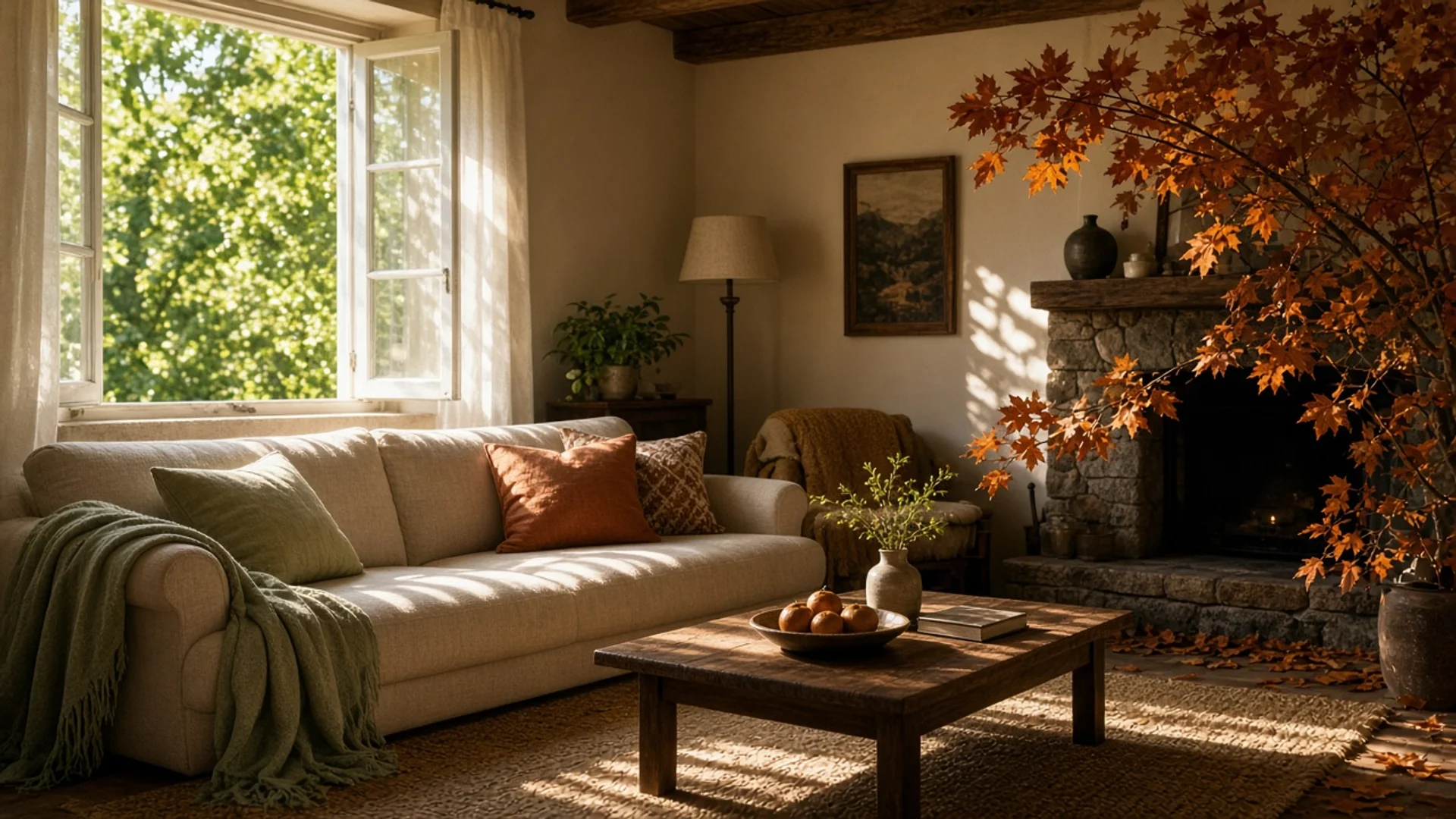
What it demonstrates: Use written instructions to modify an existing image while keeping important elements stable.
keep the same subject and composition, change the background to a soft rainy city street at night, preserve natural skin texture and lighting continuity
Customize: Change the target background, lighting, or wardrobe details.
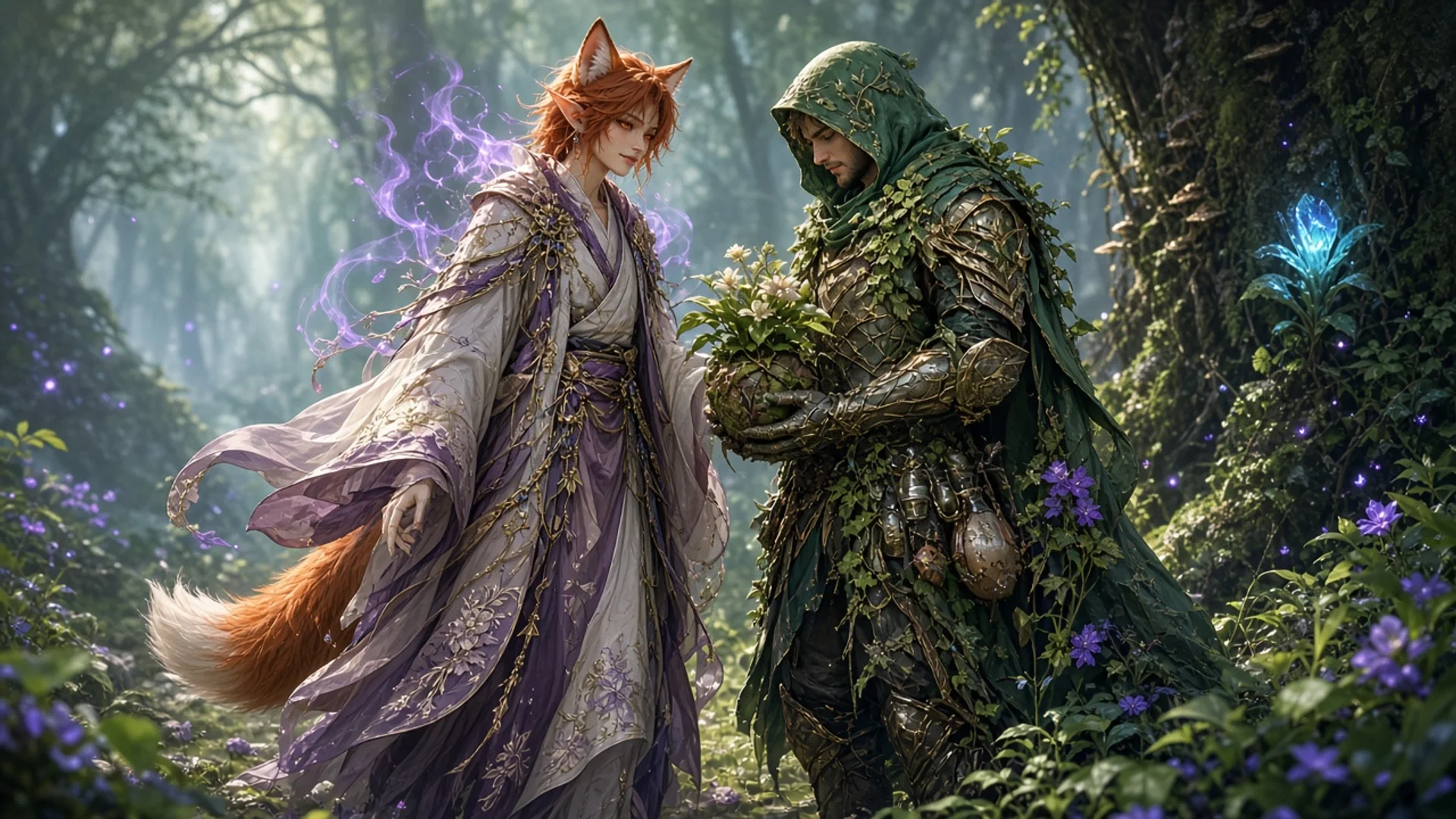
What it demonstrates: An Edit Model use case for combining character direction from references. This is not a separate Character Reference tool page.
combine the character from reference A with the clothing style from reference B, standing in a sunlit courtyard, cinematic portrait composition
Customize: Change clothing, setting, or portrait framing.
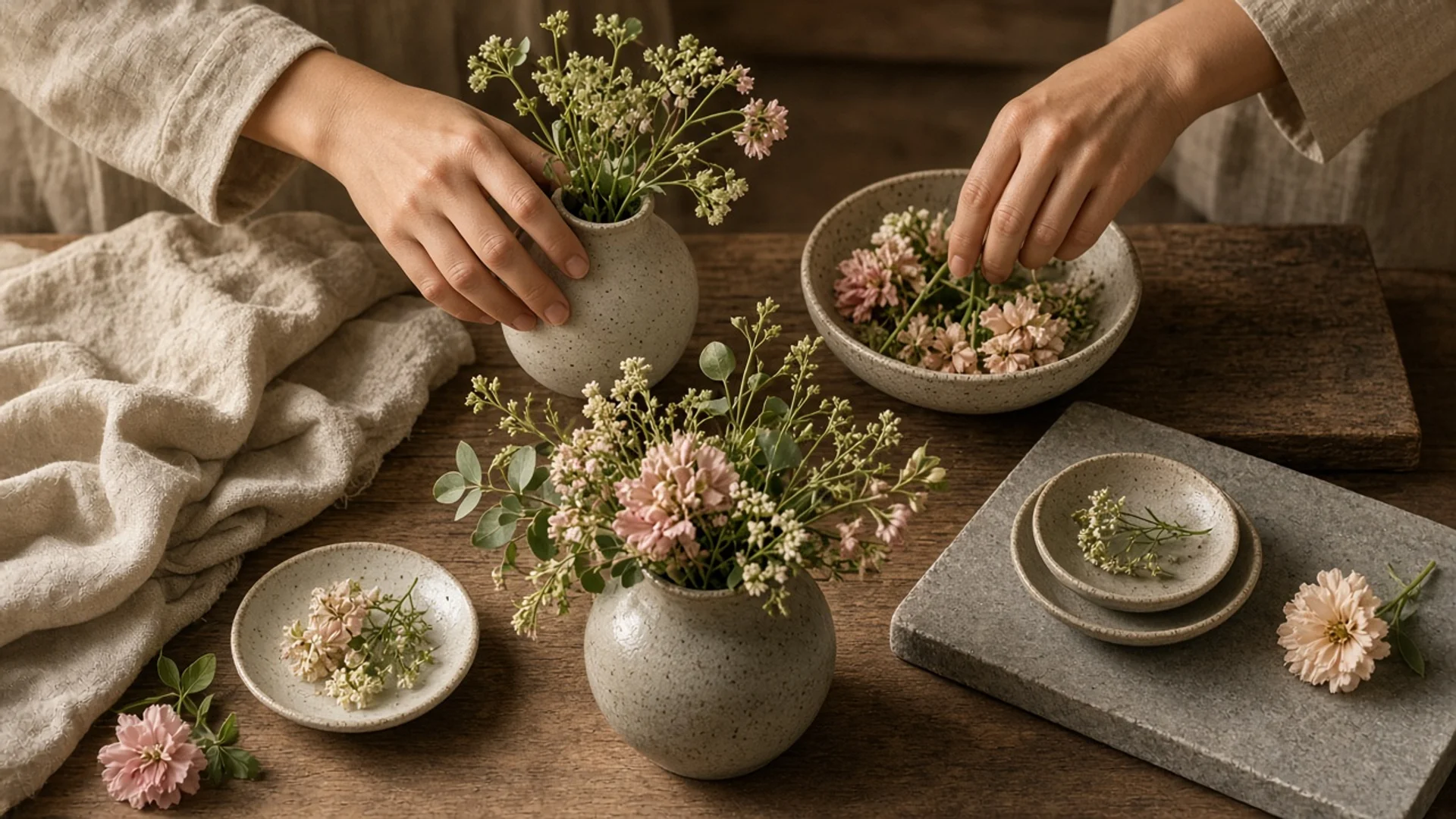
What it demonstrates: Combine object and character references into one coherent new image.
place the product from reference A with the person from reference B in a clean studio scene, soft commercial lighting, balanced composition
Customize: Change product, pose, studio setup, or lighting.
What it demonstrates: Use multiple references together when building a more complex new composition.
create a new scene using up to four references for character, environment, prop, and lighting mood, keep the composition coherent and cinematic
Customize: Change which element each reference guides.
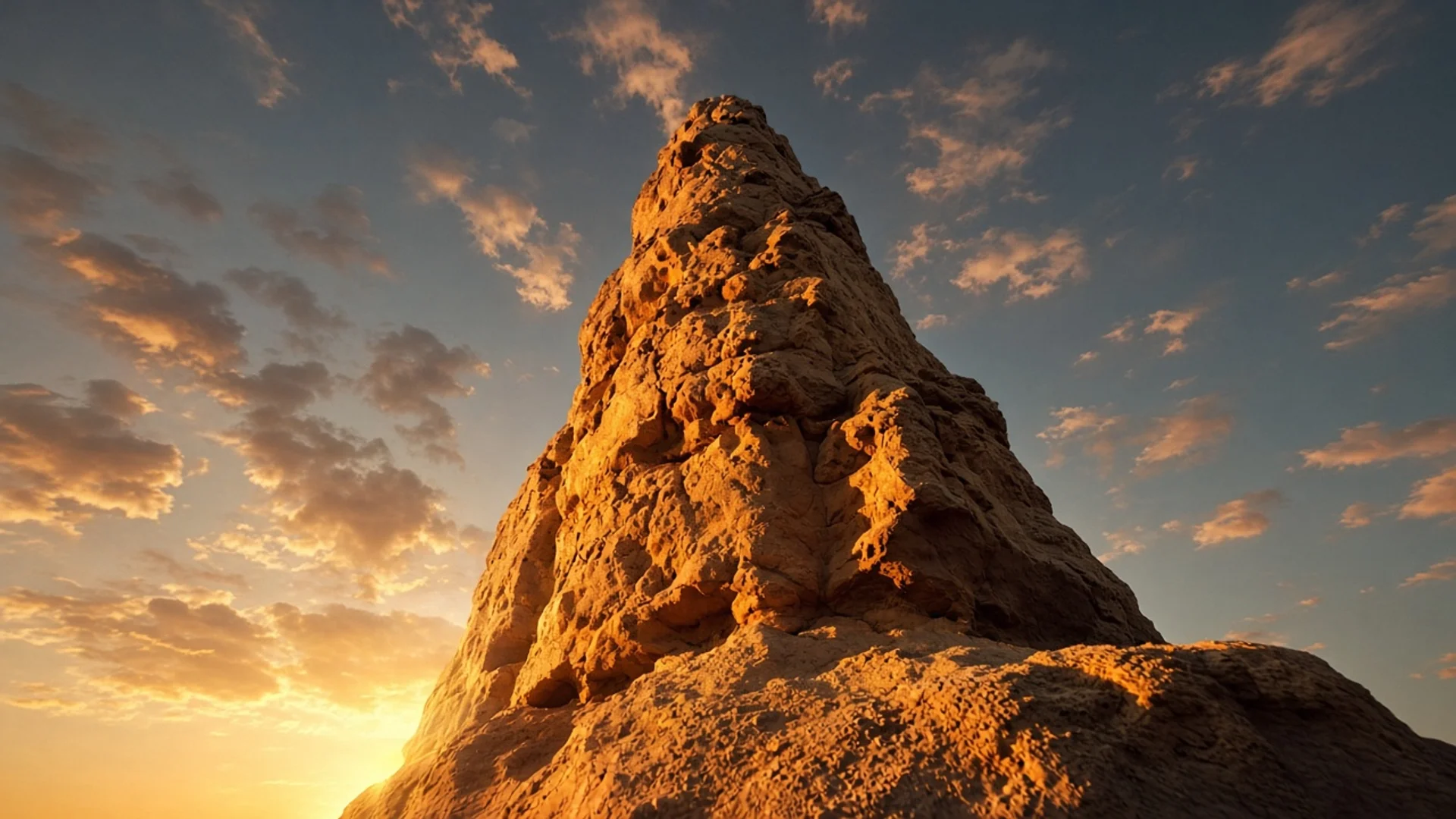
What it demonstrates: Change viewpoint while keeping the core scene recognizable.
keep the same subject and environment, move to a lower camera angle with a wider establishing view, preserve the overall mood
Customize: Adjust camera height, distance, or framing.
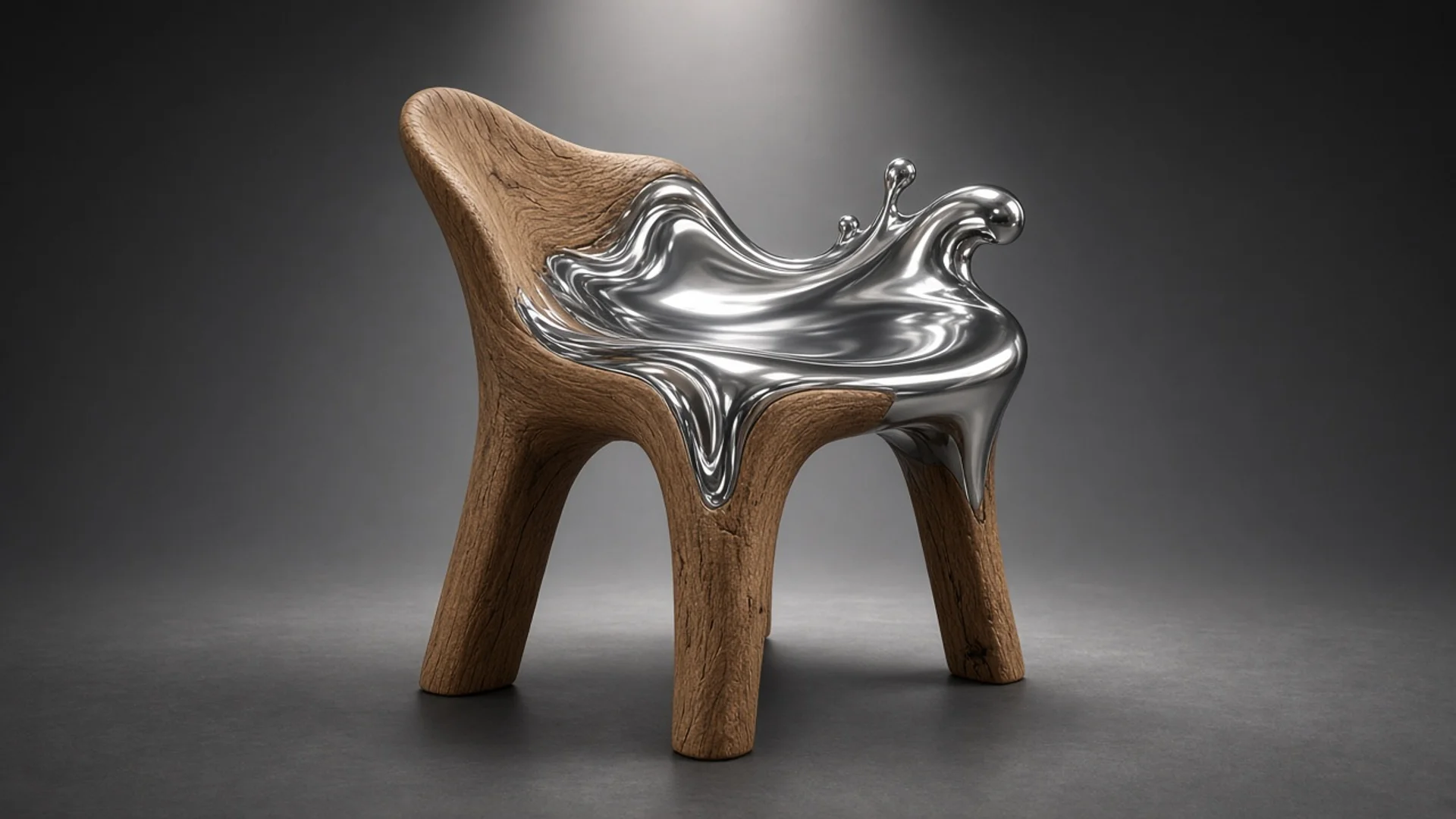
What it demonstrates: Retexture is an Edit Model capability for transforming surface materials and finish while keeping structure.
retexture the surfaces to brushed metal and frosted glass while keeping the same object shape and composition, refined product presentation
Customize: Change materials, finish, or lighting response.
When you want prompt text to retain more influence and reduce extra default stylistic intervention, --raw can be useful as a related parameter. It is not a dedicated realism switch.
Use the workflow that matches your goal. None is universally better.
Guide content, composition, and colors.
Guide visual style.
Modify images, combine references, perform targeted editing, and expand the canvas.
State what should stay and what should change when editing an existing image.
References guide creation and editing. They do not guarantee exact reproduction.
Keep the edit goal focused so the model can prioritize the change you care about.
Image Prompts guide new generation with text plus an image. Edit Model supports modification, multi-reference creation, and targeted editing.
Style Reference guides look and feel. Edit Model is for editing and reference-driven creation workflows.
For current V8.x work, Edit Model is the primary reference and editing workflow described on this page.
Try Midjourney and use the Edit Model to modify images or build new scenes with references.