
1:1
Square composition. Useful when the image needs balanced width and height.
Midjourney's aspect ratio parameter lets you control the width-to-height relationship of your generated image. Learn how --ar works and how common ratios can be used for portraits, landscapes, mobile compositions, and other visual formats.
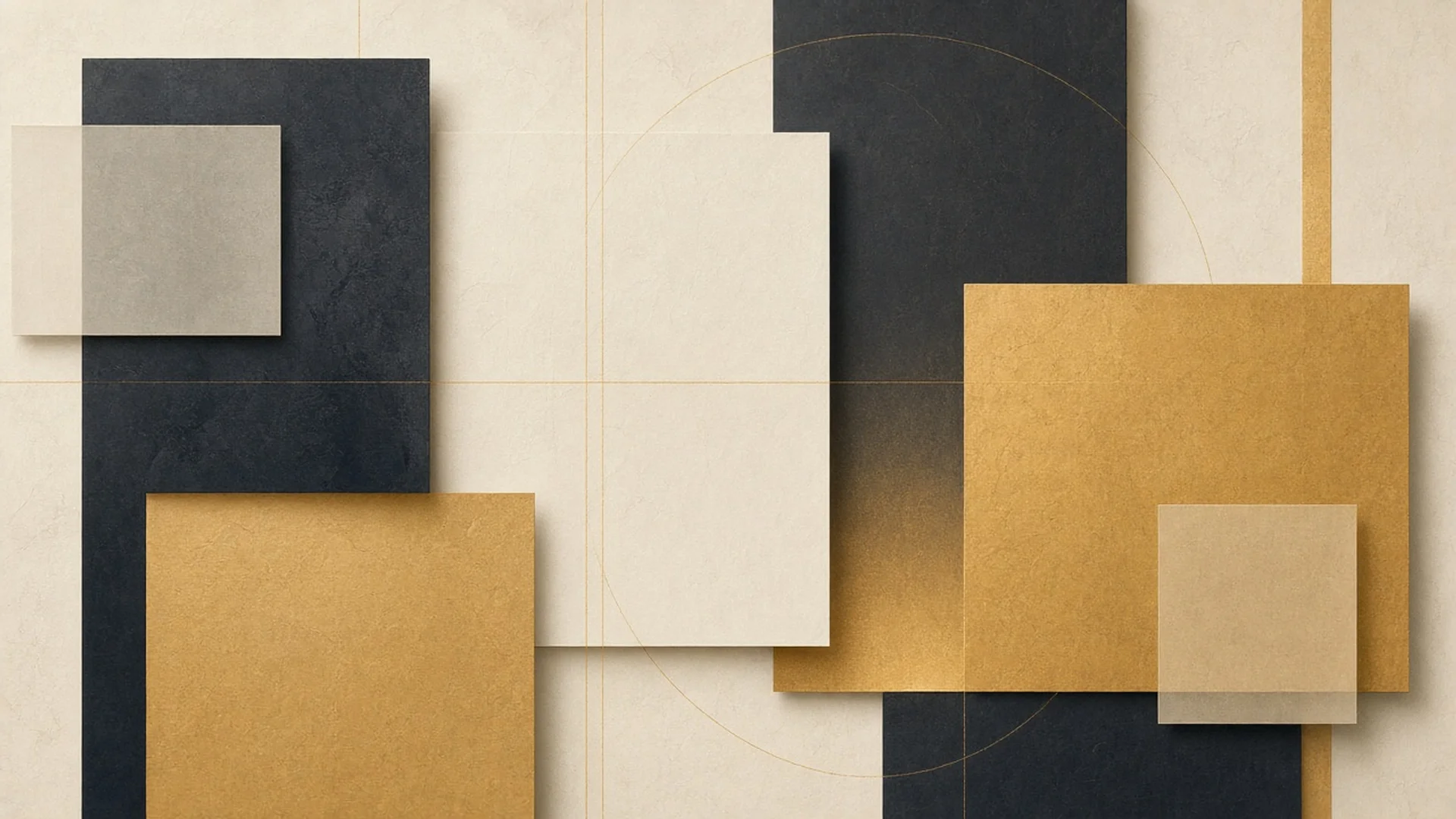
Midjourney's --ar parameter controls the width-to-height ratio of your image.
your prompt --ar 16:9
Place the parameter at the end of your prompt. Aspect ratio defines the frame shape; it is not a crop tool.
Aspect ratio changes the shape of the generated canvas. A wider ratio gives more horizontal space, while a taller ratio gives more vertical space. The choice of ratio can influence how you organize subjects, environments, negative space, and other compositional elements.
Square composition. Useful when the image needs balanced width and height.
Wide landscape composition. Useful for cinematic scenes, wide environments, and landscape-oriented visuals.
Tall vertical composition. Useful for mobile-oriented and vertical visual layouts.
Moderate landscape composition. Useful for general landscape and editorial-style images.
Portrait-oriented composition. Useful for vertical portrait and print-oriented layouts.
Photography-oriented landscape composition. Useful for many traditional photographic compositions.
These ratios are practical starting points. No single ratio is universally best for every image.
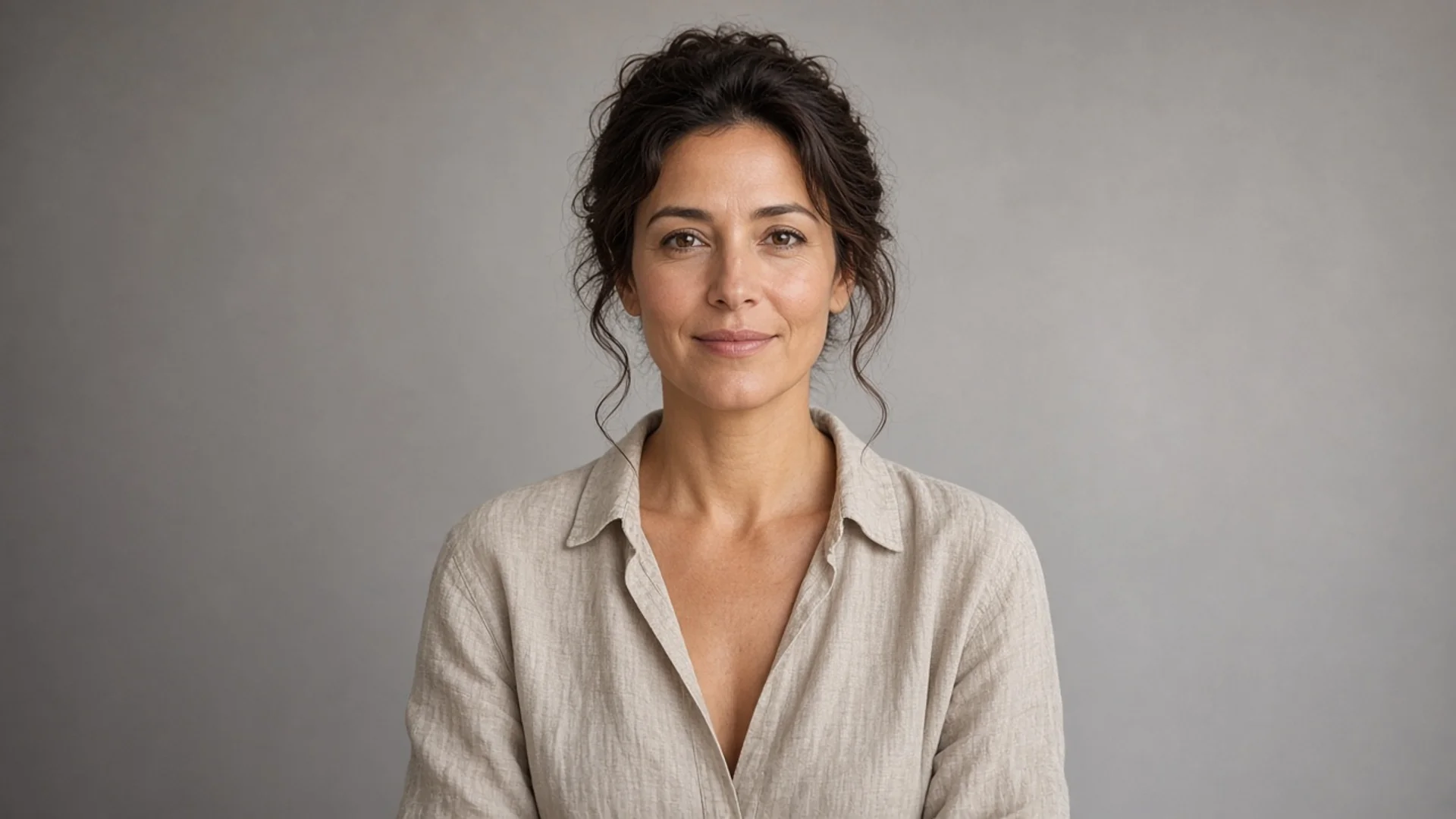
editorial portrait of a young woman standing beside a large window, soft natural light, subtle shadows, realistic skin texture, refined fashion photography, balanced composition --ar 1:1
Why this ratio: A square canvas gives the portrait balanced horizontal and vertical space and works well for centered or compact compositions.
Customize: Change the subject, pose, lighting, wardrobe, or background.
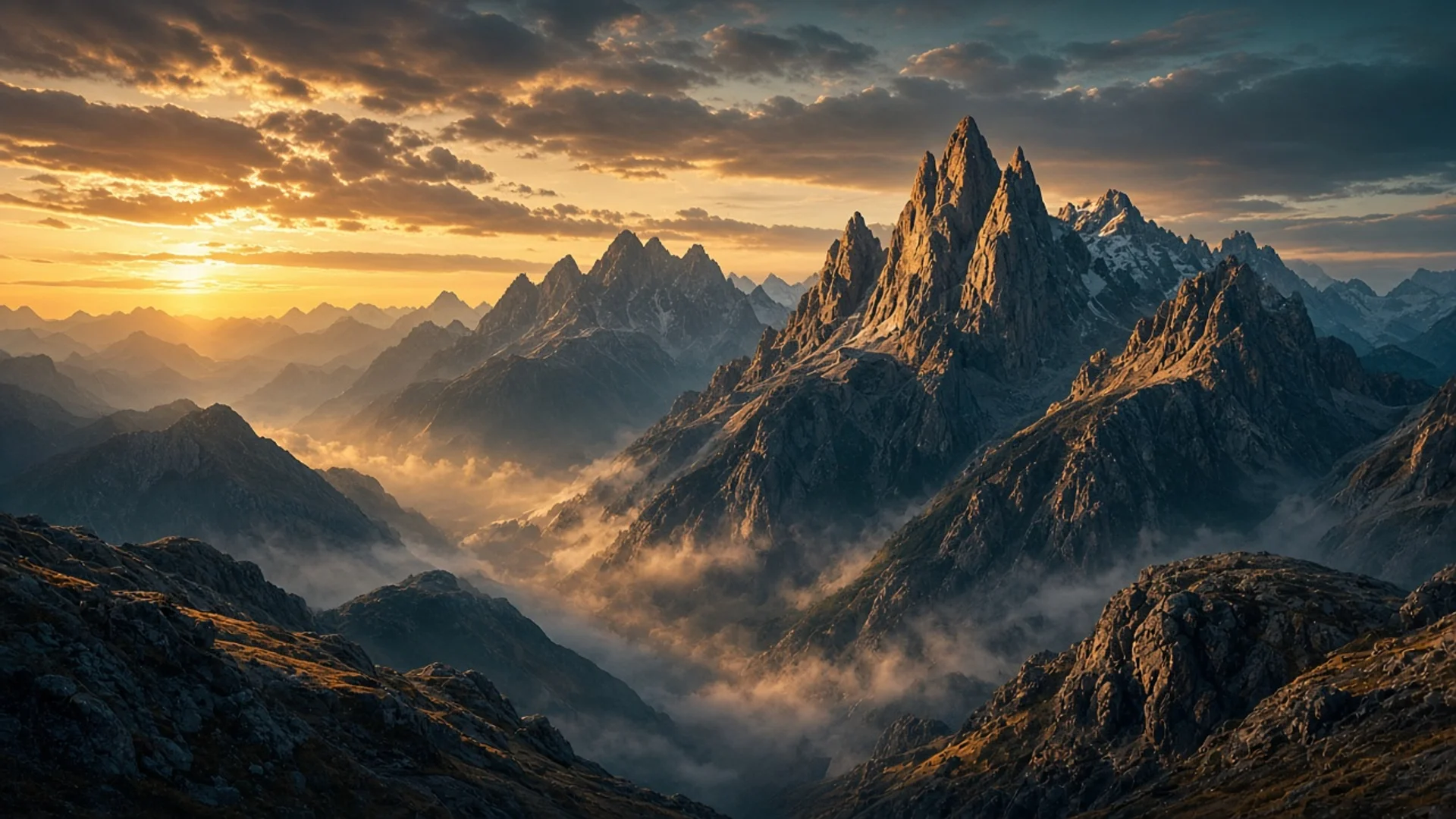
vast mountain valley at sunrise, layered peaks fading into atmospheric mist, warm golden light, dramatic clouds, cinematic landscape photography, expansive environment --ar 16:9
Why this ratio: A wide canvas provides more horizontal space for landscapes and large environments.
Customize: Change the terrain, weather, time of day, or camera viewpoint.
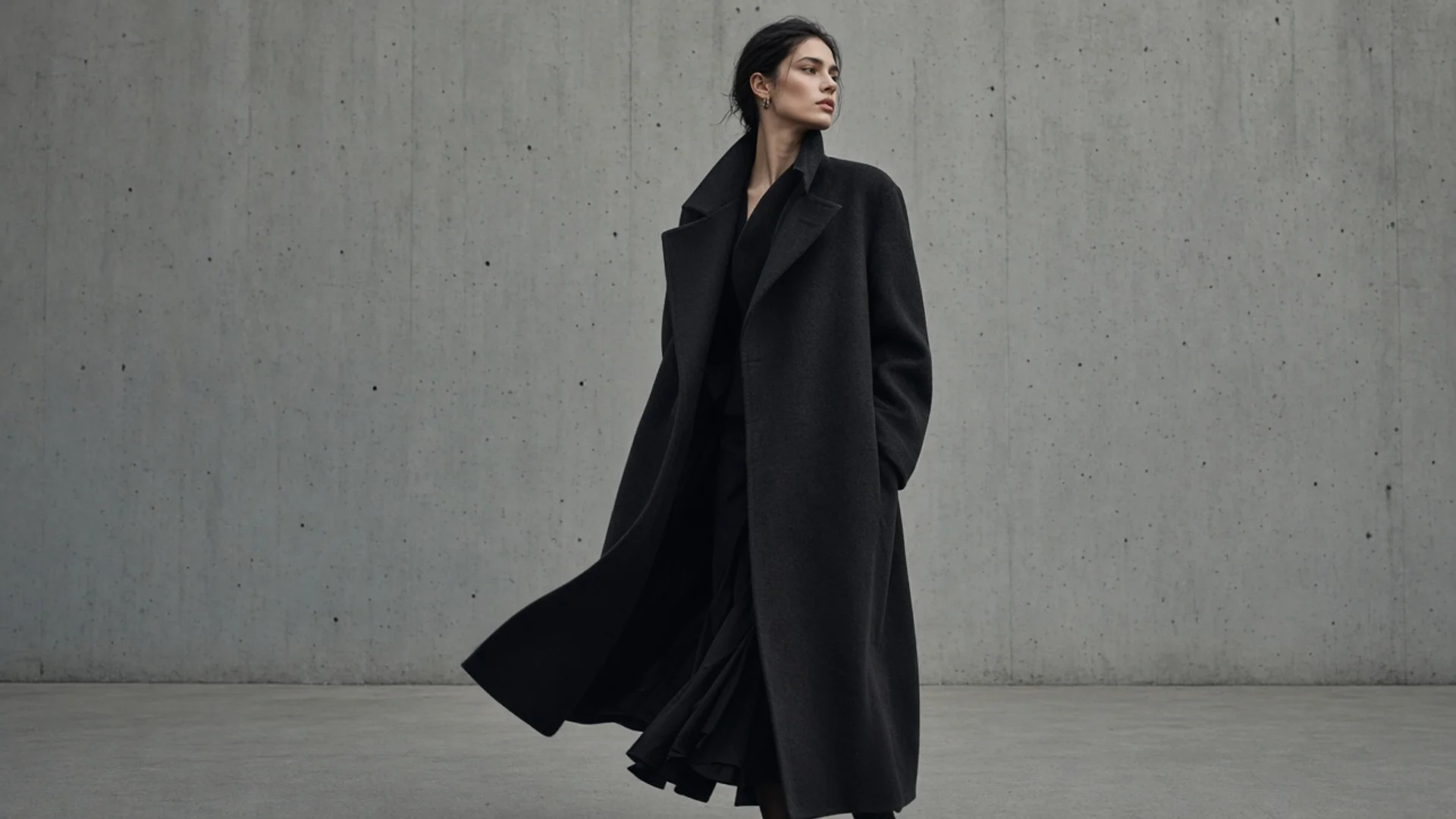
stylish fashion portrait of a woman standing beneath modern architectural structures, dramatic vertical lighting, clean editorial composition, sophisticated color palette --ar 9:16
Why this ratio: The tall composition gives more vertical space for a full-body subject and mobile-oriented visual layouts.
Customize: Change the outfit, architecture, lighting, or pose.
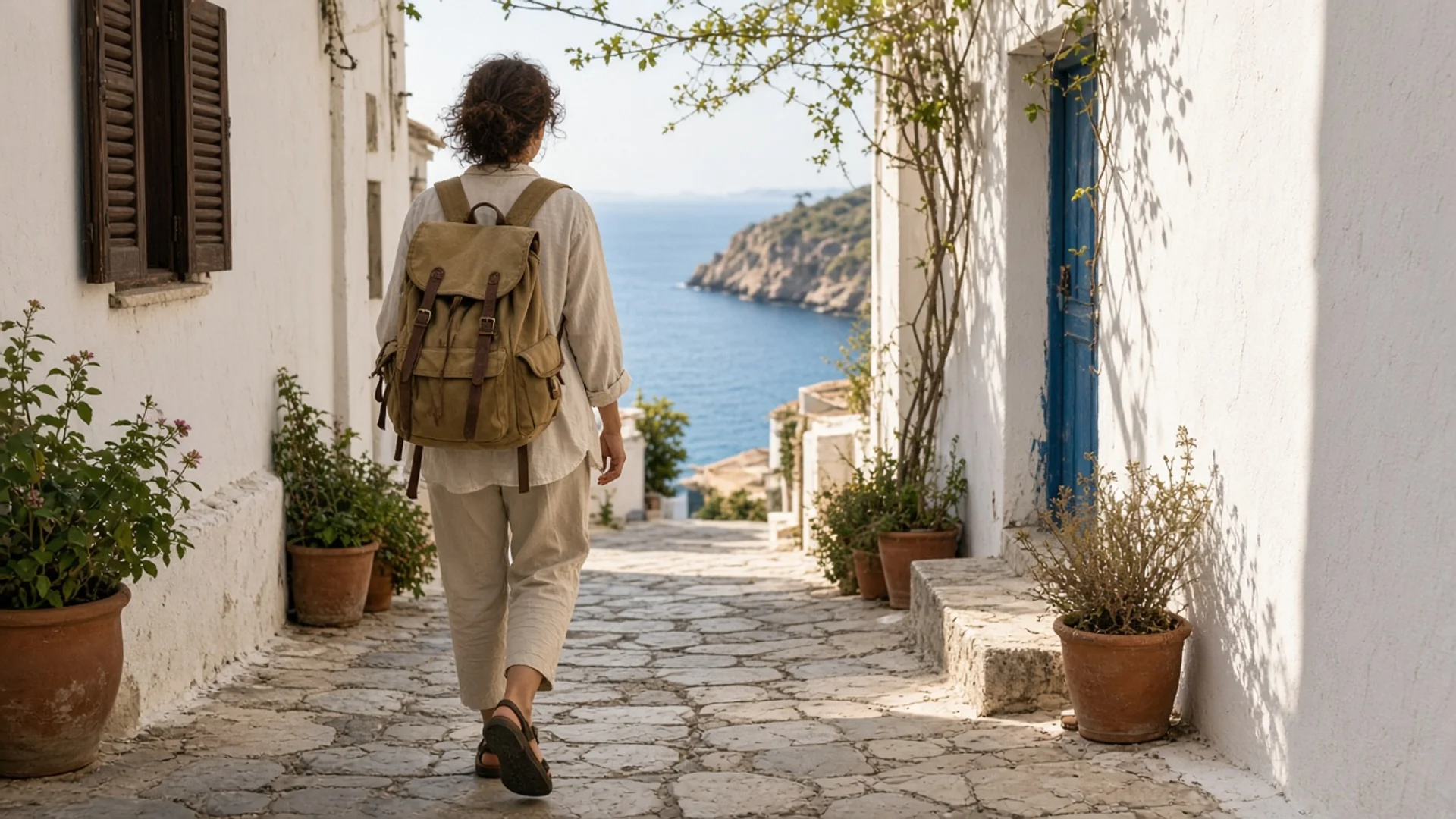
realistic portrait of a traveler standing in a coastal village, natural sunlight, textured buildings in the background, documentary photography, authentic atmosphere --ar 2:3
Why this ratio: A portrait-oriented frame provides vertical space for people while retaining environmental context.
Customize: Change the location, subject, environment, or photographic style.
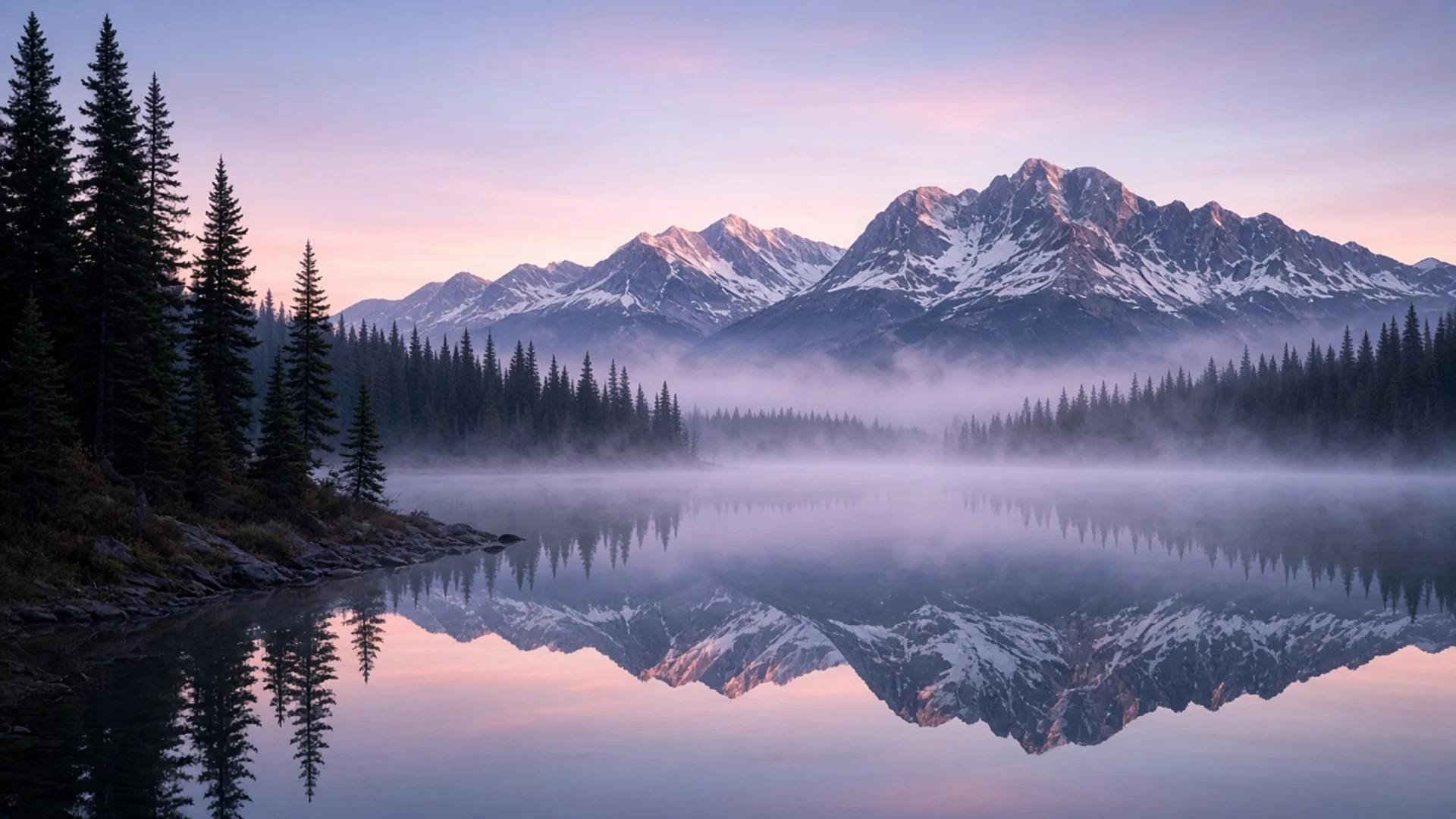
quiet alpine lake surrounded by forest and distant mountains, early morning mist, soft natural light, realistic landscape photography, calm atmosphere --ar 3:2
Why this ratio: The wider frame works naturally for landscape scenes while keeping a familiar photographic proportion.
Customize: Change the terrain, weather, season, or viewpoint.
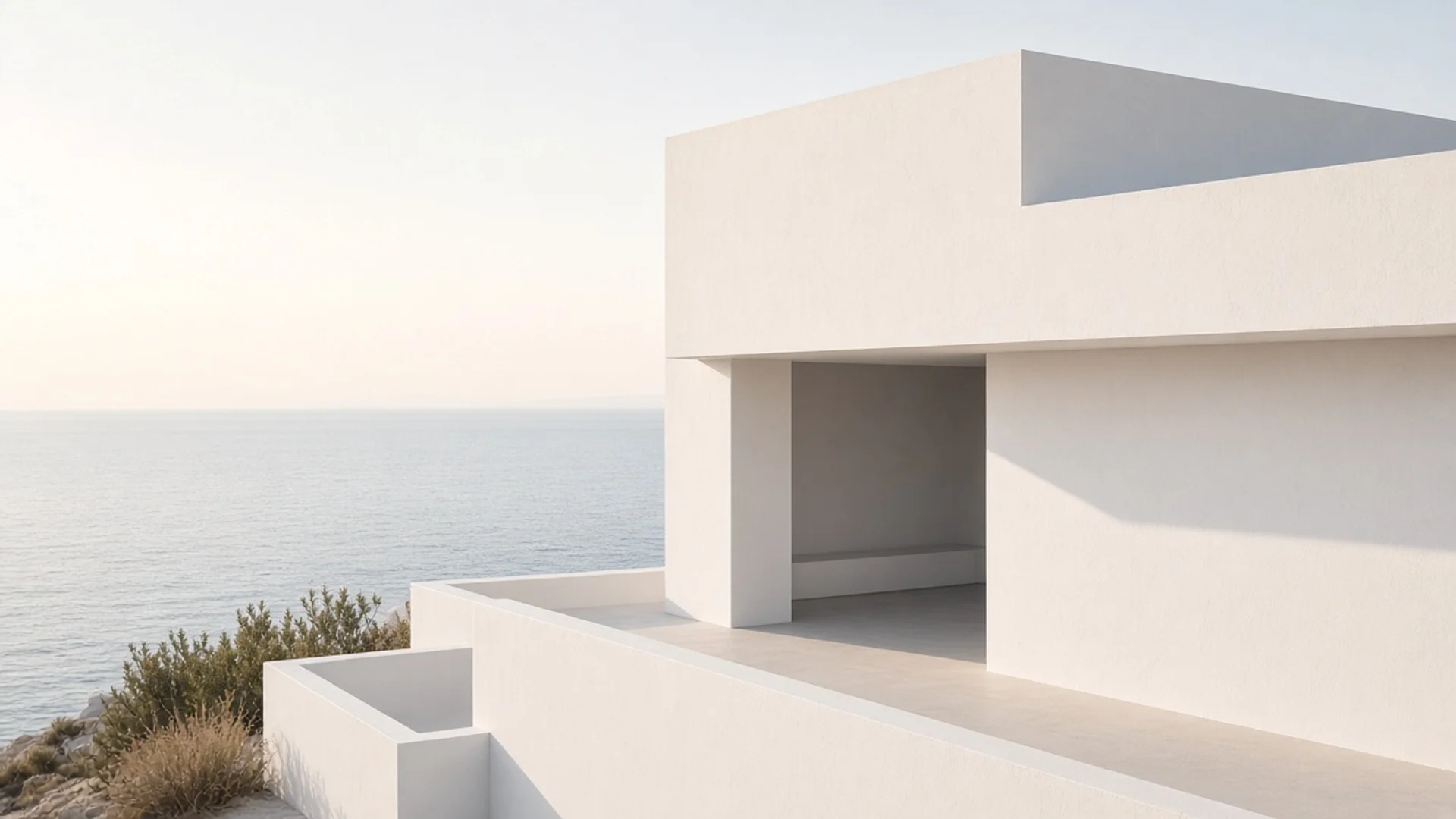
minimal coastal architecture overlooking a calm ocean, soft afternoon light, clean geometric composition, muted colors, contemporary editorial photography --ar 4:3
Why this ratio: The moderate landscape shape provides room for both the architecture and surrounding environment.
Customize: Change the building, landscape, lighting, or composition.
Aspect ratio does not simply resize an image. Changing the frame shape changes the amount of horizontal or vertical space available to the composition.
More horizontal room for landscapes and environments.
More vertical room for people, architecture, and mobile-oriented layouts.
Balanced space around central subjects.
Choose a ratio based on the subject and intended layout. These are useful starting points, not the only options.
2:3 or other portrait-oriented compositions where appropriate.
3:2 or 16:9 for wider scenic compositions.
9:16 for vertical and mobile-oriented layouts.
1:1 when balanced width and height are useful.
4:3 or another composition appropriate to the intended layout.
Use the prompt to describe the visual content and composition, then use --ar to define the overall frame shape.
cinematic mountain landscape, layered peaks, atmospheric mist, sunrise light --ar 16:9
Aspect ratio sets the generated canvas shape. It does not crop an existing image.
When you change the frame shape, update subject placement and environment details to match the new space.
Tall subjects and mobile layouts often benefit from more vertical room.
The useful ratio depends on the subject, composition, and intended layout.
Keep the parameter at the end of the prompt in the correct format.
prompt --ar 16:9
Try Midjourney and use aspect ratio to shape your compositions.