
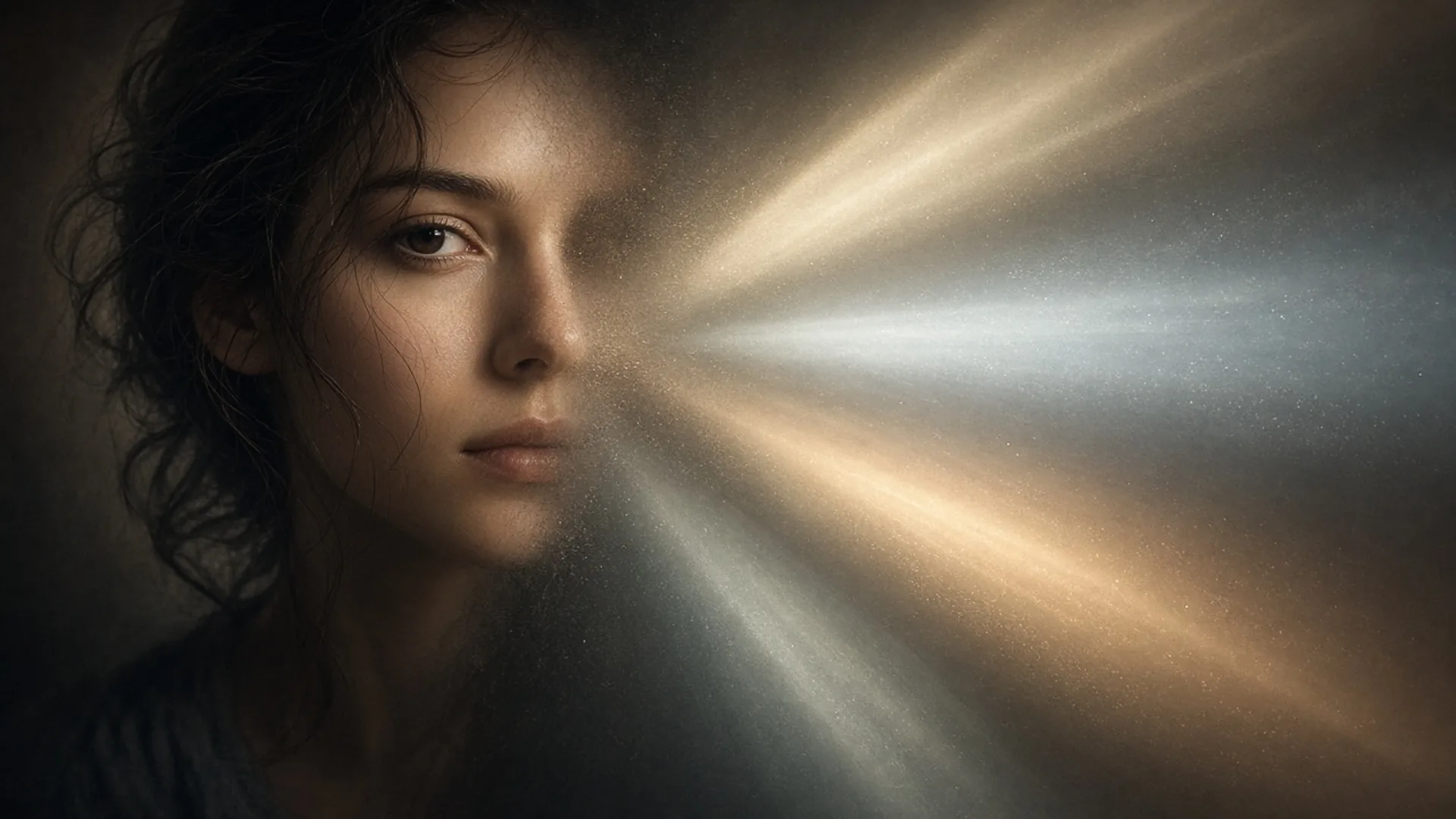
Portrait
Start with a portrait you like. Use Describe to discover possible descriptions of lighting, camera style, clothing, and atmosphere. Rewrite the prompt with your own subject.
Turn visual references into new creative ideas with Midjourney Describe, Image Prompts, and Style References.
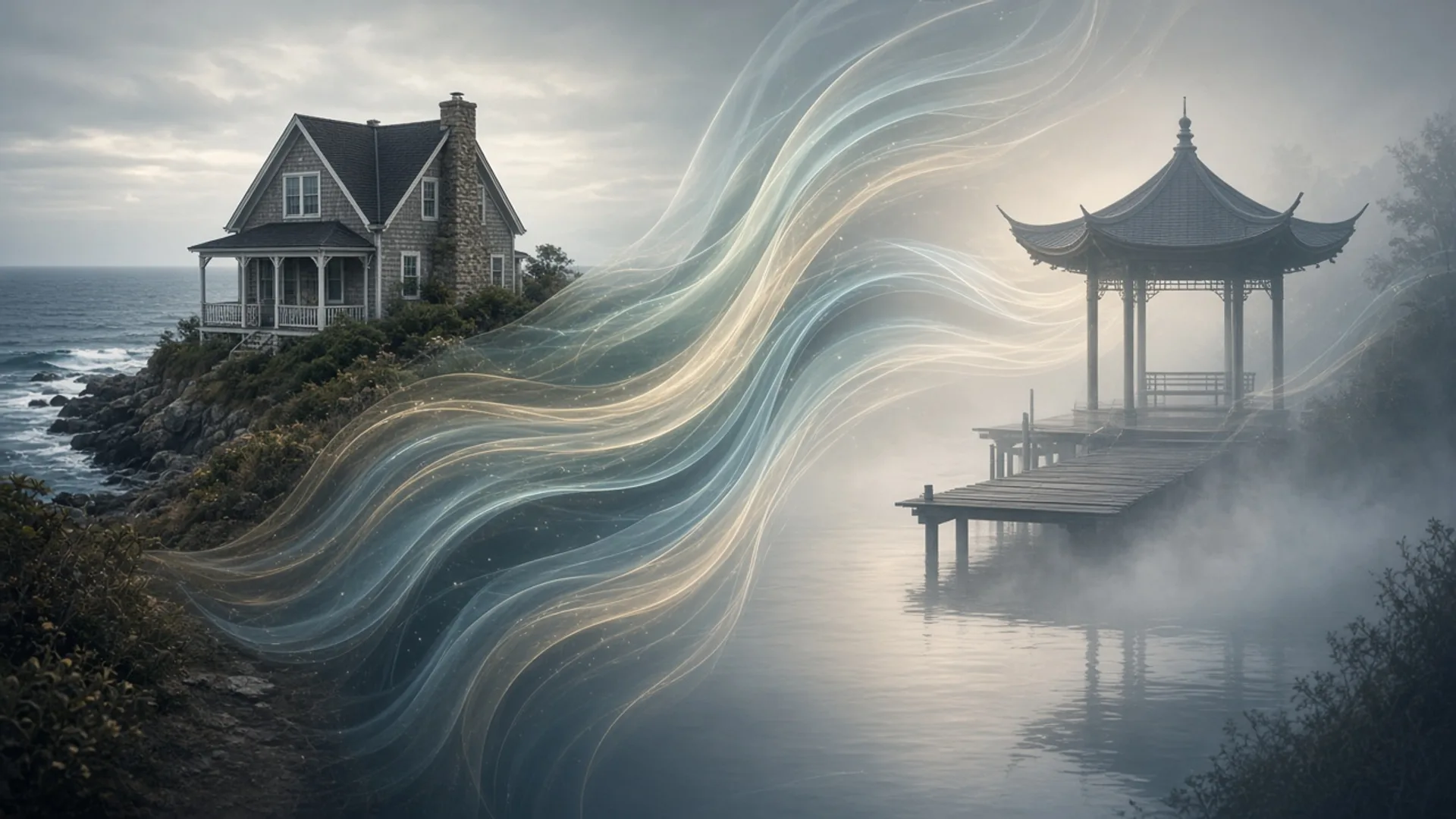
Midjourney image prompts can refer to two related workflows: using an image to influence a new generation, or using an image to discover prompt ideas. Midjourney Describe focuses on the second workflow by analyzing an image and suggesting four prompts you can explore or modify.
An image prompt is a visual reference that helps guide the content, composition, colors, or overall direction of a new Midjourney image. Instead of describing everything with text, you can use an existing image as part of the creative input.
Midjourney also provides Describe, which approaches the problem from the opposite direction: instead of using an image to guide generation, Describe analyzes an image and gives you prompt ideas to work with.
Midjourney Describe analyzes an uploaded image and generates four prompt suggestions. These suggestions can help you understand how Midjourney might describe the visual content and give you starting points for creating a new image.
Describe is useful when you have a visual reference but do not know how to turn what you see into a Midjourney prompt.
A simple image-to-prompt workflow starts with an existing image, uses Describe to generate prompt ideas, and then rewrites those ideas into a new prompt. You can change the subject, composition, lighting, mood, or style instead of trying to reproduce the original image exactly.
Image → Describe → Prompt Ideas → Rewrite → Generate
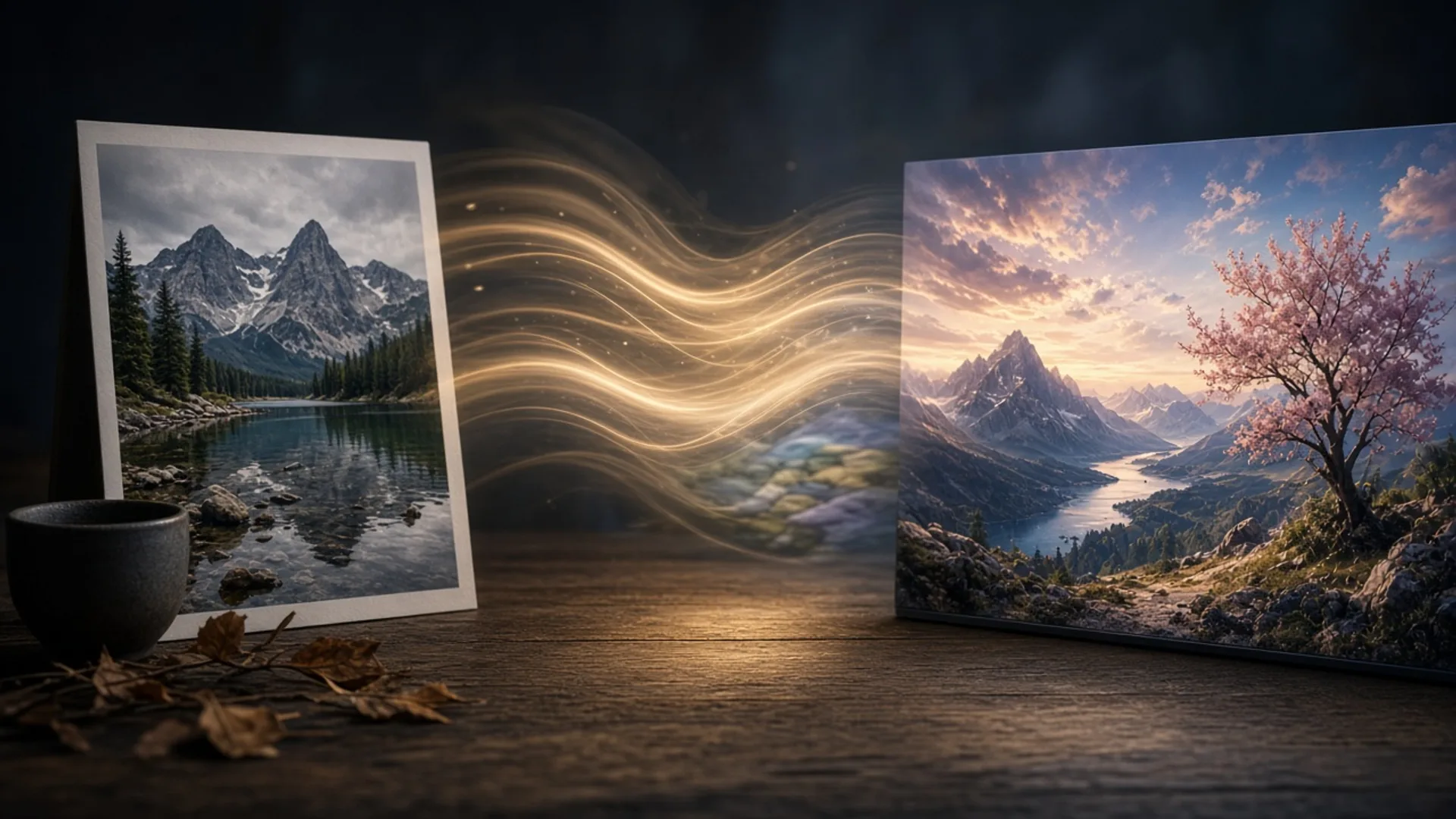
Image Prompts work differently from Describe. An Image Prompt is used as part of the input for a new generation, while Describe turns an image into prompt suggestions that you can edit and reuse.
You can also combine visual references with text prompts to give Midjourney both visual and textual direction.
| Workflow | Main purpose |
|---|---|
| Describe | Turn an image into prompt ideas |
| Image Prompts | Use an image to influence a new generation |
Choose Describe when you want words and ideas from an image. Choose Image Prompts when you want the image itself to influence the generated result.
Describe focuses on visual description and prompt ideas. Style Reference focuses on transferring the visual look and feel of a reference image to a new generation.
Use Describe when you want to understand or rewrite what you see. Use Style Reference when you mainly want to carry over a visual style.
Describe helps you create new prompt ideas from an image. Edit Model is designed to modify or transform an existing image using Midjourney's image editing workflow.
Use Describe when the goal is to move from an existing image to a new prompt. Use Edit Model when the goal is to edit the image itself.
A useful workflow is to start with a visual reference, use Describe to generate several prompt directions, select the parts you like, and then rewrite the prompt for your own subject and composition.
The result does not need to reproduce the source image. The reference can simply provide a starting point for a different creative direction.
Start with a portrait you like. Use Describe to discover possible descriptions of lighting, camera style, clothing, and atmosphere. Rewrite the prompt with your own subject.
Use a product image to discover descriptions of studio lighting, materials, composition, and photography style. Then adapt the prompt to another product.
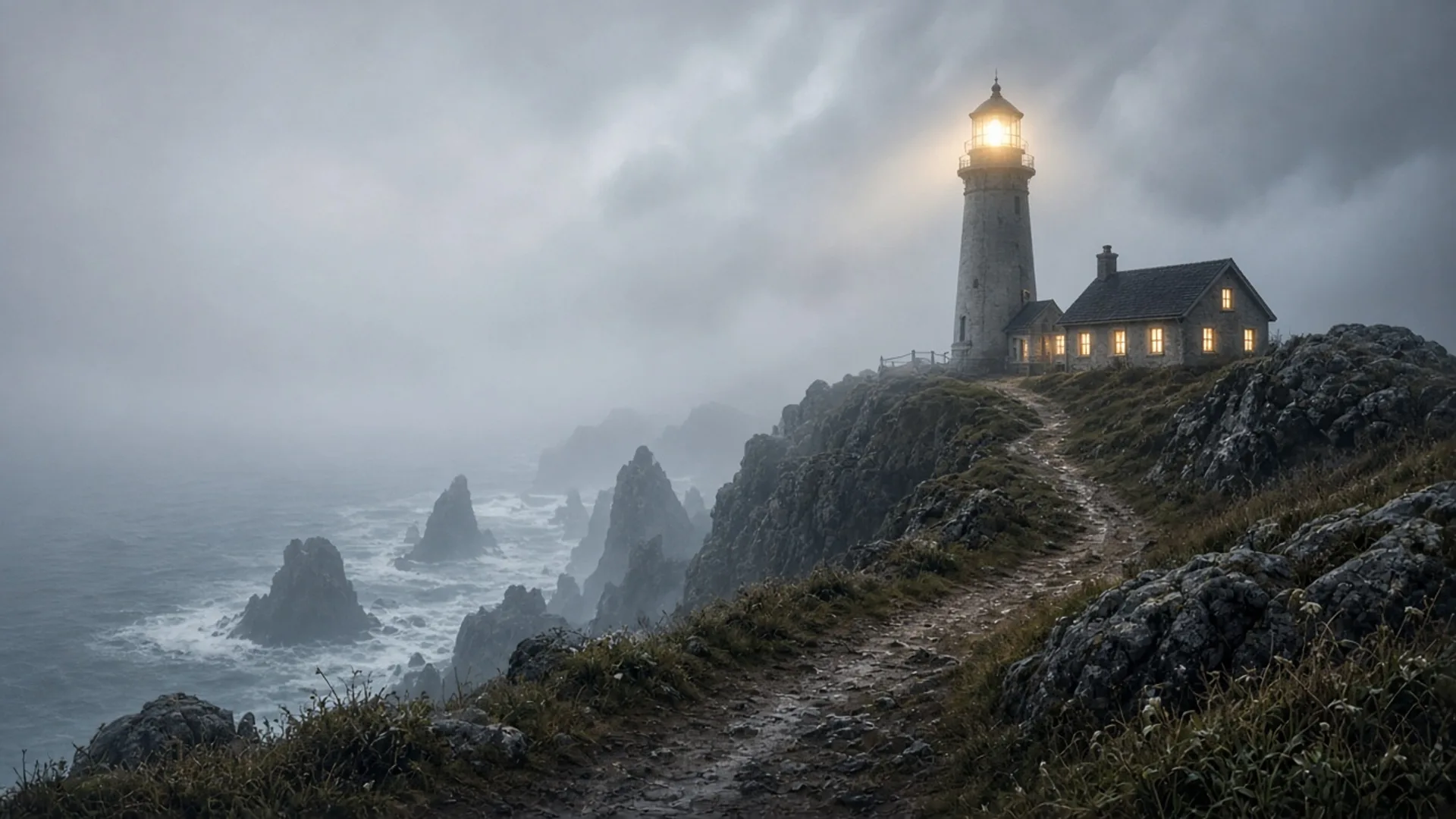
Use a landscape image to discover descriptions of environment, lighting, weather, and cinematic atmosphere. Rewrite the prompt for a different location.
Do not treat Describe as a pixel-perfect image-to-prompt converter. Its suggestions are creative starting points, not a guaranteed reconstruction of the original image.
Do not copy every suggested word into a new prompt without editing it. Remove irrelevant details and add the subject, composition, and style you actually want.
Turn ideas, prompts, and visual references into new images with Midjourney.