
Style Codes
Reusable identifiers for a visual style you can discover, save, and apply again.
Style Codes GuideWhen you find a visual style you like, you can create, discover, save, and reuse it. Style Creator builds reusable Style Reference Codes. Style Codes and Style References apply that look through --sref.
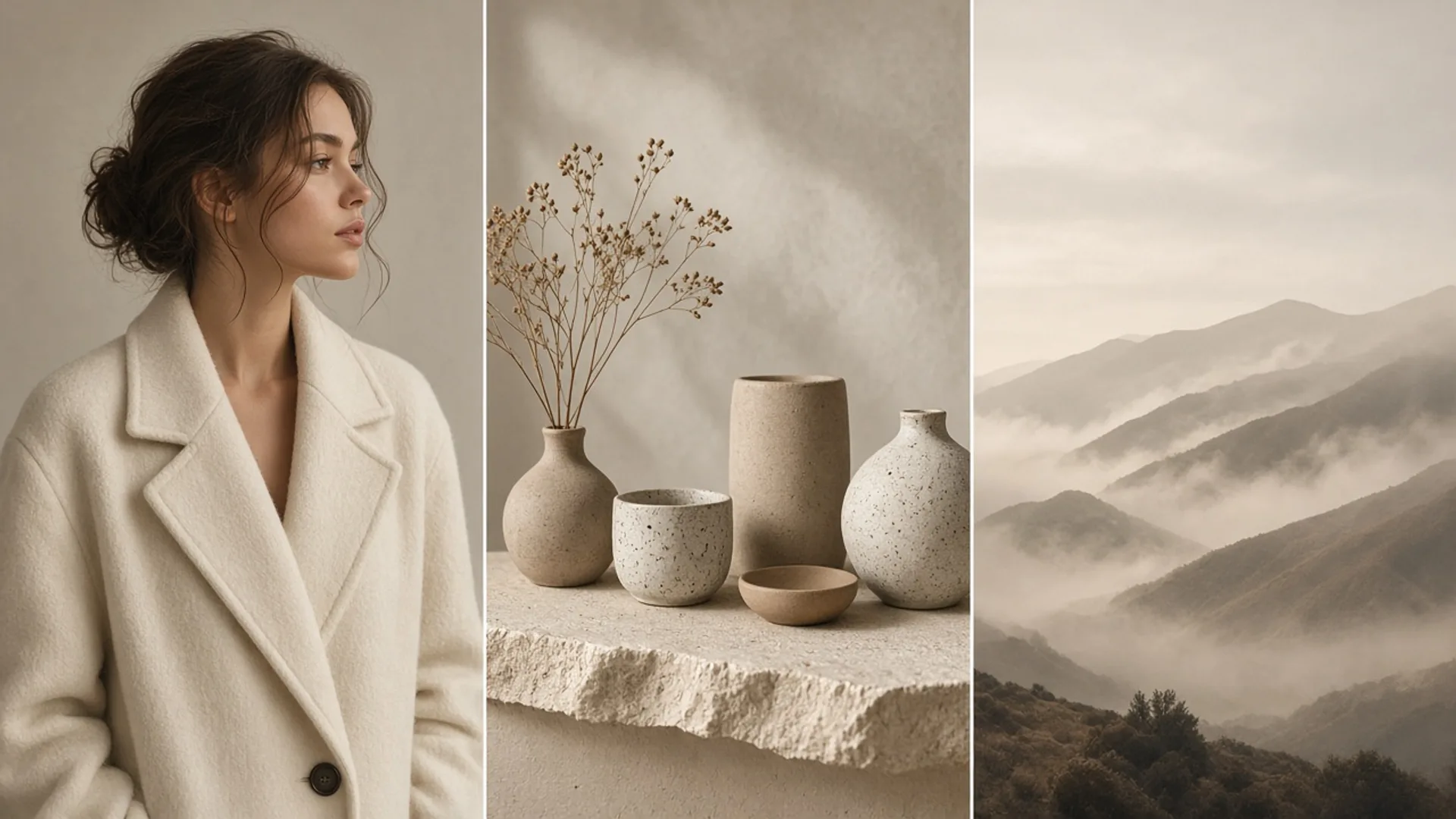
Midjourney styles are reusable visual directions. Style Creator lets you actively create a Style Reference Code. Style Codes can be discovered, tested, saved, and reused. Style Reference applies a style to a prompt with --sref. Personalization and Moodboards are different systems.
In this cluster, a style is a reusable visual identity you can apply to new prompts. It is not a Personalization Profile, and it is not a Moodboard. A style can come from a Style Code, from Style Creator, or from a Style Reference image.
Style Creator is for actively creating a reusable Style Reference Code. You choose visual directions, then Midjourney generates a code you can apply later. Style Creator does not train a personal AI model, and it does not create Personalization Profiles.
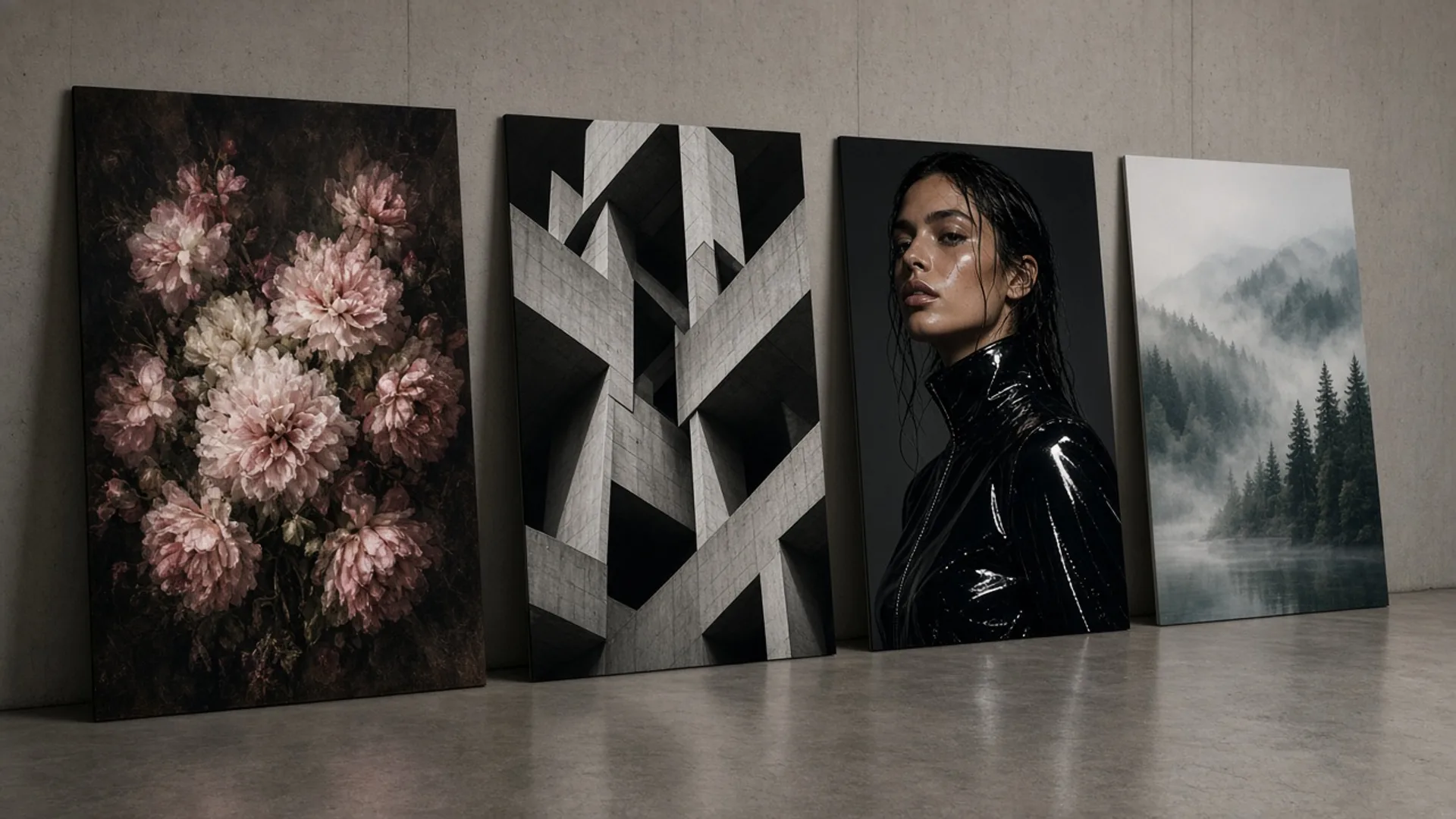
Style Codes are reusable style identifiers. You can discover them, test them on new prompts, save favorites, and apply them again. They are not the same as Moodboards, and they do not permanently modify your account.
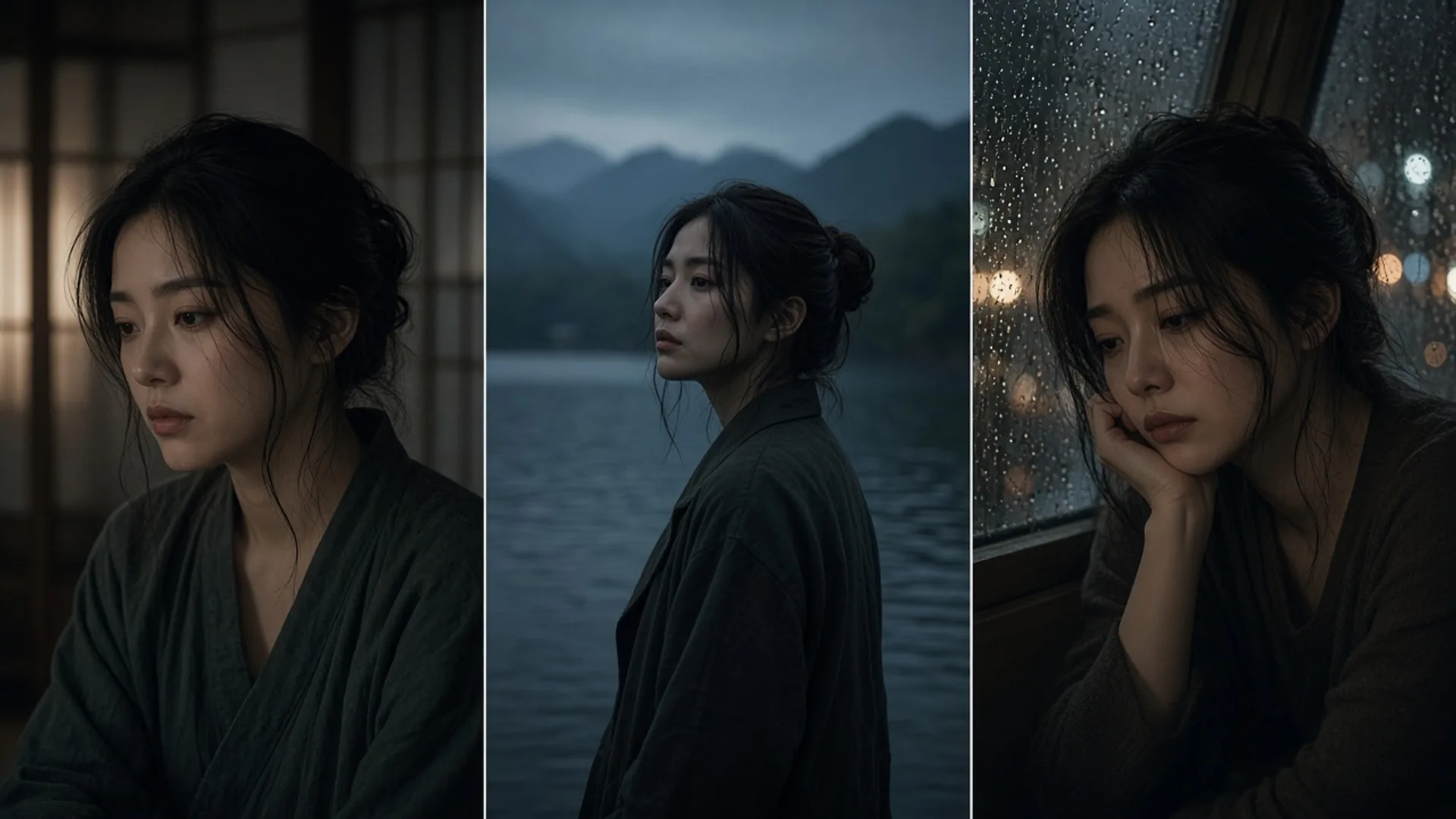
Style Reference is how a style is applied to a new generation. You can use a Style Code or a style reference image with --sref. Having a reference image and having a Style Code are related, but they are not identical.
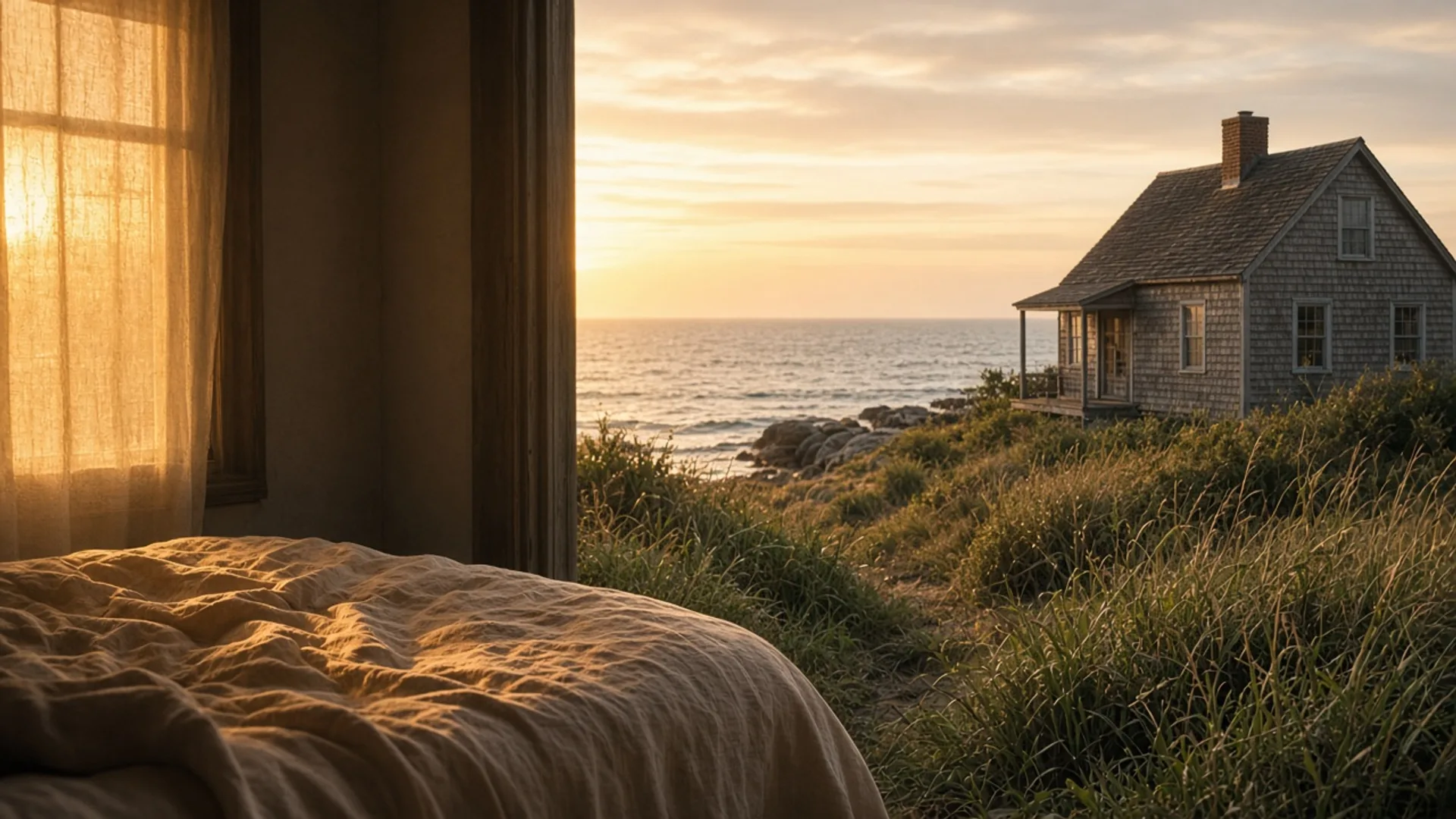
Style Explorer is a discovery surface for browsing and trying existing styles. It helps you find looks you did not create yourself. Style Explorer is part of the Style Codes workflow, not a standalone SEO route in this cluster.
Style Codes are applied through Style Reference syntax.
Use Style Creator, Style Explorer, or a saved Style Code.
Apply the code with Style Reference syntax in the prompt workflow.
Control how strongly the style influences the new image.
Select the Style Reference version used to interpret the style.
Test the same code on different prompts before saving it as a favorite.
Reuse a style by applying the same Style Code or Style Reference to a new prompt. Keep the code, change the subject. Do not expect every Midjourney version to interpret a style identically.
quiet coastal house at dusk, cinematic lighting --sref STYLE_CODE --sw 200
Reusable identifiers for a visual style you can discover, save, and apply again.
Style Codes GuideThe application method. --sref can use a Style Code or a style reference image.
Style Reference GuideApply a specific reusable look to a prompt. They do not learn your overall taste.
Helps Midjourney understand your personal aesthetic preferences over time.
Personalization GuideA compact style identifier applied with --sref.
Organize multiple images into a visual direction. Moodboards are not Style Codes.
Moodboards GuideThese prompts show how a reusable Style Code can keep a look while the subject changes. Replace STYLE_CODE with a real code.
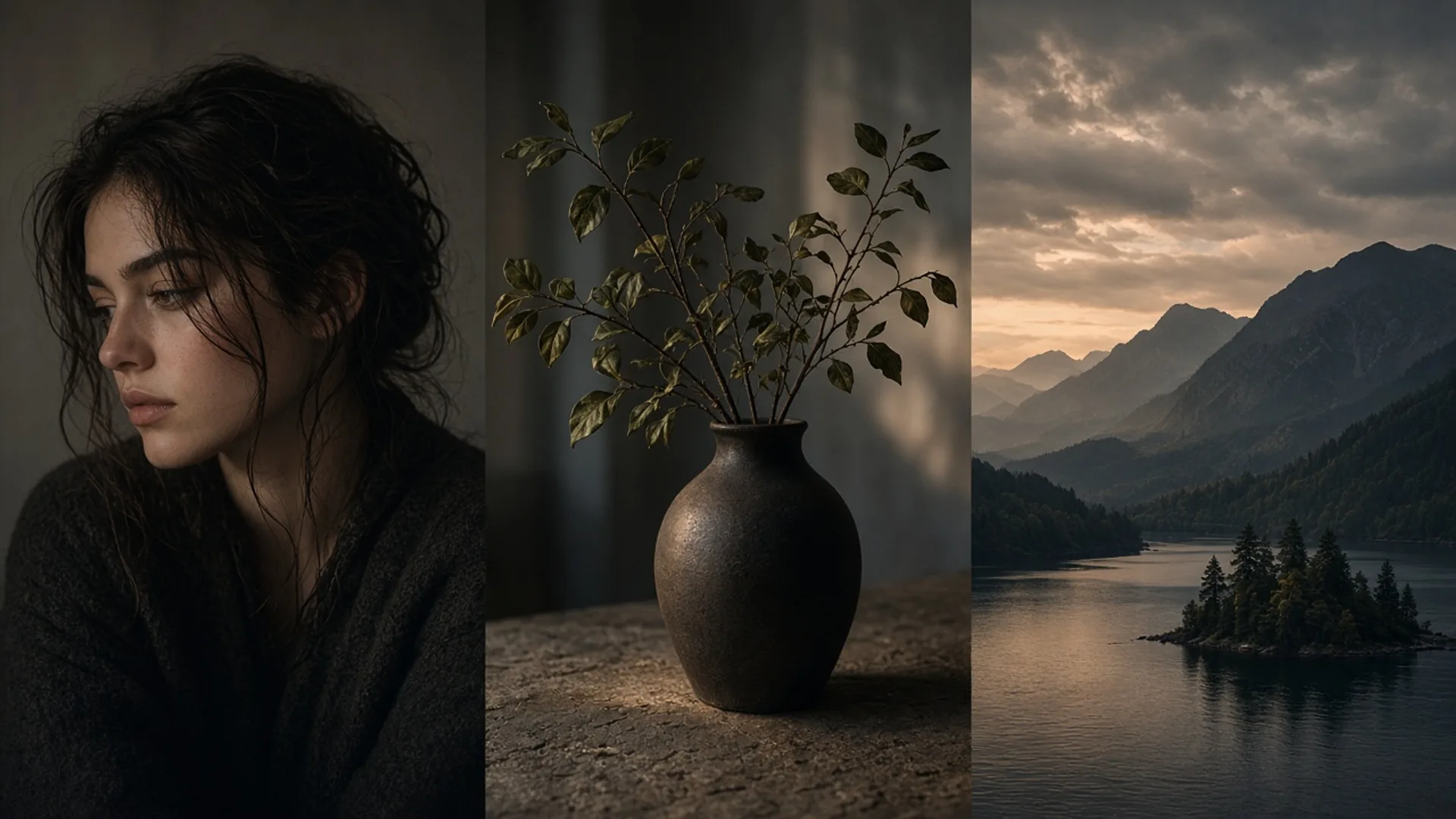
Keep the same polished aesthetic while changing the subject.
editorial portrait in a concrete courtyard, clean posing --sref STYLE_CODE --sw 150
Why this works: The Style Code carries the look. The prompt describes a new scene.
Try: Change clothing, location, or time of day.
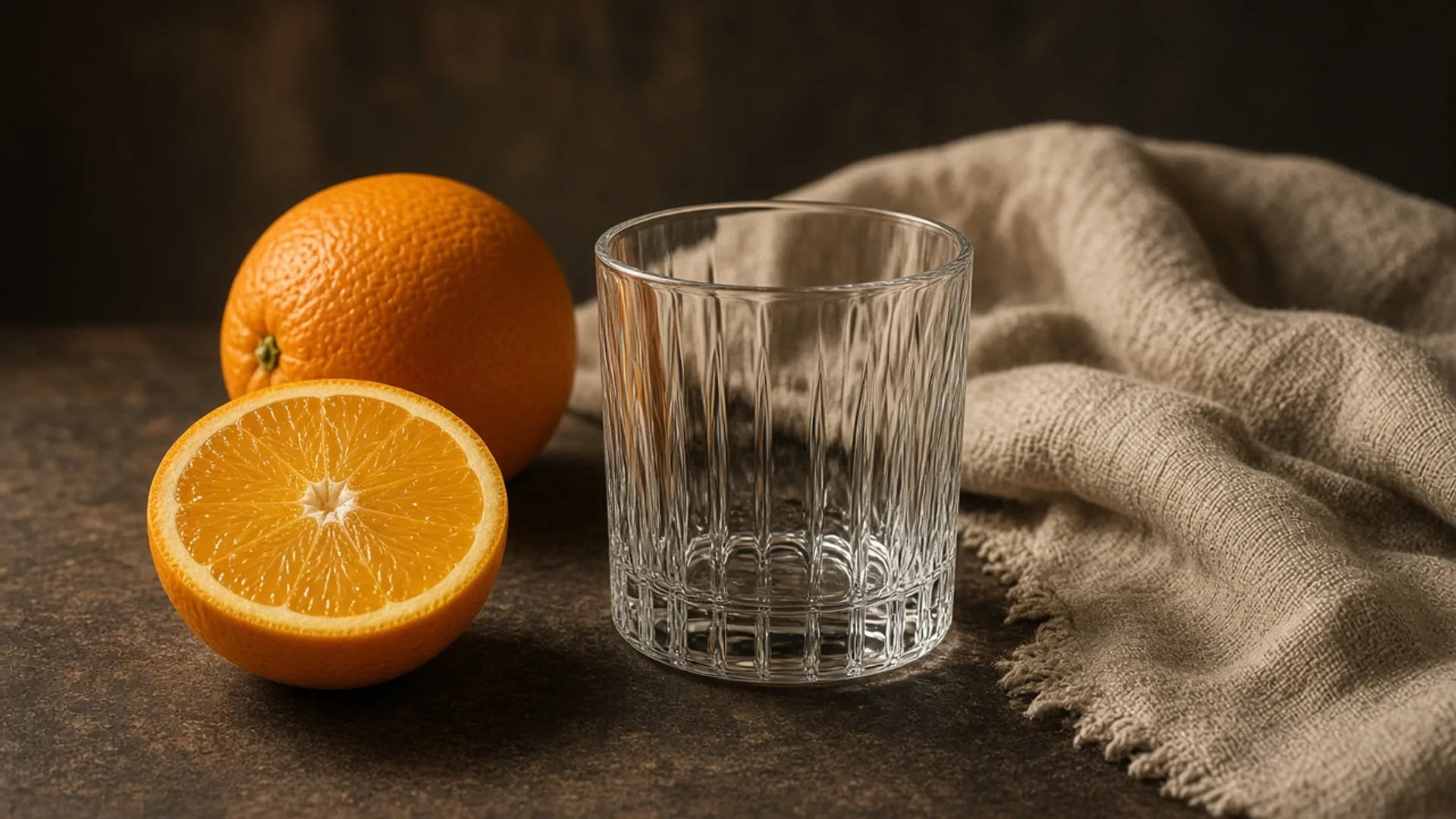
Build a Style Code in Style Creator, then use it on later prompts.
quiet still life with ceramic vessels and linen --sref STYLE_CODE --sw 180
Why this works: Style Creator produces a reusable code. It does not replace Personalization.
Try: Keep the code and write a completely different subject.
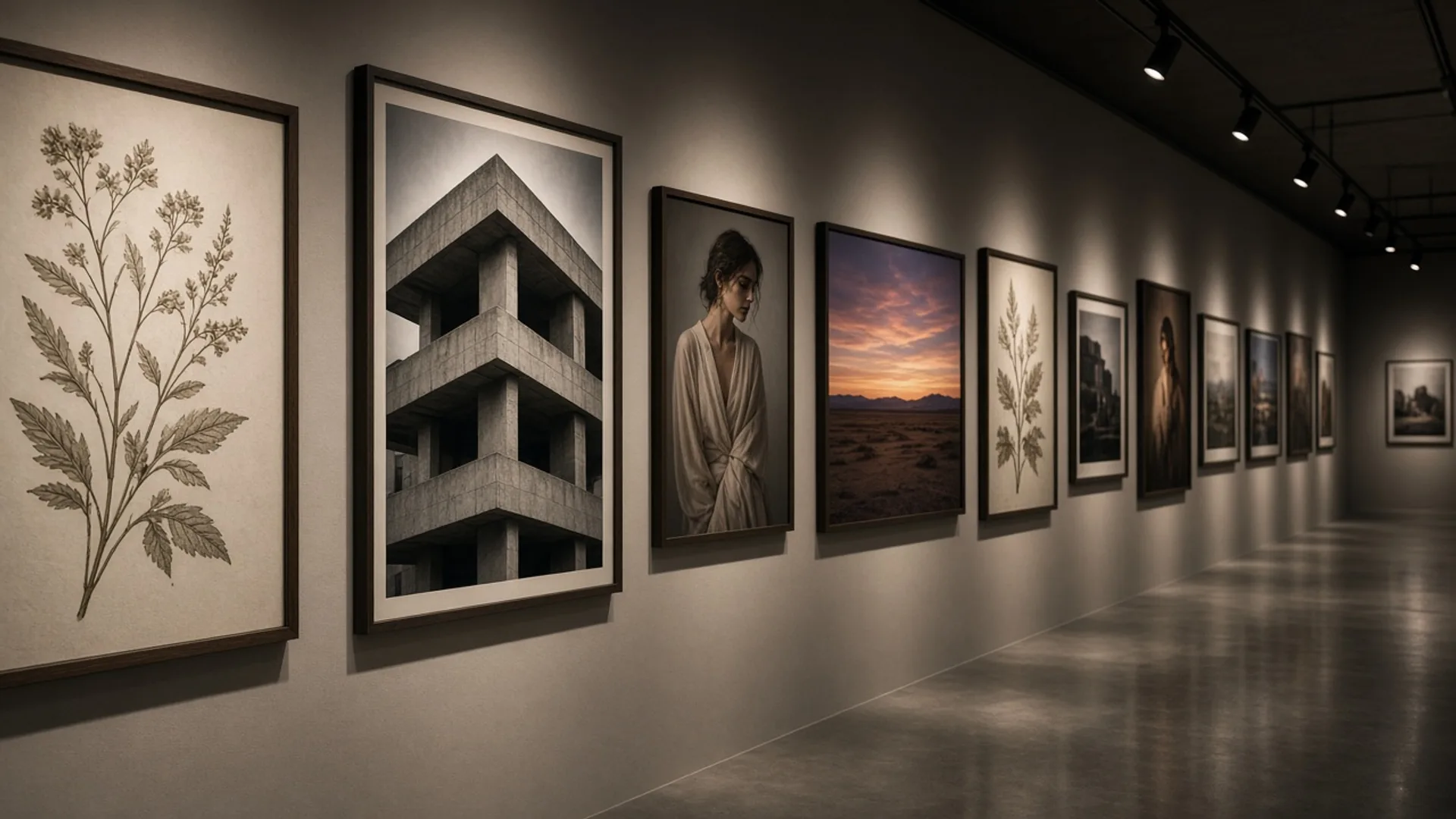
Find a look in Style Explorer, then test it on your own prompt.
mountain cabin in fog, wide cinematic frame --sref STYLE_CODE --sw 120
Why this works: Discovery and reuse are Style Code workflows, not Moodboard workflows.
Try: Lower --sw if the style overpowers the scene.
When you have an image, Style Reference can guide a new generation without a Style Code.
modern pavilion beside a pool, soft overcast light --sref IMAGE_URL --sw 140
Why this works: A style reference image and a Style Code are related tools, not identical inputs.
Try: Use a Style Code when you want a saved reusable identifier.
Style Creator creates Style Reference Codes. Personalization learns aesthetic preference. They are different systems.
Personalization GuideMoodboards organize multiple images into a visual direction. Style Codes are reusable identifiers applied with --sref.
Moodboards GuideBoth can be applied through Style Reference, but a code is not the same as attaching a picture.
Style Creator preview generation uses V7. Current default image generation is V8.2. Style interpretation can differ by version.
Try Midjourney and reuse a visual style with Style Creator, Style Codes, and Style References.