
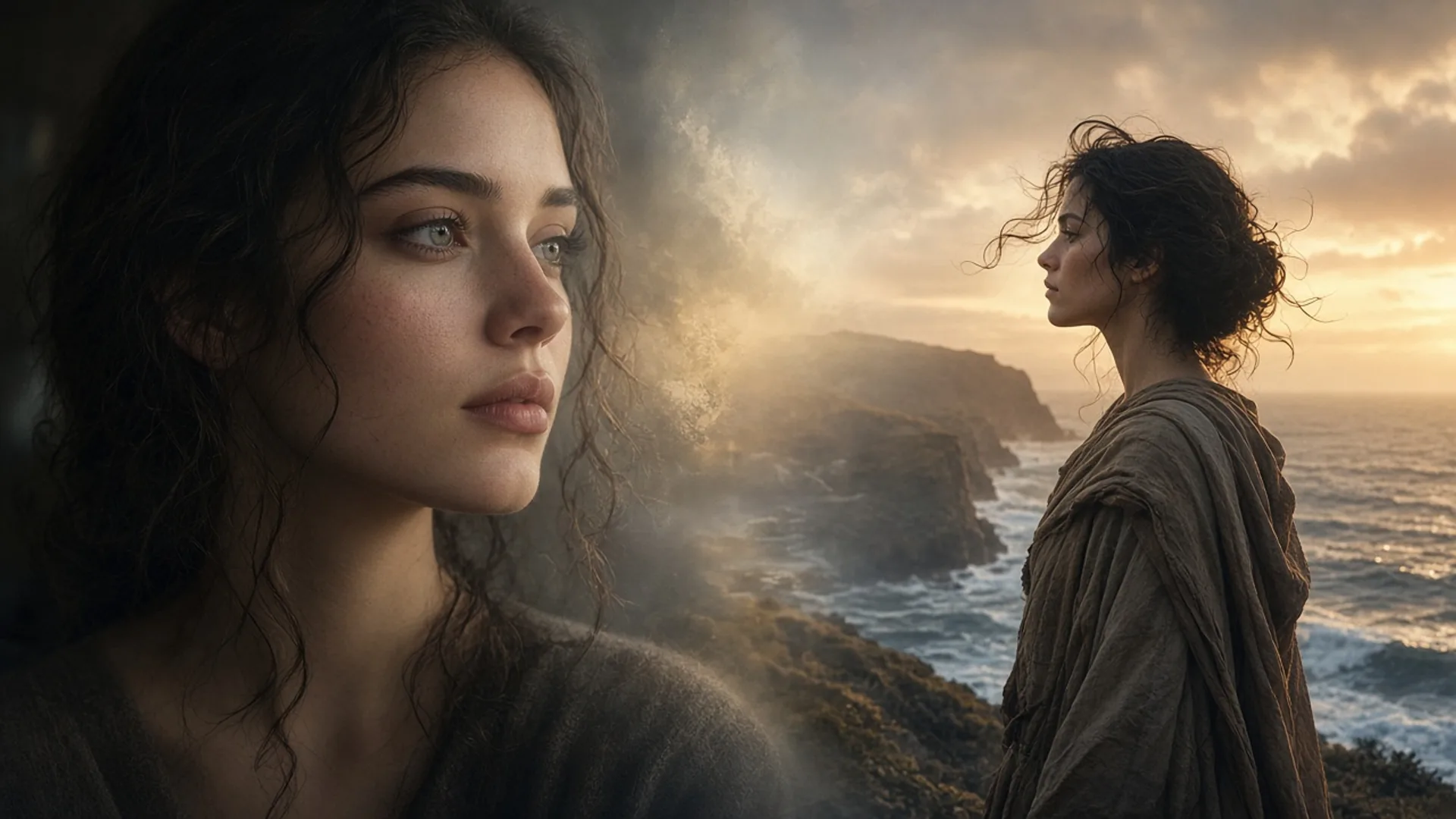
Portrait to New Character
Use a portrait as inspiration, extract useful lighting and composition ideas, and rewrite the prompt for a different character.
Learn how to turn images into Midjourney prompt ideas using Describe, Image Prompts, and Style References to create new AI images.
Image-to-Prompt is a creative workflow rather than a separate Midjourney feature. You can use Describe to turn an image into prompt ideas, rewrite those ideas, and then use the new prompt to create a different image.
Image-to-Prompt means using an existing image as the starting point for a text prompt. The goal is not necessarily to reproduce the source image. Instead, the image provides visual information that can inspire a new prompt.
Start with an image and use Describe to generate four prompt suggestions. Review the suggestions and identify the visual details that are useful for your new idea.
A useful prompt may describe the subject, environment, composition, lighting, materials, camera perspective, mood, or visual style. Not every image contains all of these elements, so use only the details that help your new creation.
Do not simply copy the entire suggestion. Replace the original subject, remove unwanted details, and add the creative direction you want for the new image.
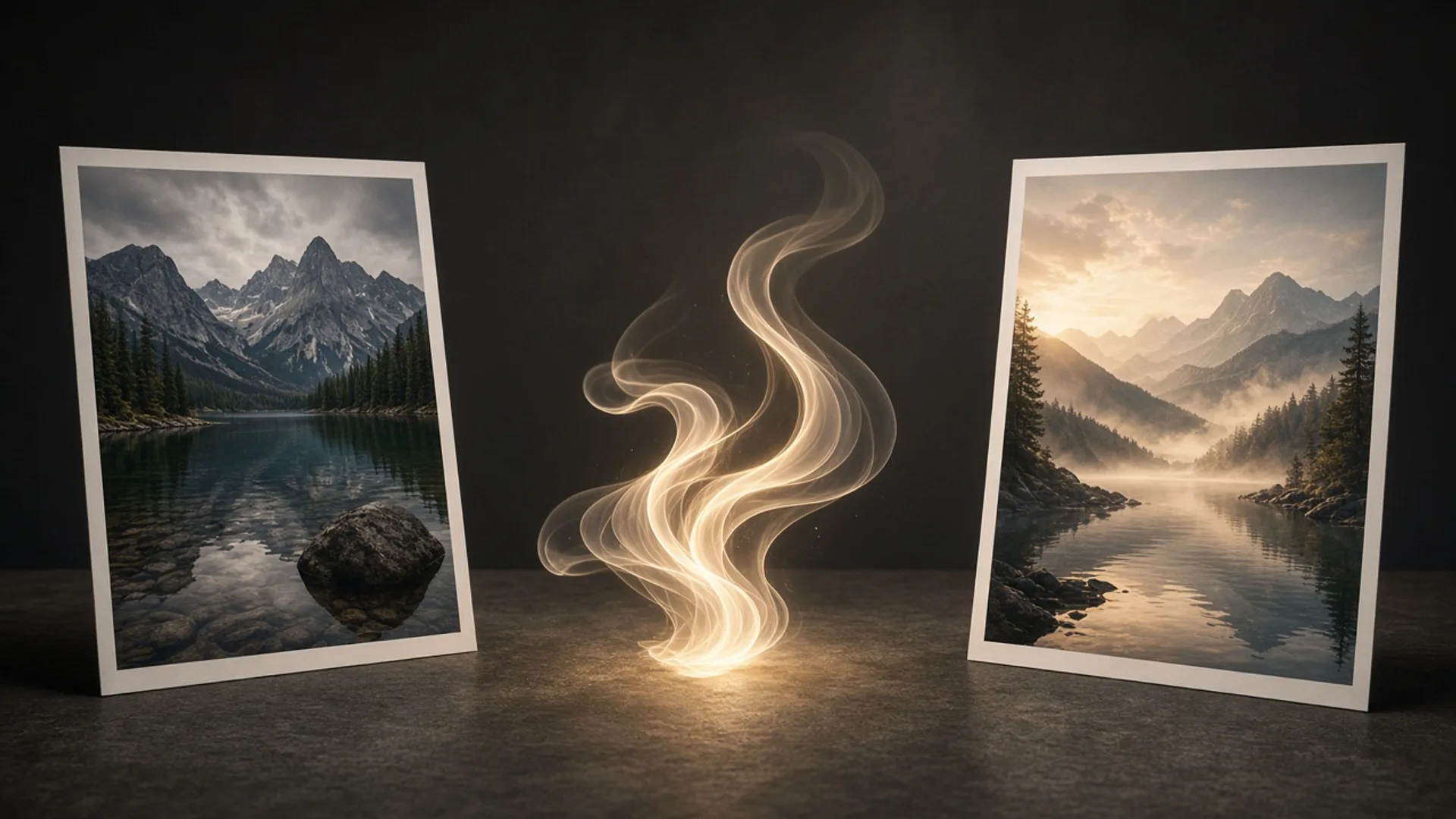
The fastest way to make an image-derived prompt your own is to replace its subject. Keep useful descriptions of lighting, composition, or atmosphere while introducing a new character, object, product, or scene.
You can further control the result by specifying framing, camera angle, perspective, subject placement, or aspect ratio.
Lighting and material descriptions can significantly change the visual direction of a prompt. Specify qualities such as soft light, hard shadows, reflective metal, matte surfaces, or translucent materials when they support your idea.
If the goal is to carry a visual aesthetic into the new generation, you can combine your rewritten prompt with Midjourney Style References. This separates textual content from visual style.
Image Prompts provide another way to use visual references directly. Instead of converting the reference into text first, you can use the image itself as part of the new generation.
Image-to-Prompt converts visual information into text ideas that you can rewrite. Image Prompts use the reference image directly as part of the generation input.
Image-to-Prompt focuses on extracting prompt ideas from an image. Style Reference focuses on applying the visual style of a reference image to a new generation.
Image-to-Prompt is useful when you want to create a new prompt from an image. Edit Model is useful when you want to modify an existing image.
Use a portrait as inspiration, extract useful lighting and composition ideas, and rewrite the prompt for a different character.
Use a product photograph to discover photography and lighting language, then apply the structure to another product.
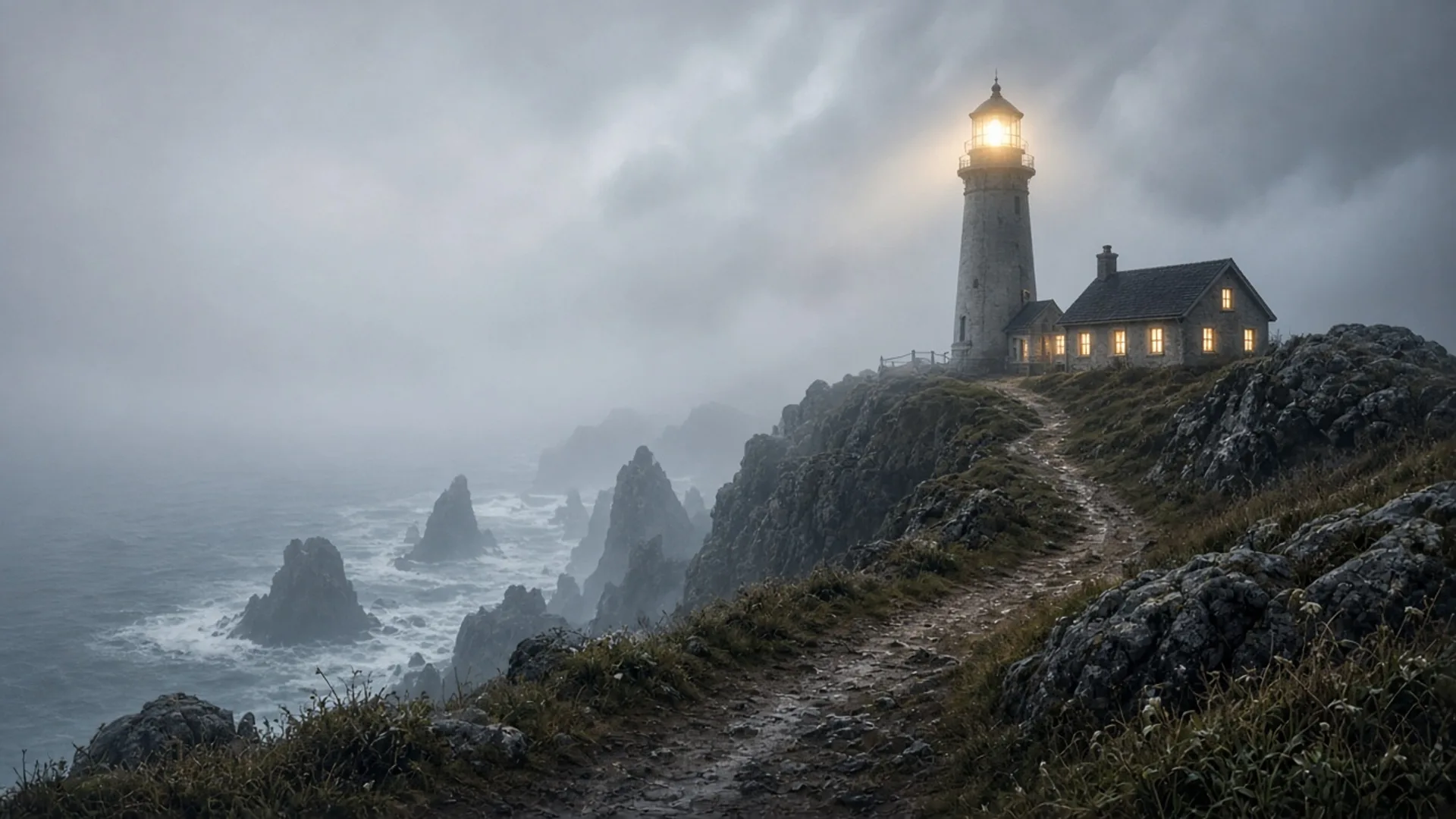
Use a landscape to discover atmosphere and environmental descriptions, then rewrite the prompt for a completely different location.
Do not expect a generated prompt to contain every visual fact in the original image.
Do not keep irrelevant descriptions just because they came from the source image.
Do not confuse a prompt derived from an image with a Style Reference or Image Prompt. They are different ways of using visual information.
Turn ideas, prompts, and visual references into new images with Midjourney.