
Profiles
A Profile represents a personal visual preference direction that can influence future generations.
Explore ProfilesMidjourney Personalization helps your generations lean toward the visual aesthetics you prefer. Learn how Profiles, Moodboards, and --p work together to shape a more personalized image style.
Personalization is a Midjourney feature that lets the model influence generation based on your preferred visual aesthetics, rather than relying only on the text prompt or a single style reference.
Midjourney Personalization helps generations reflect the kinds of visual aesthetics you tend to prefer. Instead of describing every taste preference in every prompt, Personalization gives Midjourney a broader sense of your visual direction across style, mood, and aesthetic choices.
Personalization connects three related ideas: Profiles, Moodboards, and the --p parameter.
A Profile represents a personal visual preference direction that can influence future generations.
Explore ProfilesA Moodboard builds a visual direction from a curated group of images and can be applied through Personalization.
Explore Moodboards--p is the related way to apply Personalization, a Profile, or a Moodboard to an image generation.
A Personalization Profile represents a visual preference direction associated with your aesthetic taste. Different Profiles can support different creative directions, such as cinematic portraits, clean product work, or softer editorial looks.
Moodboards let you build a custom visual direction from a curated set of images. Unlike a single Style Reference, a Moodboard can express a broader aesthetic through multiple selected visuals.
The --p parameter is used to apply Personalization to a generation. Depending on your workflow, it can relate to your Personalization Profile or a Moodboard. Treat --p as the application method, not as a separate SEO topic page.
cinematic portrait of a traveler at golden hour, soft editorial atmosphere --p
Exact Profile or Moodboard application details can vary by Midjourney interface and version. This page explains the concept rather than a fixed UI path.
These are related but different ways to guide Midjourney.
Style Reference is image-driven style guidance. Personalization is preference-driven aesthetic influence. They are not the same feature.
Uses a reference image to guide a specific visual look and feel such as colors, textures, lighting, and aesthetic.
Style Reference GuideInfluences generation based on your broader preferred visual aesthetics through Profiles, Moodboards, and --p.
Personalization can support different creative directions while keeping a more consistent aesthetic preference.
Useful when you want portraits to lean toward a preferred photographic mood, lighting feel, or editorial polish.
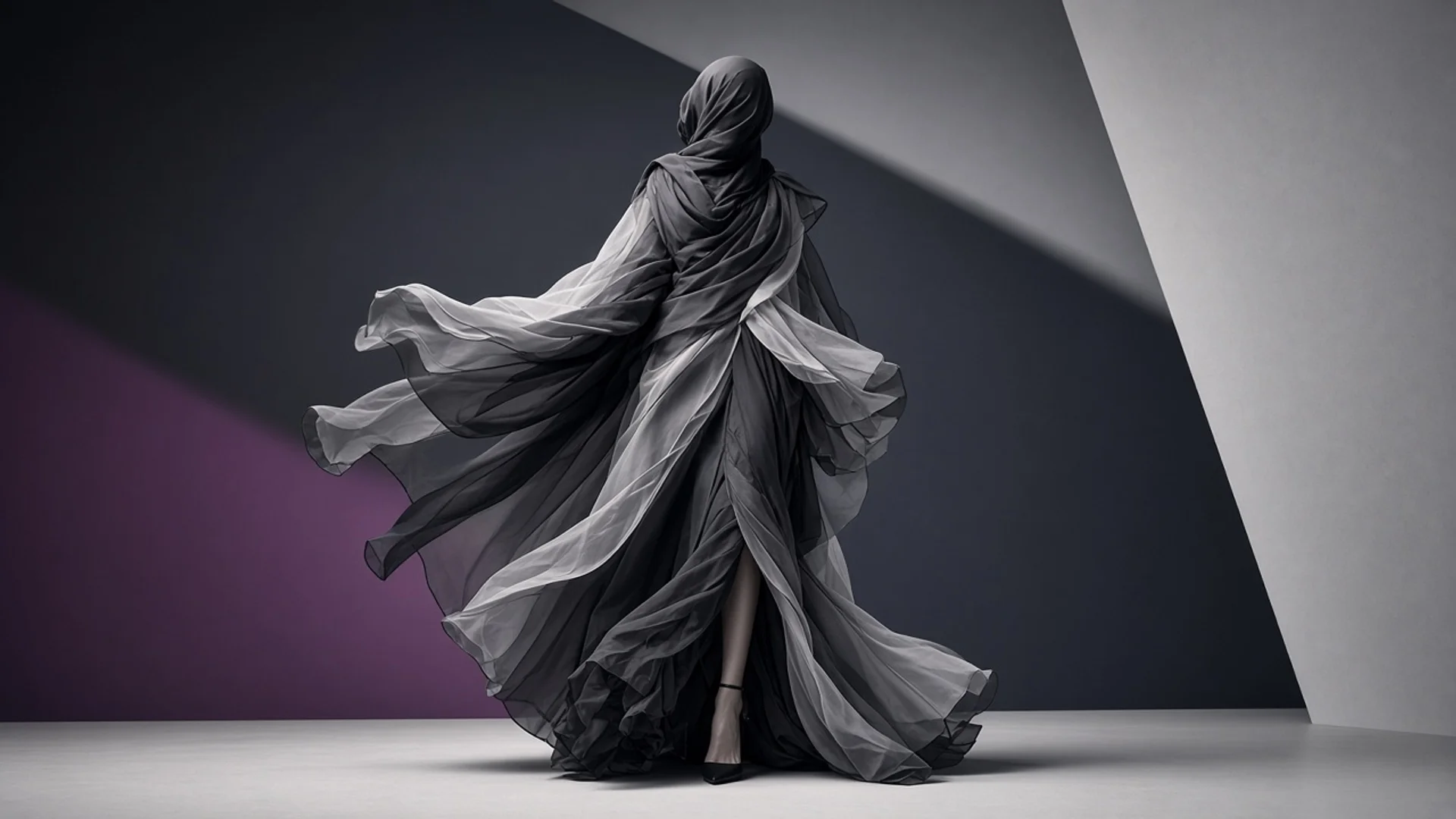
Helpful for fashion and editorial work where taste, styling, and visual polish matter across many generations.
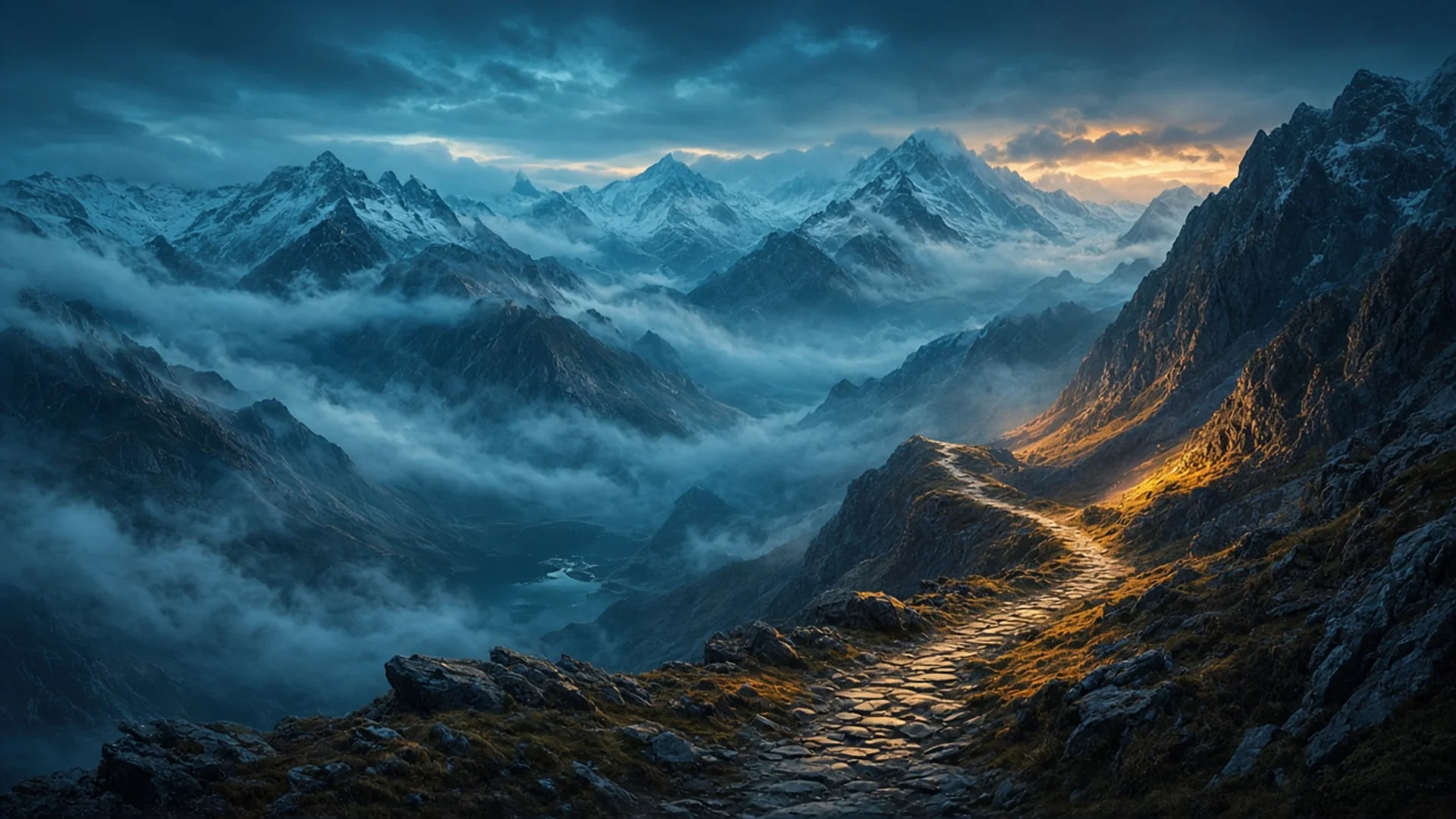
Can support landscape work when you prefer a recurring cinematic, atmospheric, or photographic direction.
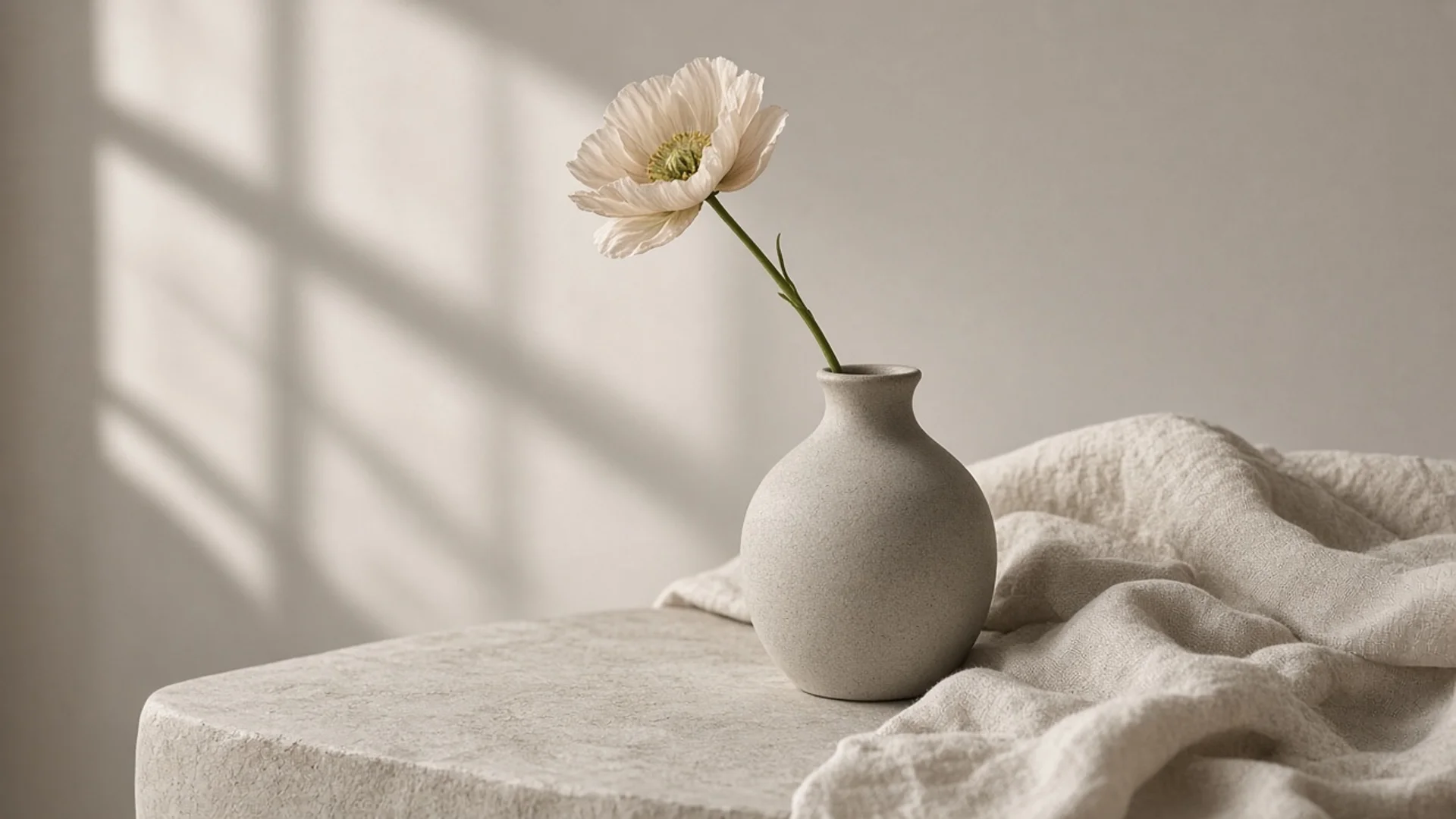
Useful for product visuals when you want a consistent commercial or editorial presentation style.
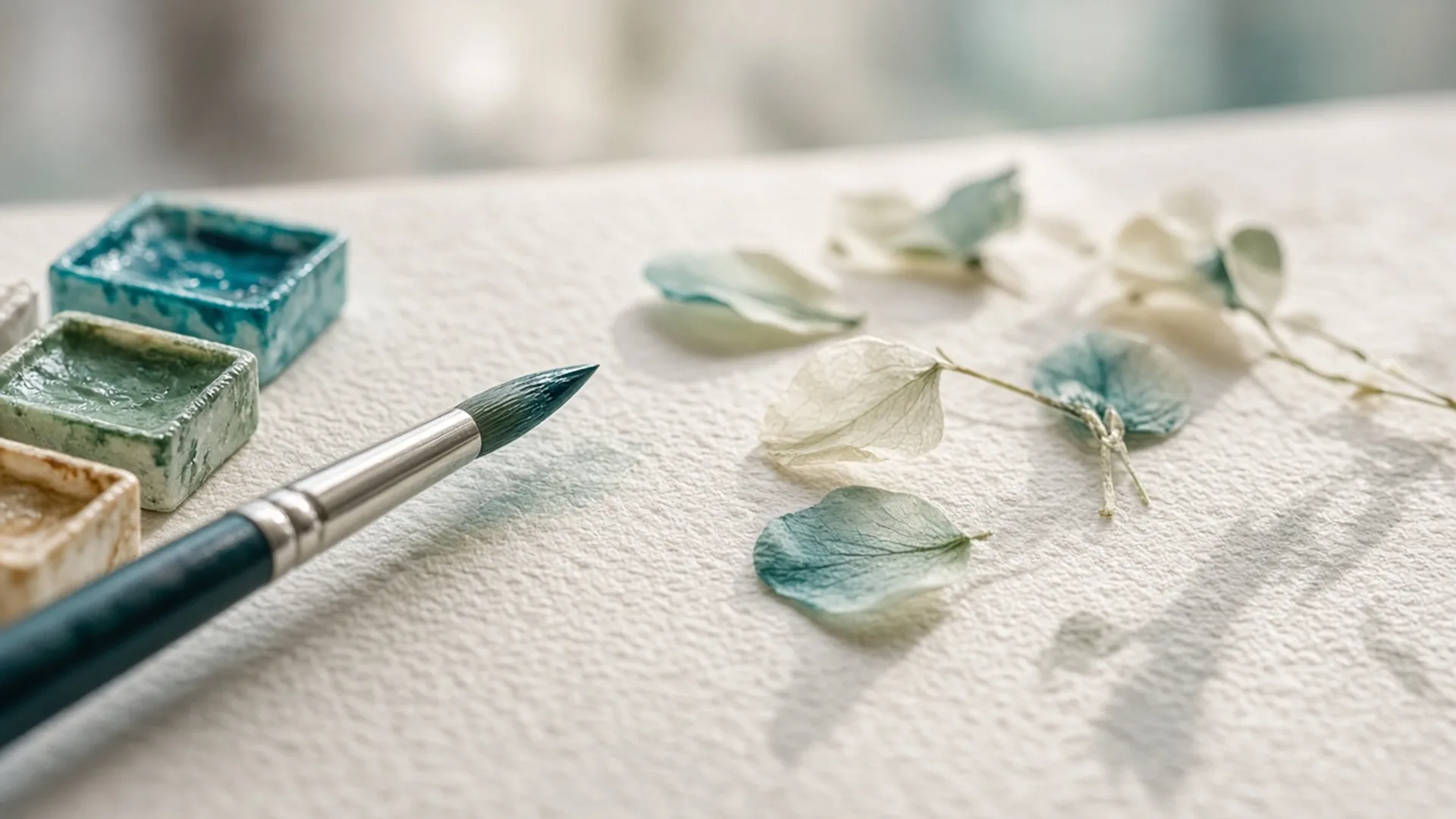
Can help keep illustrative work closer to a preferred medium feel or aesthetic tone over time.
Consistency comes from pairing clear prompts with a stable Personalization direction.
Style Reference guides look and feel from a reference image. Personalization influences results based on broader visual preferences.
--p applies Personalization influence. It does not guarantee exact duplication of Moodboard or Profile source images.
A Profile represents a personal preference direction. A Moodboard builds direction from a curated set of images.
Personalization can shape aesthetic leanings, but clear prompts still matter for subject, composition, and intent.
Learn how to create and use Profiles for a more personalized visual direction.
Explore GuideLearn how to build a custom visual style from curated images.
Explore GuideCompare Personalization with image-based Style Reference workflows.
Explore GuideExplore prompt structure and practical prompt examples.
Explore GuideLearn how parameters refine framing, style strength, and variation.
Explore GuideA practical starting point for current Midjourney V8.2 workflows.
Explore GuideTry Midjourney and explore Personalization with clear prompts, Profiles, and Moodboards.