
Midjourney AI

Midjourney Prompt Tips

Improve your Midjourney prompts by replacing vague descriptions, clarifying composition, refining lighting and style, and removing unnecessary details.

Midjourney prompt tips for improving AI image prompts

Quick Answer

When a Midjourney result is not working, do not immediately rewrite the entire prompt. Identify the weakest part first, such as the subject, composition, lighting, or style, then change that part and compare the result.

Start With a Clear Subject

If the main subject is vague, the rest of the prompt may not have a clear visual anchor. Replace broad descriptions with a specific person, object, character, product, animal, place, or scene when your idea requires it.

Replace Vague Words

Words such as beautiful, amazing, cool, or professional can be too broad on their own. Replace vague words with visual information that explains what you actually want to see.

Avoid Keyword Stuffing

Adding many similar adjectives does not necessarily improve a prompt. Repeated words can make the prompt longer without adding a meaningful visual direction.

Make Composition Specific

If the framing matters, describe it directly. Terms such as close-up, wide shot, overhead view, low angle, centered composition, or symmetrical composition can communicate a clearer spatial direction.

Describe Lighting With Purpose

Use lighting descriptions when they change the intended mood or appearance. Instead of adding lighting terms randomly, choose information such as soft light, hard shadows, rim light, studio lighting, or golden-hour light for a specific reason.

Use Style Words Carefully

Style words can strongly influence the visual direction of a prompt. Choose style descriptions that support the subject instead of combining many unrelated aesthetics.

Remove Irrelevant Details

If a detail does not help communicate your intended image, remove it. A shorter prompt with relevant information can be more useful than a longer prompt filled with unrelated descriptions.

Use --no for Specific Exclusions

When you need to tell Midjourney not to include specific elements, the --no parameter provides a direct way to specify exclusions. Use it for clear exclusions rather than relying on ordinary wording such as “without” or “no”.

Use Parameters Intentionally

Parameters should solve a specific generation need. For example, use --ar when you need a particular aspect ratio, --chaos when you want more variation between results, or --stylize when you want to adjust the strength of Midjourney's default aesthetic style.

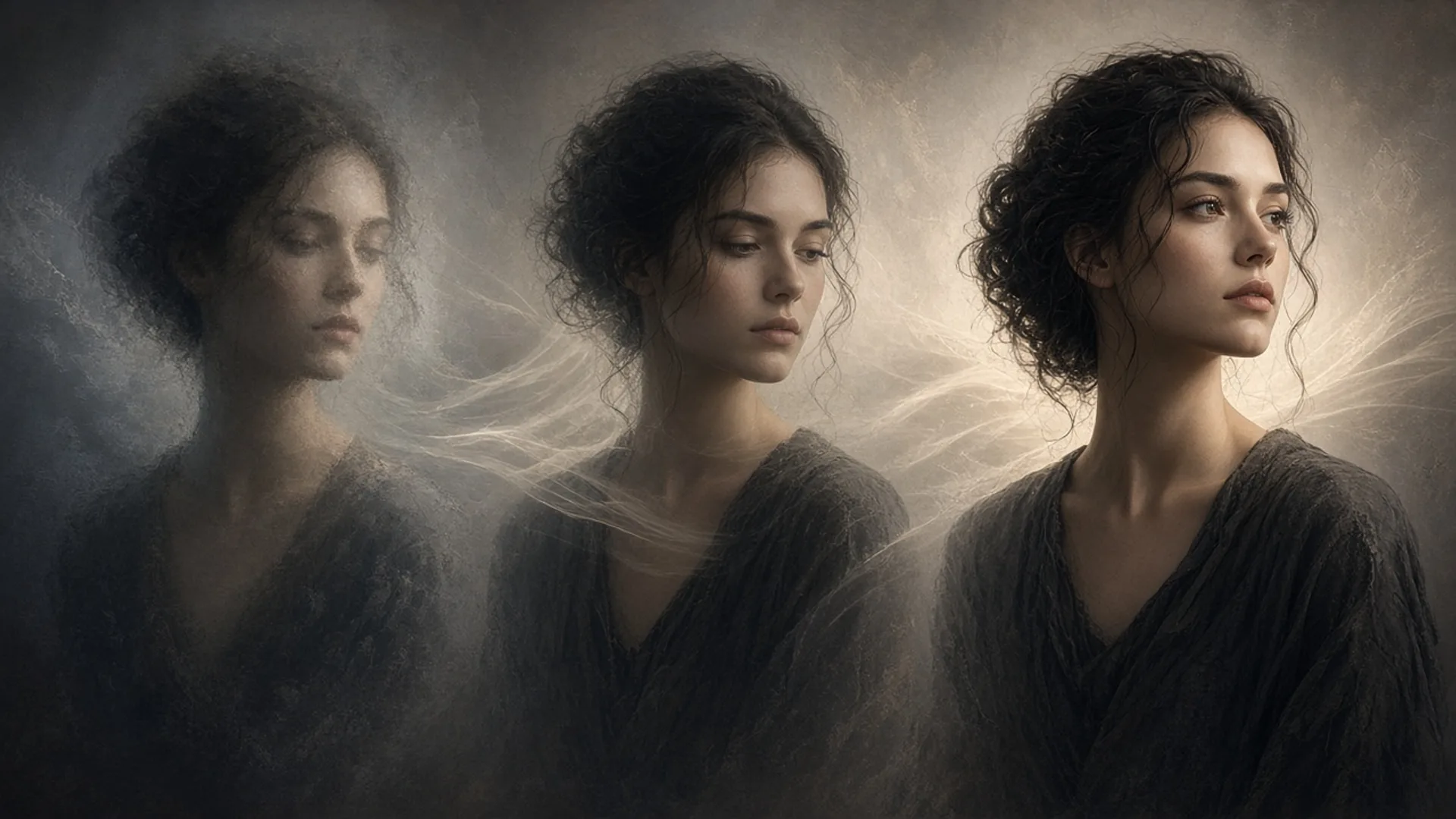
Midjourney prompt refinement workflow for improving image results

Compare Results

Change one important part of the prompt at a time when possible. Comparing controlled changes makes it easier to understand which wording affects the result.

Refine Instead of Rewriting Everything

If most of the result is working, keep the useful parts and change only the weak areas. Prompt refinement is often more efficient than starting from a completely new prompt.

Before and After Example

Improving a Portrait Prompt

Before

            beautiful woman, amazing portrait, cinematic, professional, detailed
          

After

            cinematic portrait of a woman in a dark studio, soft side lighting, shallow depth of field, muted neutral palette, editorial photography
          

Why: The improved version replaces vague adjectives with a specific subject, environment, lighting, composition-related detail, color direction, and visual medium.
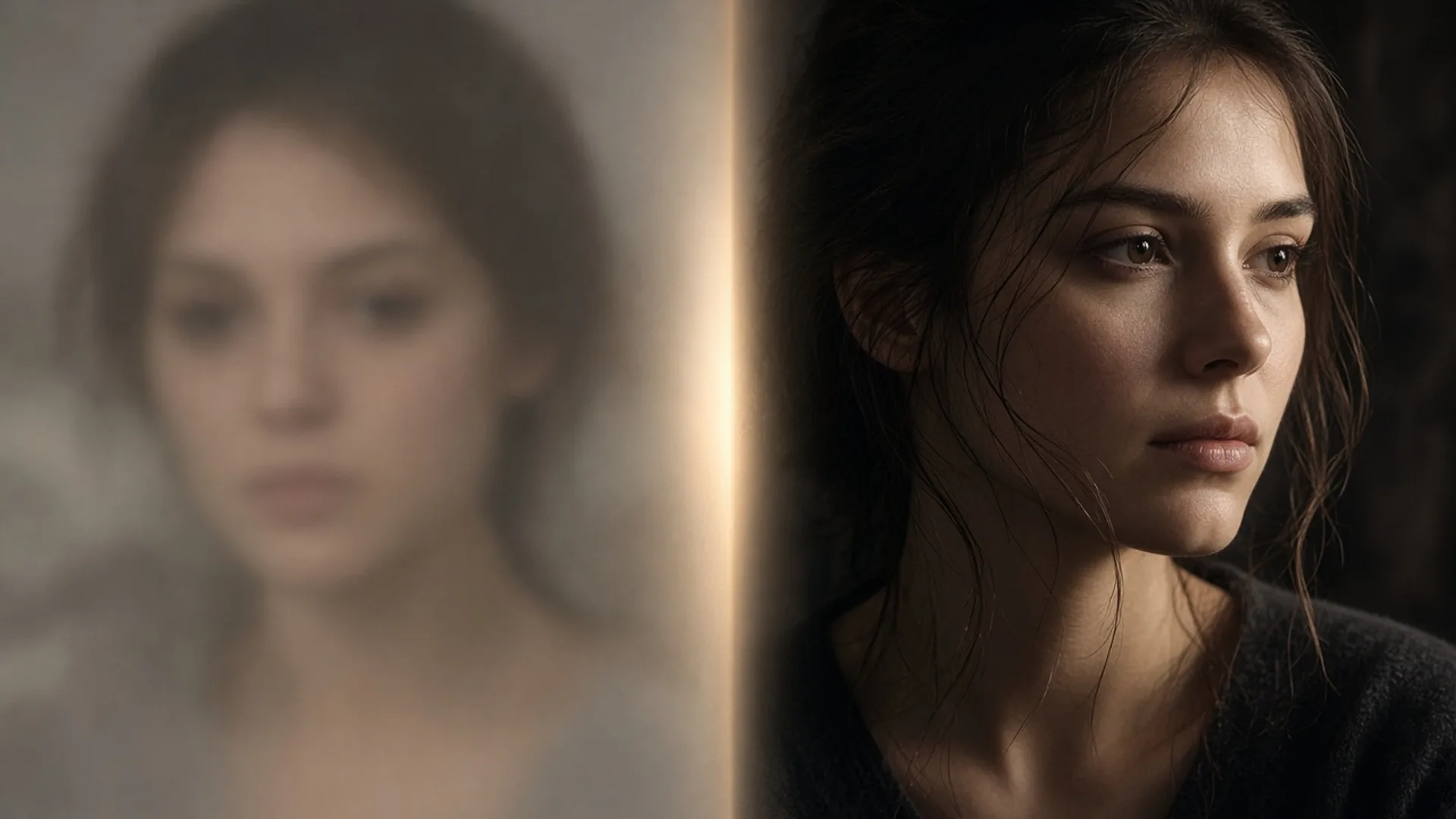
Before and after example of an improved Midjourney prompt

Common Mistakes

Do not add more adjectives simply because the result is weak. First identify which visual information is missing.

Do not change five major parts of the prompt at once if you are trying to understand what caused a change.

Do not assume that every Midjourney result can be fixed through prompting alone. Some goals may require image references, parameters, variations, or editing workflows.

Frequently Asked Questions

How can I make my Midjourney prompts better?+
Start with a clear subject, replace vague wording with specific visual information, refine composition and lighting, and remove irrelevant details.
Should I make my Midjourney prompt longer?+
Not necessarily. Add information that contributes to the intended image rather than increasing the word count without a clear purpose.
Why do my Midjourney prompts produce generic images?+
Generic results can happen when the subject or visual direction is too broad. Add specific information about the subject, environment, composition, lighting, mood, or other important details.
How do I avoid too many keywords in a Midjourney prompt?+
Remove repeated or unrelated words and keep descriptions that communicate a distinct visual intention.
Should I rewrite my entire prompt when the result is wrong?+
Not always. If useful parts of the result are already working, keep them and refine the specific part of the prompt that needs improvement.

Create Your Next Image with Midjourney

Turn ideas, prompts, and visual references into new images with Midjourney.