
Style Creator
Creates a reusable Style Reference Code by selecting visual styles.
Style Creator lets you actively create a reusable Style Reference Code. Select visual styles, generate a code, then apply that look to later prompts. It is not Personalization, and it does not train a personal AI model.
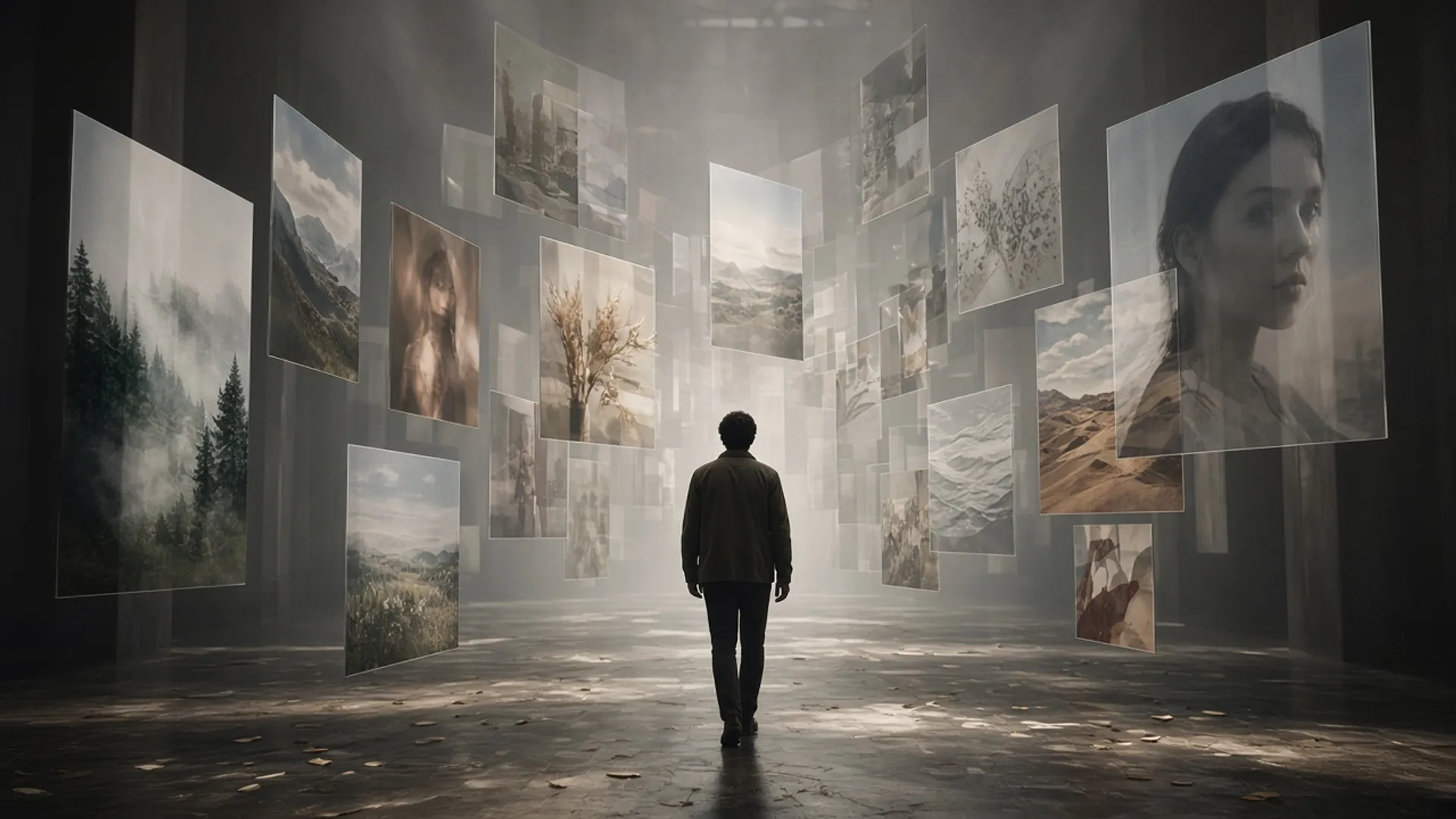
Style Creator selects visual styles and generates a Style Reference Code. That code can be reused and applied with prompts through Style Reference syntax. Style Creator preview generation uses V7. Personalization is a different system.
Style Creator is the Midjourney workflow for building a custom Style Reference Code. You steer the look by choosing among visual options, then receive a code you can save and reuse. It does not permanently rewrite your account, and it is not a Moodboard.
Start with a prompt that represents the kind of images you want the style to support.
Pick the visual directions you prefer as Style Creator shows options.
After enough choices, Style Creator produces a Style Reference Code.
Reuse the code with prompts through --sref.
Style Creator preview generation uses V7. V8.2 is currently the default Midjourney version for ordinary image generation. Do not assume both stages behave identically.
The starting prompt gives Style Creator a scene to style. A clear subject helps you judge the look, but the later Style Code is meant to travel to other prompts. You do not need to write a full personal-taste biography; this is not Personalization training.
Style Creator asks you to choose among visual directions. Select the aesthetics you want to keep. This is active style creation, not browsing a saved Moodboard.
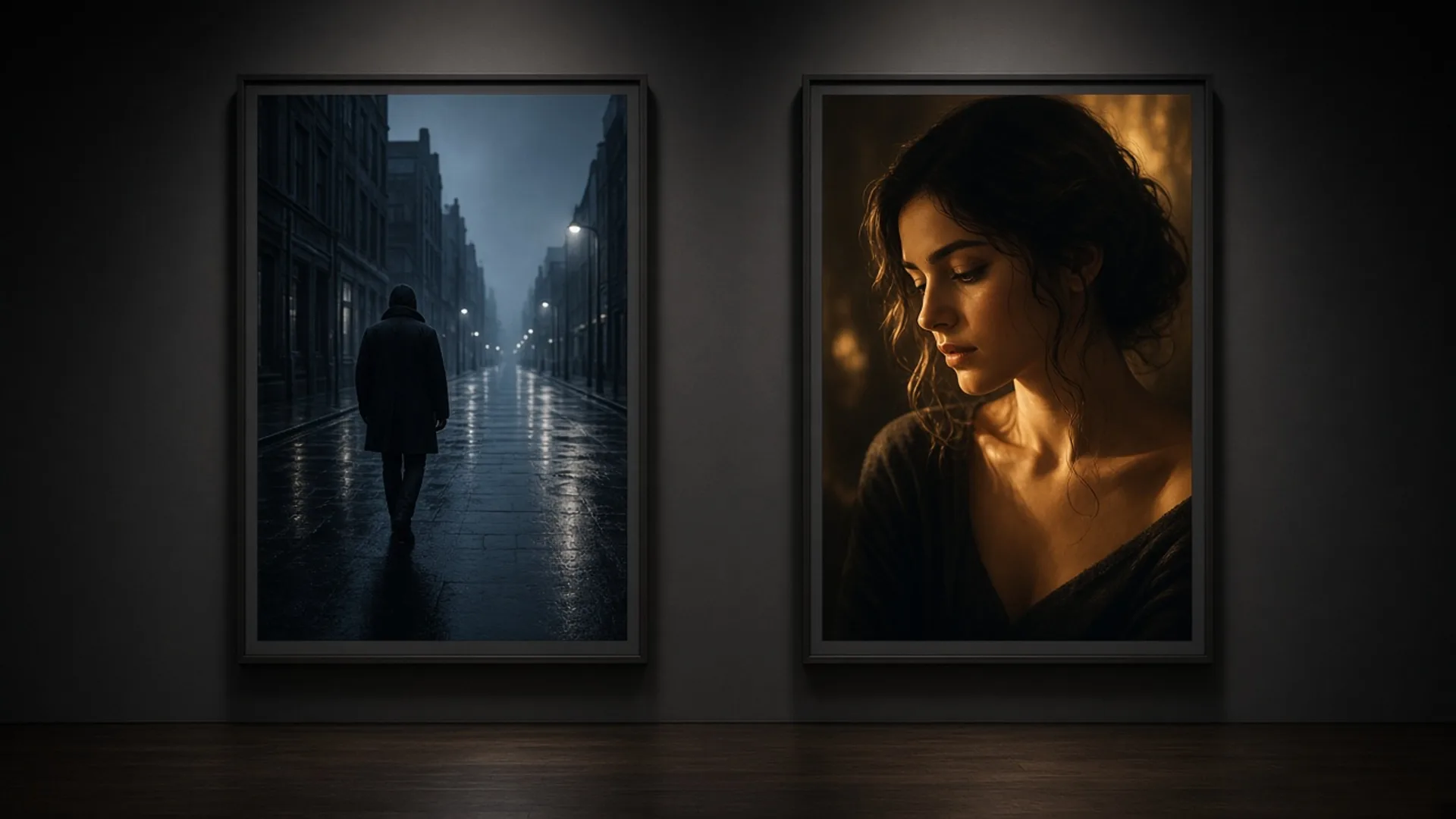
When the selection process is complete, Style Creator generates a Style Reference Code. That code is the reusable output. Keep it if you want the same look later.
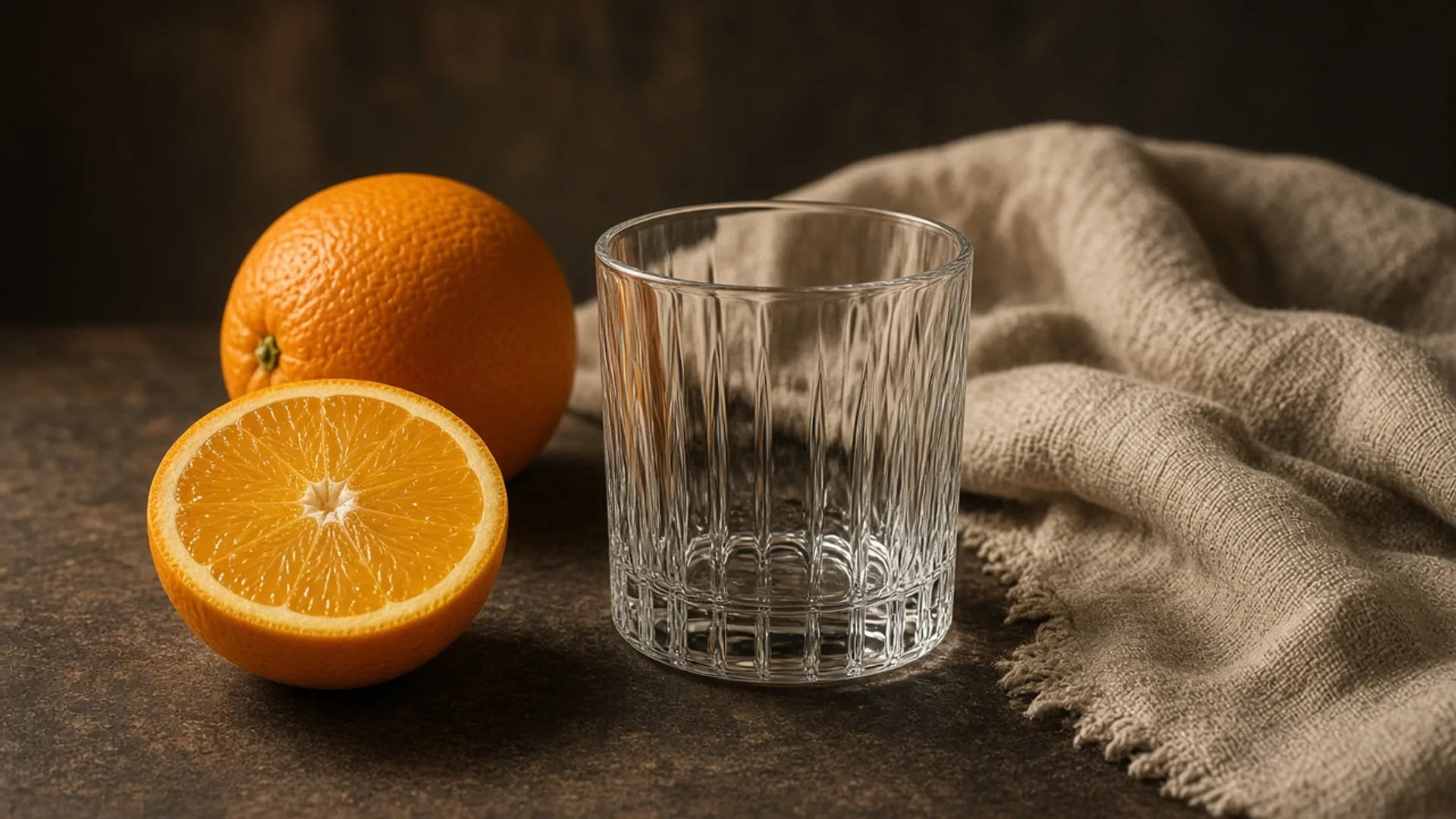
Apply the code with Style Reference syntax. On Discord-style workflows this is typically --sref followed by the code. On the web, assign the style in the creation flow. Adjust --sw if the influence is too strong or too weak.
rainy city street at night, reflective pavement --sref STYLE_CODE --sw 160
A Style Code is reusable. Keep the code and change the subject, setting, or composition. The code carries visual identity; the prompt still needs to describe what should appear.
You can combine multiple Style Codes in a Style Reference workflow so more than one look contributes. Treat this as blending style identifiers, not as merging Personalization Profiles. Results vary, and one code may dominate unless you adjust relative influence.
sunlit greenhouse interior, botanical still life --sref STYLE_CODE_A STYLE_CODE_B --sw 140
Creates a reusable Style Reference Code by selecting visual styles.
Applies a style, whether from a code or from a style reference image, with --sref.
Style Reference GuideBuilds a Style Reference Code for a specific reusable look. It does not train a personal model.
Helps Midjourney understand your personal aesthetic preferences. It is a different system.
Personalization GuideStyle Creator ≠ Personalization. Do not describe Style Creator as creating profiles or Moodboards.
After you have a Style Code, apply it to new prompts. Replace STYLE_CODE with your code.
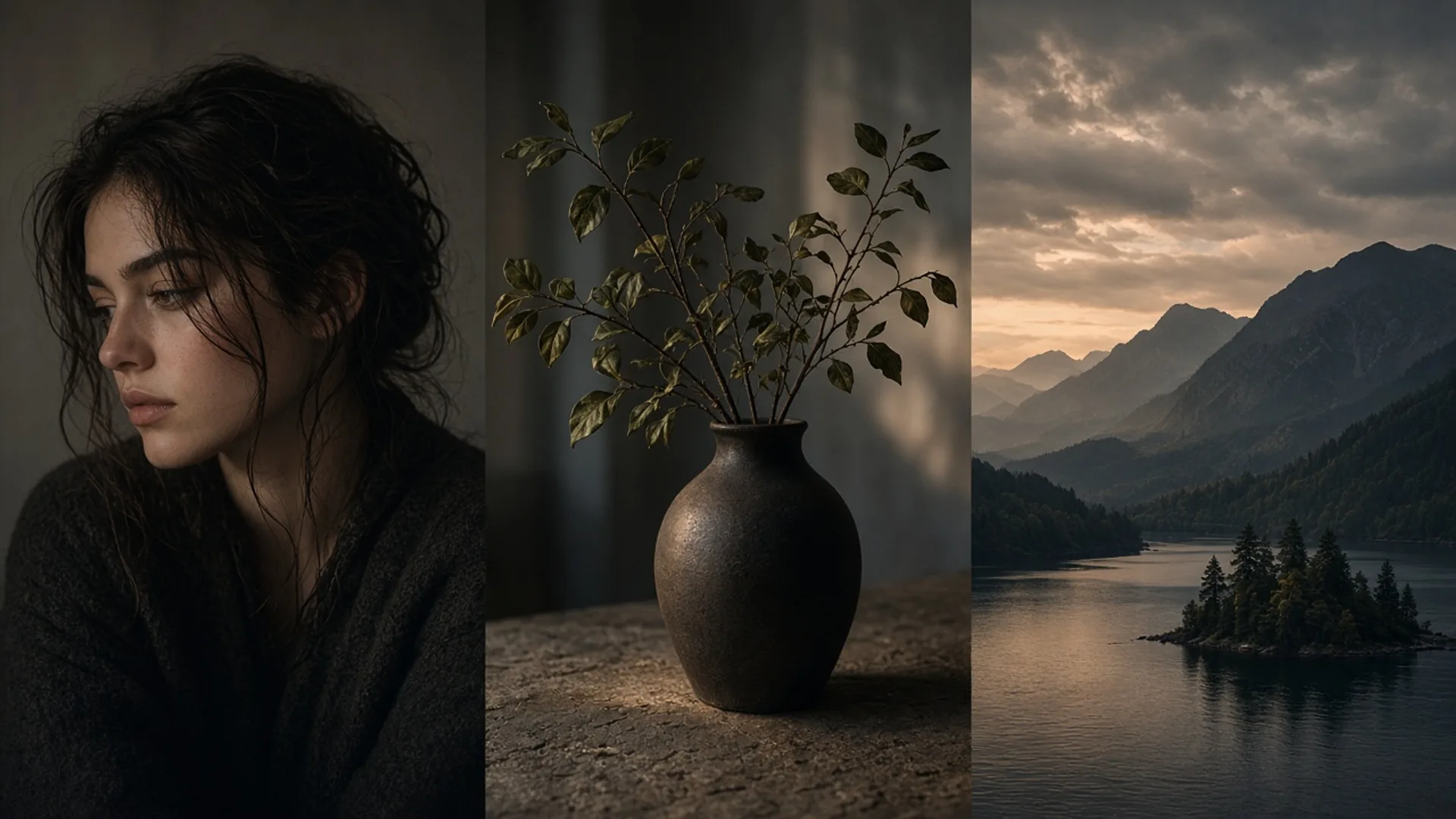
Reuse the code on a completely different scene.
cyclist on an empty coastal road at dawn --sref STYLE_CODE --sw 150
What this shows: The code keeps the look while the prompt changes the subject.
Tip: Swap the subject before changing --sw.
Lower --sw when the style is crowding the scene.
quiet library interior, documentary light --sref STYLE_CODE --sw 80
What this shows: --sw controls Style Reference strength. It is not a Personalization setting.
Tip: Raise --sw only if the look feels too weak.
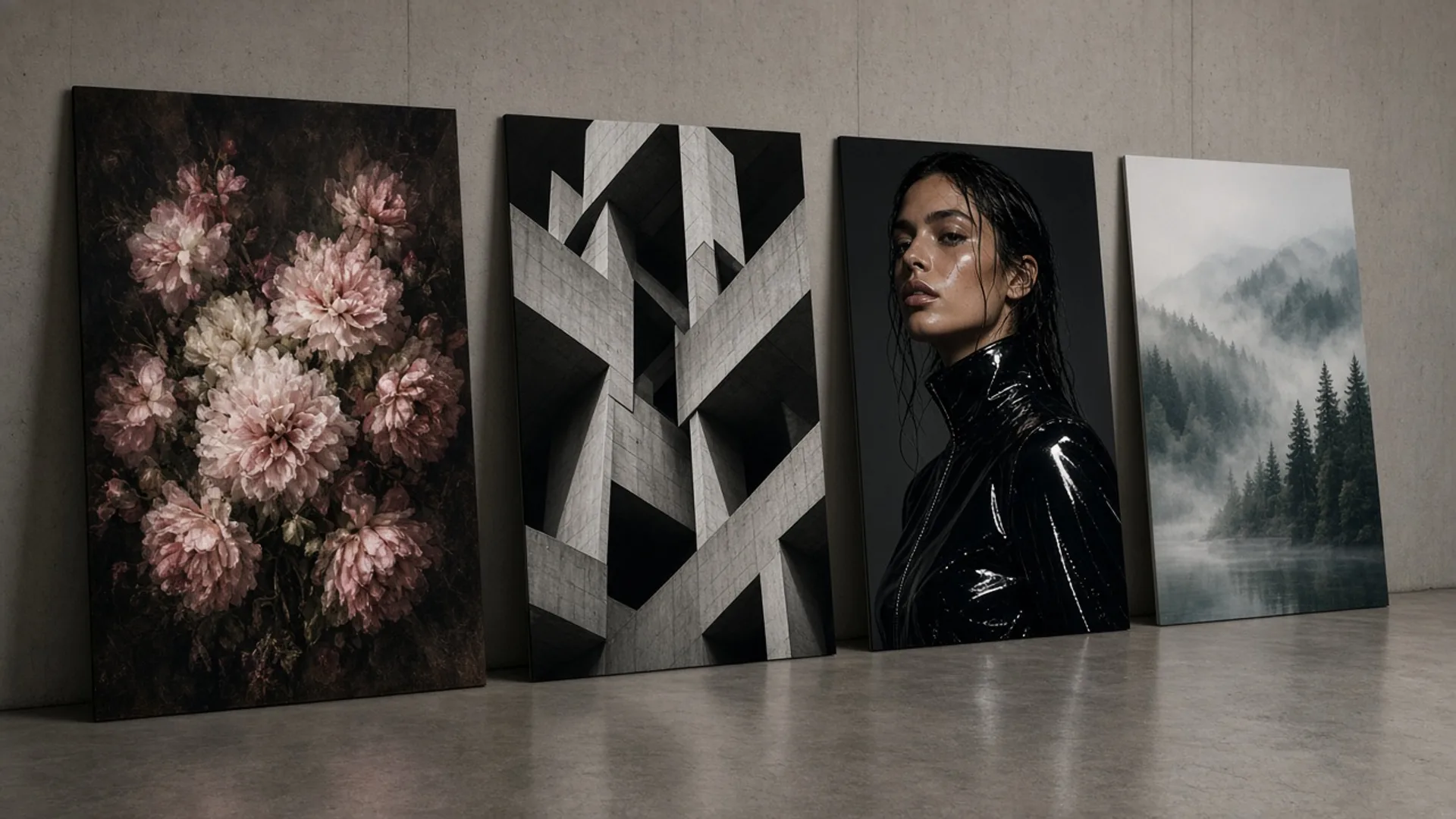
Blend two saved looks on one prompt.
editorial dessert still life on dark stone --sref STYLE_CODE_A STYLE_CODE_B --sw 130
What this shows: Combining codes mixes style identifiers. It does not merge profiles.
Tip: Test each code alone before combining them.
Let prompts and parameters describe the scene while the code carries style.
wide architectural photograph of a concrete pavilion --ar 16:9 --sref STYLE_CODE --sw 170
What this shows: Style Creator output is still applied through Style Reference, not through Personalization.
Tip: Change aspect ratio independently of the Style Code.
Style Creator generates a Style Reference Code. It does not train a personal AI model.
The code carries look and feel. The prompt still needs to describe the scene.
Moodboards organize multiple images. Style Creator creates a reusable code.
Moodboards GuideStyle Creator preview generation uses V7 and uses GPU time. Creating a code is not a free metadata-only action.
Try Midjourney and use Style Creator to build a reusable Style Reference Code.