
Style Reference Code
A reusable identifier created or discovered as a Style Code.
Style Codes let you discover, test, save, and reuse visual styles. Apply them with --sref, control influence with --sw, and choose Style Reference version with --sv. Style Codes are not Moodboards, and they are not Personalization Profiles.
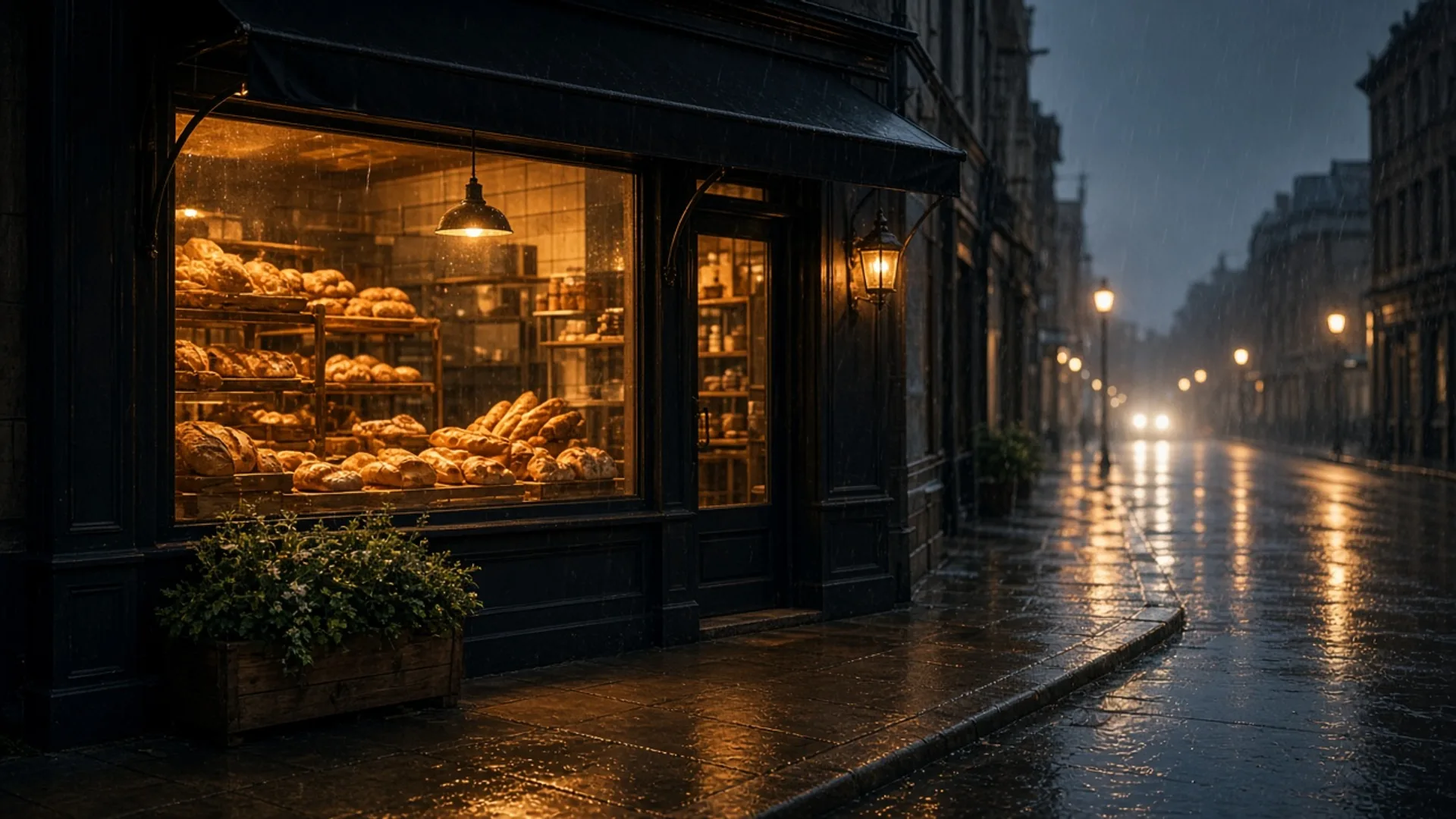
A Style Code is a reusable style identifier. You apply it through Style Reference syntax. Style Explorer helps you discover existing styles. Saving a code does not permanently modify your account.
Style Codes are compact identifiers for a visual style. Once you have a code, you can apply it to new prompts instead of starting the look from scratch. They are related to Style Reference, but a Style Code is not the same thing as a style reference image.
Style Codes are applied through Style Reference syntax. In Discord-style workflows, add --sref followed by the code. On the web, assign the style in the creation flow. --sref is the application method for both Style Codes and style reference images.
foggy cedar forest, quiet trail --sref STYLE_CODE
A reusable identifier created or discovered as a Style Code.
A picture used to guide look and feel. Related, but not identical to a Style Code.
Style Reference GuideStyle Explorer is the discovery surface for browsing existing styles. Use it to find looks you did not create, then test them on your own prompts. Style Explorer is not a standalone route in this cluster.
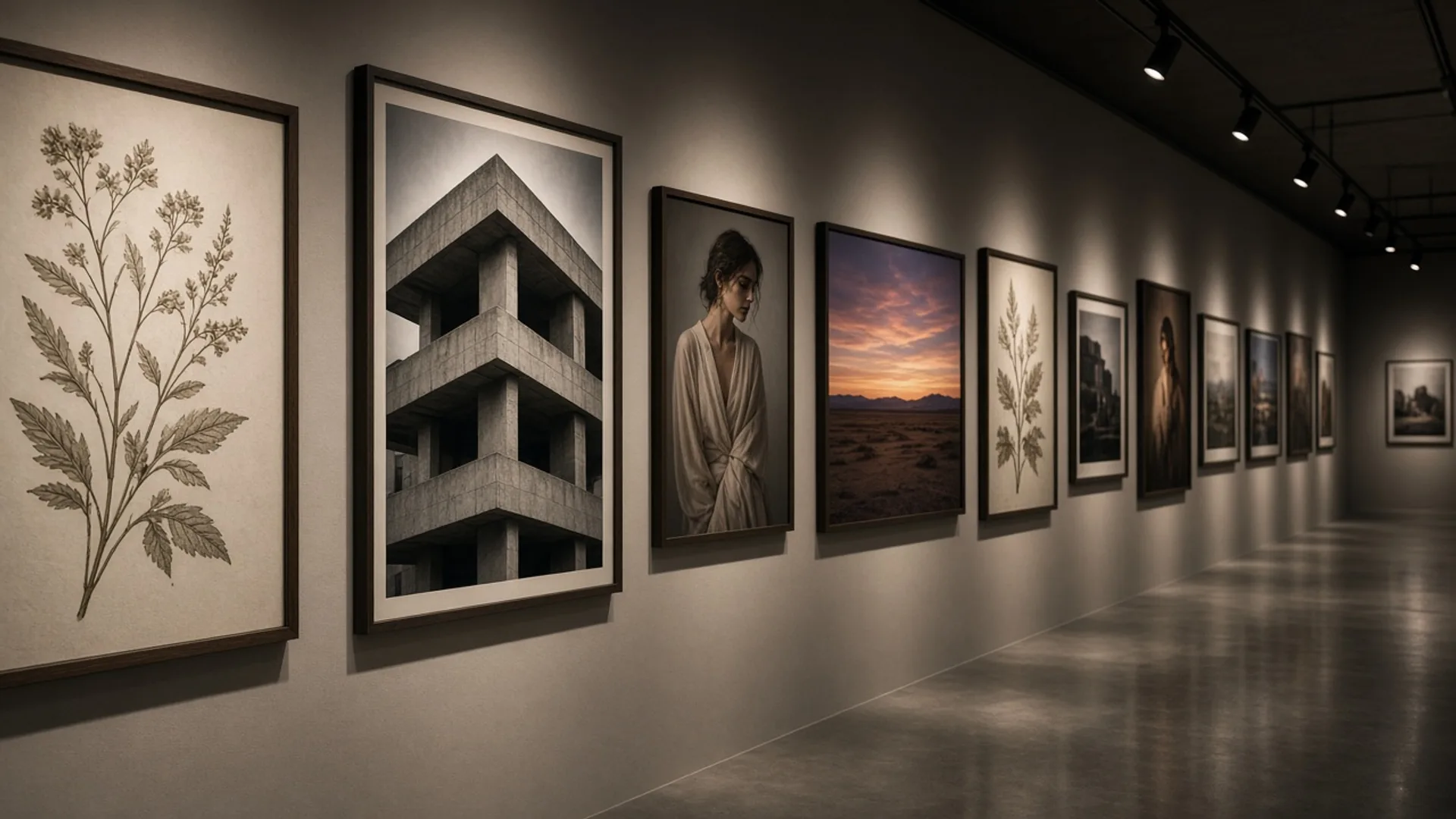
You can try a random Style Code when you want an unexpected visual direction. Treat random results as tests. Save the code only if the look is worth reusing.
still life with glass and citrus --sref random
Some styles are widely shared because they produce a recognizable look. Popularity is not a quality rating on this site, and a popular code may still clash with your prompt. Test before you rely on it.
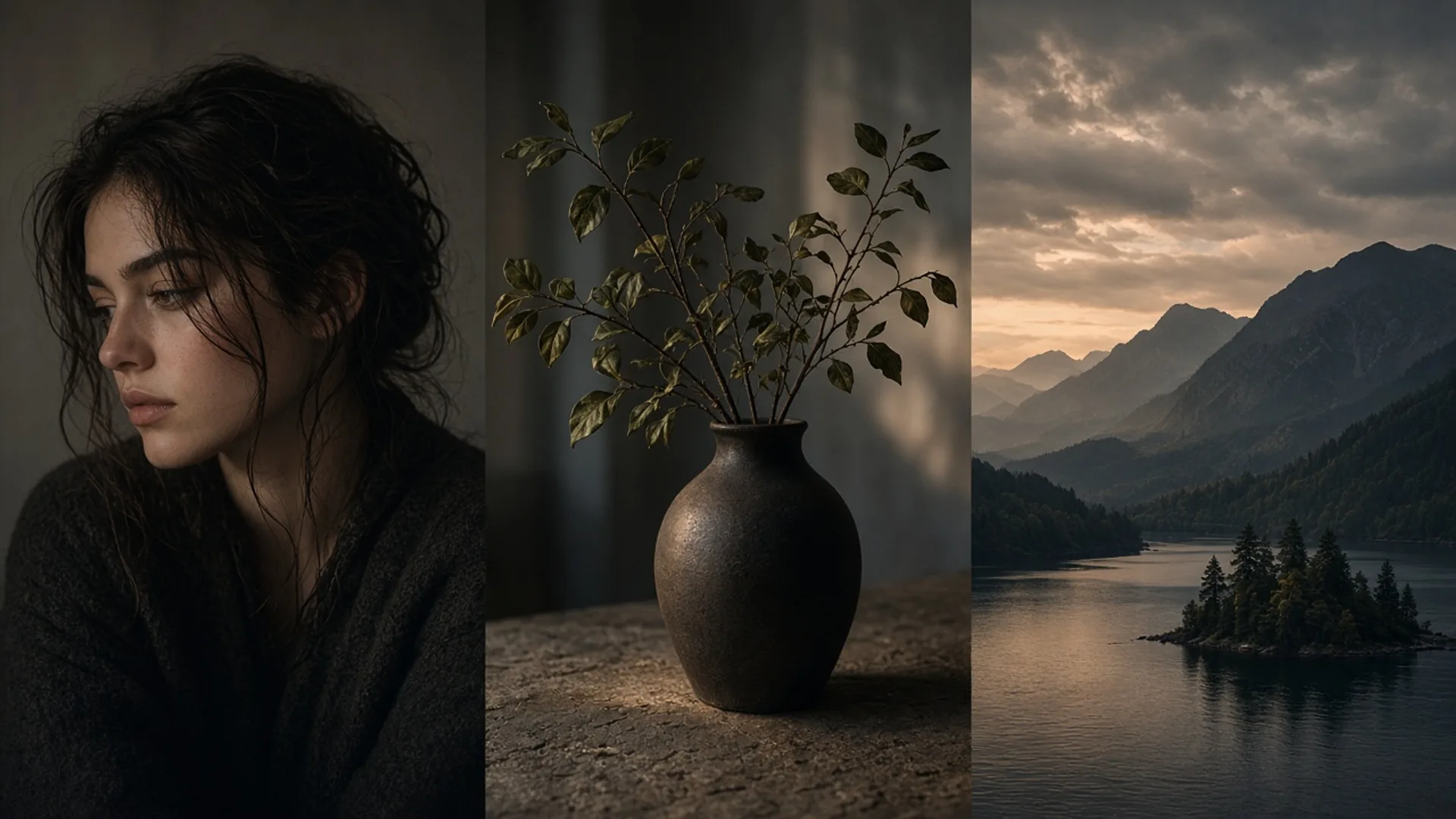
Search and browse to find styles that match a mood, medium, or aesthetic direction. Discovery is a Style Codes workflow. It is not the same as organizing images into a Moodboard.
Save Style Codes you want to reuse. Saving a favorite makes the code easier to find later. It does not permanently modify your account aesthetic, and it is not a Personalization Profile.
Write the scene in the prompt, then apply the Style Code. The prompt still needs a subject. The code supplies visual identity. Results can differ by Midjourney version.
small bakery storefront at blue hour --sref STYLE_CODE --sw 140
--sw controls Style Reference influence strength. The current documented range is 0–1000, with a default of 100. Treat this as current documentation rather than a timeless rule. --sw belongs to Style Reference workflows, not Moodboards.
portrait in window light, quiet expression --sref STYLE_CODE --sw 200
--sv controls which Style Reference version is used to interpret a style. Available version values can change as Midjourney updates the Style Reference system. Use current parameter documentation instead of assuming every historical --sv value still behaves the same way.
desert chapel at dusk, wide frame --sref STYLE_CODE --sv 4 --sw 150
If a --sv value is unavailable in your current version, omit it or use the currently documented option.
You can apply more than one Style Code so multiple looks contribute. Combining codes is not the same as combining Moodboards or Personalization Profiles.
editorial interior with plants and stone --sref STYLE_CODE_A STYLE_CODE_B
Actively create a new Style Reference Code by selecting visual styles.
Style Creator GuideDiscover, test, save, and reuse existing style identifiers, including codes you created.
Reusable style identifiers applied with --sref.
Collections of images used to organize a visual direction. They are not Style Codes.
Moodboards GuideA code is an identifier. An image Style Reference is a picture. Both can use --sref, but they are not identical.
--sw belongs to Style Reference. Moodboards are a different system.
Moodboards GuideSaving a Style Code does not permanently modify your personalization or replace your profile.
Style Creator previews use V7. Current default generation is V8.2. --sv also changes how a style is interpreted.
Try Midjourney and reuse visual styles with Style Codes, --sref, and Style Explorer.