
Global / primary Profile
A main Profile often represents your default aesthetic lean when Personalization is applied.
A Personalization Profile represents a visual preference direction Midjourney can use to influence generation. Learn how Profiles work, how they relate to --p, and how to use them for more consistent aesthetic results.
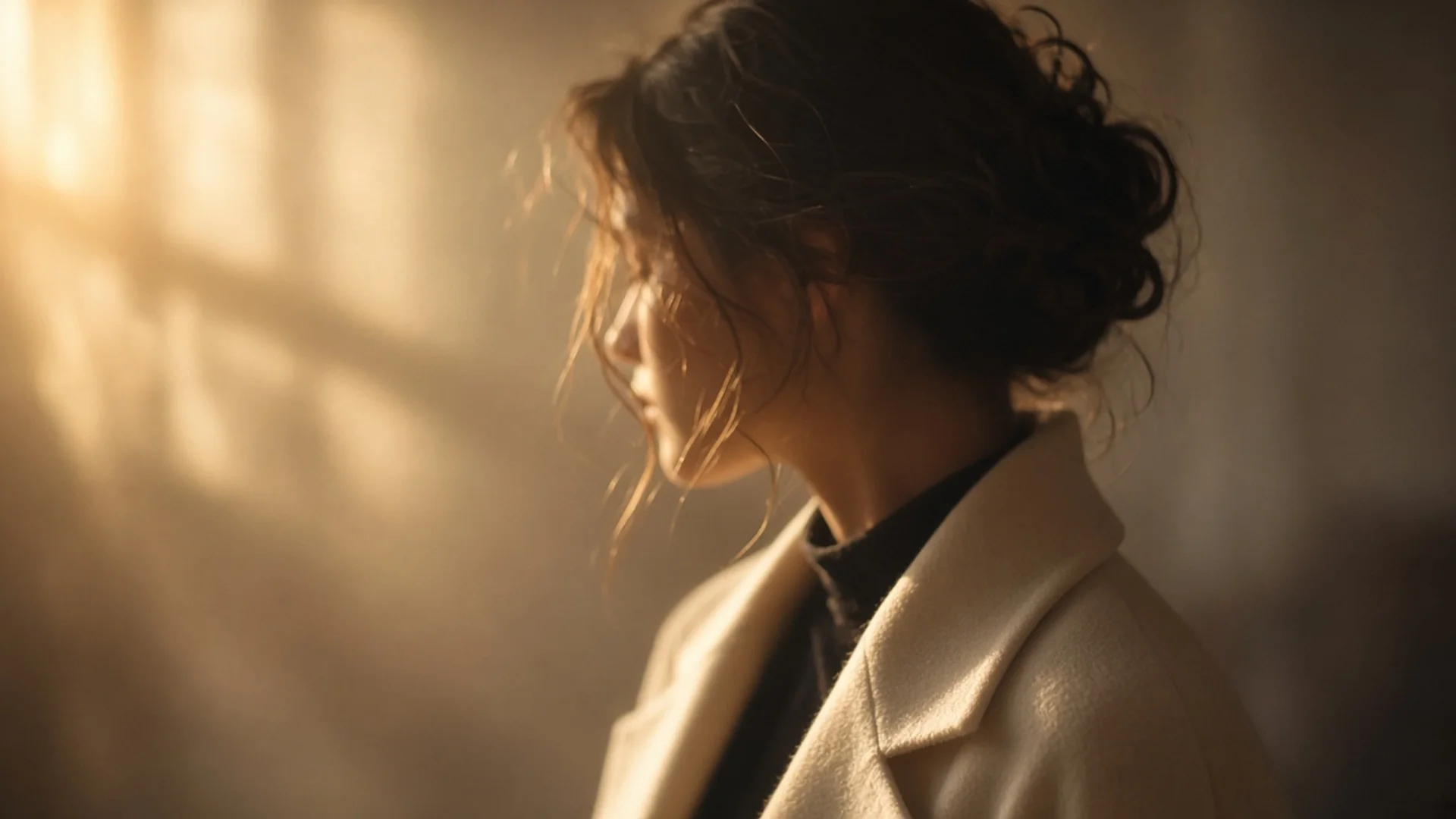
A Midjourney Personalization Profile represents your preferred visual aesthetics so generations can lean toward the kinds of looks you tend to like, instead of starting from a fully generic style every time.
A Personalization Profile is a Midjourney Personalization concept that represents a visual preference direction. Rather than describing every taste preference in every prompt, a Profile helps Midjourney lean toward aesthetics you prefer across lighting, mood, polish, and overall visual feel.
Profile creation happens inside Midjourney’s Personalization experience. Exact interface labels and steps can change across versions, so treat the process as a workflow rather than a fixed button path.
This guide avoids hardcoding version-sensitive UI click paths. Check the current Midjourney interface for the latest Profile creation flow.
Start from Midjourney’s Personalization area where Profiles are managed.
Create a new Profile or choose an existing one that matches the direction you want.
Provide preference feedback or selections that help Midjourney understand the aesthetics you prefer.
Apply the Profile through Personalization / --p when generating with a clear prompt.
A Profile does not replace a prompt. It influences the aesthetic lean of a generation based on visual preferences associated with that Profile.
The --p parameter is the related way to apply Personalization influence during generation. In Profile workflows, --p connects your generation to the Personalization / Profile direction you want to use.
editorial portrait of a designer in soft window light, calm atmosphere --p
Exact Profile selection and --p behavior can vary by interface and version. Use --p as the application method alongside a clear prompt.
Many Personalization workflows distinguish between a primary/global Profile and additional Profiles for different creative directions.
Naming and availability of global versus additional Profiles may vary by Midjourney version and account experience.
A main Profile often represents your default aesthetic lean when Personalization is applied.
Extra Profiles can support different directions, such as cinematic portrait work versus clean product aesthetics.
Switching Profiles helps keep different projects visually coherent without forcing one taste onto every generation.
Keep these concepts separate when choosing a workflow.
A Profile is preference-driven. Style Reference is image-driven. They can complement each other, but they are not the same feature.
Influences generation based on learned or selected visual preferences associated with a Profile.
Uses a reference image to guide a specific visual look and feel such as color, texture, lighting, and aesthetic.
Style Reference GuideProfiles are most useful when you want a recurring aesthetic lean across related generations.
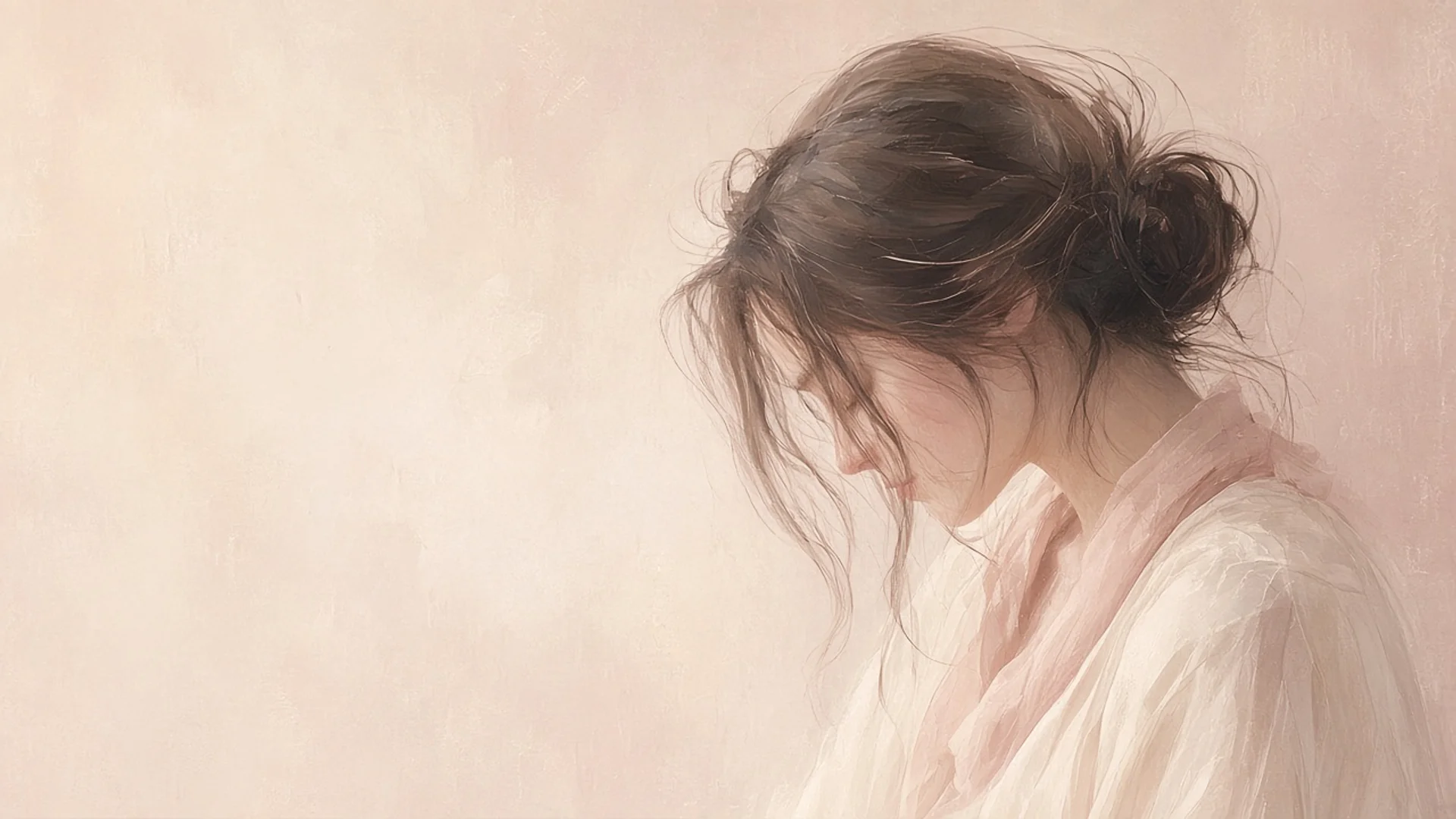
Useful when portrait work should lean toward a preferred photographic mood, lighting, or editorial polish.
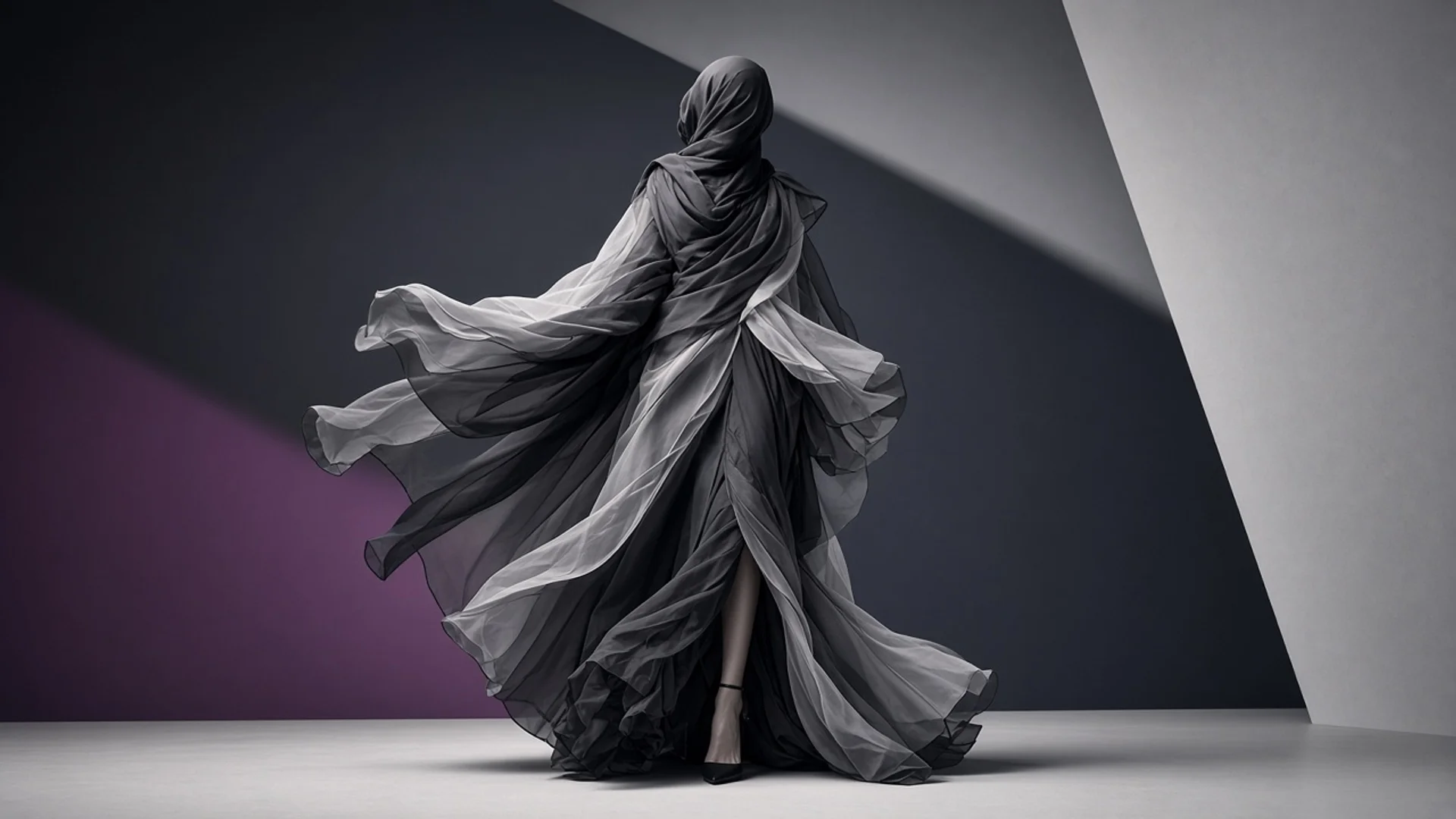
Helpful for fashion and editorial generations that need a consistent taste across styling and atmosphere.
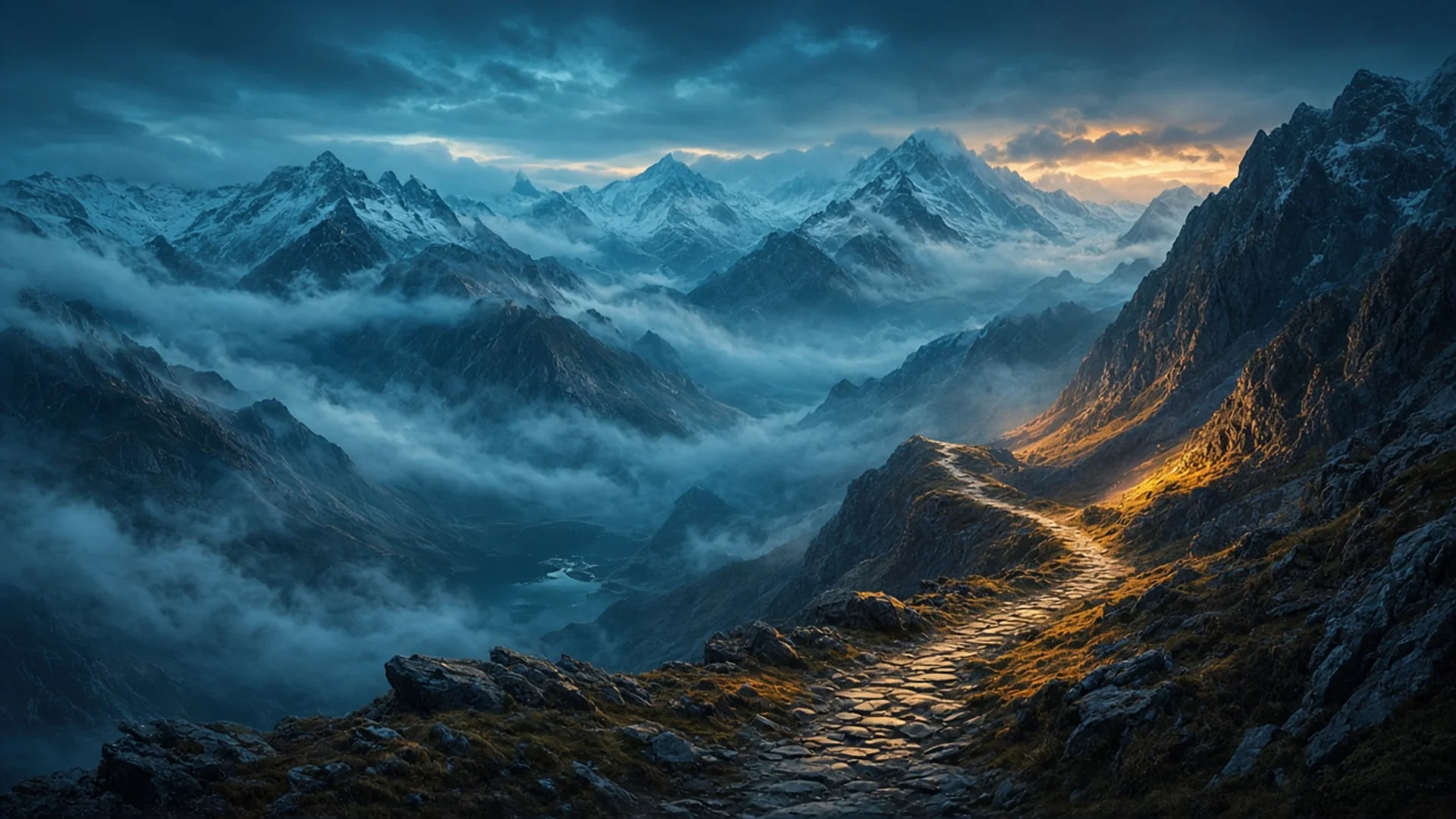
Useful when landscape work should stay closer to a preferred cinematic or atmospheric direction.
Profiles influence aesthetic leanings. Subject, composition, and intent still need a clear prompt.
Style Reference guides look and feel from a reference image. A Profile represents broader visual preferences.
Different projects may need different Profiles so portrait, product, or cinematic work do not all collapse into one taste.
--p applies Personalization influence. It does not guarantee exact duplication of any source look.
Try Midjourney and explore Personalization Profiles with clear prompts and a consistent aesthetic direction.