
Moodboard
Provides a curated visual direction through Personalization and --p.
Midjourney Moodboards let you build a custom visual direction from a curated set of images, then apply that aesthetic through Personalization. Learn how Moodboards work with --p, IDs, and Stylize.
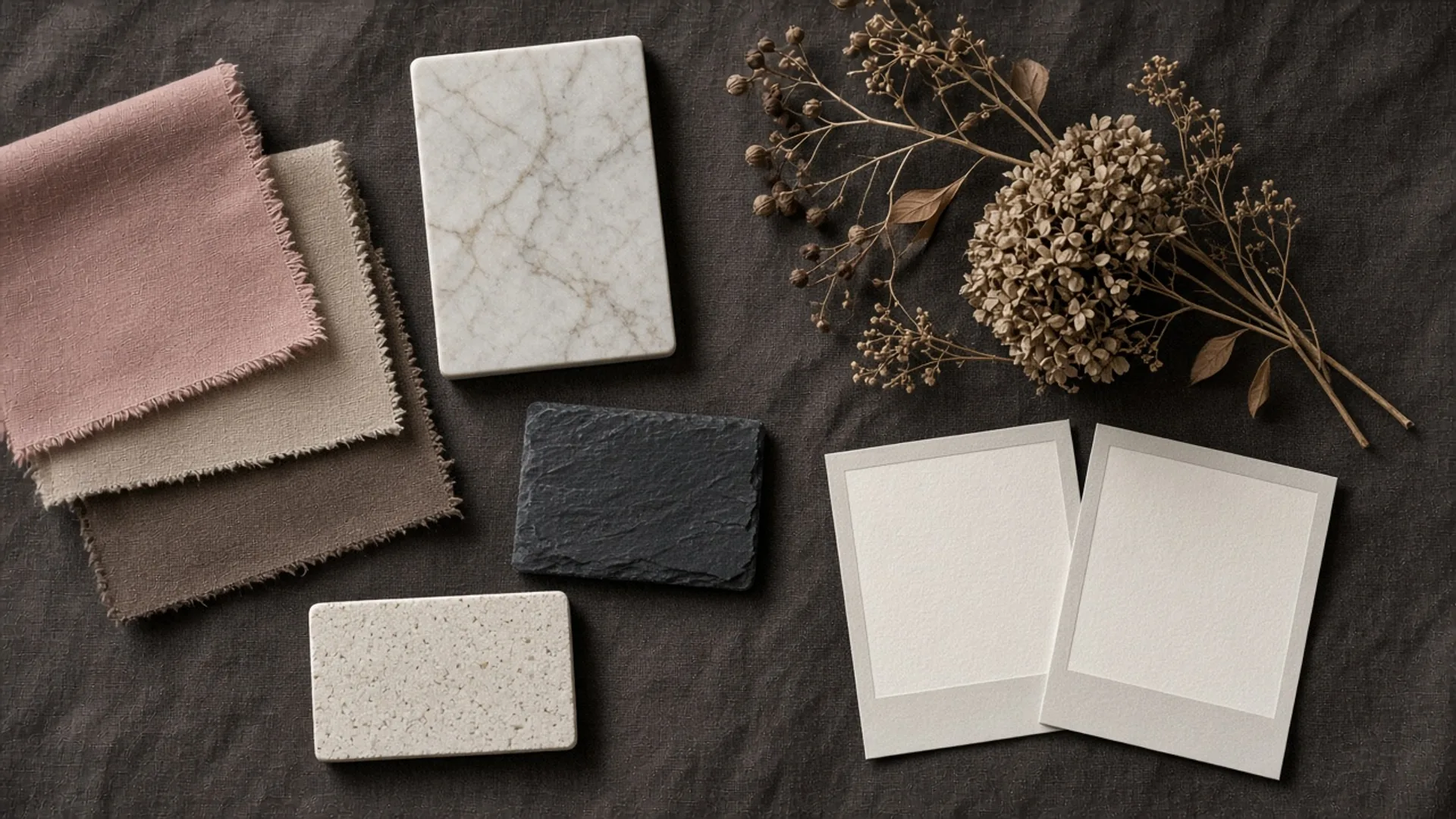
A Midjourney Moodboard is a Personalization tool that builds a visual direction from multiple selected images, then applies that aesthetic influence to generations rather than copying any single image exactly.
Moodboards are a Midjourney Personalization feature for building a custom visual direction from selected images. Instead of relying on one Style Reference, a Moodboard can capture a wider aesthetic through a curated group of visuals.
Moodboard creation happens inside Midjourney’s Personalization / Moodboards experience. Exact labels and steps can change across versions, so focus on the workflow rather than a fixed click path.
This guide avoids version-locked UI paths. Use the current Midjourney Moodboards interface for the latest creation flow.
Start from the Midjourney area where Moodboards are created and managed.
Start a Moodboard for the aesthetic direction you want to build.
Add images that express the visual direction, mood, and style you want.
Use the Moodboard through Personalization / --p with a clear prompt.
A Moodboard becomes useful when the selected images share a coherent visual direction.
The --p parameter is the related way to apply Moodboard / Personalization influence during generation. Use it with a clear prompt so the Moodboard can shape aesthetic leanings while the prompt defines subject and scene.
luxury skincare bottle on stone, soft editorial light, muted palette --p
Exact Moodboard selection and --p application details can vary by Midjourney interface and version.
Moodboards are often associated with an ID or code that identifies the Moodboard you want to apply. Treat IDs and codes as identifiers for a Moodboard direction, not as guarantees of exact image replication.
Moodboards can be used with Stylize. Stylize controls how strongly the Moodboard style is applied.
Style Weight (--sw) is not compatible with Moodboards. --sw belongs to Style Reference workflows, not Moodboard control. Exact Stylize ranges and defaults can change by model version.
Provides a curated visual direction through Personalization and --p.
Use the Moodboard for aesthetic direction, then adjust Stylize to control how strongly that Moodboard style influences the result.
These features both influence visual style, but they are not interchangeable.
Do not treat a Moodboard as a simple substitute for a single Style Reference image. A Moodboard is a curated direction, not exact image copying.
Builds a broader visual direction from a curated set of images and applies it through Personalization.
Uses a reference image to guide a specific visual look and feel such as colors, textures, lighting, and aesthetic.
Style Reference GuideMoodboards work well when you want a recurring aesthetic direction across related generations.
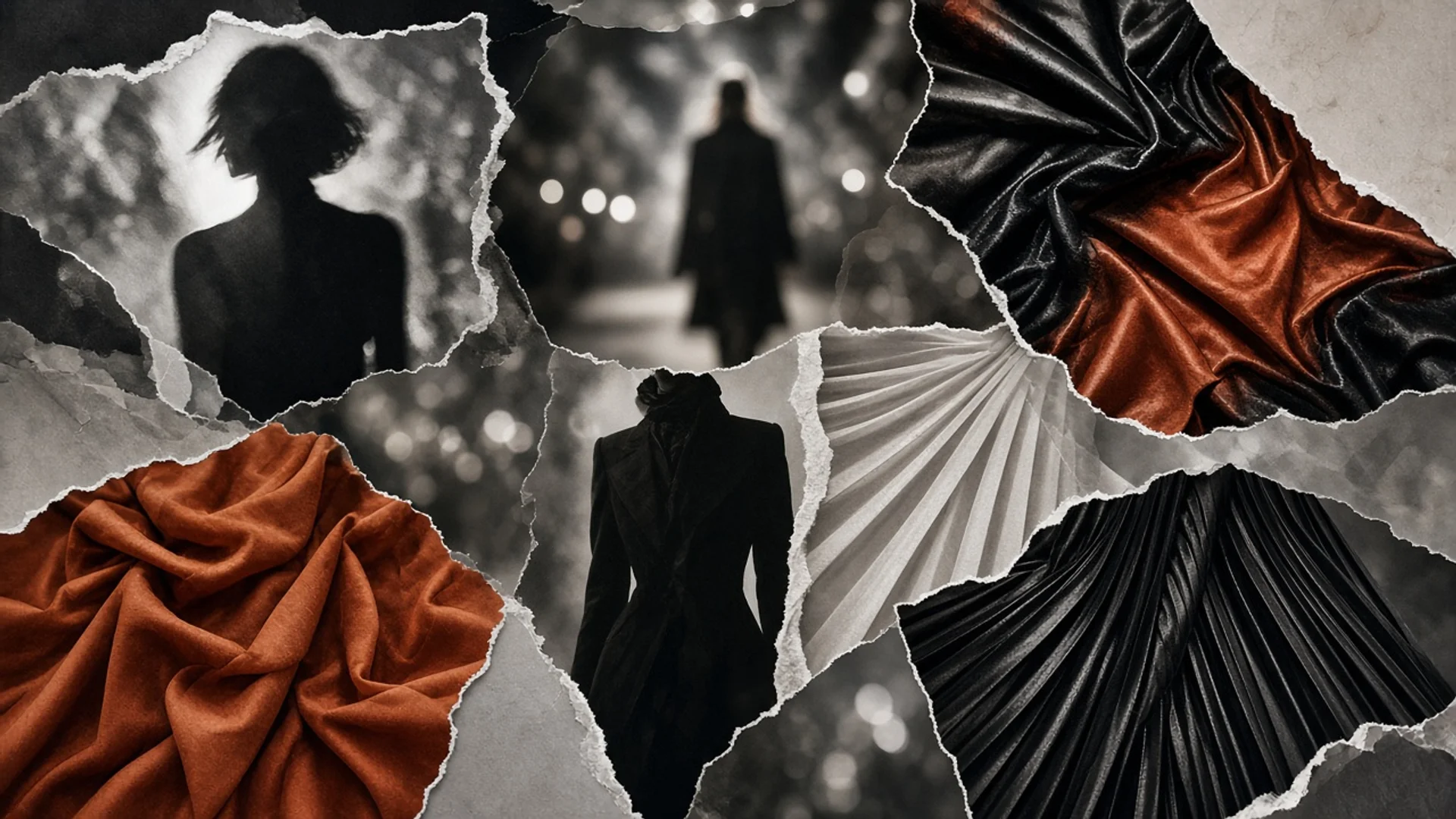
Useful for fashion and magazine-like visuals with a consistent polished atmosphere.
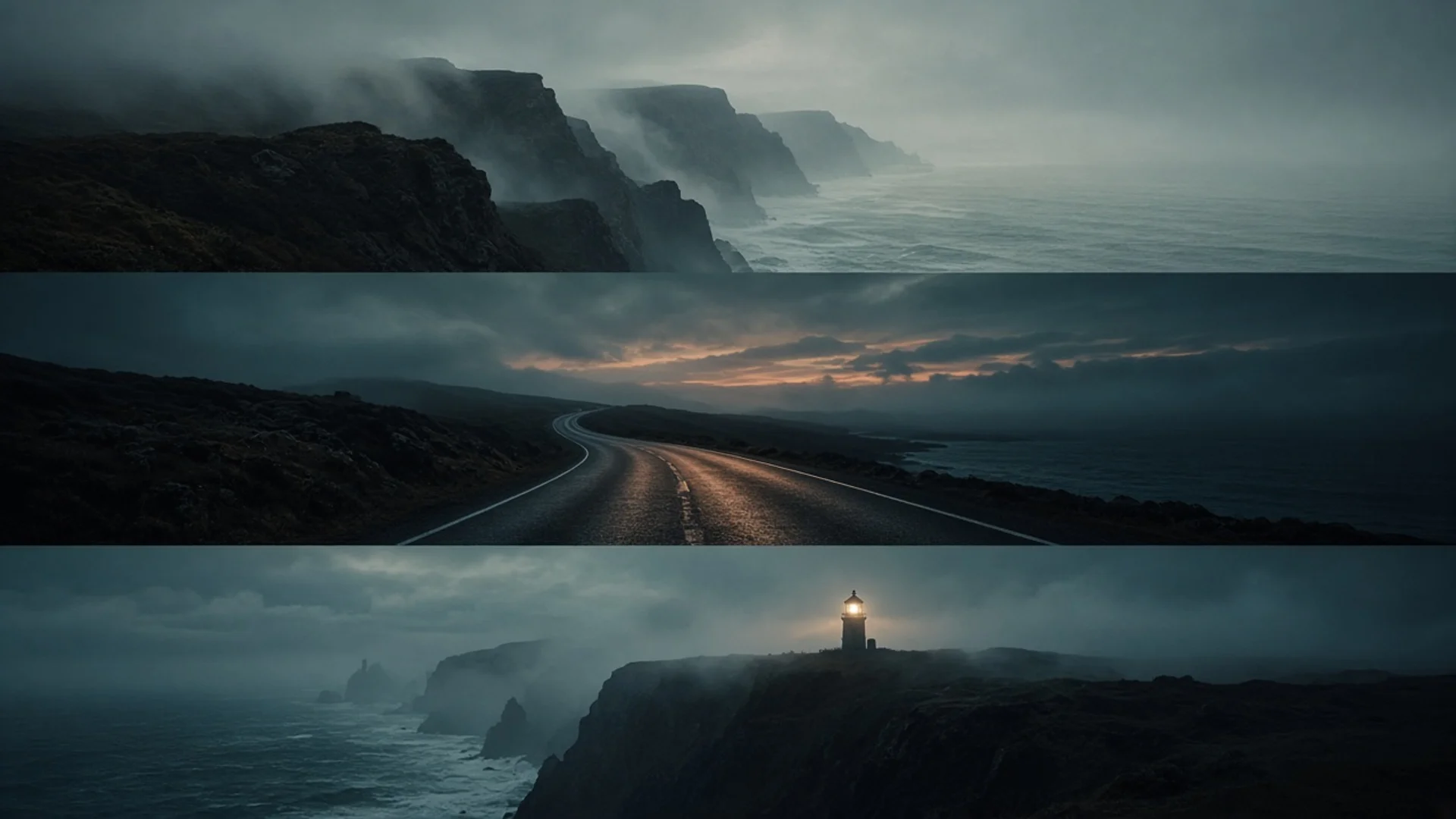
Helpful when landscape or narrative scenes should lean toward a preferred cinematic mood.
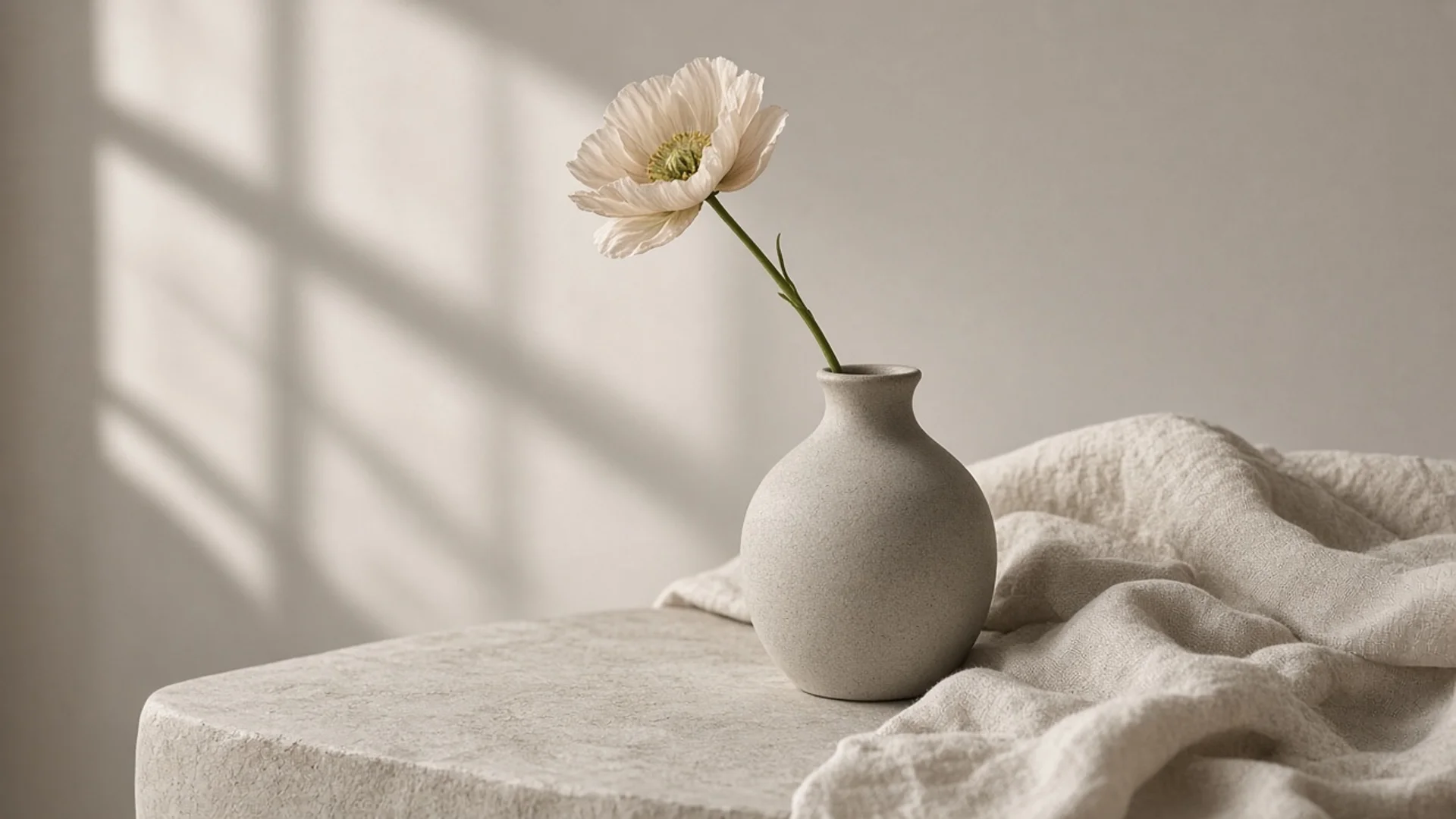
Useful for product work that needs a coherent commercial or soft editorial presentation style.
A Moodboard influences aesthetic direction. It does not guarantee exact duplication of the selected images.
Style Reference guides look and feel from a reference image. A Moodboard builds a broader curated visual direction.
A Moodboard works best when the selected images share a coherent aesthetic rather than mixed, conflicting looks.
Moodboards support aesthetic leanings, but subject, composition, and intent still need a clear prompt.
Try Midjourney and explore Moodboards to build a custom visual style with clear prompts.