
Current V8.2 1:1 SD
1024 × 1024. This is the standard-resolution starting point for a square image.
Current Midjourney HD Images are a higher-resolution generation choice, not a post-generation upscale and not the historical legacy --hd model. In current V8.2, HD can start at a larger pixel output than standard generation.
Midjourney HD Images generate at a higher resolution from the start. In current V8.2, 1:1 HD images are 2048 × 2048, while 1:1 SD images start at 1024 × 1024. HD is different from Upscale, and current HD images cannot be upscaled further.
Current V8.1/V8.2 HD Images are a higher-resolution generation mode. They start with a higher-resolution output instead of enlarging a finished image later. This page is about current HD Images. Older Midjourney versions had a historical legacy High Definition model associated with --hd; that legacy model is not the same thing as current HD Images and is mentioned here only to prevent confusion.
In current Midjourney V8.2, standard and HD generation use different starting pixel dimensions. Exact values vary by aspect ratio, so 2048 × 2048 applies to 1:1, not to every ratio.
1024 × 1024. This is the standard-resolution starting point for a square image.
2048 × 2048. This is the higher-resolution generation output for a square image.
These are current V8.2 examples. Do not treat them as values that every Midjourney version has always used.
HD and Upscale can reach similar pixel sizes in current V8.2, but the workflow is different.
Higher-resolution generation selected at generation time. It starts with a higher-resolution output.
A post-generation action that starts from an existing image and creates a larger version.
Upscaler GuideCurrent V8.2 HD dimensions depend on aspect ratio. Official documentation also notes that exact HD dimensions for some aspect ratios may vary slightly.
| Aspect ratio | Current V8.2 HD example |
|---|---|
| 1:1 | 2048 × 2048 |
| 4:3 | 2464 × 1856 |
| 2:3 | 1792 × 2688 |
| 16:9 | 2912 × 1632 |
These are current V8.2 examples, not universal future specifications. Do not claim HD is 4K, and do not assume every aspect ratio outputs 2048 × 2048.
HD is useful when you already know you need a larger image before you generate.
HD is not always visually superior to Upscaling. It is a different starting point, not a promise of a better image.
Aspect ratio affects final pixel dimensions. A 16:9 HD image is not the same size as a 1:1 HD image. Use the Aspect Ratio guide for framing decisions, and treat the dimension examples on this page as current V8.2 references.
These examples explain when HD may be useful. They are not guarantees.
You know the portrait needs a larger output before you generate. A square or portrait ratio still changes the final pixel size.
Why HD may help: Generating in HD can skip a later upscale step when the look is already planned.
Limitation: Current V8.2 HD images cannot be upscaled further, so the generation choice matters up front.
A product shot may need more pixels for cropping or publishing. Aspect ratio still determines the exact dimensions.
Why HD may help: HD can provide a higher-resolution starting point for commercial stills.
Limitation: HD is not automatically a better product photo than an upscaled SD result.
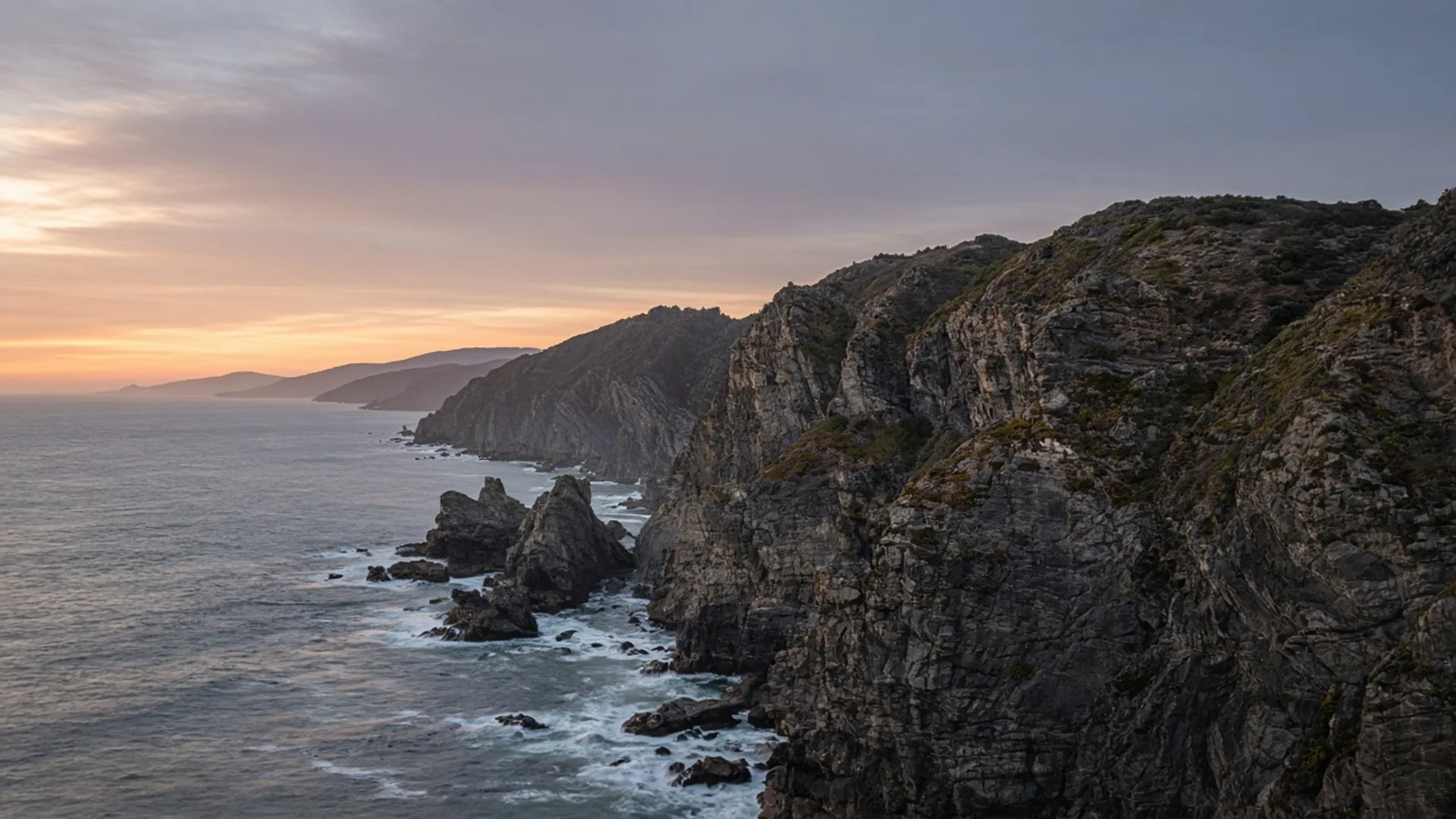
Wide compositions use different HD dimensions than 1:1. In current V8.2, 16:9 HD is an example of 2912 × 1632, not 2048 × 2048.
Why HD may help: Choose HD when you know the landscape needs a larger wide output from generation.
Limitation: Exact HD dimensions for some aspect ratios may vary slightly.
If you plan to crop, edit, or publish later, a higher-resolution start can leave more pixels to work with.
Why HD may help: HD can be useful when you know those later steps before generating.
Limitation: Other editing workflows may still affect resolution, and current HD cannot be upscaled further.
Current V8.2 HD Images are a higher-resolution generation choice. The historical --hd model is a different, legacy concept.
That example applies to current V8.2 1:1 images. Other aspect ratios have different dimensions.
HD is higher-resolution generation, not a 4K specification.
Current V8.2 documentation states that HD images cannot be upscaled further.
HD changes the generation starting resolution. It does not guarantee a better image than upscaling.
Try Midjourney and choose HD when you already know you need a higher-resolution generation, or upscale later if you are starting from an existing image.