
Midjourney AI

Midjourney Seed Guide

Learn how to use --seed when testing prompt changes, what a seed can help control, and why it does not guarantee identical results.
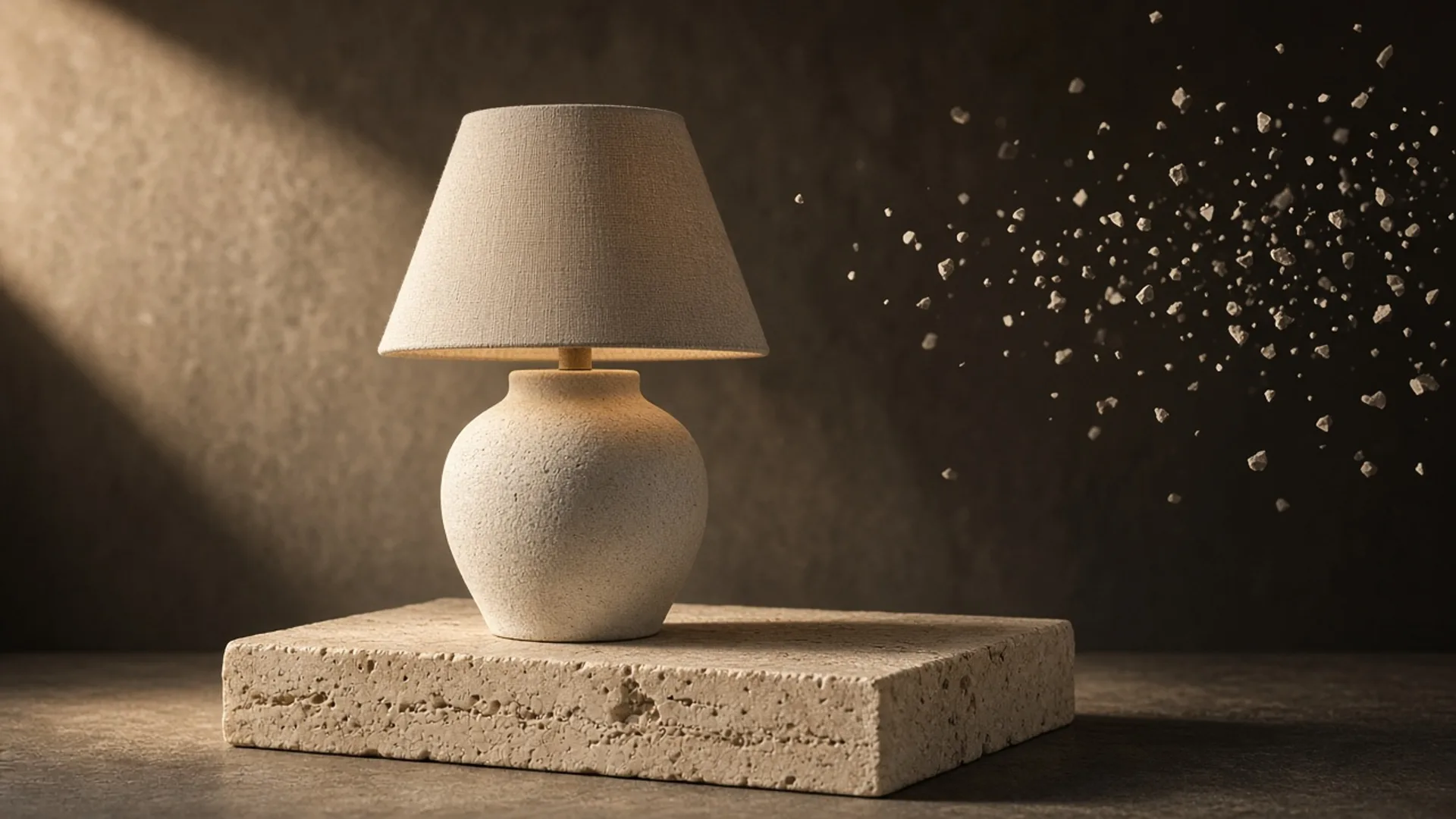
Midjourney seed concept for controlled prompt experimentation

Quick Answer

A Seed sets an initial noise starting point for image generation. Adding --seed followed by a whole number can help you compare prompt changes under similar conditions, but it does not preserve a style or character and does not guarantee identical images across sessions.

What Is a Midjourney Seed?

A seed is a numeric starting point that influences the initial noise used in generation. If you do not specify a seed, Midjourney uses a new random seed for each generation. Seed is most useful as a testing aid rather than as a way to save a finished visual identity.

How to Use --seed

Add --seed and a whole number to the end of your prompt.

              an editorial photograph of a ceramic lamp on a travertine table, warm side lighting --seed 12345
            

The documented valid range is 0 through 4294967295. Keep the same seed when comparing a deliberate prompt change, and record the rest of the settings as well.

Use Seed to Compare One Prompt Change

Seed can act as one control in a prompt experiment. Keep the model version, settings, seed, and most of the prompt the same while changing one phrase, such as the lighting description.

Baseline prompt

Prompt

            an editorial photograph of a ceramic lamp on a travertine table, soft side lighting --seed 12345
          

Changed prompt

Prompt

            an editorial photograph of a ceramic lamp on a travertine table, diffused window lighting --seed 12345
          

Compare the outputs to examine the effect of the lighting wording. This is a useful comparison method, not a guarantee that every other aspect of the image will remain unchanged.
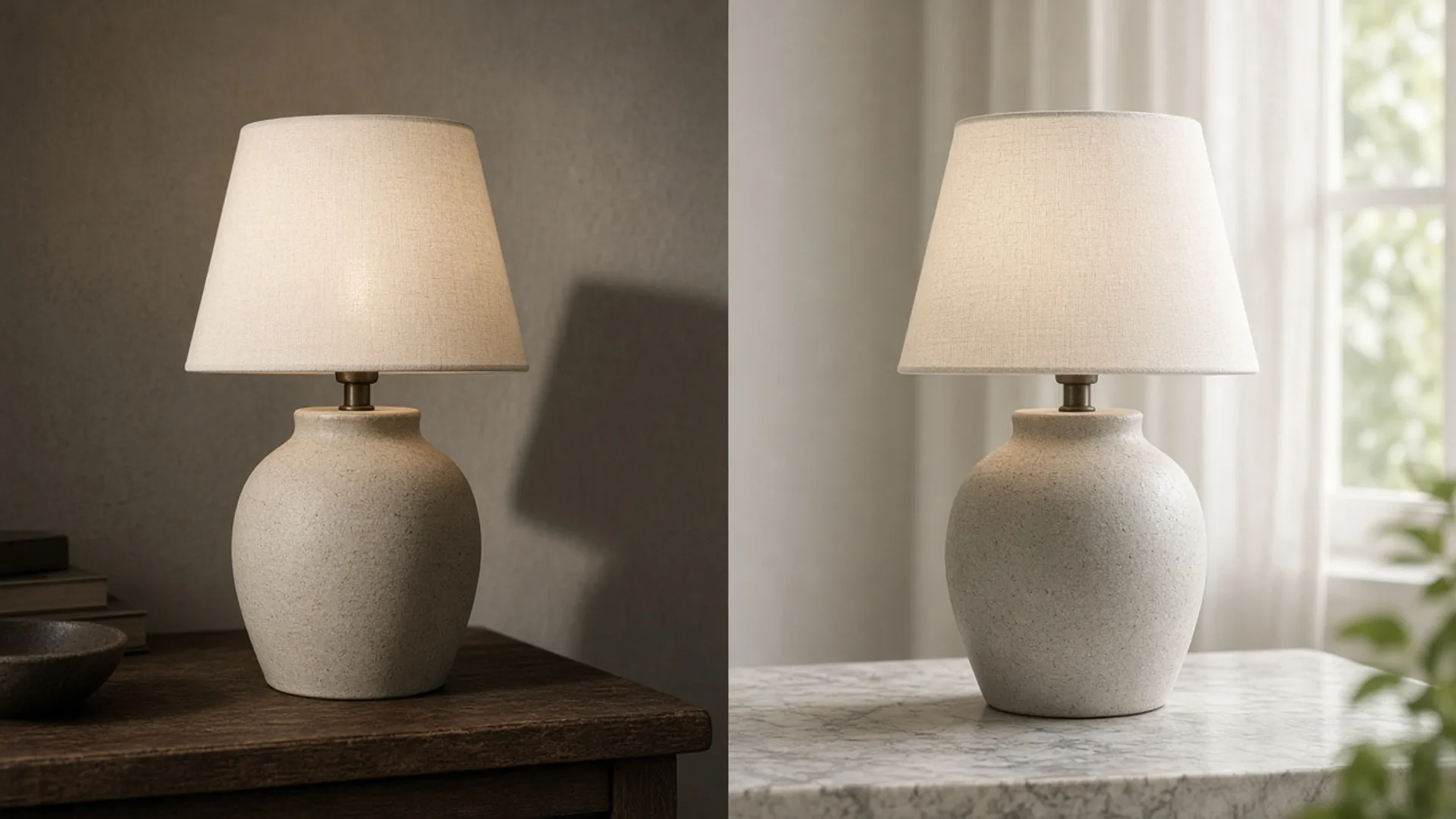
Conceptual illustration of comparing prompt experiments with a consistent starting point

Find a Seed From an Existing Image

On the Midjourney website, open an image from your Create or Organize page. Open the options menu near the prompt text and choose Copy, then Seed, when that option is available in the current interface.

Interface labels may change. If you cannot find the option, check the current official Seed instructions.

What Seeds Do Not Guarantee

  • A seed does not save a particular style, character, or appearance.
  • The same seed does not guarantee identical results across different sessions.
  • Changes to model versions, prompts, parameters, or settings can change the result.
  • Official Seed guidance warns that locking a seed is unreliable in Turbo mode.

For visual consistency across images, evaluate the available reference and personalization features rather than relying on Seed alone.
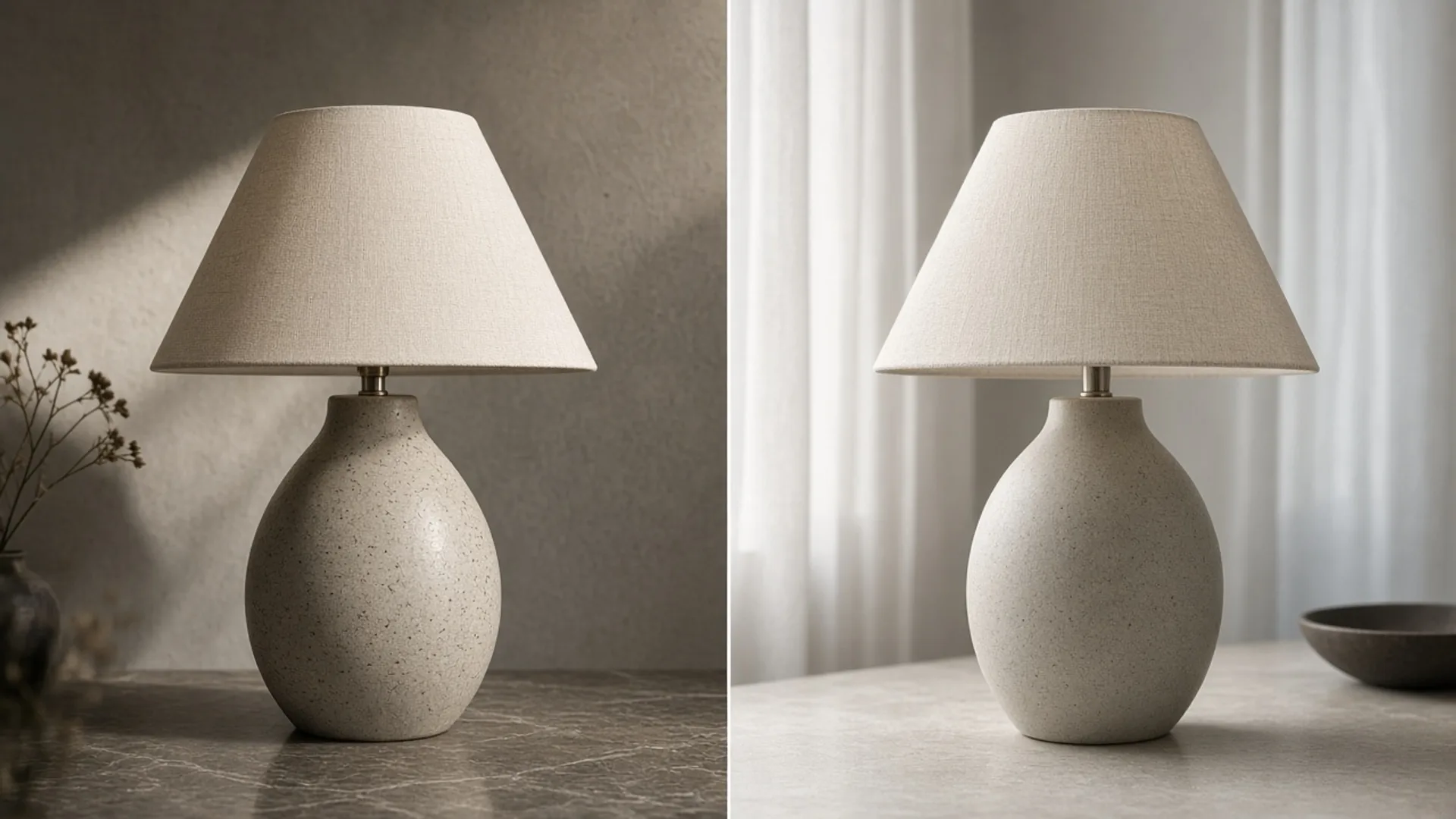
A Controlled Seed Test

  1. Write down the creative question you want to answer.
  2. Create a baseline prompt and record its model version and settings.
  3. Use a valid seed and keep it unchanged for the comparison.
  4. Change one descriptive variable, such as lighting or background.
  5. Compare the results and record what changed without assuming the seed fixed every other factor.
Two prompt experiment outcomes compared for a single change in lighting

Common Mistakes

  • Expecting Seed to reproduce an exact image indefinitely.
  • Using Seed as a substitute for Style References or other consistency tools.
  • Changing multiple prompt elements at once.
  • Ignoring model version or generation settings when comparing images.
  • Assuming seed locking is reliable in Turbo mode.

Frequently Asked Questions

What does --seed do in Midjourney?+
It sets an initial noise starting point that can help with prompt testing. It does not guarantee an identical final image.
What numbers can I use for --seed?+
The documented range is from 0 through 4294967295, using a whole number.
Can Seed keep the same character or style?+
No. Official Seed guidance says seeds do not save a particular style, character, or appearance. Consider reference or personalization features when visual consistency is the goal.
Will the same Seed always generate the same image?+
No. Results can differ across sessions or when the model, prompt, parameters, or settings change.
Should I use Seed in Turbo mode?+
Official Seed guidance warns that seed locking is unreliable in Turbo mode. Use the current official documentation when choosing settings for a controlled comparison.

Create Your Next Image with Midjourney

Turn ideas, prompts, and visual references into new images with Midjourney.