
Baseline example
Prompt
editorial product photograph of a ceramic mug, pale stone background, soft side lighting, close-up composition
Use a structured workflow to test Midjourney prompts, compare one change at a time, and keep useful results for the next iteration.
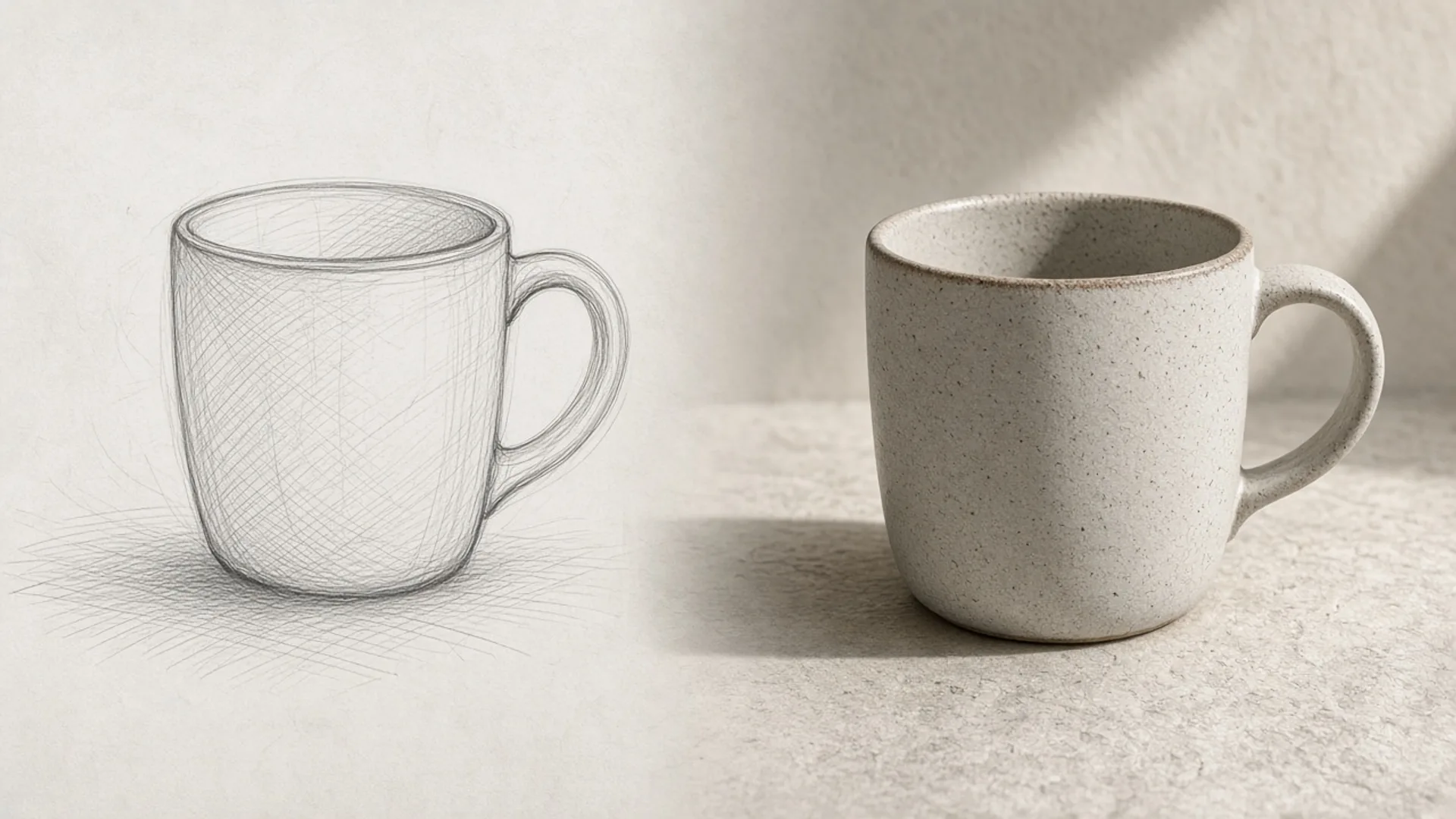
Prompt testing is a repeatable way to improve image-generation instructions. Start with a baseline, change one meaningful variable, compare the outputs, record the result, and keep the changes that serve your goal. Seed and Permutation can help with specific tests, but neither removes every source of variation.
Prompt testing means treating each prompt revision as an experiment instead of changing many words at random. You define what you want to learn, keep the relevant conditions as consistent as practical, and compare the resulting images against a clear goal.
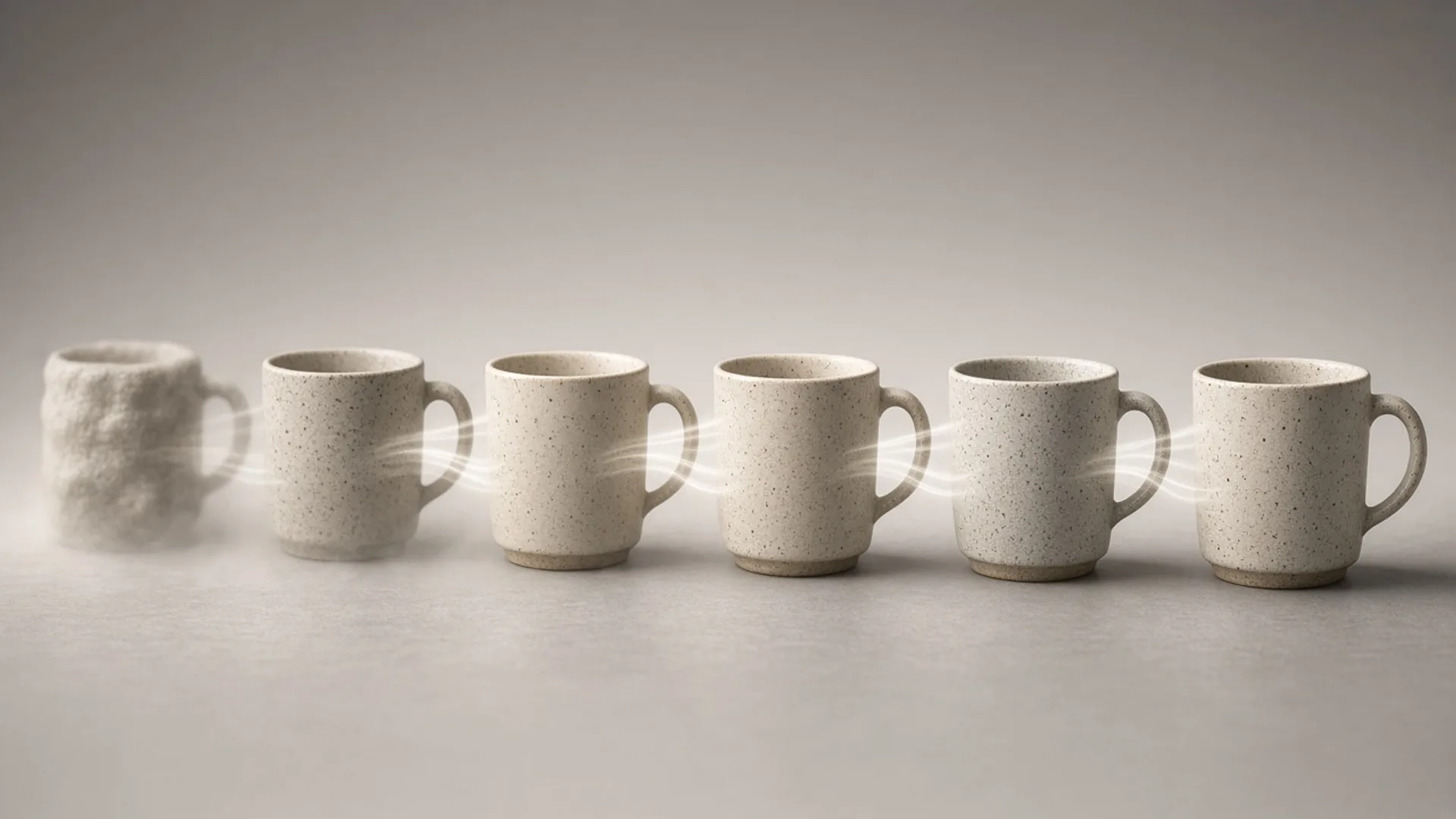
A baseline makes it easier to understand the effect of a later revision. It should describe the main subject, relevant environment, desired lighting, composition, and other details that matter to the task.
Prompt
editorial product photograph of a ceramic mug, pale stone background, soft side lighting, close-up composition
Keep a copy of the original prompt. If every iteration replaces the previous text, it becomes harder to understand which change improved the result.
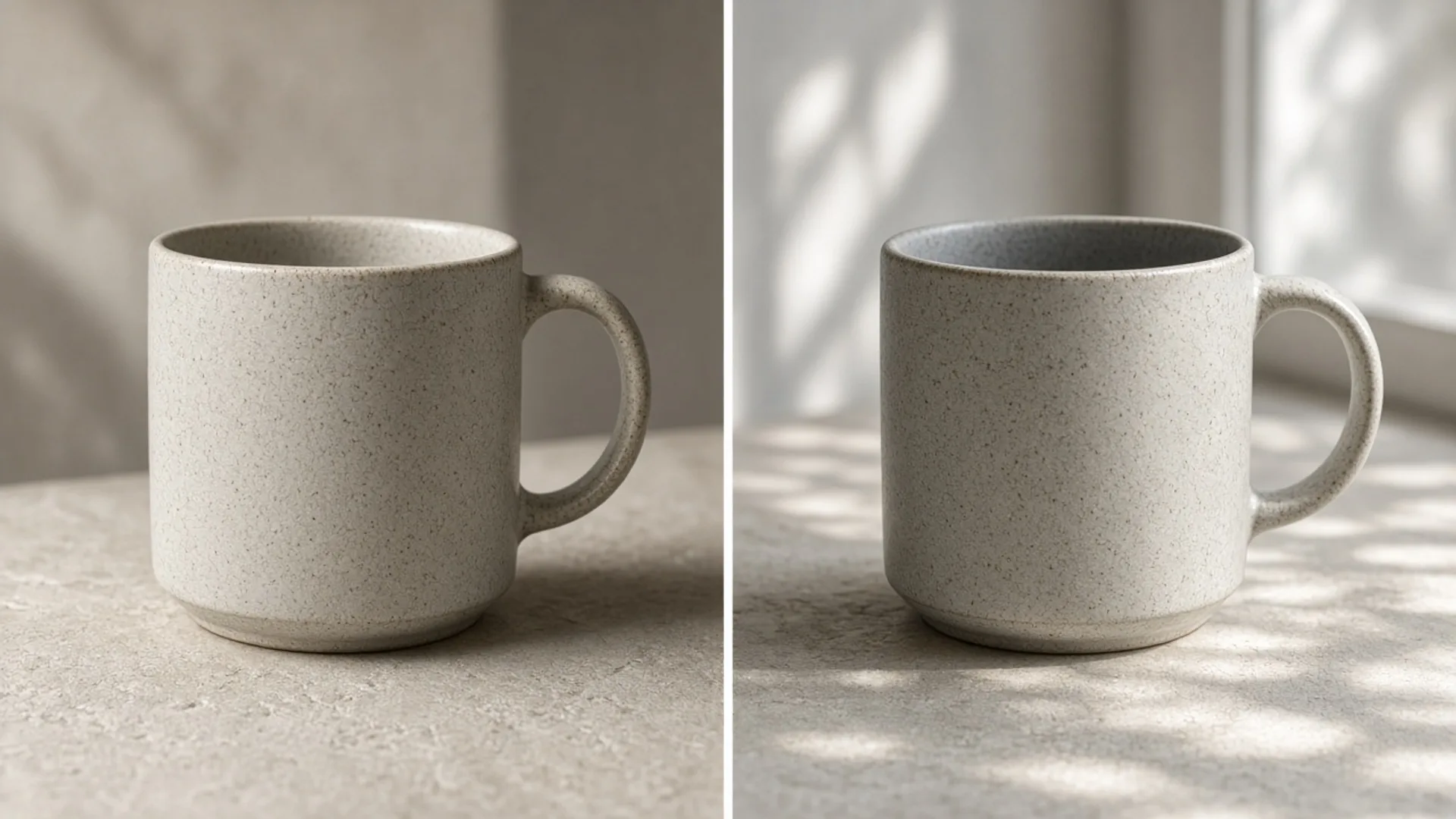
Choose one dimension to test, then leave the rest of the prompt unchanged when practical. For example, compare “soft side lighting” with “diffused window lighting” while keeping the subject, setting, and composition description the same.
Changing multiple dimensions at once may produce an interesting image, but it makes the cause of the difference harder to identify.
Write two prompts that differ in one meaningful phrase. This works well when you want to test a specific wording or creative direction.
Where appropriate, use a fixed --seed and keep model settings consistent. Seeds are not a guarantee of identical results, and official guidance warns that seed locking is unreliable in Turbo mode.
Use curly-brace alternatives when you want to compare a defined set of options. Permutations work in Fast and Turbo modes, not Relax mode, and the generated prompts consume Fast GPU time.
These methods depend on model-version compatibility. The current official Multi-Prompts & Weights documentation does not list V8.2 as a supported version, so do not rely on :: or weights in V8.2 unless current official guidance confirms support.
A simple record prevents you from relying on memory when comparing several generations.
Suggested fields:
Keep observations specific. Instead of writing “the second image is better,” record what improved, such as clearer subject separation, a softer light direction, or a more appropriate crop.
Prompt
editorial product photograph of a ceramic mug, pale stone background, soft side lighting, close-up composition
Prompt
editorial product photograph of a ceramic mug, pale stone background, soft side lighting, close-up composition
Prompt
editorial product photograph of a ceramic mug, pale stone background, diffused window lighting, close-up composition
Only the lighting phrase changes. Compare how the light is described in the outputs while remembering that generative results can still vary for other reasons.
Turn ideas, prompts, and visual references into new images with Midjourney.