
Multi-Prompts
Learn how :: separates concepts in model versions that support the syntax.
Explore Multi-PromptsTest multiple prompt alternatives from one template by using curly braces, instead of manually submitting every variation.
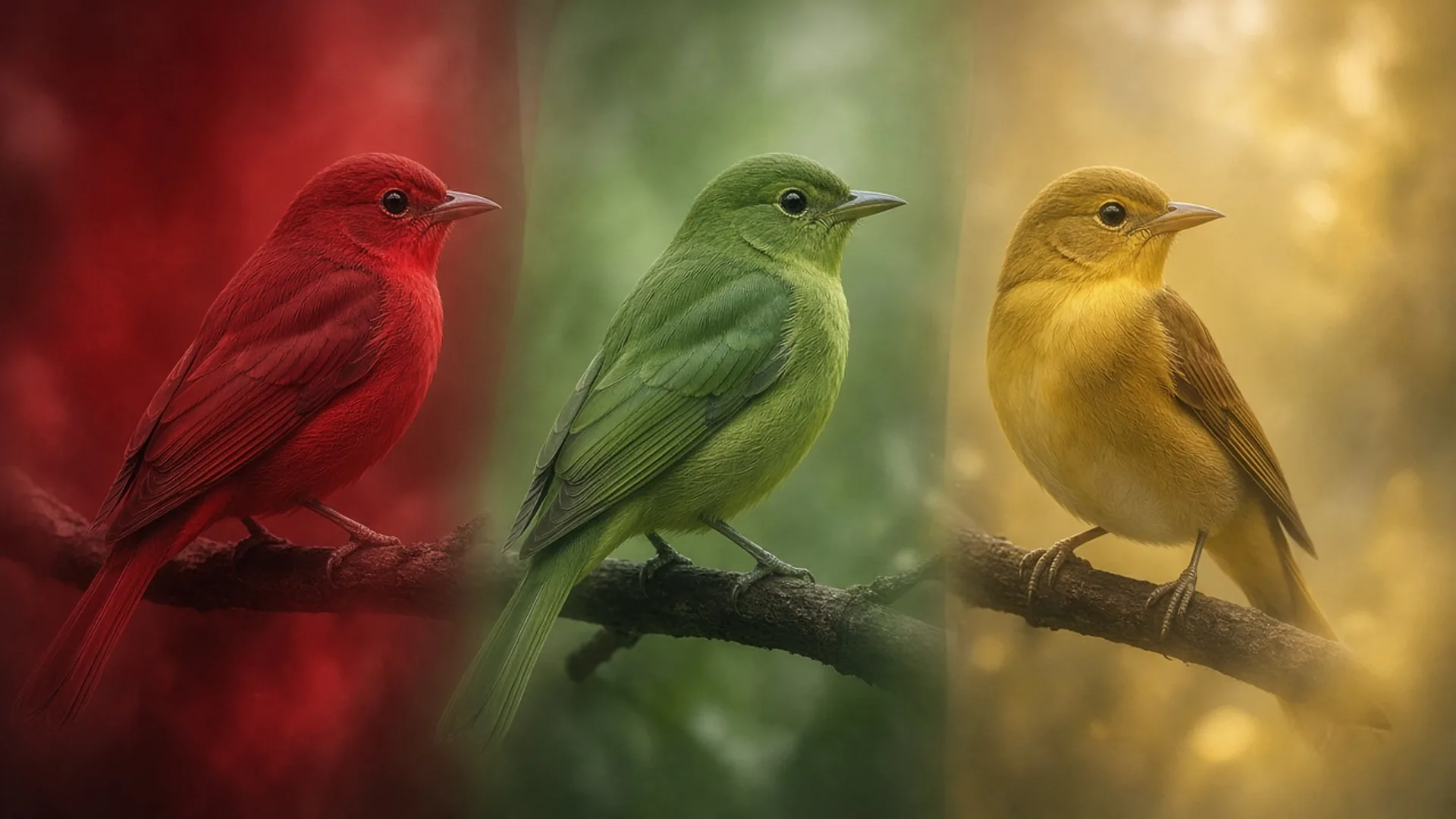
Permutation Prompts use curly braces with comma-separated options to produce multiple prompts from one template. They can vary descriptive words or supported parameters, but the number of prompts and the available generation modes depend on Midjourney's current rules.
A Permutation Prompt lets you specify several alternatives in one prompt. Midjourney substitutes each option to create separate prompts, which is useful when you want to compare colors, subjects, locations, or parameter settings without rewriting the same sentence repeatedly.
Place the alternatives inside curly braces and separate them with commas.
a {red, green, yellow} bird
Each alternative becomes a separate prompt. A Permutation Prompt does not merge all the choices into a single description.
Expected prompt alternatives
a {red, green} bird in the {jungle, desert}
This example creates four prompt combinations: a red bird in the jungle, a red bird in the desert, a green bird in the jungle, and a green bird in the desert.
Each additional set of alternatives can increase the number of combinations. Keep the test small enough that you can review and compare the results.
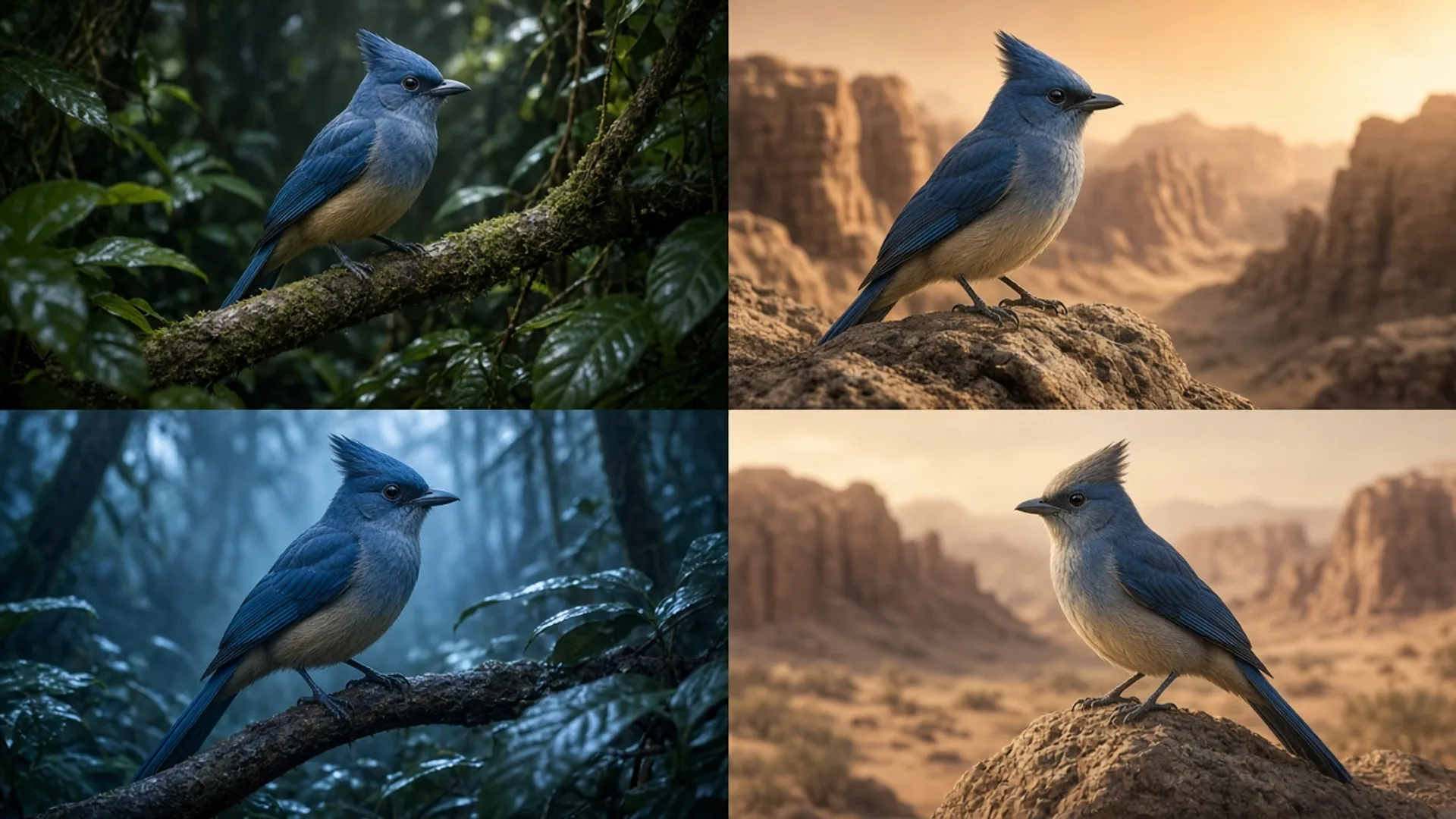
Permutation syntax can also test supported parameter values.
editorial portrait --ar {1:1, 2:3, 3:5}
This example tests three aspect-ratio values with the same descriptive prompt. It is a practical way to compare framing without typing the prompt from scratch each time.
Permutation limits depend on the current subscription plan. Official documentation also states that Permutations work in Fast and Turbo modes, not Relax mode. Each resulting prompt consumes Fast GPU time.
Before submitting a large set, check the current official limits and review the number of combinations. A prompt with multiple sets of alternatives can create more generations than expected.
Permutation and Repeat solve different problems.
Use Permutation when you want to compare clearly defined options. Use Repeat when you want multiple runs of the same prompt. Check the current mode and plan restrictions for each feature before running a large batch.

Turn ideas, prompts, and visual references into new images with Midjourney.