
Midjourney AI

Midjourney Multi-Prompts

Learn how Midjourney separates prompt concepts with the double-colon syntax, and check model compatibility before relying on it.
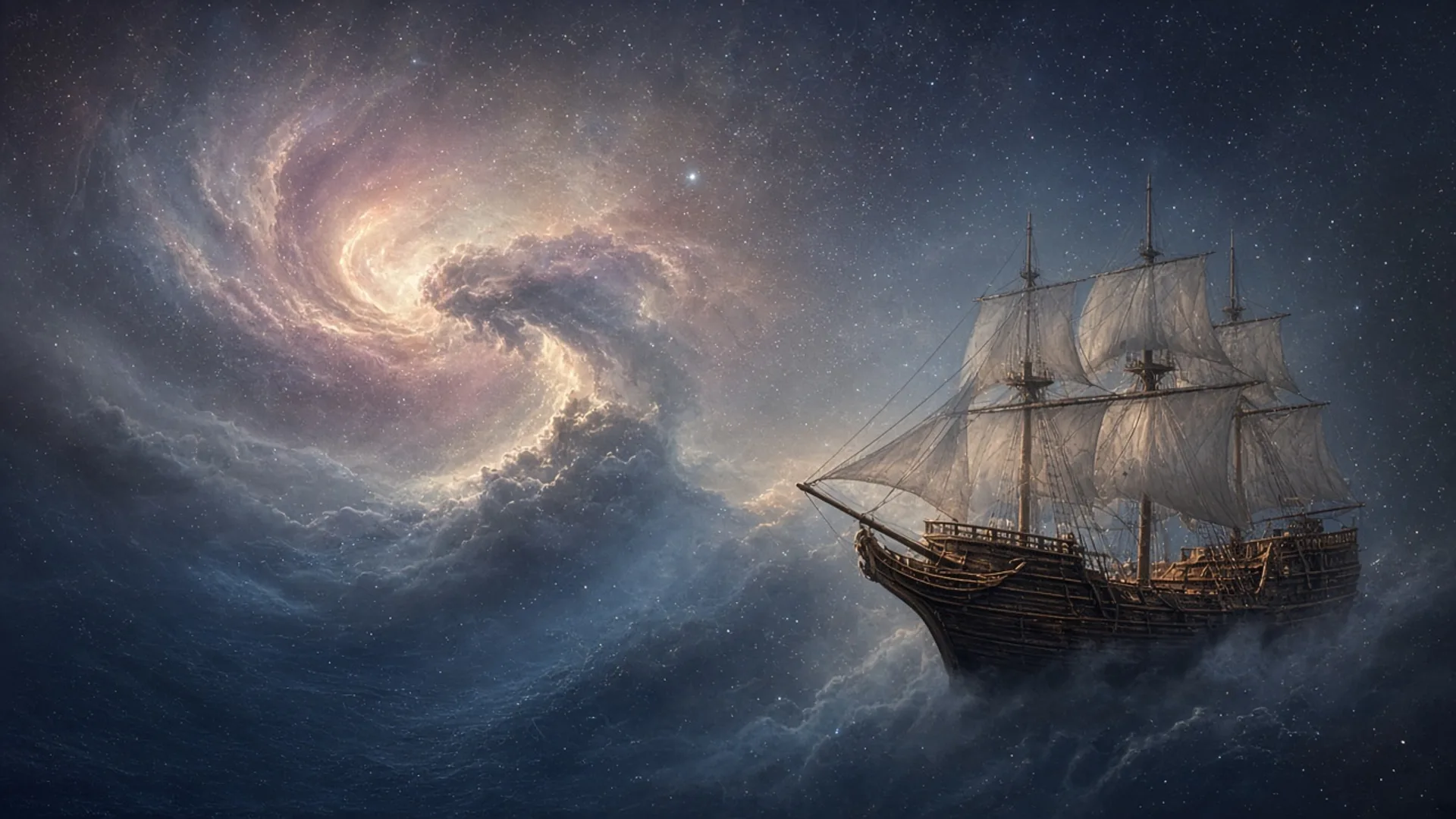
Midjourney Multi-Prompts concept showing separate visual ideas combined into one image

Quick Answer

Multi-Prompts use the double colon (::) to separate parts of a prompt into distinct concepts. The syntax is documented for specific older Midjourney versions, so check version compatibility before using it. It is not supported by every model.

What Are Midjourney Multi-Prompts?

A normal phrase is generally interpreted as a combined description. A Multi-Prompt lets you separate parts of that description so Midjourney can interpret the segments independently before combining them. This can produce a different relationship between the concepts, but it does not guarantee a particular image.

How the :: Syntax Works

Place :: between the concepts you want to separate. In the documented syntax, there must be no space immediately before the double colon and one space after it. Put any supported parameters at the end of the prompt.

              space:: ship
            

In this example, “space” and “ship” are treated as separate prompt segments in a compatible model. The result may differ from entering “space ship” as one combined phrase.

Compare a Combined Phrase With Separate Concepts

Combined phrase

Prompt

            space ship
          

Explanation: This phrase can describe a spacecraft because “space ship” is read as a combined concept.

Separated concepts

Prompt

            space:: ship
          

Explanation: In a compatible model, the double colon separates “space” and “ship,” potentially encouraging a different combination of the two ideas.
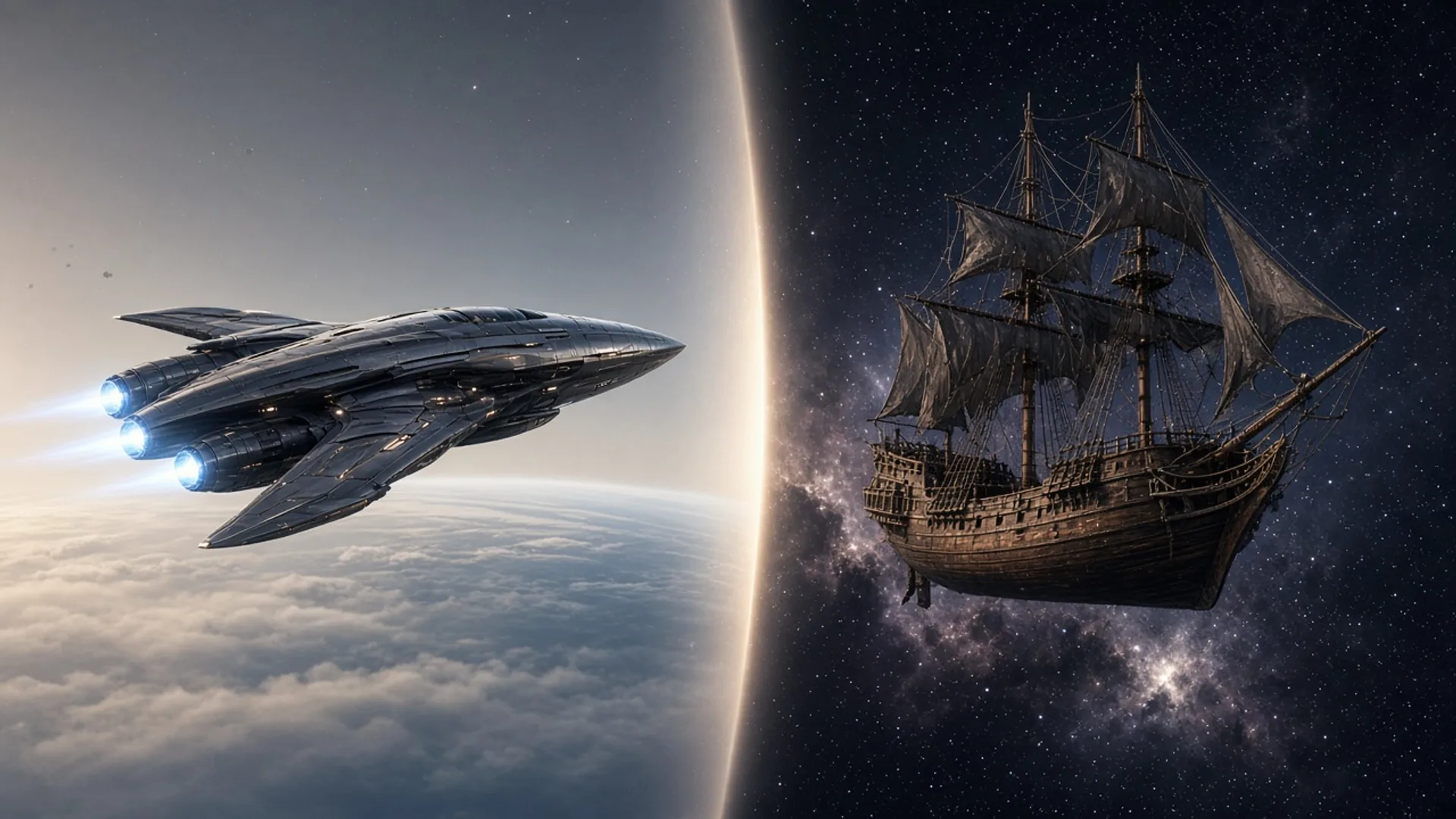
Visual comparison of a combined phrase and separate prompt concepts

When Multi-Prompts Can Help

  • Explore a combination of ideas that might be interpreted differently when written as one phrase.
  • Separate concepts when you want to test their relationship in a compatible model.
  • Experiment with weights after confirming that the selected version supports Multi-Prompts.

Start with a simple comparison. Change the way concepts are separated only when it helps answer a specific creative question.

Check Model Compatibility Before Using ::

Multi-Prompts are not a universal feature across all Midjourney models. The official documentation lists support for versions 1, 2, 3, 4, Niji 4, 5, Niji 5, 6, Niji 6, and 6.1. The current default model is V8.2, which is not listed as a supported version in the Multi-Prompts documentation.

Before relying on this syntax, check the current official compatibility information and the model selected for your generation. Do not assume that adding :: makes the syntax available in an unsupported model.
Common Mistakes

  • Assuming :: works in every Midjourney model.
  • Adding spaces around the separator in a way that does not match the documented syntax.
  • Expecting an exact image outcome from a change in prompt segmentation.
  • Combining several syntax changes at once, making it difficult to tell what caused the difference.

A Practical Multi-Prompt Workflow

  1. Check whether the selected Midjourney version supports Multi-Prompts.
  2. Write a simple baseline prompt with two clearly distinguishable concepts.
  3. Separate the concepts with :: using the documented syntax.
  4. Compare the outputs without assuming that one structure must be better.
  5. Record the version and prompt used so you can interpret the result later.
Creative visual example illustrating how separate prompt concepts can be combined

Frequently Asked Questions

What is a Midjourney Multi-Prompt?+
A Multi-Prompt separates parts of a prompt with :: so compatible Midjourney versions can interpret those parts as distinct concepts before combining them.
Does Multi-Prompt syntax work in V8.2?+
The current official Multi-Prompts documentation does not list V8.2 among its supported versions. Check the latest official compatibility guidance before relying on this syntax.
How do I separate concepts in a Multi-Prompt?+
Place :: between the concepts you want to separate, following the spacing shown in the official syntax examples. Put supported parameters at the end of the prompt.
Are Multi-Prompts the same as prompt weights?+
No. Multi-Prompts separate prompt segments. Weights can assign different importance to those segments in model versions that support the syntax.
Will a Multi-Prompt always produce a specific image?+
No. Prompt syntax guides interpretation but does not guarantee a particular composition or result. Outputs can vary with the model, prompt, and settings.

Create Your Next Image with Midjourney

Turn ideas, prompts, and visual references into new images with Midjourney.