Midjourney AI

Midjourney Tile Parameter: Create Seamless Patterns

Create repeating visual designs with Midjourney's `--tile` parameter. From floral wallpaper and geometric patterns to fabric prints and game textures, Tile helps you generate an image designed to repeat across a larger surface. Learn the syntax, explore prompts, and check how the edges connect.

A Tile result is a single repeatable image, not a finished multi-tile layout. Always inspect the repeated pattern before production use.

What Is the Midjourney Tile Parameter?

The `--tile` parameter tells Midjourney to create an image whose opposite edges are designed to connect when copies are placed next to one another. Repeating the same image horizontally and vertically can produce a larger continuous pattern.

Tile is useful for exploring wallpaper, fabric prints, wrapping paper, decorative surfaces, and repeating textures. Instead of asking for a photograph of an already patterned object, you can create the repeating artwork itself.

The output is one tile. To evaluate the complete design, arrange multiple identical copies in a grid and inspect the joins. A pattern can look attractive as a single image while still showing awkward repetition when tiled.

How to Use --tile in Midjourney

Describe the pattern you want, then add `--tile` at the end of the prompt.

  1. 1. Choose a Repeating Motif

    Start with a clear subject, such as small flowers, geometric shapes, leaves, watercolor marks, or stone textures. Describe the motif rather than a finished product photographed in a room.

  2. 2. Define the Visual Style

    Add useful details such as flat illustration, hand-drawn linework, muted colors, fine texture, or an evenly distributed composition.

  3. 3. Add the --tile Parameter

    Place `--tile` after the descriptive prompt text. Keep the two hyphens together and separate the parameter from the preceding text with a space.

  4. 4. Generate and Select a Tile

    Create a result using a compatible Midjourney model and interface. Choose an image with a suitable motif, scale, and distribution.

  5. 5. Preview the Repetition

    Repeat the selected image in a 2×2 or 3×3 grid. Inspect the horizontal and vertical joins, the rhythm of the motif, and any obvious repeated elements.

Starter Tile Prompt

delicate blue botanical flowers and small leaves, hand-painted watercolor illustration, soft ivory background, balanced repeating motif, clean decorative surface design --tile

This prompt specifies a motif, illustration style, background, and repeatable design intent, followed by the Tile parameter.

Midjourney Tile Prompt Examples

Use these six prompts as starting points for different repeating-pattern styles. Adjust the subject, colors, and density to explore new results. The examples do not guarantee production-ready seamless output.

Illustrative pattern concepts. These images are not verified Midjourney outputs or proof of seamless edge alignment.

Floral wallpaper pattern concept with small botanical motifs

Floral Wallpaper Pattern

Explore a soft botanical repeat suitable for wallpaper concepts and decorative backgrounds.

Prompt

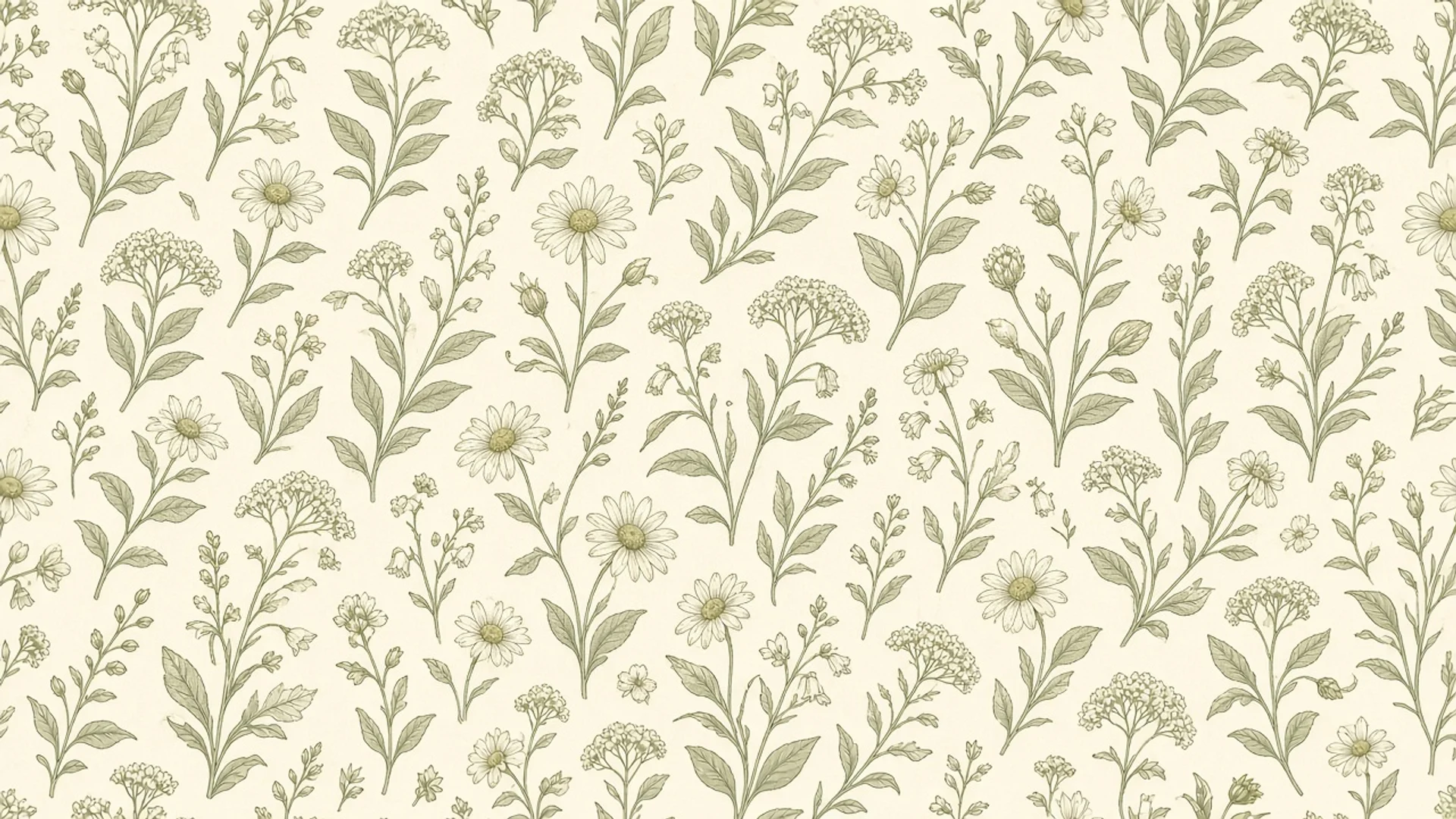
            delicate wildflowers, small leaves and botanical sprigs, vintage hand-drawn illustration, muted sage green and warm cream palette, evenly distributed floral motifs, elegant wallpaper surface design --tile
          
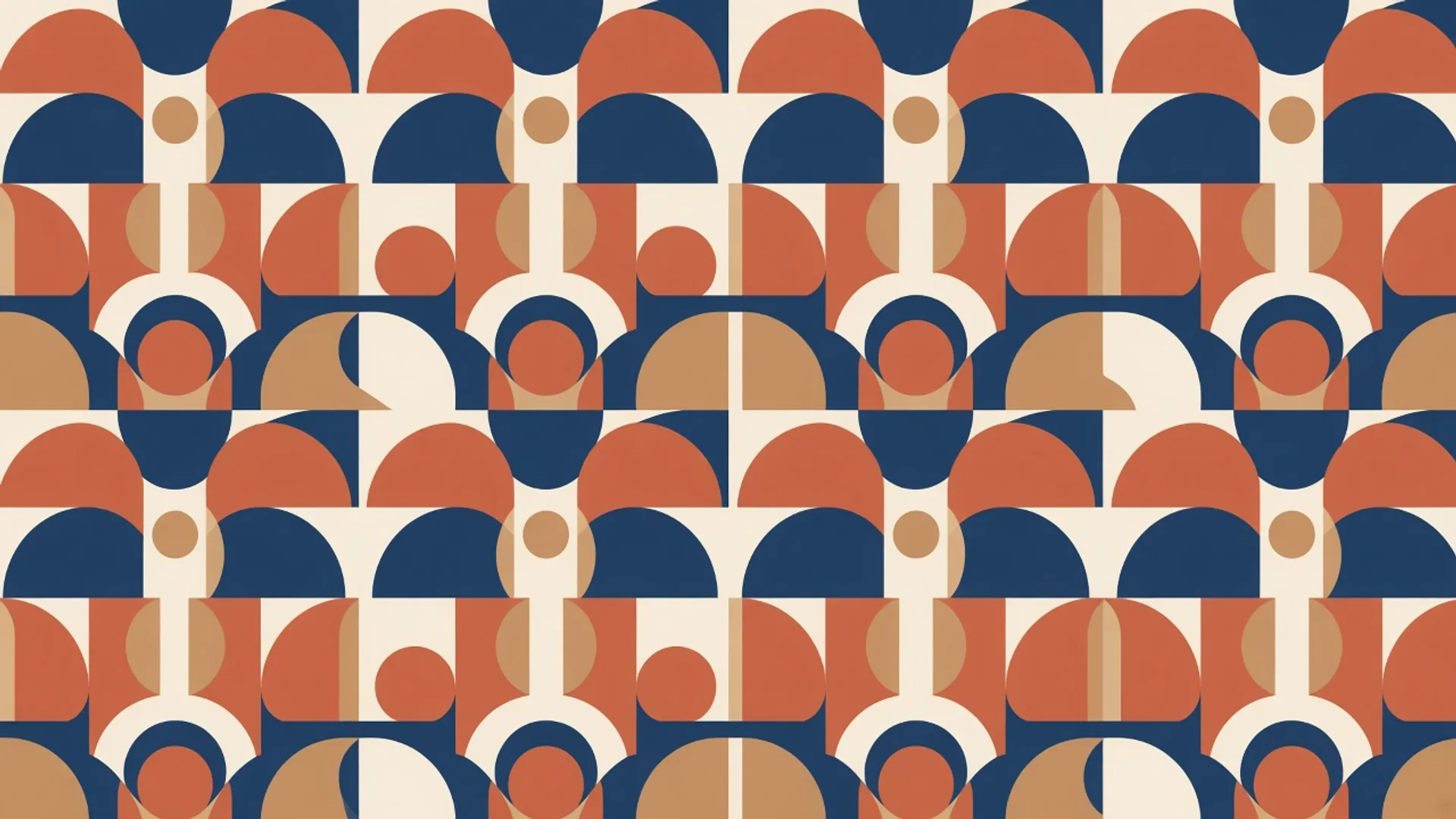
Geometric repeating pattern concept with circles and arches

Geometric Repeating Pattern

Use clean shapes and a limited palette to explore structured geometric repeats.

Prompt

            interlocking circles, arches and simple geometric shapes, mid-century modern graphic design, terracotta, navy blue and warm ivory colors, crisp flat vector-inspired illustration, balanced repeating geometry --tile
          
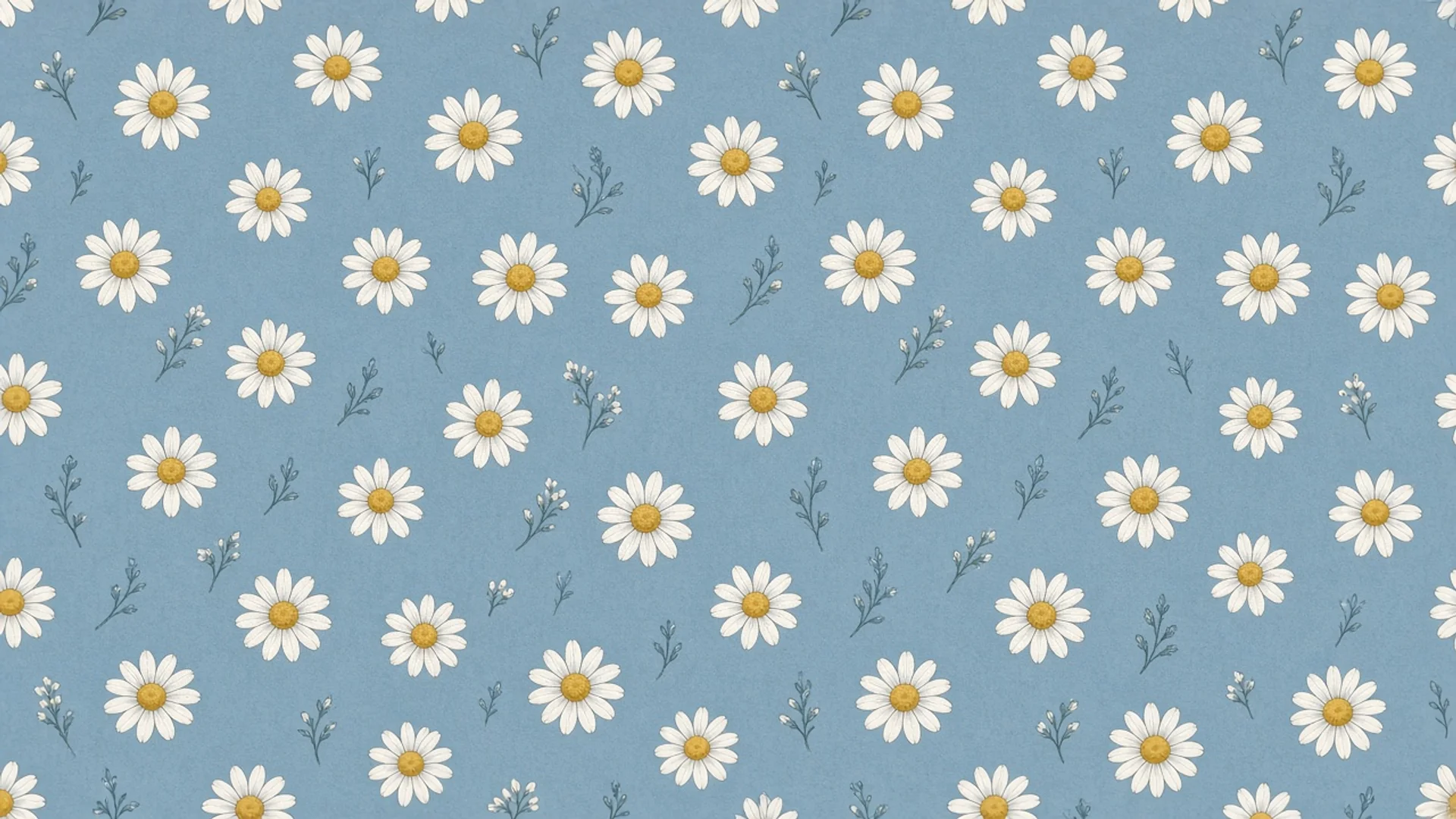
Fabric print concept with small white daisies on blue

Fabric Print Pattern

Create a small-scale floral concept that can be tested across a larger fabric-like surface.

Prompt

            tiny white daisies with golden centers scattered across a dusty blue background, charming hand-illustrated textile print, consistent small motif scale, balanced spacing, soft vintage fabric aesthetic --tile
          
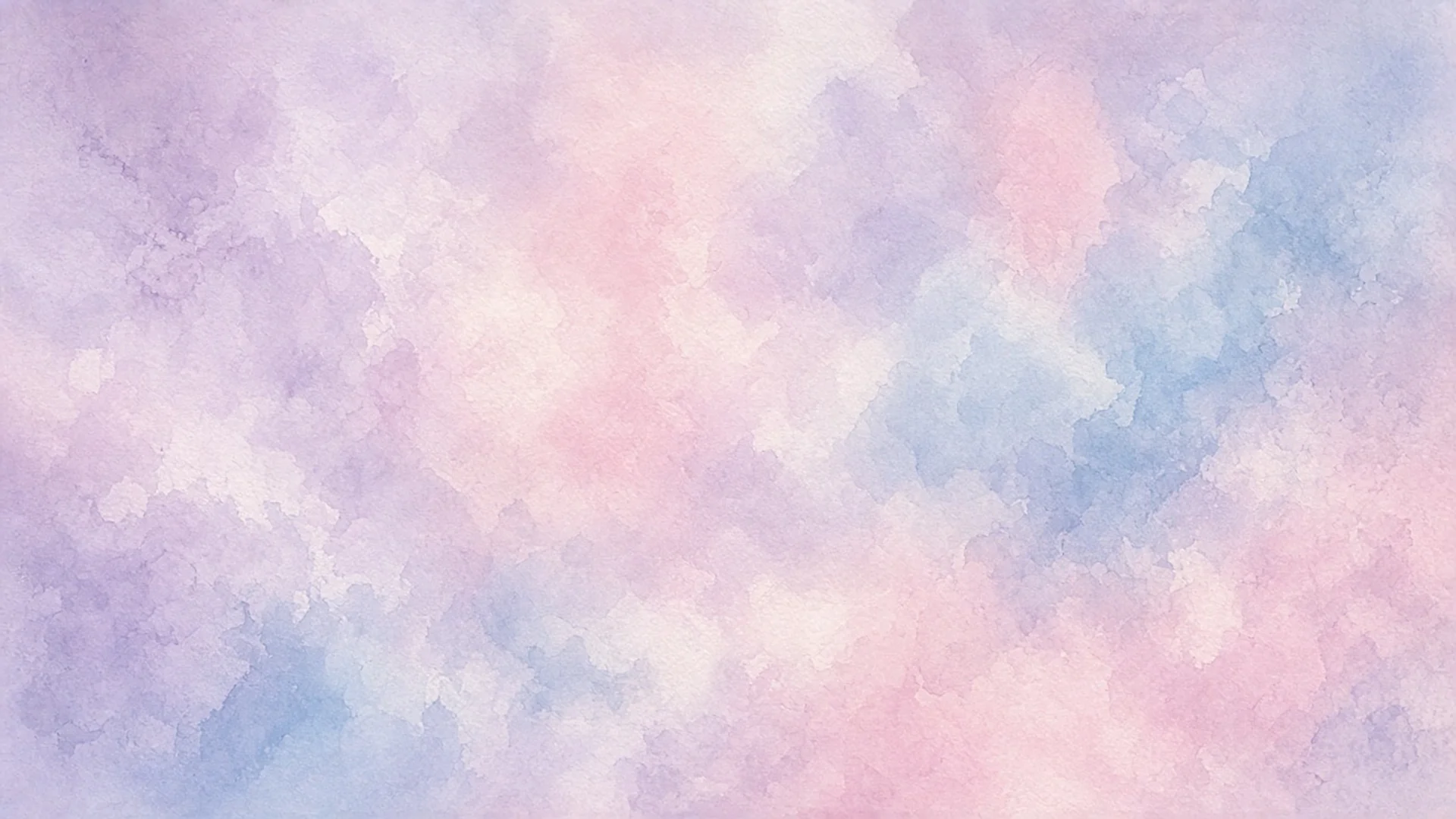
Abstract watercolor texture concept in soft pastel colors

Watercolor Texture Pattern

Explore an abstract surface where subtle color transitions matter as much as the repeated motif.

Prompt

            soft watercolor washes and subtle organic pigment marks, pale lavender, blush pink and misty blue, delicate paper texture, gentle abstract transitions, minimal decorative repeating background --tile
          
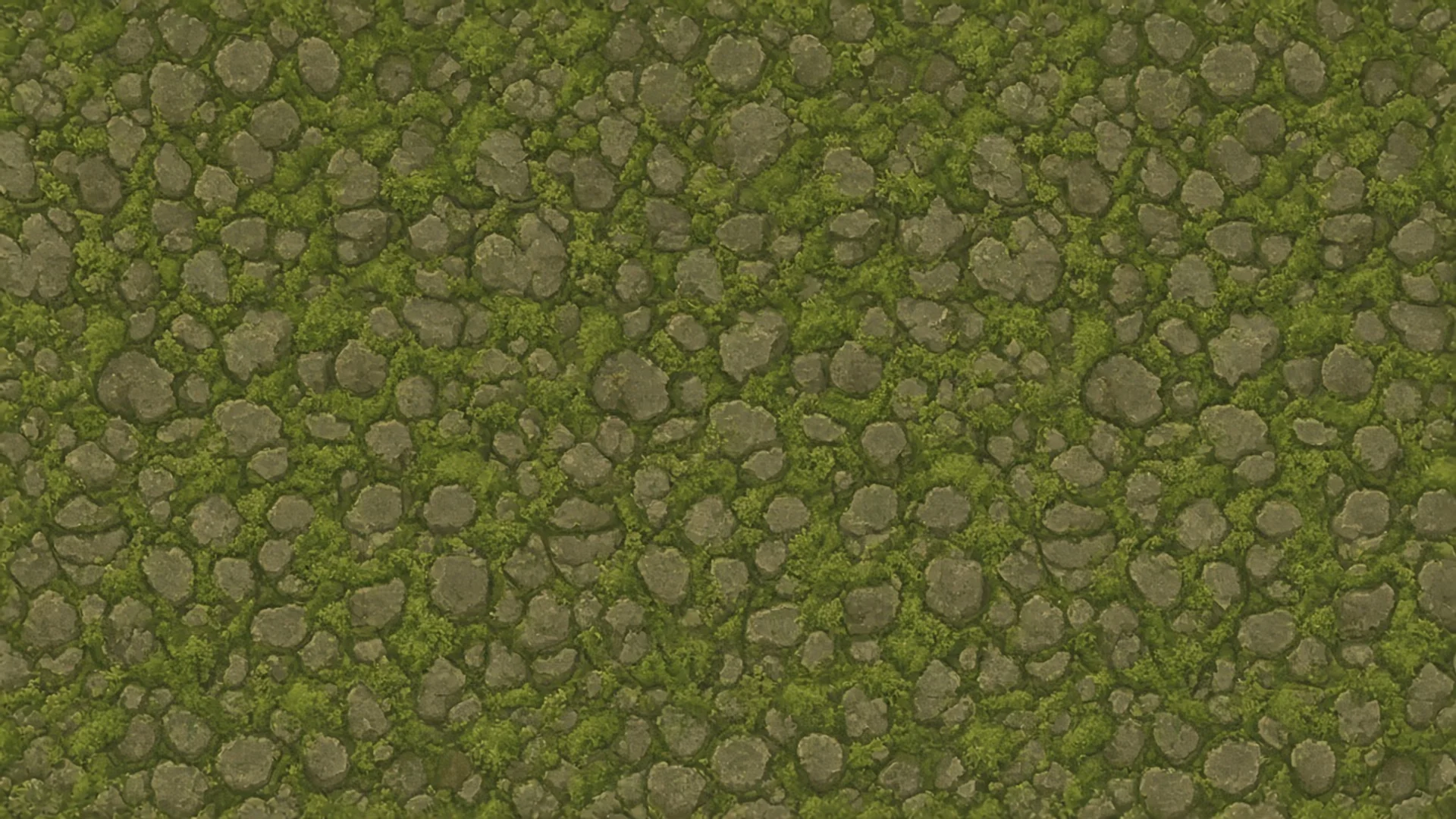
Top-down mossy cobblestone texture concept for games

Game Environment Texture

Test a top-down material concept for repeating environmental surfaces. Inspect visible seams and scale before use in a game.

Prompt

            stylized mossy cobblestone ground texture, top-down orthographic view, irregular small stones with soft green moss between them, evenly lit, no perspective, hand-painted fantasy game environment material --tile
          
Gift wrapping pattern concept with stars and ribbons

Gift Wrapping Pattern

Combine small illustrated icons and bright colors for a repeating gift-wrap concept.

Prompt

            playful small stars, ribbons and simple gift icons, cheerful flat illustration, coral red, golden yellow and cream color palette, evenly spaced decorative motifs, clean festive wrapping paper pattern --tile
          

These prompts are examples of how to request Tile images. Generated results may differ, and edge alignment should be checked before printing or publishing.

How to Check a Seamless Pattern

A single tile does not reveal the entire repeating design. A grid preview helps you see whether the image joins cleanly and whether the repeated motifs look balanced.

Preview a 2×2 Grid

Place four identical copies of the original tile together without gaps, cropping, mirroring, or rotating them. Look at the central horizontal and vertical joins.

Inspect a 3×3 Grid

Repeat the same tile nine times to judge the overall rhythm. A 3×3 preview can reveal overly obvious motifs or awkward repetition that a smaller preview may hide.

Look for Edge Discontinuities

Check for sudden color changes, interrupted lines, mismatched shapes, or visible bands where two copies meet. Pay attention to both horizontal and vertical edges.

Evaluate Motif Scale

Consider how large the flowers, shapes, or texture details will appear on the intended surface. A repeat that works as a screen background may feel too dense or too large on fabric.

Test the Intended Use

Preview the pattern at a realistic size before using it on wallpaper, packaging, textiles, or digital surfaces. Print resolution, color, and material requirements need separate verification.

Single Tile
Single Tile
2×2 Repeat Preview
3×3 Repeat Preview

The preview repeats the same source image without modifying its pixels. It is a visual inspection aid, not a guarantee that the pattern is seamless.

Midjourney Tile Troubleshooting

Even with `--tile`, a result may need additional inspection or another generation. These checks help identify common pattern problems.

Visible Lines Between Tiles

Check whether the source image has been resized, cropped, or edited after generation. Repeat the original tile without spacing or transformations, then inspect both axes.

The Pattern Looks Too Repetitive

Change the motif size, distribution, density, or visual complexity in the prompt. Test the new result in a larger repeat grid.

The Image Looks Like a Product Mockup

Describe the repeating surface artwork directly. Avoid asking for a room, shirt, or package photograph when you need the underlying pattern file.

The Texture Has Unwanted Lighting

For flat surface textures, try describing an evenly lit, top-down, orthographic view without perspective or directional shadows.

The Seam Changes After Editing

Cropping, stretching, retouching, or regenerating parts of a tile can alter its edge pixels. Repeat-test the final exported file after every meaningful edit.

The Pattern Is Not Ready for Print

Seamless repetition is only one requirement. Check dimensions, resolution, color handling, and the production specifications of your printer or manufacturer.

Tile Compatibility and Upscaling Notes

Midjourney documents `--tile` as a parameter for repeating patterns, and its version compatibility information includes Tile support in current model versions. Always check the controls and model version available in the interface you use.

Midjourney warns that upscaling a Tile image can break the seamless repeat. Keep an unchanged copy of the original tile and verify any enlarged or edited export in a repeat grid before using it.

A seamless pattern does not automatically meet print-production requirements. Image resolution, physical dimensions, color settings, and material-specific constraints should be evaluated separately.

Midjourney Tile FAQ

What does --tile do in Midjourney?+
The `--tile` parameter asks Midjourney to generate an image designed to repeat seamlessly when identical copies are placed next to each other. It produces a single tile rather than a complete repeated layout.
How do I make a seamless pattern in Midjourney?+
Describe a repeating motif and add `--tile` at the end of your prompt. Generate the image, then arrange copies in a 2×2 or 3×3 grid to inspect the joins.
Does Midjourney Tile work for wallpaper and fabric?+
Tile can help create repeating artwork concepts for wallpaper and fabric. Before production, verify edge alignment, resolution, colors, motif scale, and the requirements of the intended material.
Can I upscale a Midjourney Tile image?+
Upscaling may break the seamless repeat, and Midjourney advises against upscaling Tile images. If you enlarge a tile, test the final result again before use.
How can I check whether a pattern is seamless?+
Repeat the same original image in a 2×2 or 3×3 grid without gaps or transformations. Look for interrupted lines, color changes, and visible boundaries between copies.
Does --tile guarantee a production-ready seamless pattern?+
No. Tile is designed to make edges repeat, but you should still inspect the joins and confirm that the exported file meets the quality and technical requirements of your project.

Create Repeating Patterns with Midjourney

Start with a simple motif, add `--tile`, and experiment with colors, styles, and composition. Preview the repeated result before using it in a finished design.

Official reference: Midjourney Tile Documentation