
Subtle
Smaller changes. Closer to the original look. Preservation-focused.
Subtle and Creative Upscale both enlarge an existing Midjourney image, but they do not change it in the same way. Use this comparison to choose based on how much visual change you can accept.
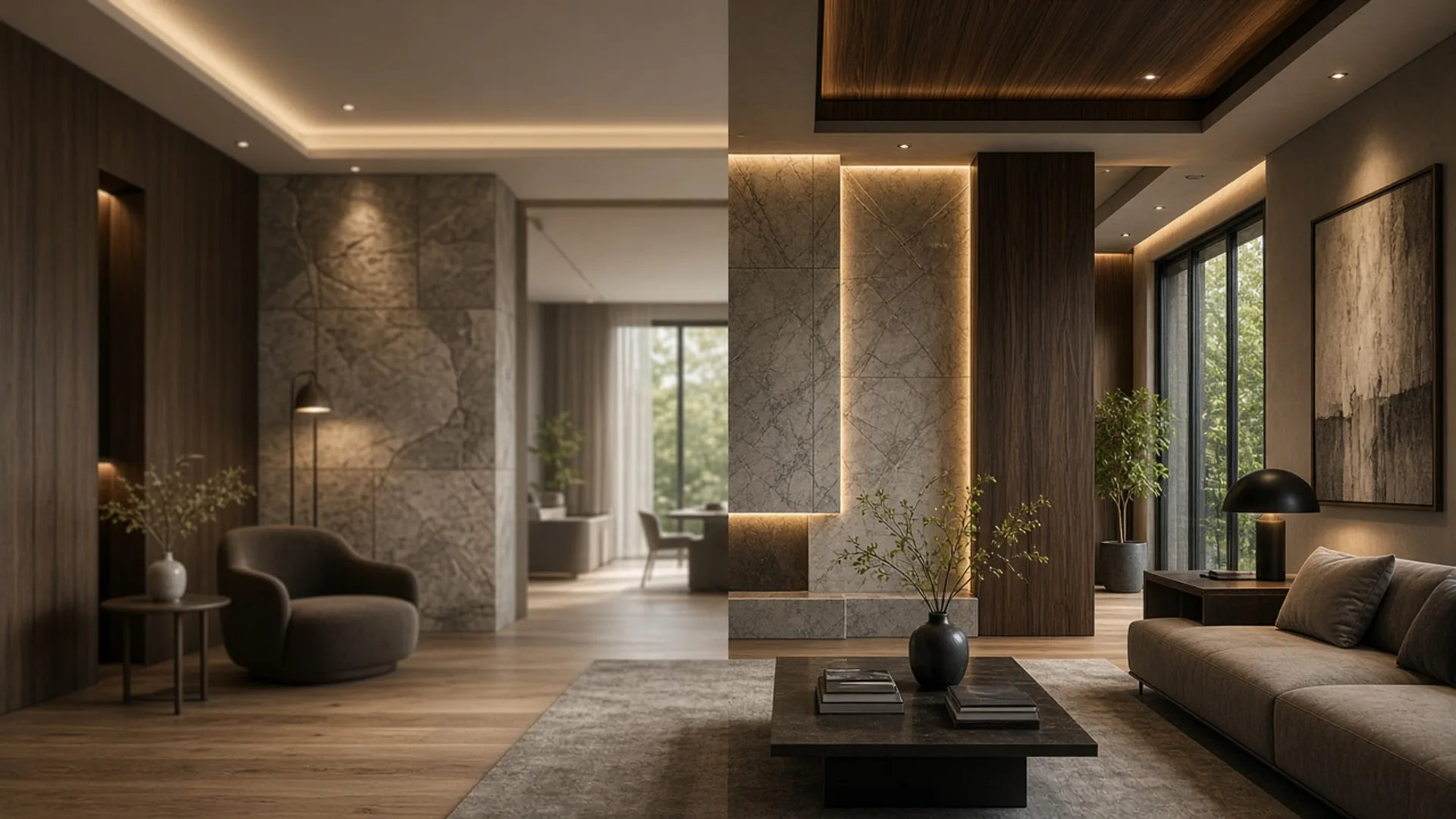
There is no universal winner. Choose Subtle when you already like the image, need a larger output, and want changes kept to a minimum. Choose Creative when you want additional detail, are willing to accept more visual changes, and want to explore a more refined variation of the image.
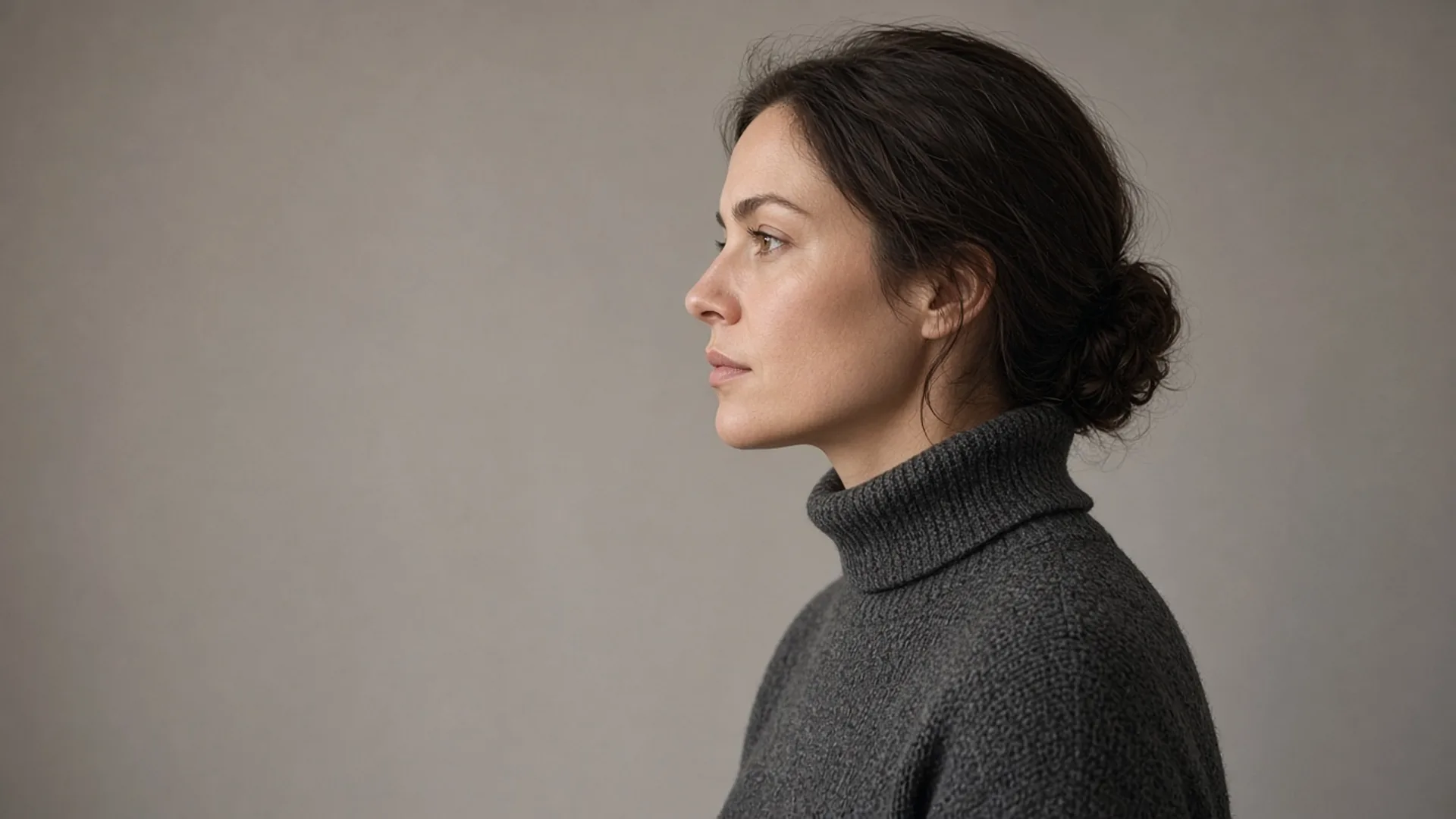
Subtle Upscale increases image size and aims to preserve the original look. It is preservation-focused: smaller changes, closer to the original image, and useful when consistency matters. It still is not deterministic.
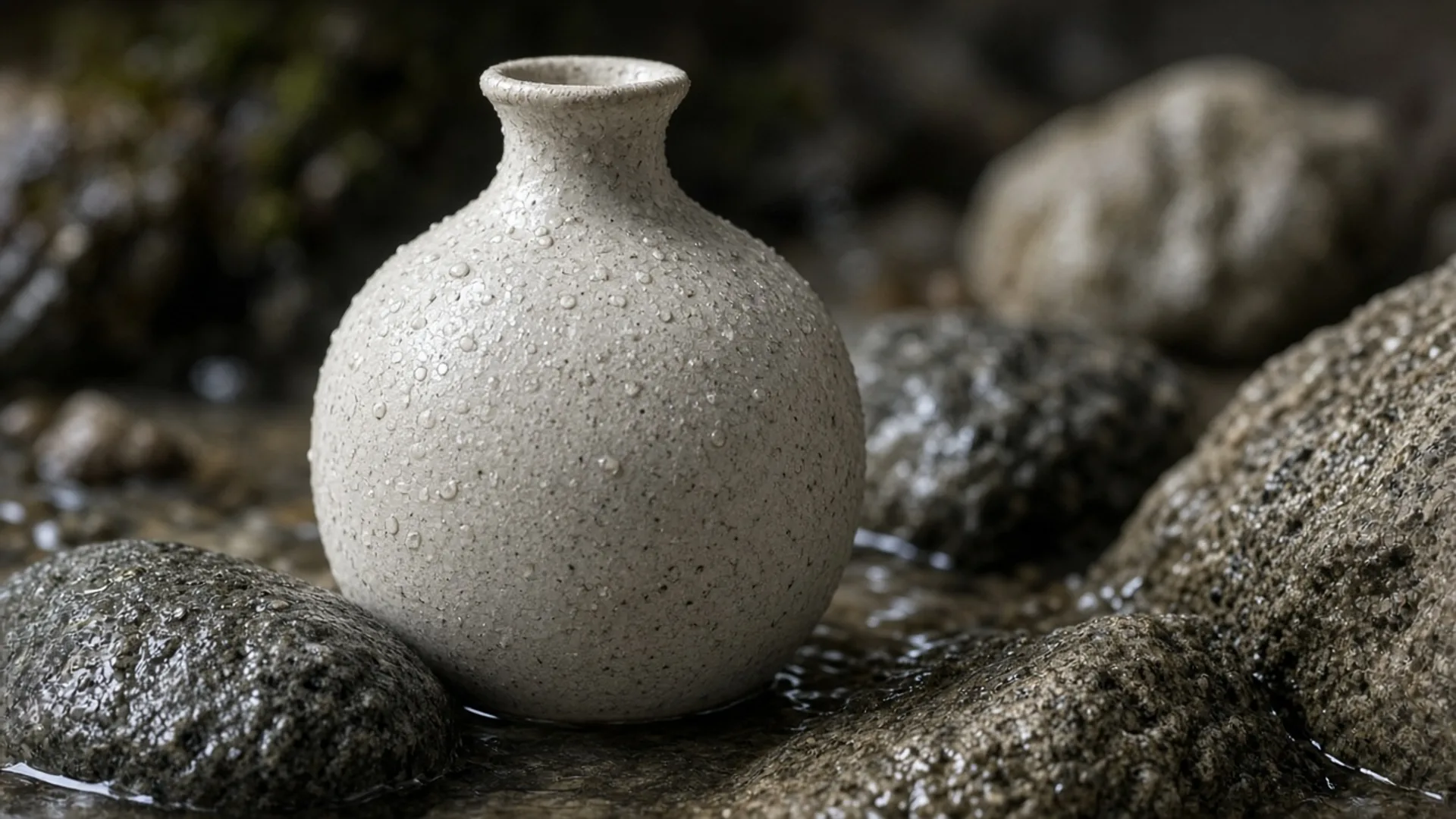
Creative Upscale also increases image size, but it is exploration-focused. It can add new details and change the image more. It is useful when you want additional detail and can accept visual differences. It does not promise to fix every defect.
Compare intent, not fake quality scores.
Smaller changes. Closer to the original look. Preservation-focused.
More changes. Adds new details. Exploration-focused.
Both are post-generation upscalers. Both consume GPU time. Both can produce different results if you redo the upscale.
Subtle is a stronger fit when the current image is already doing its job.
Creative is a stronger fit when you want more detail and can accept differences.
Creative can sometimes help with small visual issues, but this is not guaranteed.
These examples illustrate a decision, not a guaranteed outcome.
The portrait already matches the look you want.
Recommended: Subtle
Why: You mainly need a larger file and want changes kept to a minimum.
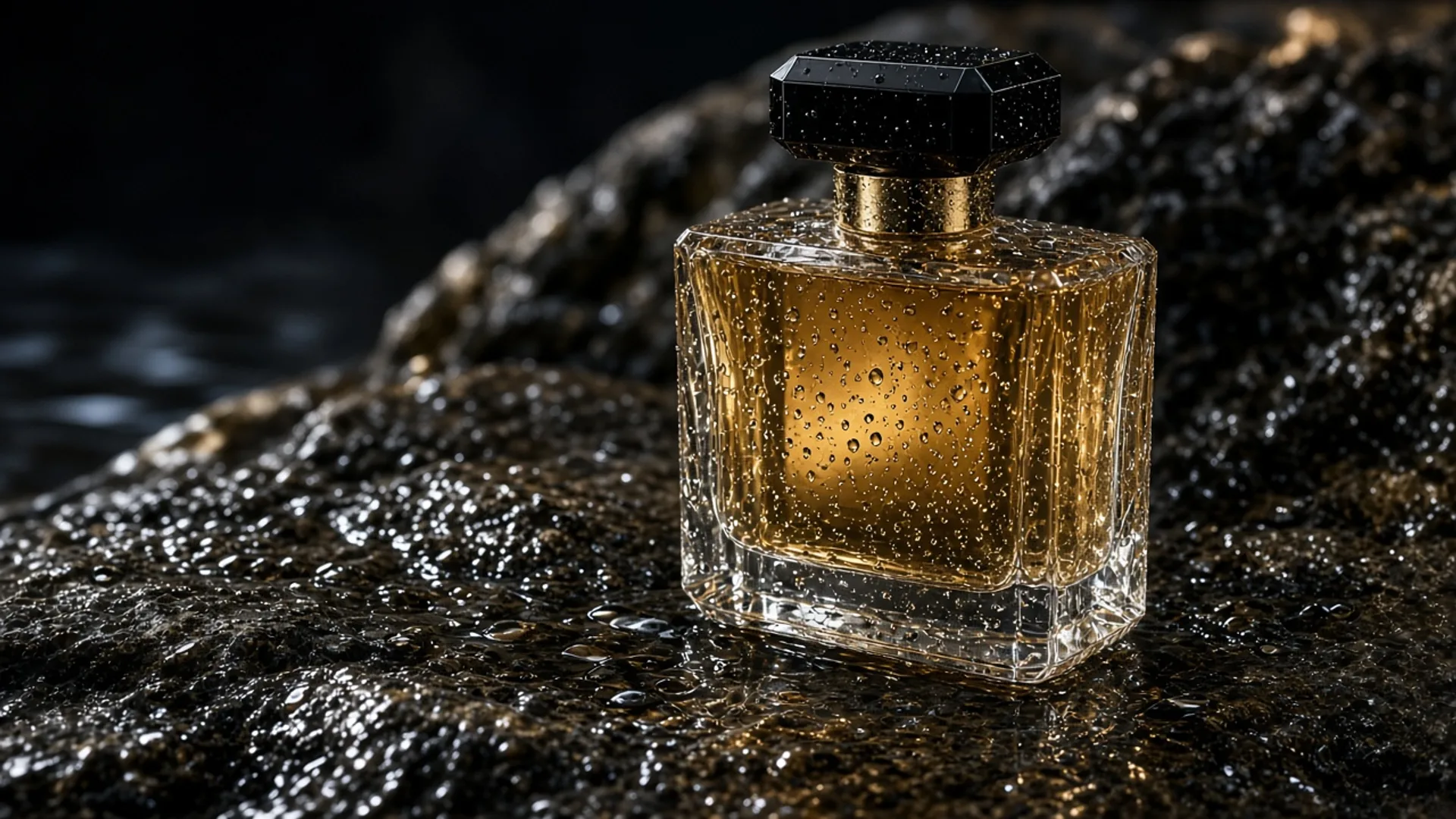
The product composition is useful, but you want more surface detail.
Recommended: Creative
Why: You are exploring additional detail and can accept a more reworked look.
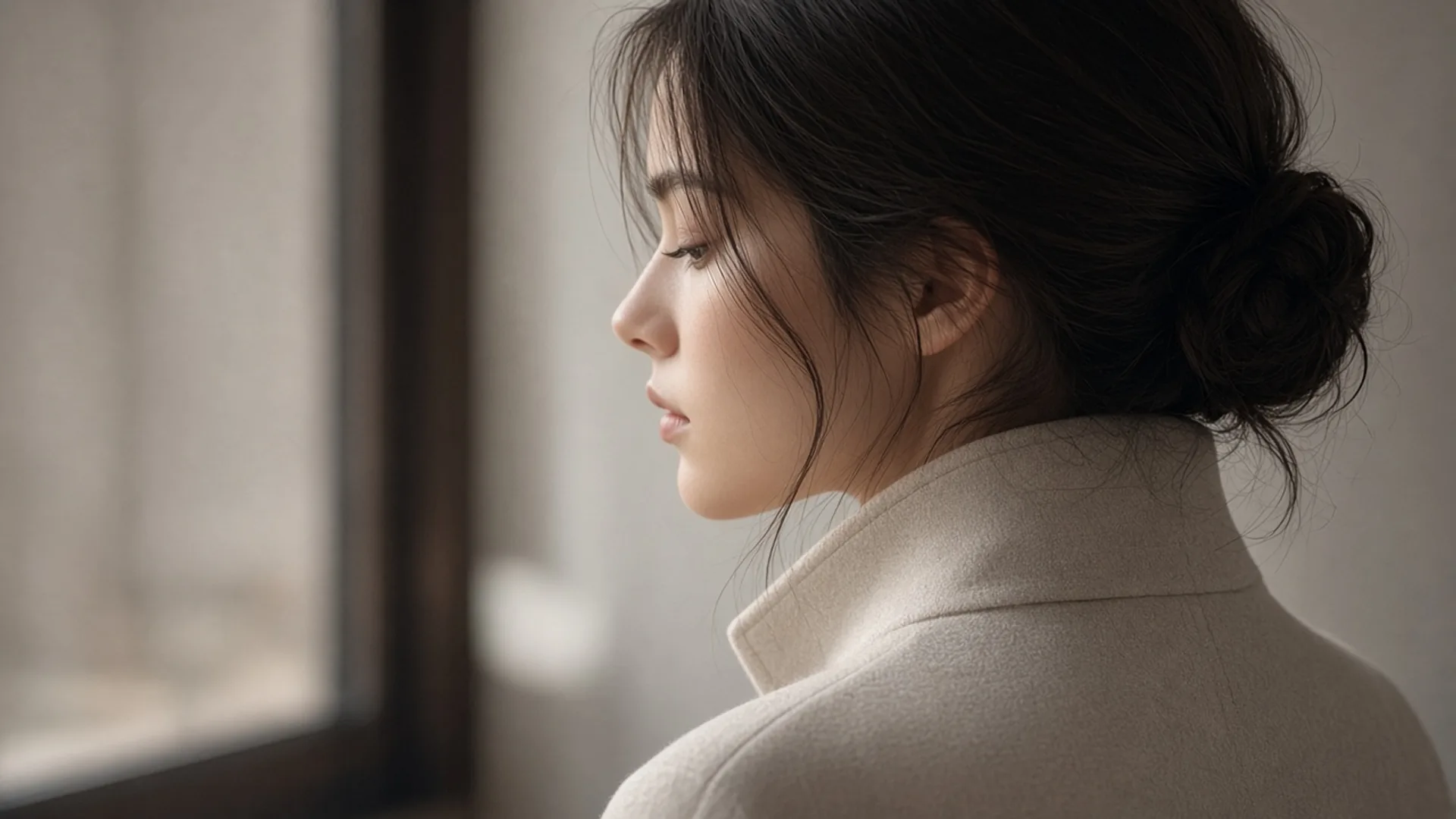
The image is part of a consistent set and should stay close to the original.
Recommended: Subtle
Why: Consistency matters more than adding new details.
You hope extra detail might improve small problems in hands or faces.
Recommended: Creative
Why: Creative may add or rework details, but it can also change the image more and does not guarantee a fix.
According to the current Midjourney documentation, users can redo the upscale more than once, and each upscale produces a slightly different result. That does not mean unlimited lossless scaling, and it does not promise progressively better quality. Each additional upscale consumes GPU minutes.
Subtle and Creative solve different jobs. The better choice depends on how much change you can accept.
If the current image is already approved, Creative’s extra changes can move it away from the look you wanted.
Subtle keeps changes to a minimum. If you want additional detail, Creative is the more relevant option.
Redoing an upscale can produce a different result. It does not guarantee a better image every time.
Try Midjourney and choose Subtle or Creative based on whether you want to preserve the current look or explore more detail.