
Midjourney AI

Midjourney Remix Guide

Midjourney Remix lets you change prompts and parameters during certain image iteration actions, so the next result can follow updated instructions instead of only reusing the previous ones.

Creative iteration atmosphere suggesting a redirected image generation

Quick Answer

Remix allows you to modify prompts and/or parameters while performing applicable iterative actions such as Variations, so the next result can follow new instructions.

  • Remix is not an independent image model.
  • It changes instructions during certain iteration workflows.
  • It can be used with Variations and other applicable actions.
  • Availability can differ between web and Discord.

What Is Remix?

Midjourney Remix allows users to change prompts and/or parameters during certain image iteration actions. Instead of simply generating another variation with the existing instructions, Remix lets you modify the instructions for the next result. Remix is a workflow capability, not an independent image model.

Creative workspace atmosphere suggesting rewriting the next image direction

How Remix Works

Think of Remix as an instruction update step inside an iterative workflow.

Exact controls and availability can vary by Midjourney interface and version. Avoid assuming one fixed UI path.

  1. 1

    Start from an existing image or action

    Begin with a generated image and an iterative action you want to continue from.

  2. 2

    Trigger an iterative action

    Use an applicable action such as Variations or another supported iteration workflow.

  3. 3

    Modify with Remix

    When Remix is available, update the prompt and/or parameters for the next result.

  4. 4

    Generate and refine

    Review the new result, then continue refining if needed.

Remix with Variations

Remix can be used with Variations so you can modify the prompt or parameters while creating a new variation. This is useful when the current image is a good starting point, but the next version needs updated instructions.

              Original direction:
cinematic portrait of a woman in a city

Remix direction:
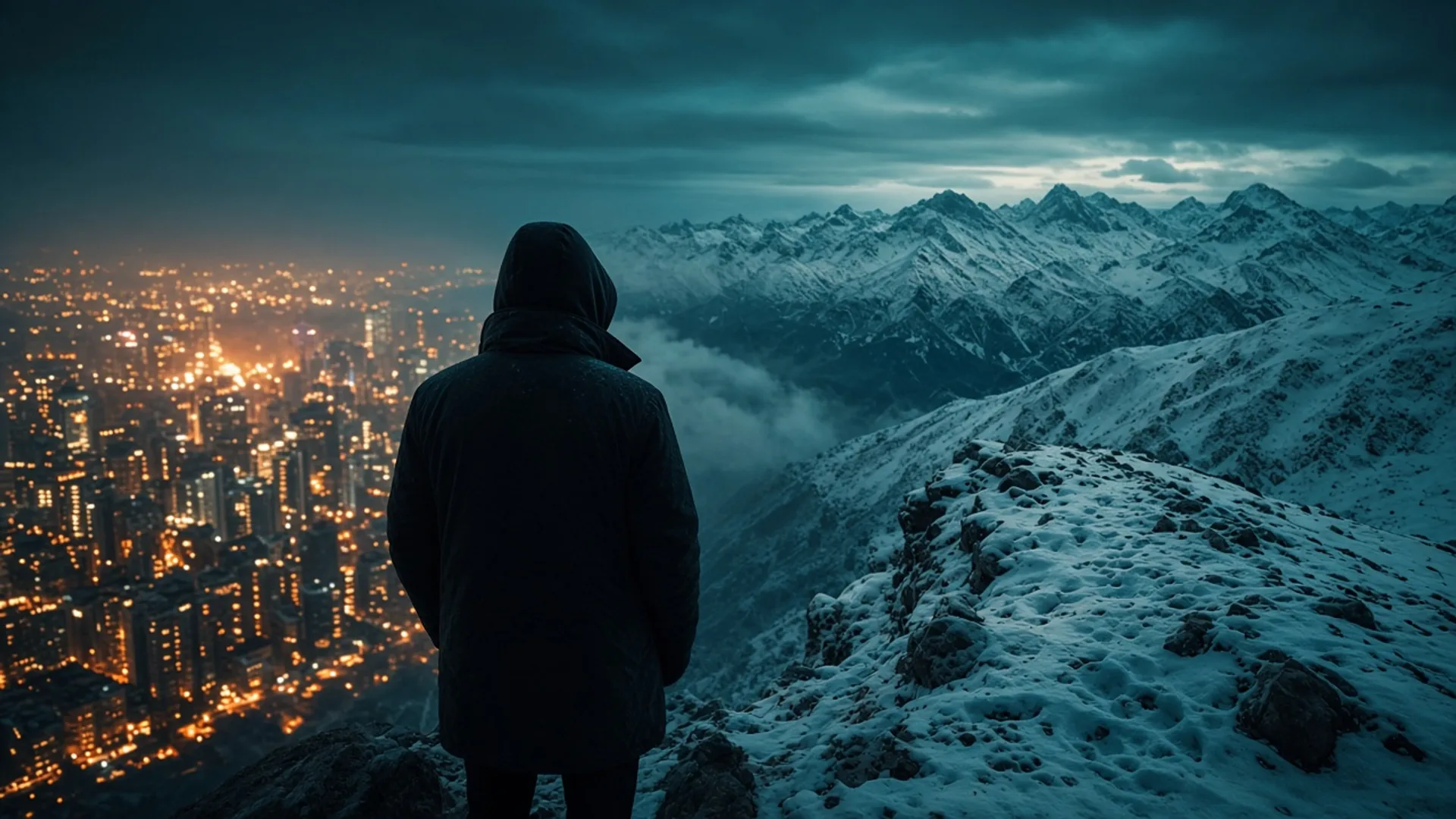
cinematic portrait of a woman in a snowy mountain environment
            

These examples are illustrative. Remix does not guarantee a specific composition or deterministic output.

Scene suggesting a variation that shifts environment through remix direction

Remix with Vary Region

Remix can also be relevant in Vary Region workflows when you want to change the prompt while modifying part of an image. In this phase, Vary Region is discussed only as an applicable iterative context for Remix, not as a standalone feature page.

Do not treat Remix itself as a separate Vary Region product. Check whether your current interface supports Remix during that action.

Remix with Pan

During applicable Pan workflows, Remix can help modify instructions while extending the image. This is useful when you want the expanded area to follow a new prompt direction rather than only continuing the previous wording.

This page does not cover Pan as a standalone topic. Feature availability can vary by interface and version.

Changing Prompts with Remix

The primary conceptual advantage of Remix is changing the prompt during an iterative workflow.

Not every prompt modification is available in every Midjourney interface or version. Use the controls shown in your current workflow.

  • Change subject details
  • Change environment
  • Change visual direction
  • Add or remove descriptive elements

Changing Parameters with Remix

Remix can allow parameter changes during applicable iterative workflows.

Do not assume every parameter can always be changed in every Remix workflow or version.

  • Aspect ratio adjustments when supported
  • Stylization changes when supported
  • Other supported parameters available in the current action

Remix on Web vs Discord

Remix behavior and available actions can differ between the Midjourney website and Discord. Check the controls available in the interface you are using.

This section avoids rigid side-by-side claims about identical behavior across interfaces.

  • Web and Discord may expose different workflows and controls
  • Feature availability can vary by version and interface
  • Use the actions shown in your current Midjourney experience

Practical Examples

These examples are illustrative workflow ideas, not guaranteed outputs.

Portrait refinement atmosphere for remix prompt changes

Portrait refinement

Starting image concept: a cinematic city portrait that is close, but needs a softer mood.

          cinematic portrait of a woman in soft window light, calm editorial atmosphere
        

What Remix changes: Updates the prompt direction while continuing from the existing portrait through an iterative action.

Why it is useful: Useful when the face and framing are promising, but lighting or mood needs a clearer instruction change.
Environment shift atmosphere created through remix iteration

Environment change

Starting image concept: a strong subject in a city setting that should move into a mountain environment.

          cinematic portrait of a woman in a snowy mountain environment, soft snowfall
        

What Remix changes: Redirects the next variation toward a new environment while keeping the existing image as the starting point.

Why it is useful: Useful when subject direction is good, but the scene needs a deliberate environment rewrite.

Product concept iteration atmosphere for remix workflows

Product concept iteration

Starting image concept: a product shot that needs a cleaner commercial presentation.

          luxury skincare bottle on pale stone, soft studio light, clean commercial product photography
        

What Remix changes: Lets you revise prompt details and, when supported, parameters during the next iteration.

Why it is useful: Useful for product concepts that already have a base image but need clearer staging or styling instructions.

Character design iteration mood for remix-based exploration

Character design iteration

Starting image concept: a character base that should shift costume and visual direction.

          fantasy character concept with layered travel cloak, muted palette, illustrative finish
        

What Remix changes: Changes costume and style instructions during an iterative action instead of starting a completely new generation.

Why it is useful: Useful when the character silhouette is promising, but clothing or visual tone needs a prompt update.

Common Mistakes

  1. 1

    Treating Remix as the same thing as Variations

    Variations create alternative versions. Remix specifically lets you change prompts or parameters during applicable iterative actions.

  2. 2

    Changing too many variables at once

    Large simultaneous changes to subject, environment, style, and parameters make it harder to understand what improved the result.

  3. 3

    Assuming every parameter is available in every Remix workflow

    Supported parameter changes can vary by action, interface, and version. Check what the current workflow allows.

  4. 4

    Expecting deterministic output

    Remix redirects instructions for the next result. It does not guarantee identical composition or exact reproduction.

  5. 5

    Forgetting that web and Discord workflows can differ

    Controls and availability can differ between the Midjourney website and Discord. Use the interface you are working in.

  6. 6

    Using Remix when Edit Model is more appropriate

    If you need direct image editing or reference-based modification of an existing image, Edit Model is a different workflow.

    Edit Model Guide

Remix vs Variations

Keep the distinction clear when choosing the next step.

Variations

Best when you want alternative versions of an existing image and prompt modification is not the main goal.

Remix

Best when you need to change the prompt or parameters while performing an applicable iterative action.

Frequently Asked Questions

What is Remix in Midjourney?+
Remix lets you change prompts and/or parameters during certain image iteration actions, so the next result can follow updated instructions instead of only reusing the previous ones.
How do I use Remix in Midjourney?+
Start from an existing image, trigger an applicable iterative action, update the prompt or parameters when Remix is available, then generate and review the next result. Exact controls can vary by interface and version.
Can I change my prompt with Remix?+
Yes. Changing the prompt during an applicable iterative workflow is a core conceptual advantage of Remix, though available controls can differ by interface and version.
What is the difference between Remix and Variations?+
Variations create alternative versions of an existing image. Remix lets you modify prompts or parameters while performing applicable iterative actions such as Variations.

Ready to Create Your Own Images?

Try Midjourney and use Remix to redirect the next variation with clearer prompt and parameter changes.